Why Standard Cleaners Can Harm Your Laptop Screen
Ordinary glass and window cleaners often contain chemicals that can damage delicate screens and surfaces. Laptop displays, tablet touchscreens, and monitor panels are not designed to withstand ammonia, alcohol, or abrasive compounds found in many household sprays. Using the wrong cleaner can strip anti-reflective coatings, leave a hazy residue, or even cause long-term discoloration.
AudioQuest CleanScreen products are formulated with proprietary solvents that are safe for today's sensitive surfaces. They eliminate dust, haze, fingerprints, dirt, and static while polishing the viewing surface—without the risk that comes with general-purpose cleaners.
What CleanScreen Offers for Safe Cleaning
-
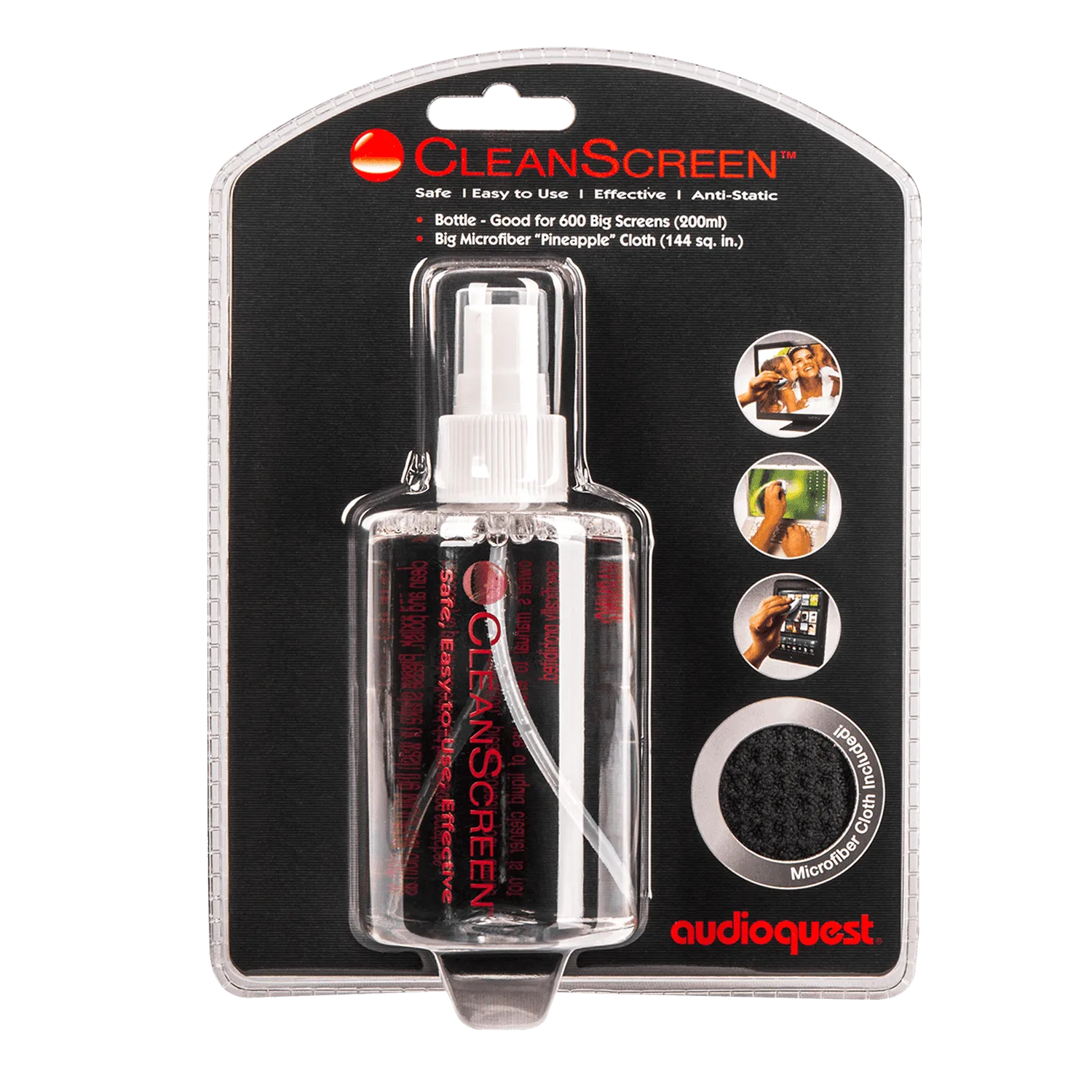
CleanScreen Laptop & Tablet Cleaner: CleanScreen is safe and effective for use on all of today’s delicate surfaces, including TV screens, monitors, glasses, laptops, tablets, and more. Single pack contains one slim 20ml spray bottle and one microfiber cleaning cloth. This confirms the spray is formulated specifically for electronics and comes with the right cloth to avoid scratching.
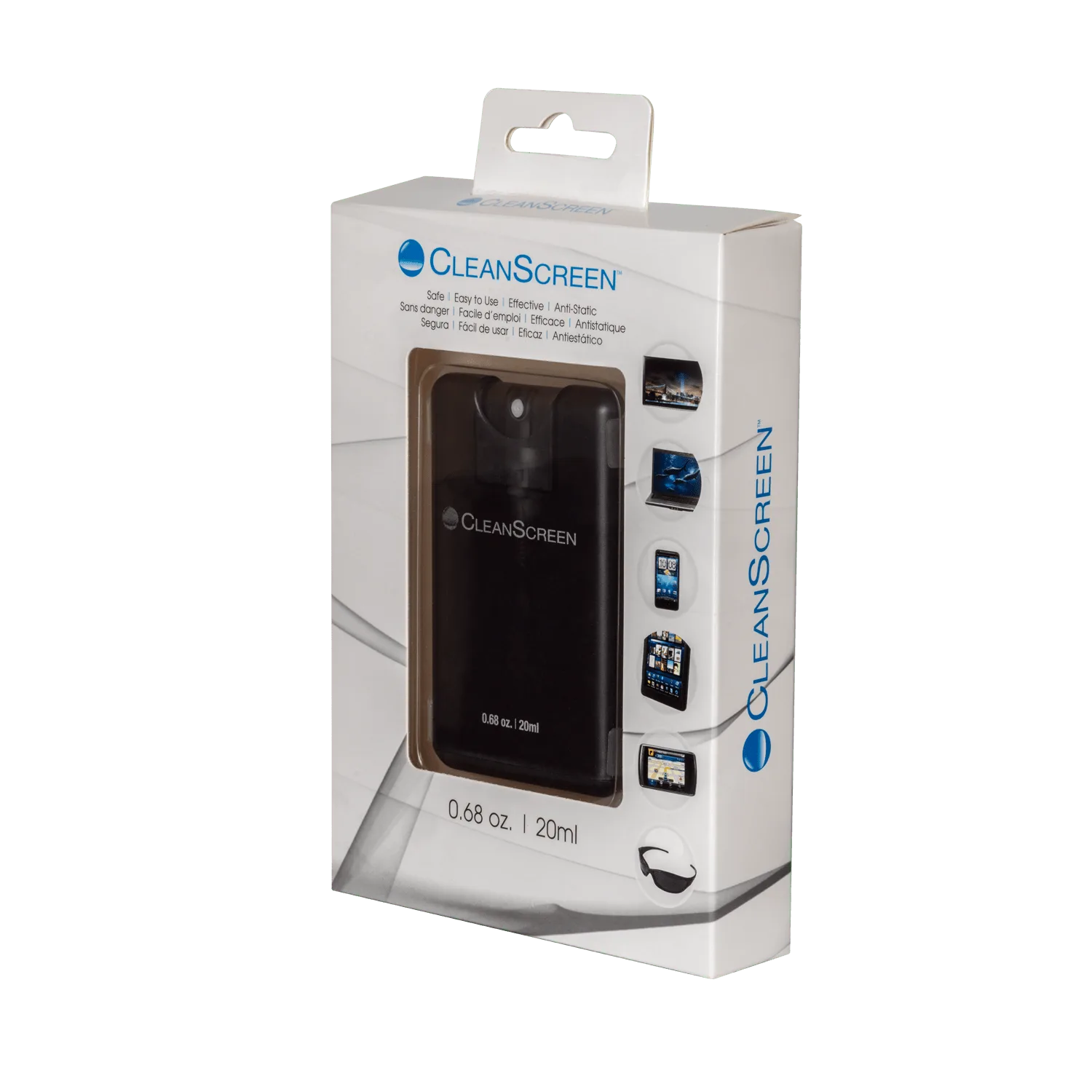
CleanScreen Laptop & Tablet Cleaner
-
CleanScreen Clean & Polish Cloth: CleanScreen Clean & Polish Cloth uses a textured surface for excellent absorbency and reduced drying time. It is safe for use on all of today’s delicate surfaces. A dedicated microfiber cloth designed for screen cleaning lifts oils and dust without added chemicals—ideal for quick touch-ups between deeper cleans.
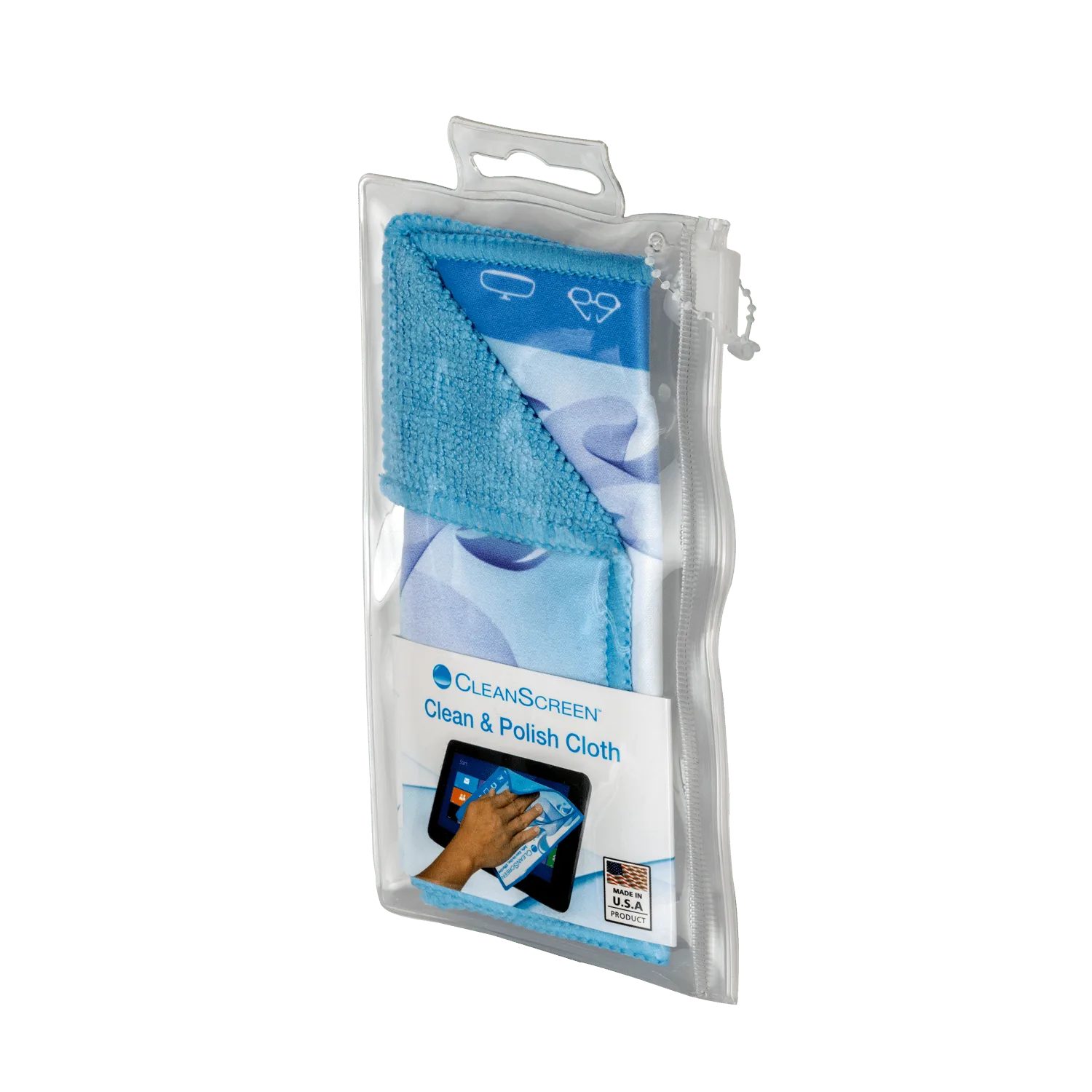
CleanScreen Clean & Polish Cloth
-
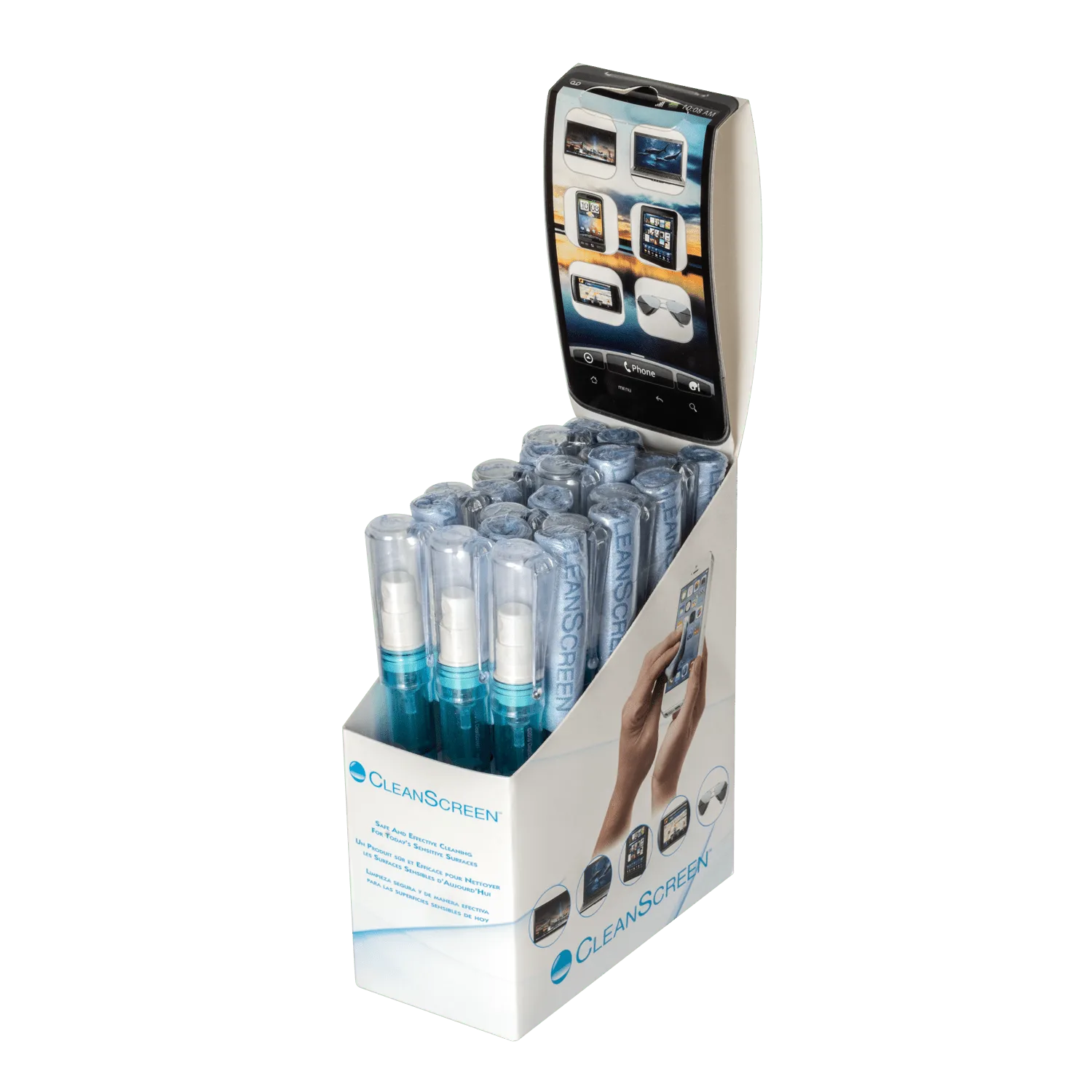
CleanScreen Spray Pen and Cloth 12-Pack: CleanScreen Spray Pen and Cloth 12-Pack contains 12 6ml spray pens and 12 individually wrapped cloths. It is safe for use on all of today’s delicate surfaces. The pen format delivers a controlled mist, and the individually wrapped cloths keep each wipe fresh—great for travel or keeping a kit in multiple bags.
How to Clean Your Laptop Screen with CleanScreen
This routine works for laptops, tablets, monitors, and TV screens. Always power off the device and disconnect it from the charger before cleaning.
- Prepare the screen: Turn off the device and unplug it. Gently wipe away loose dust with a dry microfiber cloth or a soft brush. This prevents scratching when you apply liquid.
- Apply CleanScreen spray or pen: If using the CleanScreen spray bottle (20ml), mist the microfiber cloth lightly—never spray directly onto the screen. If using the CleanScreen Spray Pen, press the tip onto the cloth to release a small amount of solution.
- Wipe in gentle, even strokes: Starting from the top, wipe the screen in a horizontal or vertical motion. Use light pressure and overlap each pass slightly to avoid streaks. For stubborn fingerprints, let the solution sit for a few seconds before wiping.
- Buff dry with a clean section of the cloth: Flip the cloth to a dry side and buff the screen to remove any remaining moisture. The microfiber cloth's textured surface helps absorb liquid quickly, reducing drying time.
- Inspect and repeat if needed: Check the screen under a light for smudges or streaks. If any remain, repeat steps 2–4 with a fresh section of the cloth. Avoid pressing hard—repeated gentle passes work better than force.
Choosing the Right CleanScreen Product for Your Needs
The CleanScreen Laptop & Tablet Cleaner (single spray + cloth) is a practical starter kit for home or office use. Its 20ml bottle fits in a desk drawer, and the included cloth is ready to use right away.
If you clean multiple devices or travel often, the CleanScreen Spray Pen and Cloth 12-Pack offers more convenience. Each pen holds 6ml of solution, and the individually wrapped cloths stay clean until needed. This format also reduces the chance of over-spraying, since you control the flow directly from the pen tip.
For quick maintenance between deep cleans, the CleanScreen Clean & Polish Cloth alone can handle light dust and smudges. Its textured surface lifts oils effectively, and because it's reusable, it's a low-cost addition to any electronics care routine.
All three options use the same proprietary solvent formula, so you can mix and match based on your cleaning habits and the number of devices you maintain.
What the Supplied Information Does Not Confirm
The catalog confirms that CleanScreen products are safe for delicate surfaces and lists compatible device types. However, it does not specify exact cleaning intervals, recommended pressure levels, or how often to replace the cloth. As a general rule, replace the cloth when it shows visible wear or after heavy use to avoid redistributing trapped dirt.
For best results, always test any cleaning product on a small, inconspicuous area of the screen first—especially if your device has a specialized coating like an anti-glare or matte finish. The supplied evidence does not include specific instructions for those coatings, so a cautious approach is wise.