Quick answer
To replace the Clicker Knob Silver (164260A01B), confirm your Step2 model is compatible, remove the old knob, align the new knob with the mounting post, and press or screw it into place. Clean the area first and avoid overtightening. Regular care—wiping with a damp cloth and checking for looseness—keeps the knob working smoothly.
Why the Clicker Knob Silver (164260A01B) Is the Right Fix
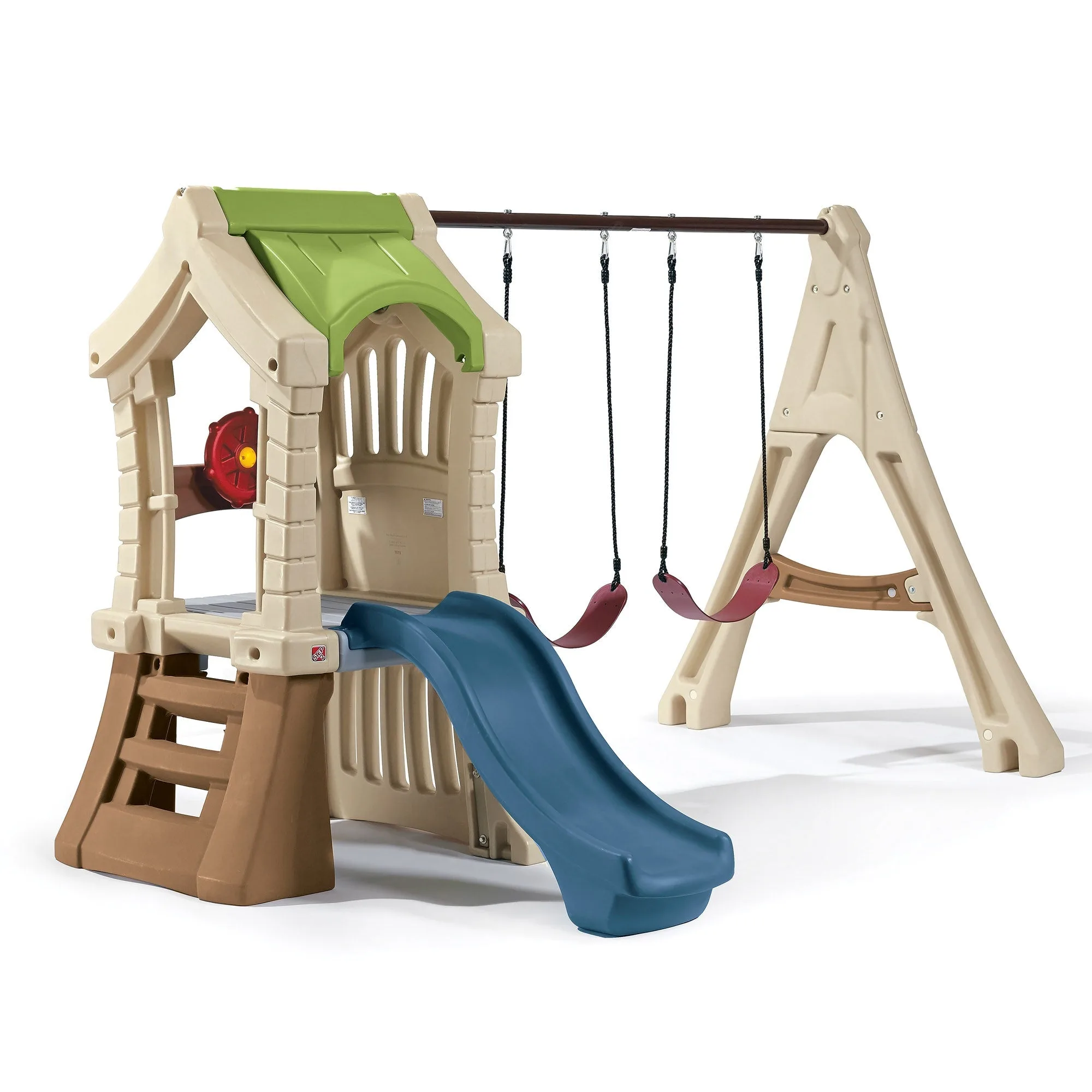
The Clicker Knob Silver is a genuine Step2 replacement part, not a generic hardware-store substitute. It is designed to restore your Step2 product to working order, with a silver finish that matches original equipment. The model number 164260A01B is printed for easy identification, and it is compatible with a range of Step2 products—check your model tags to confirm. Because it is an individual component, you replace just the knob rather than the whole toy. That saves money and keeps the original look intact.
Tools and Preparation Before You Start
You will not need specialty tools for most Step2 clicker knobs. A clean cloth, mild soap, and possibly a Phillips screwdriver are usually enough. Before removing anything, take a photo of the old knob in place so you can match the orientation. Work on a flat surface in a well-lit area. If your Step2 product has been outside, hose off loose dirt first so grit does not fall into the mounting hole.
Step-by-Step Installation
- Step 1: Confirm compatibility. Check your Step2 model number against the tags on your product. The Clicker Knob Silver fits many Step2 items, but not all. If you are unsure, measure the old knob's post diameter and compare it to the new one. Mistake to avoid: assuming all clicker knobs are the same size.
- Step 2: Remove the old knob. If it is press-fit, grip it firmly and pull straight out. If it is screwed on, turn counterclockwise. Keep any screws or washers—you may need to reuse them. Checkpoint: the mounting post should be clean and free of cracks.
- Step 3: Clean the mounting area. Wipe the post and surrounding surface with a damp cloth and mild soap. Let it dry completely. Mistake to avoid: installing over dirt, which can cause the knob to sit crooked or loosen over time.
- Step 4: Align and attach the new knob. Match the flat side or keyed slot on the knob to the post. Press firmly until it clicks or seats fully. If your model uses a screw, thread it in by hand first, then snug it with a screwdriver. Do not overtighten—plastic threads can strip.
- Step 5: Test the action. Turn or press the knob through its full range. It should move smoothly without wobbling. If it binds, remove it and check alignment. Checkpoint: a properly seated knob feels secure but not forced.
Care and Maintenance for Long Life
The Clicker Knob Silver is low-maintenance. Wipe it with a damp cloth as needed; avoid abrasive cleaners or solvents that can dull the silver finish. Periodically check that the knob is snug—outdoor toys can loosen with temperature changes. If it becomes loose, remove it, clean the post, and reinstall. Store spare knobs indoors to prevent UV fading. Because this is a genuine Step2 part, it is designed to match the durability of your original equipment.
Installation steps at a glance
- Verify compatibility: Check your Step2 model tags and compare the old knob's post size to the new one. If the post diameter differs, the knob may not fit securely.
- Remove old knob: Pull straight out or unscrew counterclockwise, keeping any hardware. A clean post is essential for a tight fit.
- Clean mounting area: Wipe with damp cloth and mild soap; let dry fully. Dirt causes wobble and premature wear.
- Attach new knob: Align keyed slot, press until it clicks, or hand-tighten screw. Do not overtighten—plastic threads strip easily.
- Test and maintain: Turn through full range; check snugness monthly. A smooth, secure action means the job is done right.
Product facts
- Clicker Knob Silver (164260A01B): Genuine Step2 replacement part with silver finish to match original equipment; model number 164260A01B for easy identification. Ensures a proper fit and original look, and makes reordering simple if you need another.