Quick Answer
Most common 3DO issues—disc read errors, power failures, and controller problems—can be fixed with basic cleaning, capacitor replacement, or cable checks. For disc drive issues, start with lens cleaning; if that fails, you may need to replace the drive belt or laser. For power issues, inspect the fuse and capacitors. If you're not comfortable with soldering, seek professional repair.
The 3DO is a beloved piece of retro gaming history, but like any console from the early 90s, it's prone to age-related issues. Whether you own the Panasonic FZ-1 or the GoldStar FZ-10, understanding common problems and their fixes can save you time and money. In this guide, we'll walk you through typical 3DO console problems and provide step-by-step solutions.
From disc read errors to controller port failures, we'll cover the most frequent issues and give you practical advice on how to address them. We'll also highlight when it's best to stop DIY repairs and seek professional help or replacement parts.
Disc Read Errors: The Most Common 3DO Problem
A disc read error is the most frequent issue reported by 3DO owners. This often manifests as the console failing to load a game, freezing during gameplay, or displaying a 'disc error' message. The cause is usually a dirty or misaligned laser lens, but it can also be a worn-out drive belt or a failing laser assembly.
Start by cleaning the laser lens with a cotton swab and isopropyl alcohol. If that doesn't help, check the drive belt for wear and replace it if necessary. If the problem persists, the laser itself may be failing and require replacement. For FZ-1 models, the laser is a standard Sanyo SF-C97, while FZ-10 uses a different part. If you're not comfortable with these repairs, consider professional servicing.
- Always remove any disc before opening the console.
- Use a soft, lint-free cloth for cleaning.
- If you replace the laser, handle it by the edges to avoid static damage.
Power Issues: No Power or Random Shutdowns
If your 3DO doesn't power on at all, or shuts down randomly, the issue is often related to the power supply. Common culprits include a blown fuse, faulty capacitors, or a failing voltage regulator. For FZ-1 models, the power supply is internal, while FZ-10 uses an external adapter.
Begin by checking the power outlet and the power cable. If those are fine, open the console and inspect the fuse for continuity. If the fuse is blown, replace it with the same rating. Capacitors that are bulging or leaking should be replaced. If you're not experienced with soldering, this is a good point to stop and seek professional help.
- Always unplug the console before opening it.
- Use a multimeter to test the fuse and capacitors.
- If you're new to soldering, practice on a scrap board first.
Controller Port and Input Problems
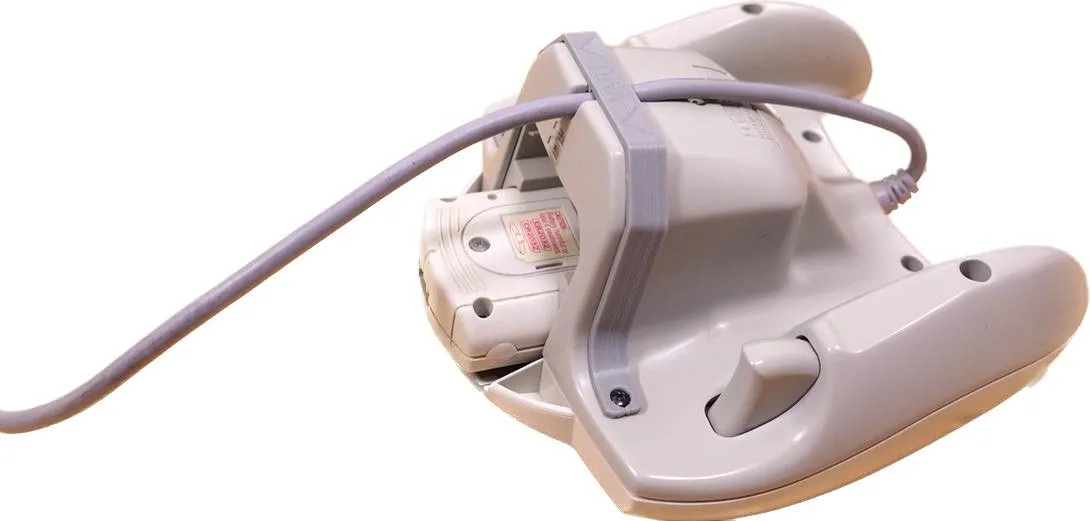
Sometimes the console powers on and reads discs fine, but the controller doesn't respond or only works intermittently. This can be due to a dirty or damaged controller port, a faulty controller cable, or issues with the controller's internal components.
First, test the controller on another port to rule out a port issue. If the controller works on another port, the original port may need cleaning or resoldering. If the controller doesn't work at all, check the cable for breaks and consider replacing it. For 3DO controllers, the cable is not user-replaceable, but you can use extension cables to minimize wear on the port.
- Use contact cleaner on the controller port pins.
- Avoid pulling the cable by the cord; grip the connector.
- Consider using a wireless adapter to reduce port wear.
Diagnosis Guide: 3DO Console Issues
- Symptom: Disc read error or game freezes after loading. Check if the disc is scratched; if not, proceed to cleaning.
- Likely Cause: Dirty laser lens or worn drive belt. Clean the lens first; if that fails, inspect the belt.
- Corrective Action: Clean lens with alcohol; replace belt if worn. If still not working, the laser may need replacement.
- Stop or Choose Alternative: If you're uncomfortable with soldering or disassembling the drive, seek professional repair or consider a replacement console. Professional repair is safer than risking further damage.
Useful Parts and Accessories
- 9 Pin Controller Extension Cable - Sega Genesis, Atari 2600, 3DO - Retro Frog: These 9 pin controller extension cables have a molded 9 pin connector on the console end, a 5ft long cable and then a custom shell and high quality metal shelled 9 pin connector on the controller end. This extension cable reduces wear on your 3DO's controller port, helping prevent intermittent input issues.
- Controller Extension Cable for Sega Genesis 2/3 & Mega Drive: Quality controller extension for Sega Genesis and Sega Mega-drive - XYAB. 6' Controller Extension, OEM Color match, Heavy Duty Plug & Play, High Gauge Wire. While designed for Genesis, this cable is compatible with 3DO and offers a budget-friendly way to extend your controller's reach and protect the port.
Regular maintenance can prevent many 3DO issues. Keep your console clean, use quality accessories, and address problems early. If you need replacement parts or accessories, check out our selection, such as the 9 Pin Controller Extension Cable to protect your controller ports.