Quick answer
Clean non-RX computer lenses with a microfiber cloth and lens-safe spray or lukewarm water, never with a shirttail, paper towel, or hot water. Rinse dust off first, wipe in one direction, and store the lenses in a case when they are not on your face. That three-part habit, clean gently, dry correctly, store protected, is what keeps a computer lens clear and scratch-free for longer.
Why computer lenses collect grime faster than everyday glasses
A computer lens sits close to your face for hours, so it picks up skin oil, hand lotion, and airborne dust that a pair worn only outdoors never sees. Non-RX lenses do not have a prescription to distort, so smudges show up as haze and glare rather than blur, which is why people often wait too long before cleaning them. The longer oil sits, the more it bonds to the surface and the harder it is to lift without rubbing. Wiping a dry, gritty lens is the fastest way to create the fine scratches that make a lens look permanently dirty.
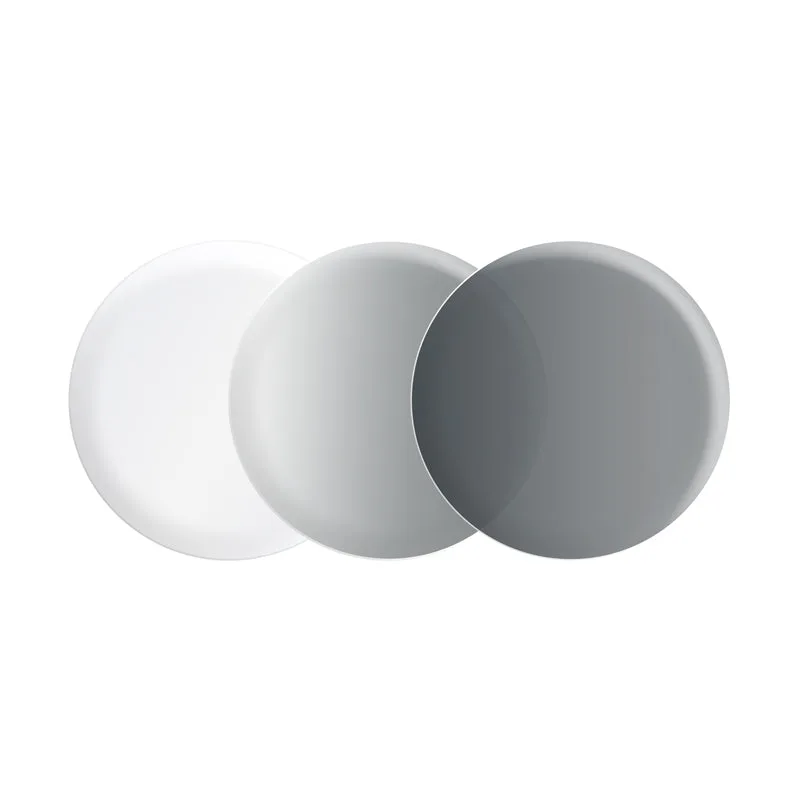
Transitional and anti-glare lenses add one more layer to think about. A transitional clear/gray lens shifts between clear and gray tones, so it changes appearance with light rather than staying one tint. Anti-glare coatings are thin and can be dulled by the wrong cleaner. Neither coating is fragile, but both reward a gentle, consistent routine instead of occasional aggressive scrubbing.
What to keep in your cleaning kit
You do not need a cabinet of products. A clean microfiber cloth, a lens-safe spray or a drop of mild soap with lukewarm water, and a hard or semi-hard case cover almost every situation. Keep a second microfiber cloth in a bag or drawer so you are never tempted to use a tissue. Replace cloths when they feel stiff or look gray, because a dirty cloth just moves oil around and can hold grit that scratches.
Avoid hot water, alcohol-heavy cleaners, ammonia glass sprays, and paper products. Heat can stress coatings, and wood-fiber paper is abrasive even when it feels soft. If you use a spray, confirm it is labeled safe for coated lenses rather than for household glass.
Your step-by-step computer lens care routine
- Step 1: Rinse before you wipe: Hold the lens under lukewarm running water or give it a quick pass with lens spray to float dust and grit off the surface. Do this before any cloth touches the lens. Checkpoint: if you can feel grit under the cloth, stop and rinse again. Wiping dry dust is the most common cause of fine scratches.
- Step 2: Clean with a lens-safe product: Apply a lens-safe spray or a single drop of mild soap, then rub both sides gently with your fingertips. Cover the edges and the nose-pad area, where oil builds up fastest. Mistake to avoid: using household glass cleaner, alcohol, or hot water. These can dull anti-glare coatings and stress transitional layers.
- Step 3: Dry with a clean microfiber cloth: Wipe in one direction rather than in circles, using a cloth that is clean and dry. If streaks remain, the cloth is likely holding oil and should be washed or replaced. Checkpoint: hold the lens up to a light source. Streaks or haze mean repeat the rinse and dry once, not scrub harder.
- Step 4: Store them off your face: When the lenses are not being worn, place them in a case rather than on a desk, dashboard, or bag pocket. Heat and loose grit are the two biggest threats between cleanings. Mistake to avoid: leaving lenses face-down on a hard surface. That puts the coated side directly against whatever is on the table.
- Step 5: Reset the routine weekly: Wash your microfiber cloths with mild soap and let them air dry, and check the lenses for scratches or coating wear at the same time. A weekly check catches problems while they are still cosmetic. Next step: if a lens stays hazy after a proper clean, the coating may be worn rather than dirty, and it is time to consider a replacement.
Lens options that fit this care routine
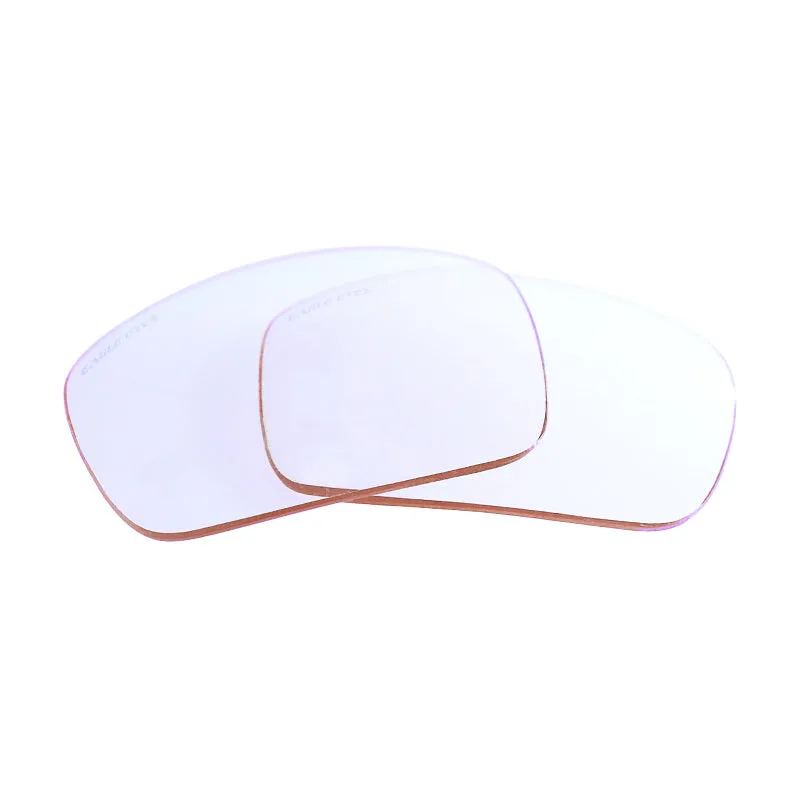
- Non-RX Computer Lens: Non-RX Computer Lens from LensAdvizor is a non-prescription lens option designed for computer use, offered under the Standard option. If you want the simplest lens to maintain, a plain non-RX computer lens has the fewest surface layers to worry about, so the rinse-wipe-store routine is usually all it needs.
- Non-RX Computer Transitional Clear/Gray Lens: Non-RX Computer Transitional Clear/Gray Lens from LensAdvizor is designed for everyday computer viewing and shifts between clear and gray tones; it is not a prescription lens. Because this lens changes tone with light, clean it the same way in both states and check for smudges in bright light, where haze is easiest to see.
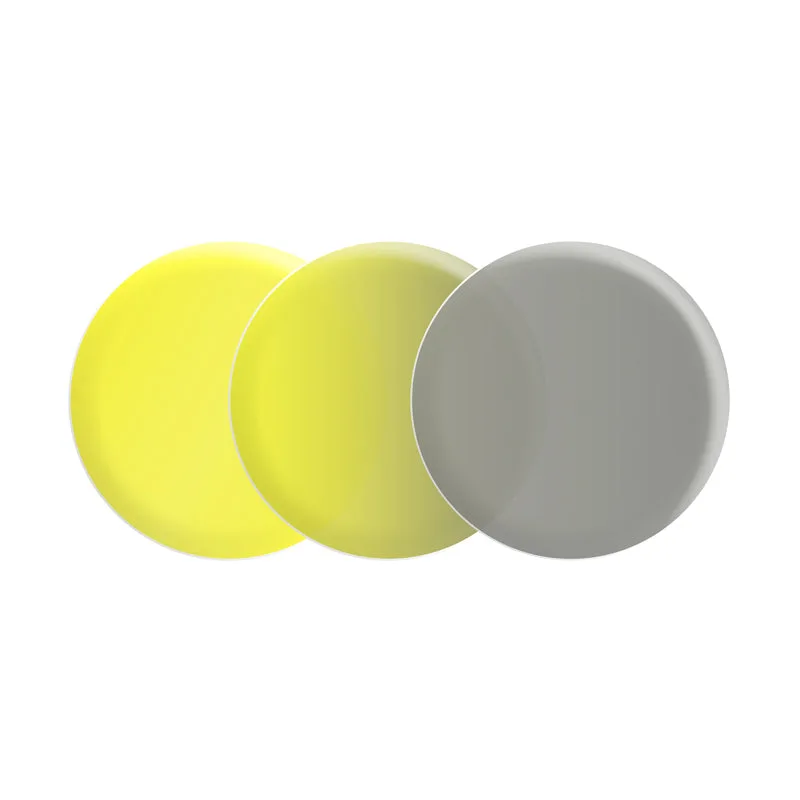
- Non-RX Night-Lite® Transitional Yellow/Gray Lens: Non-RX Night-Lite® Transitional Yellow/Gray Lens from LensAdvizor is a non-prescription lens with a transitional yellow and gray color design, offered in a Standard option. A tinted transitional lens can hide light dust, so wipe it on schedule rather than waiting until you notice something on the surface.