Quick Answer
To set up your Maxpedition Condor-II 23L backpack for daily carry, start by attaching pouches to the generous PALS webbing, then pack heaviest items closest to your back, and use the hydration sleeve for a laptop or tablet. The Condor-II's 23-liter capacity and 1350+ cubic inches of space let you organize everything from EDC gear to a change of clothes without overstuffing.
Understanding the Condor-II 23L Capacity
The Condor-II Backpack holds over 1350 cubic inches (roughly 23 liters) and includes a 100oz/3L hydration reservoir sleeve with a bidirectional tube port. That sleeve doubles as a padded laptop compartment for most 15-inch notebooks. The main compartment is one large open space, so you control the layout with pouches and dividers.
What sets the Condor-II apart is the amount of exterior PALS webbing — more than any other Maxpedition backpack. This lets you attach additional pouches, tools, or accessories on the outside, freeing up interior room for bulkier items like a jacket or lunch container.
Choosing a Color for Your Environment
The Condor-II is available in several color options. For urban daily carry, black or gray blends in and won't draw attention. If you spend time outdoors or want high visibility, consider a khaki or earth tone. Color choice also affects how visible dirt and wear show — lighter shades show grime more quickly, while darker colors hide scuffs better.
Step-by-Step Daily Loadout Setup
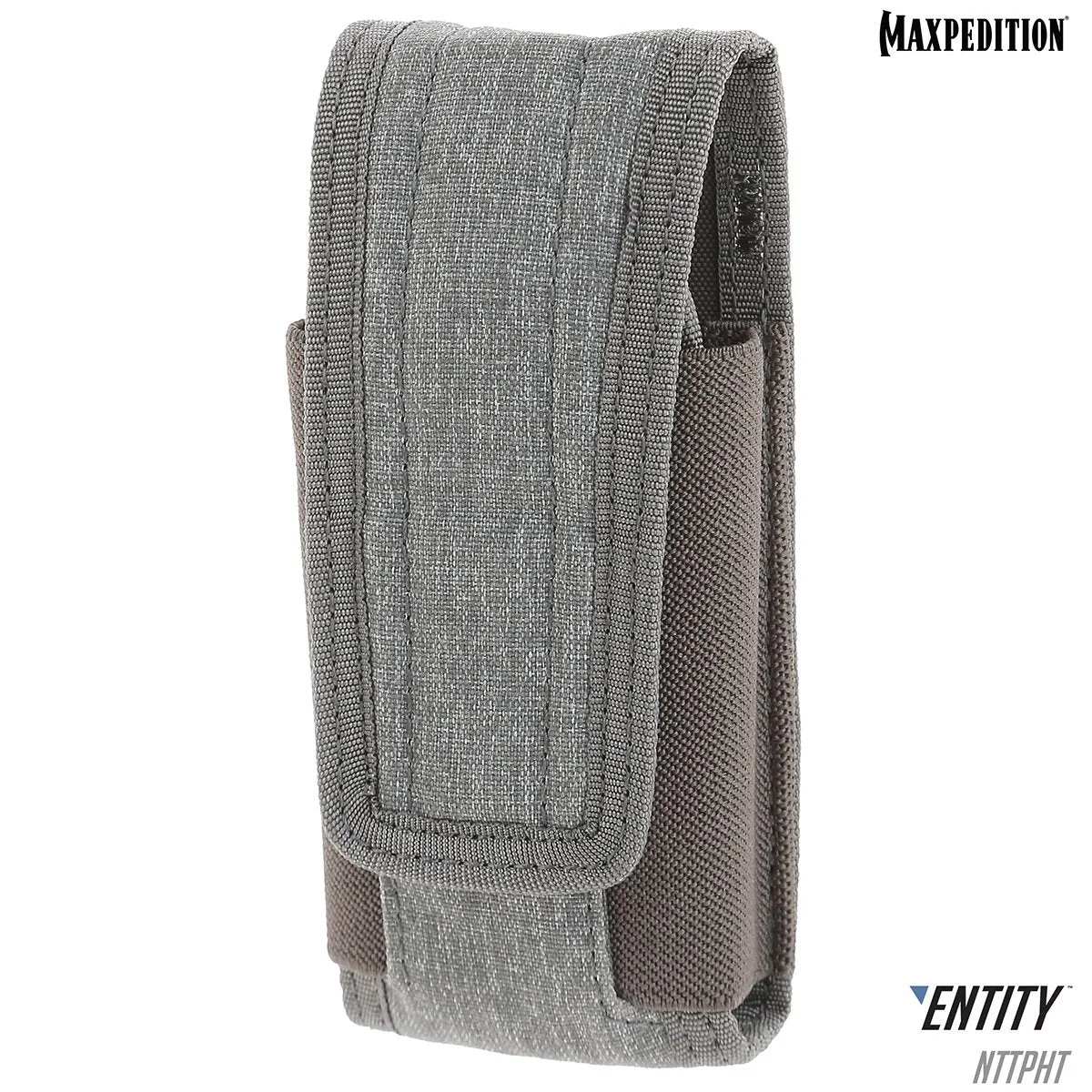
- Step 1: Attach Exterior Pouches to PALS Webbing: Use the extensive PALS webbing on the front and sides of the Condor-II to secure small pouches for items you need quick access to — like a multi-tool, flashlight, or first-aid kit. Leave the rear panel clear so the bag sits flush against your back. Common mistake: attaching pouches too low can make the bag bottom-heavy and uncomfortable. Keep heavy pouches high and centered.
- Step 2: Pack Heavy Items Against Your Back: Place your laptop or tablet inside the hydration sleeve (closest to your back). Then add heavier items like a water bottle, books, or a camera body in the main compartment, pressing them against the back panel. This keeps the load balanced and reduces strain. Checkpoint: if the bag pulls away from your shoulders, you've placed too much weight away from your back. Rearrange heavier items closer in.
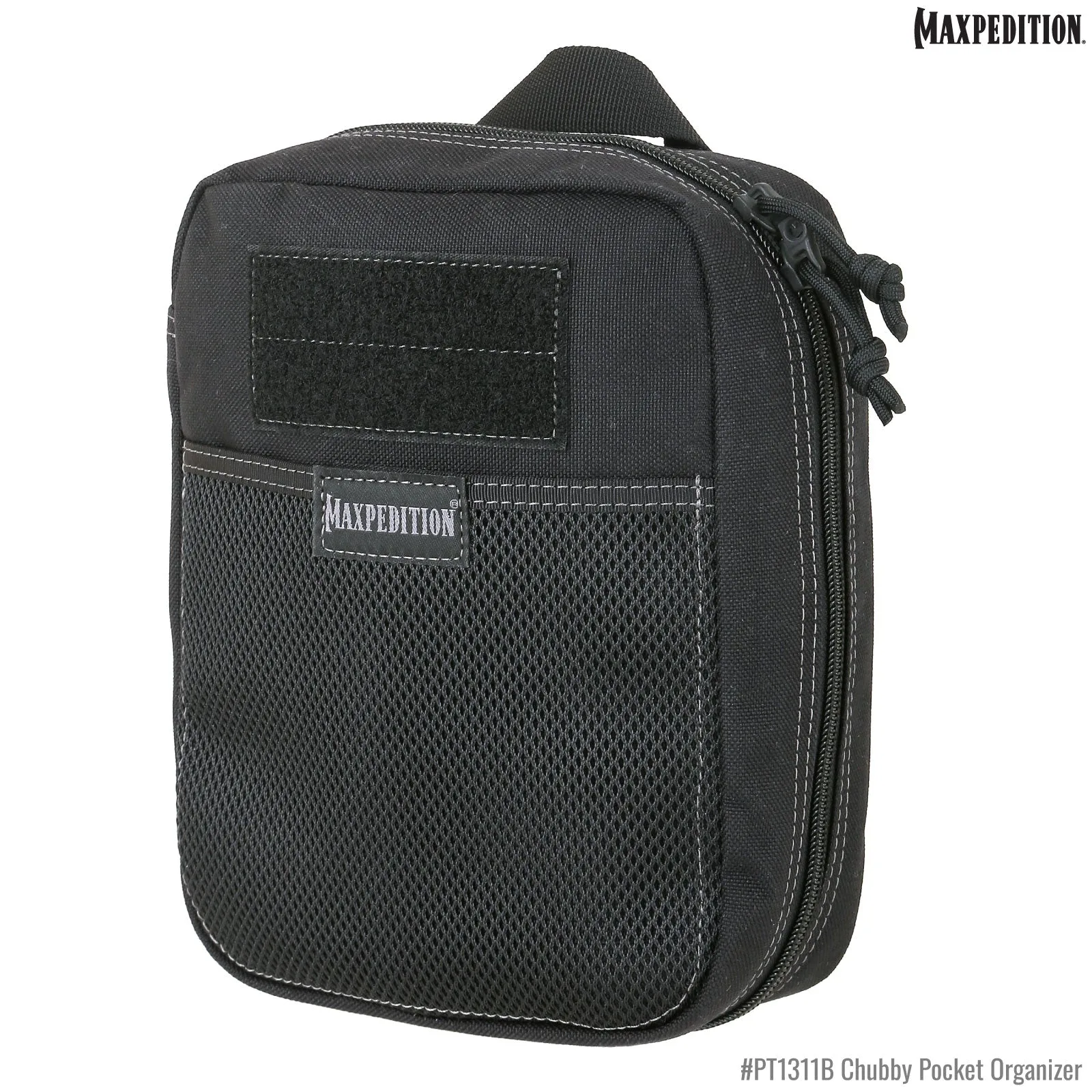
- Step 3: Organize Medium and Light Gear in Pouches: Use small packing cubes or zip pouches for cables, chargers, pens, and toiletries. Place these in the front half of the main compartment. The Condor-II's open interior makes it easy to slide pouches in and out without unpacking everything. Common mistake: tossing loose items into the bag without pouches leads to a jumbled mess. Even a single small pouch saves time when you need to find something.
- Step 4: Secure a Jacket or Extra Layer on Top: After your core gear is packed, fold a light jacket or sweater and place it on top of everything. This fills the remaining space and keeps the load from shifting. If you need quick access, tuck the jacket under the compression straps on the outside. Checkpoint: if the main zipper bulges, you've overpacked. The Condor-II's 23L is generous but not infinite — leave a little room for the zipper to close smoothly.
- Step 5: Adjust Straps and Test the Fit: Before heading out, tighten the shoulder straps so the bag sits high on your back (not sagging below your waist). Adjust the sternum strap to keep the shoulder straps from slipping. Walk around for a minute to check for pressure points. Common mistake: wearing the bag too loose causes it to bounce and puts extra strain on your lower back. A snug fit distributes weight better.
Product Facts
- Condor-II Backpack 23L (Buy 1 Get 1 Free. Mix and Match in Multiples of 2. All Sales Final.): The Condor-II Backpack has a medium-sized design with over 1350 cubic inches of interior space and a 100oz/3L hydration reservoir sleeve with bidirectional tube port. The hydration sleeve works as a padded laptop compartment, so you don't need a separate sleeve for your tablet or notebook.
- Condor-II Backpack 23L (Buy 1 Get 1 Free. Mix and Match in Multiples of 2. All Sales Final.): It features more exterior PALS webbing than any other Maxpedition backpack available. You can attach pouches, tools, or a water bottle holder on the outside, freeing up interior space for clothes or bulkier gear.