Quick answer
Use the Zendure Super Flat Solar Cable to connect your flexible solar panels to the Smart PV Hub without drilling through walls, routing the cable under doors or windows for a clean, low-profile setup.
Why use the Super Flat Cable instead of standard round cable
Standard round solar cables often require drilling through walls or window frames, which can be messy and permanent. The Zendure Super Flat Solar Cable is designed to pass under doors and windows, making it ideal for renters or anyone wanting a non-invasive installation. Its low profile also reduces tripping hazards and keeps your setup looking tidy.
Important: Check your solar panel connector type
Before starting, confirm that your flexible solar panel uses standard MC4 connectors. The Super Flat Cable is compatible with MC4 connectors, but if your panel uses a different connector (e.g., Anderson or XT60), you will need an adapter. This guide assumes MC4 connectors on both the panel and the cable.
Step-by-step connection process
- 1. Plan your cable route: Measure the distance from your flexible solar panel to the Smart PV Hub. Choose a route that passes under a door or window gap to avoid drilling. Ensure the cable length (1m or 3m) is sufficient. A common mistake is underestimating the distance; always add a little extra slack for flexibility.
- 2. Connect the cable to the solar panel: Align the MC4 connector on the Super Flat Cable with the MC4 connector on your flexible solar panel. Push firmly until you hear a click, indicating a secure connection. Tighten the locking ring by hand. Do not use tools to tighten the ring; overtightening can damage the connector. If it doesn't click, the pins may be misaligned.
- 3. Route the cable under the door or window: Lay the flat cable flat on the floor or along the door gap. Because it is only about 2mm thick, it should slide easily under most doors without raising them. Ensure the cable is not pinched or sharply bent. Check that the door or window closes fully without crushing the cable. If it feels tight, choose a different gap or use the extension cord for more flexibility.
- 4. Connect the cable to the Smart PV Hub: Plug the other end of the Super Flat Cable into the solar input port on the Zendure Smart PV Hub. Push until it clicks and tighten the locking ring. The hub should recognize the panel within a few seconds. If the hub does not detect the panel, check that both connections are fully seated and that the panel is receiving sunlight.
- 5. Secure the cable and test the system: Use cable clips or tape (not supplied) to keep the flat cable against the floor or wall to prevent tripping. Turn on the Smart PV Hub and verify that solar input is active on the display or app. Avoid running the cable across high-traffic areas without securing it; the flat profile reduces risk but does not eliminate it.
Product used in this guide
-
Zendure Super Flat Solar Cable(1m, 3m): The Super Flat Solar Cable simplifies solar panel installation by allowing connection to your home's microinverter without drilling through walls. You can route the cable under doors and windows, eliminating the need for permanent modifications and keeping your installation reversible.
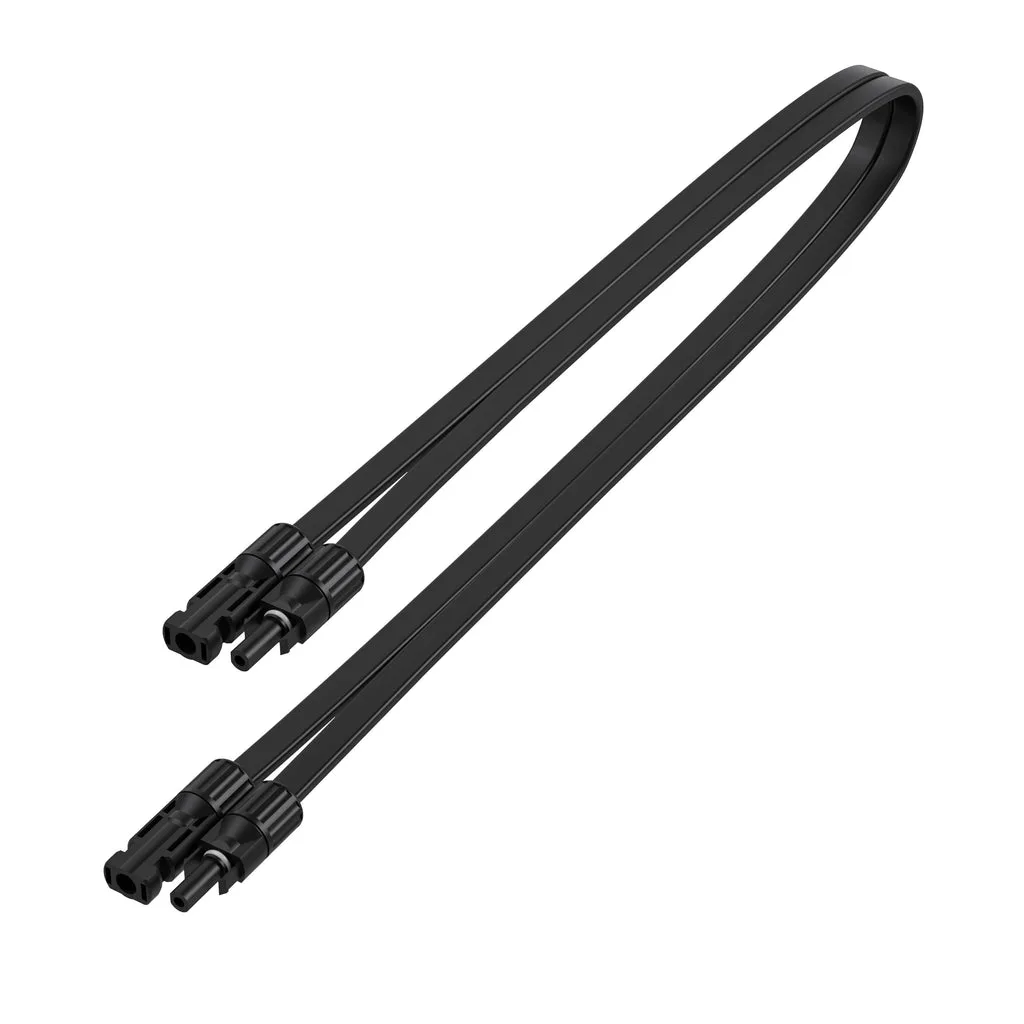
Zendure Super Flat Solar Cable(1m, 3m)