Quick Answer
Attach the Wireless Module to your Osmo Pocket, charge via USB-C, then pair with the Controller Wheel or use the DJI Mimo app for remote control.
Why Use the Wireless Module?
The Wireless Module lets you control your Osmo Pocket remotely, which is useful for solo vlogging, group shots, or time-lapses where you don't want to touch the camera. It also charges the camera through its USB-C port and serves as a stable base on flat surfaces.
Setup Steps
- Attach the Wireless Module: Slide the Wireless Module onto the USB-C port at the bottom of the Osmo Pocket until it clicks. Ensure the module's contacts align with the camera's port. A common mistake is forcing the module on backwards—the USB-C connector only fits one way.
- Charge the Module and Camera: Connect a USB-C cable to the module's port and a power source. The module charges the Osmo Pocket battery simultaneously. Wait until the camera's status light turns solid green. If the light blinks red, the battery may be too low—charge for at least 30 minutes before first use.
- Pair with the Controller Wheel or App: Turn on the Osmo Pocket and the Controller Wheel (if using). Press the pairing button on the Wireless Module (located on the side) and follow the DJI Mimo app prompts to connect via Wi-Fi. For the Controller Wheel, ensure it's within 10 meters and press its pairing button. Interference from other Wi-Fi devices can cause pairing failures—move closer or turn off nearby networks if needed.
Product Facts
-
DJI Osmo Pocket Wireless Module: The DJI Osmo Pocket Wireless Module supports remote control, charges the Osmo Pocket via USB-C, and serves as a base on level surfaces. This means you can set the camera on a table or tripod and control it from a distance without touching the gimbal.
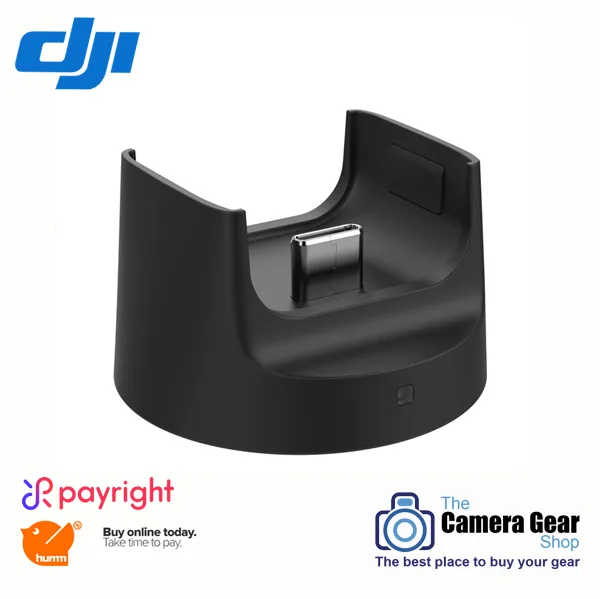
DJI Osmo Pocket Wireless Module
-
DJI Osmo Pocket Controller Wheel: The DJI Osmo Pocket Controller Wheel offers precise gimbal control for pan and tilt movements. It gives you tactile, responsive control similar to a professional gimbal controller, ideal for smooth cinematic shots.
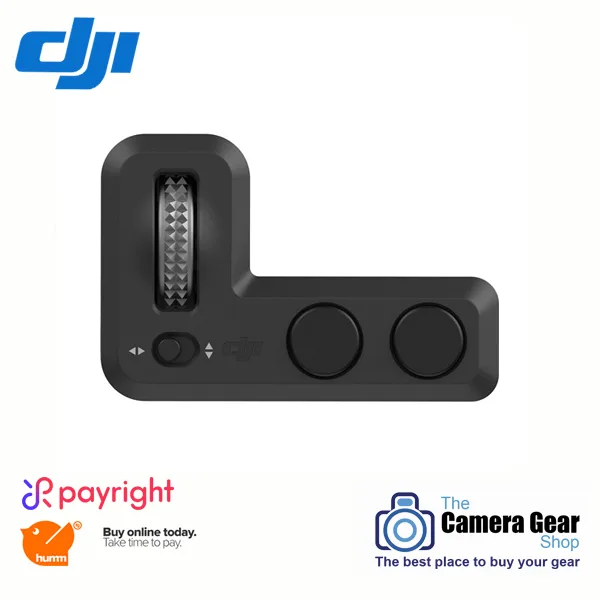
DJI Osmo Pocket Controller Wheel
-
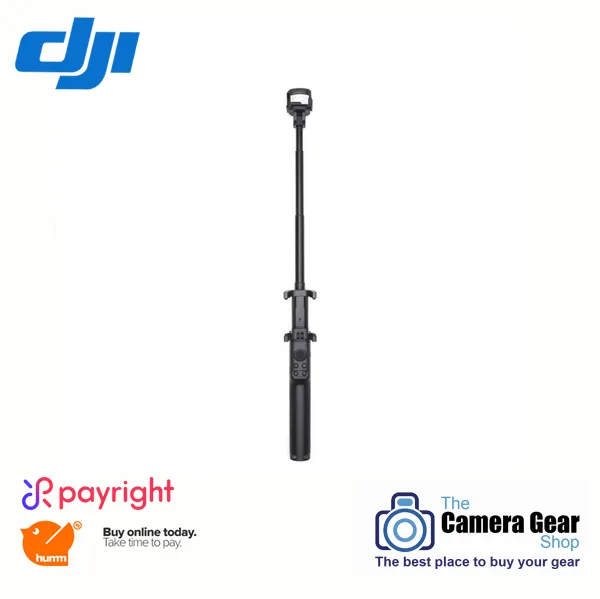
DJI Osmo Pocket Extension Rod: The DJI Osmo Pocket Extension Rod is retractable with a phone holder, multiple mounting brackets, and a standard 1/4-inch tripod mount. It extends your reach for unique angles or group selfies, and the phone holder lets you monitor the camera feed while shooting.