Quick answer
You do not need a keyboard tray to drive, but most sim racers end up wanting one because a keyboard and mouse have to live somewhere. If you use a PC rig for menus, chat, or setup changes, a tray keeps input devices reachable without cluttering the wheel area. If you race in VR with a button box and never touch a keyboard mid-session, you can skip it.
keyboard tray
A keyboard tray is one of those sim rig parts that looks optional until you are three laps into a stint and need to type something. The question is not whether a keyboard tray makes you faster, because it does not. The question is whether your rig has a stable, comfortable place for a keyboard and mouse, or whether they are balanced on a frame rail or the floor.
This guide answers the practical questions readers ask before buying one, including who benefits, where it mounts, and what to check before you order. It also covers the Sim-Lab Keyboard Tray specifically, since its measurements and mounting options determine whether it fits your rig.
What does a keyboard tray actually do for a sim rig?
A keyboard tray gives your keyboard and mouse a dedicated surface attached to the rig itself, so they move with the cockpit instead of sitting on a desk or the floor. That matters most when you race in a PC setup where you alt-tab between sessions, type in chat, or adjust settings without leaving the seat.
It also keeps the area around your wheel and pedals clear. A keyboard resting on a frame rail can slide, rattle, or get in the way of your legs during heel-and-toe work. A mounted tray removes that clutter and puts the keyboard at a consistent reach every time.
- Best for PC racers who use a keyboard and mouse between sessions
- Less useful for console racers who navigate menus with a controller
- Not a performance upgrade, a comfort and organization upgrade
When is a keyboard tray worth it?
It is worth it if you regularly reach for a keyboard while seated in the rig. That includes iRacing and Assetto Corsa drivers who change setups, streamers who manage chat, and anyone who uses a mouse for menu navigation. In those cases, a tray turns a constant annoyance into a non-issue.
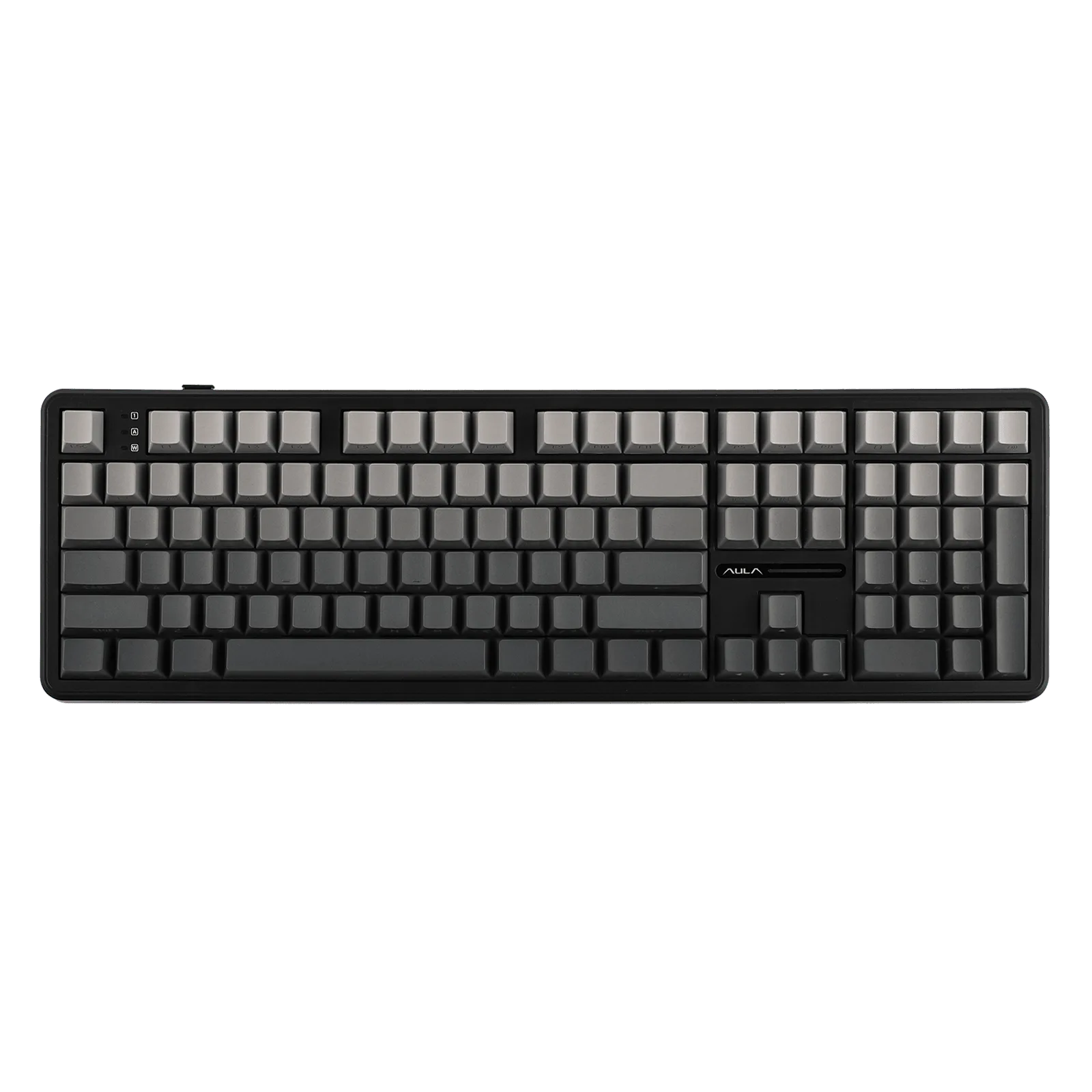
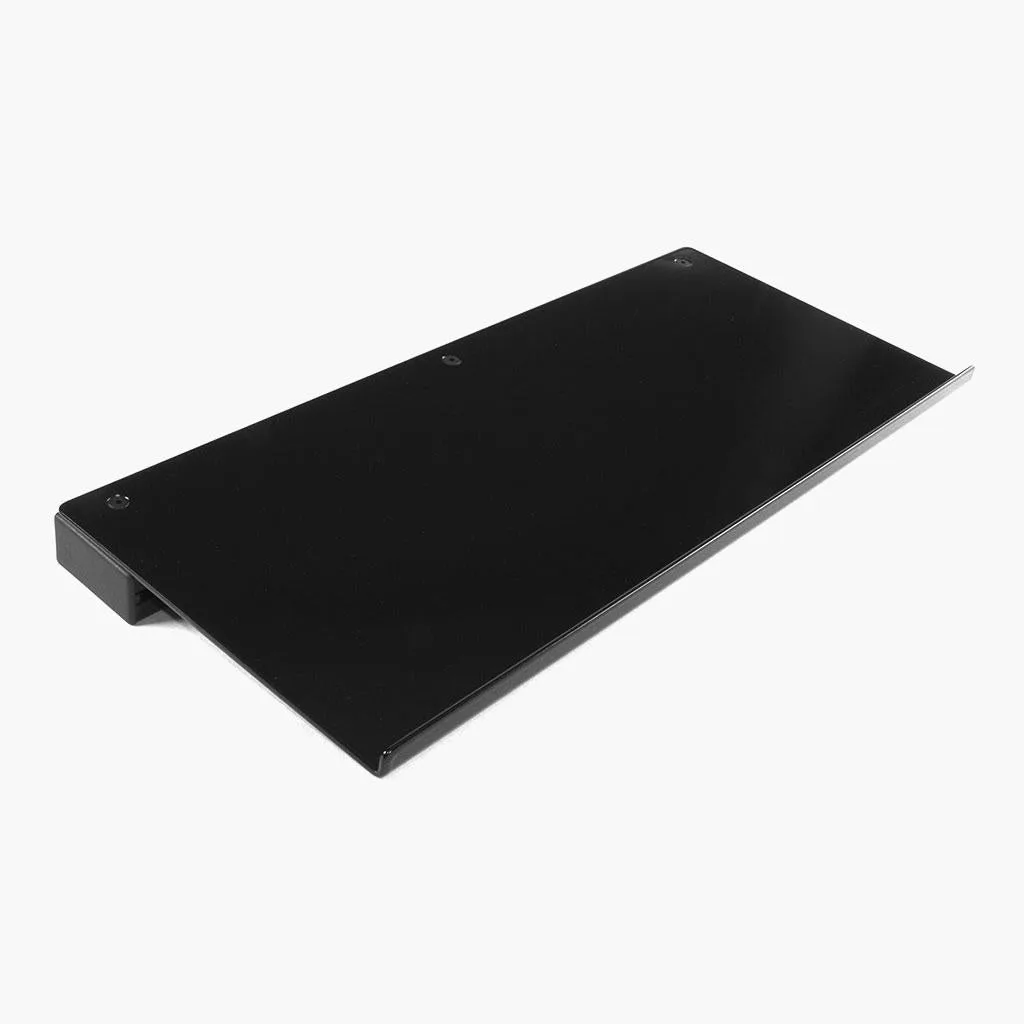
It is also worth it if your rig shares space with a desk or living area. A mounted tray means the keyboard has a home on the rig, so you are not moving it back and forth or leaving it on the floor. The Sim-Lab Keyboard Tray measures 500 x 200 mm, which fits most keyboards, and it can be tilted or swiveled to a comfortable angle.
- Choose a tray if you type or use a mouse mid-session
- Skip it if you race in VR and use a button box for all inputs
- Consider it if your rig doubles as a workspace
Where does a keyboard tray mount, and will it fit my rig?
Most trays mount to the profile rig frame, and side choice matters. The Sim-Lab Keyboard Tray mounts directly to your profile rig and can be positioned on either the left or right side, so you can put it on your dominant hand side or away from your shifter. It ships with a 30x60 profile, side plate, joint, and the bolts and slot nuts needed for installation.
Compatibility is listed for GT1 Evo, GT1 Pro, P1X Pro, and P1X Ultimate. If you own a different rig, check the frame profile and mounting points before ordering, because the tray is designed around those specific cockpits. The 500 x 200 mm surface is the other key number, since a full-size keyboard with a wrist rest may overhang.
- Decide left or right side before you drill or bolt anything
- Measure your keyboard against the 500 x 200 mm tray surface
- Confirm your rig is on the compatibility list
Does a keyboard tray add flex or get in the way?
A properly mounted tray does not add meaningful flex to a profile rig, because it attaches to the frame rather than the wheel deck. The bigger risk is ergonomic: a tray positioned too high can block your view of the screen or catch your arm during quick steering inputs. Position it slightly below wheel height and toward the outside of your seating position.
If you use a large direct-drive wheelbase, check clearance between the tray and the wheel before tightening everything down. The tilt and swivel adjustment on the Sim-Lab tray helps here, since you can angle it away from your hands while keeping the keyboard readable.
- Mount below wheel height to avoid blocking your view
- Test clearance with your wheelbase before final tightening
- Use the tilt and swivel to fine-tune reach
What else should you consider before buying?
Think about what else shares that space. A mouse needs room next to the keyboard, and a 500 x 200 mm tray fits a keyboard plus a mouse only if you use a compact layout. If you run a full-size keyboard and a large mousepad, you may want a wider surface or a separate mouse platform.
Also consider cable management. A tray that moves with the rig means keyboard and mouse cables need slack and a route that does not cross your pedals or wheel. Plan the cable path before you mount the tray, not after.
- Measure your keyboard and mouse footprint together
- Leave cable slack for tilt and swivel movement
- Route cables away from pedals and wheel
Keyboard tray decision checklist
Do you type or use a mouse while seated in the rig?
If yes, a tray removes the daily annoyance of balancing a keyboard on a frame rail or the floor. Yes means a tray is worth it; no means you can skip it.
Is your rig on the compatibility list?
The Sim-Lab Keyboard Tray lists GT1 Evo, GT1 Pro, P1X Pro, and P1X Ultimate. Check your frame before ordering. Confirm fit first, because the tray is designed around those cockpits.
Does your keyboard fit 500 x 200 mm?
Measure your keyboard, and add mouse space if you plan to use one on the same surface. A full-size keyboard plus large mousepad may need a wider solution.
Can you mount it below wheel height?
Position the tray so it does not block your screen or catch your arms during steering. Use the tilt and swivel to fine-tune before final tightening.
Sim-Lab Keyboard Tray facts
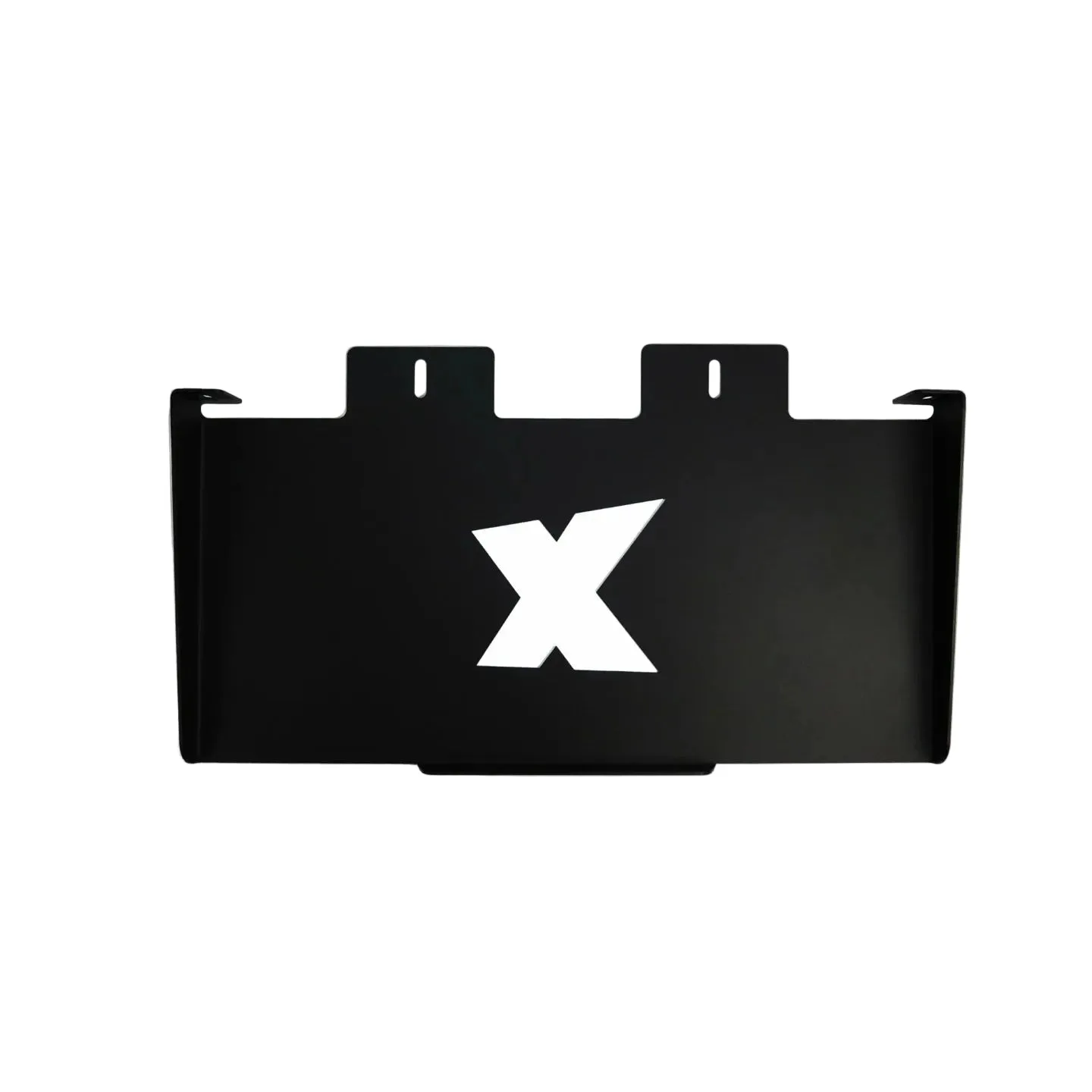
- Keyboard Tray: Mounts directly to your profile rig and can be positioned on either the left or right side. You can place it on your dominant hand side or away from your shifter without buying extra parts.
- Keyboard Tray: Measures 500 x 200 mm, which fits most keyboards, and you can tilt or swivel it to find the most comfortable angle. Check your keyboard size against this surface, and use the tilt and swivel to keep it clear of your wheel.
- Keyboard Tray: Compatibility includes GT1 Evo and GT1 Pro, P1X Pro and P1X Ultimate. If your rig is not on this list, verify the mounting points before ordering.
- Keyboard Tray: What's in the box: 30x60 profile - 500 mm, keyboard tray, side plate and joint, required hardware: bolts, slot nuts. You get the mounting hardware in the box, so you can install it without sourcing extra bolts.
A keyboard tray is not a driving upgrade, but it is one of the simplest ways to make a PC sim rig feel finished. If you type, chat, or navigate menus from the seat, the Sim-Lab Keyboard Tray gives you a mounted, adjustable surface that keeps your keyboard and mouse where you need them.