Quick Answer
To monitor baby's sleep safely, pair the Drift Home Separate Camera with your existing Drift Home Baby Monitor and position it to get a clear, unobstructed view of the crib while keeping cords out of reach.
Why a Separate Camera Improves Sleep Monitoring
A single camera can miss important angles or leave blind spots in a nursery. Adding a separate Drift Home Camera lets you view multiple areas, such as a crib and a changing table, without moving the main monitor. This is especially useful for parents with more than one child or a larger room.
When placing any camera in a nursery, always follow safe sleep guidelines: keep the camera out of baby's reach, avoid placing it on soft surfaces where it could fall, and ensure cords are secured away from the crib to prevent strangulation hazards.
What the Drift Home Separate Camera Can and Cannot Do
The Drift Home Separate Camera is designed to work only with the Drift Home Baby Monitor and the Smart TOG Guide. It is not a standalone monitor, so you cannot use it without the base system. It also does not include features like built-in audio or temperature sensors; those functions depend on the main monitor.
This camera adds flexibility by allowing you to view up to four cameras at once using split screen. That means you can keep an eye on multiple children or angles simultaneously, which can be a game-changer for parents of twins or siblings sharing a room.
How to Set Up the Drift Home Separate Camera for Safe Sleep Monitoring
- Check compatibility: Before purchasing, confirm you already own the Drift Home Baby Monitor and Smart TOG Guide, as the separate camera only works with these systems. Checklist: Do you have the Drift Home Baby Monitor and Smart TOG Guide?
- Choose the right location: Place the camera on a flat, stable surface or mount it securely high on a wall, angled to get a full view of the crib. Avoid placing it on the crib itself or on a shelf where it could be knocked over. Checkpoint: Ensure the camera is out of baby's reach and cannot fall into the crib.
- Secure cords and cables: Use cord clips or cable organizers to keep the power cord and any cables taut and away from the crib and play area. Never leave loose cords within baby's reach. Checkpoint: Walk around the nursery and verify no cords are accessible to baby.
- Pair the camera with your monitor: Follow the instructions in your Drift Home Baby Monitor manual to pair the separate camera. This usually involves accessing the monitor's settings and selecting 'Add Camera'. Checkpoint: Confirm the camera appears on the monitor's screen before moving on.
- Test the view and adjust: Check the live feed on your monitor to ensure the crib is fully visible with no obstructions. Adjust the camera angle if needed, and test the view from different positions in the room. Checkpoint: Verify the entire crib is visible, including the head and foot of the mattress.
- Use split screen for multiple angles: If you have more than one camera, use the split screen feature on your monitor to view up to four feeds at once. This helps you monitor multiple children or areas without switching screens. Checkpoint: Practice using the split screen function so you can quickly check all feeds at a glance.
Product Fact
-
Drift Home Separate Camera: The Drift Home Separate Camera is compatible only with the Drift Home Baby Monitor and Smart TOG Guide, and supports viewing up to four cameras at once via split screen. This ensures you can expand your monitoring system to cover more areas or children without needing a separate app or monitor.
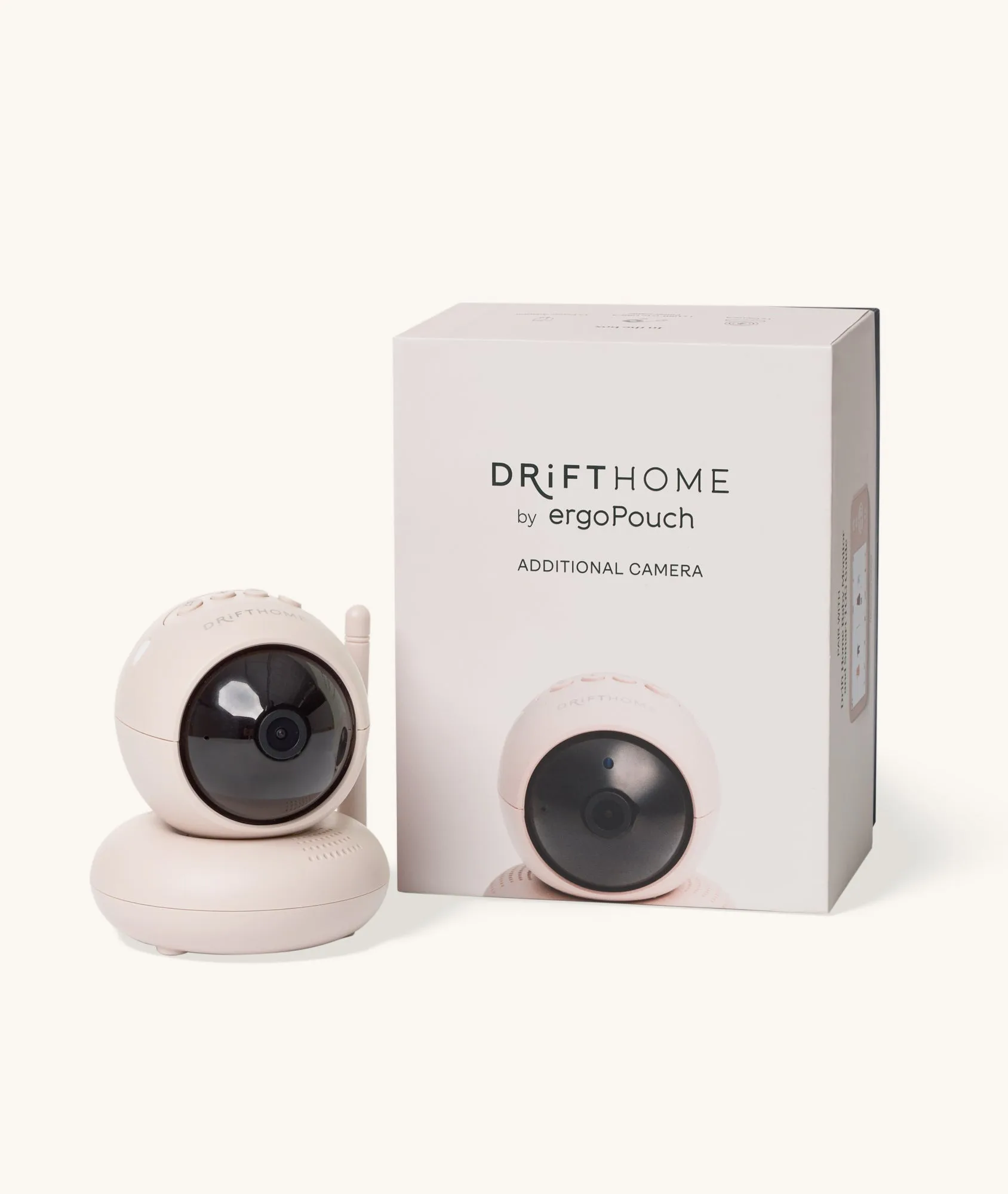
Drift Home Separate Camera