Quick Answer
Installing an Epomaker knob on your TH80 Pro or TH66 Pro takes about five minutes. You just pull off the old cap, align the new aluminum knob, and press it onto the rotary encoder shaft.
Why Upgrade the Knob?
The stock knob that comes with the TH80 Pro and TH66 Pro works fine, but it's a basic plastic cap. Swapping it for an aluminum Epomaker knob gives you a heavier, more premium feel and adds a pop of color to your desk. The upgrade is purely cosmetic and tactile — it won't change the encoder's function or add new features.
If you're after a different look or just want to match your keycaps, this is the easiest mod you can do. No soldering, no software changes, no risk to the board.
Choosing the Right Color
The Epomaker Knob (Extra for TH80/66 Pro) comes in several color options. The aluminum alloy construction ensures durability, and the CNC-machined finish looks clean on any desk. Pick a color that complements your keycap set or case — or go contrasting for a statement piece.
One thing to note: the knob is designed specifically for the TH80 Pro and TH66 Pro. It may not fit other keyboards with a different encoder shaft size or shape. Check your board's encoder specs before ordering.
Installation Steps
- Step 1: Remove the Old Knob: Grip the existing plastic knob firmly and pull it straight upward. It's held on by friction, so a steady tug is all you need. If it feels stuck, rock it gently side to side while pulling. Don't use tools like pliers — they can scratch the encoder shaft or damage the switch.
- Step 2: Align the New Knob: Take your new Epomaker aluminum knob and align the D-shaped hole with the flat side of the encoder shaft. The knob should slide on easily without forcing. If it doesn't align, rotate the knob slightly until it drops into place. Forcing the knob onto the shaft can bend the encoder pins or crack the knob's internal fitting.
- Step 3: Press Firmly and Test: Press the knob down until it sits flush with the encoder base. Give it a gentle turn to confirm it rotates smoothly and clicks at each detent. Then test the push-to-click function by pressing the knob inward — it should actuate like a standard button. If the knob wobbles or doesn't click, it may not be fully seated. Remove and try again, ensuring the shaft is clean of debris.
Product Facts
-
Epomaker Knob (Extra for TH80/66 Pro): The Epomaker Knob is made of aluminum alloy with a CNC-machined finish, available in multiple colors. Aluminum feels more substantial than plastic and resists wear, so the knob will look and feel better over time.
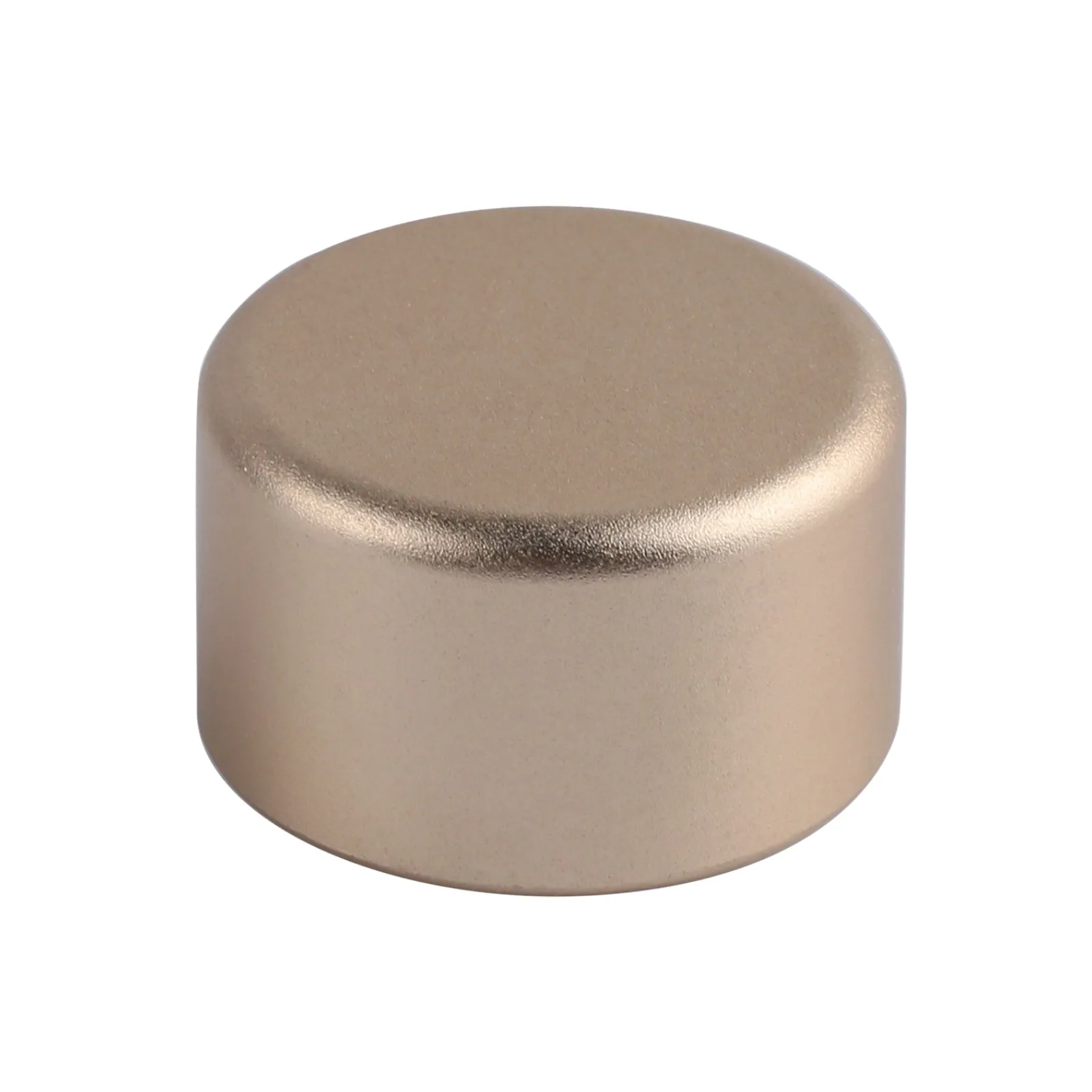
Epomaker Knob (Extra for TH80/66 Pro)