Quick answer
Choose the Split 65 if you want a fully adjustable split design with triple-mode connectivity. Pick the Split70 if you prefer a 70% layout that can be used as a single piece or split apart for a more traditional typing experience.
Layout and flexibility
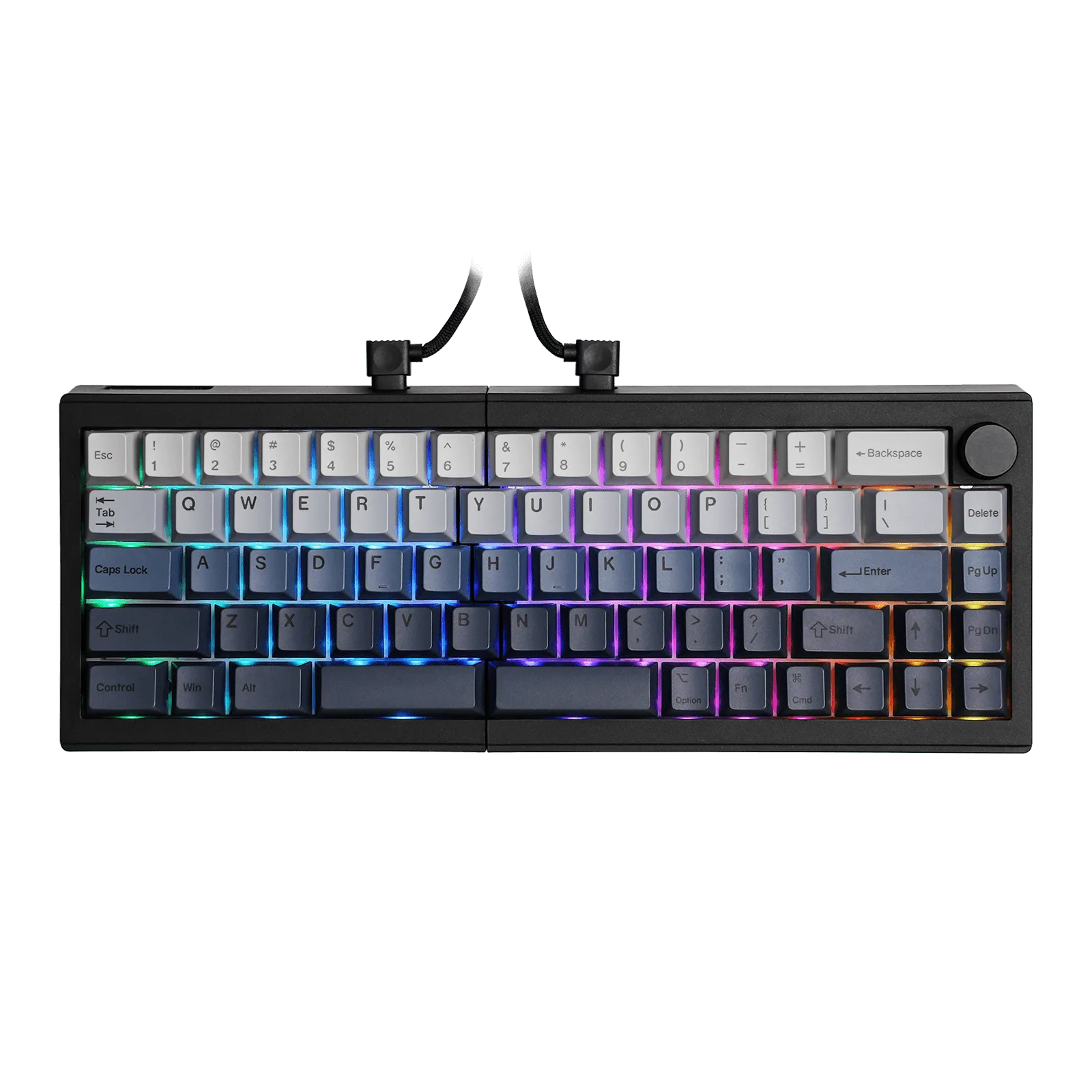
The Split 65 uses a 65% layout, which omits the function row and numpad to keep the board compact. Its halves are always separate, so you can position each side independently for maximum ergonomic freedom.
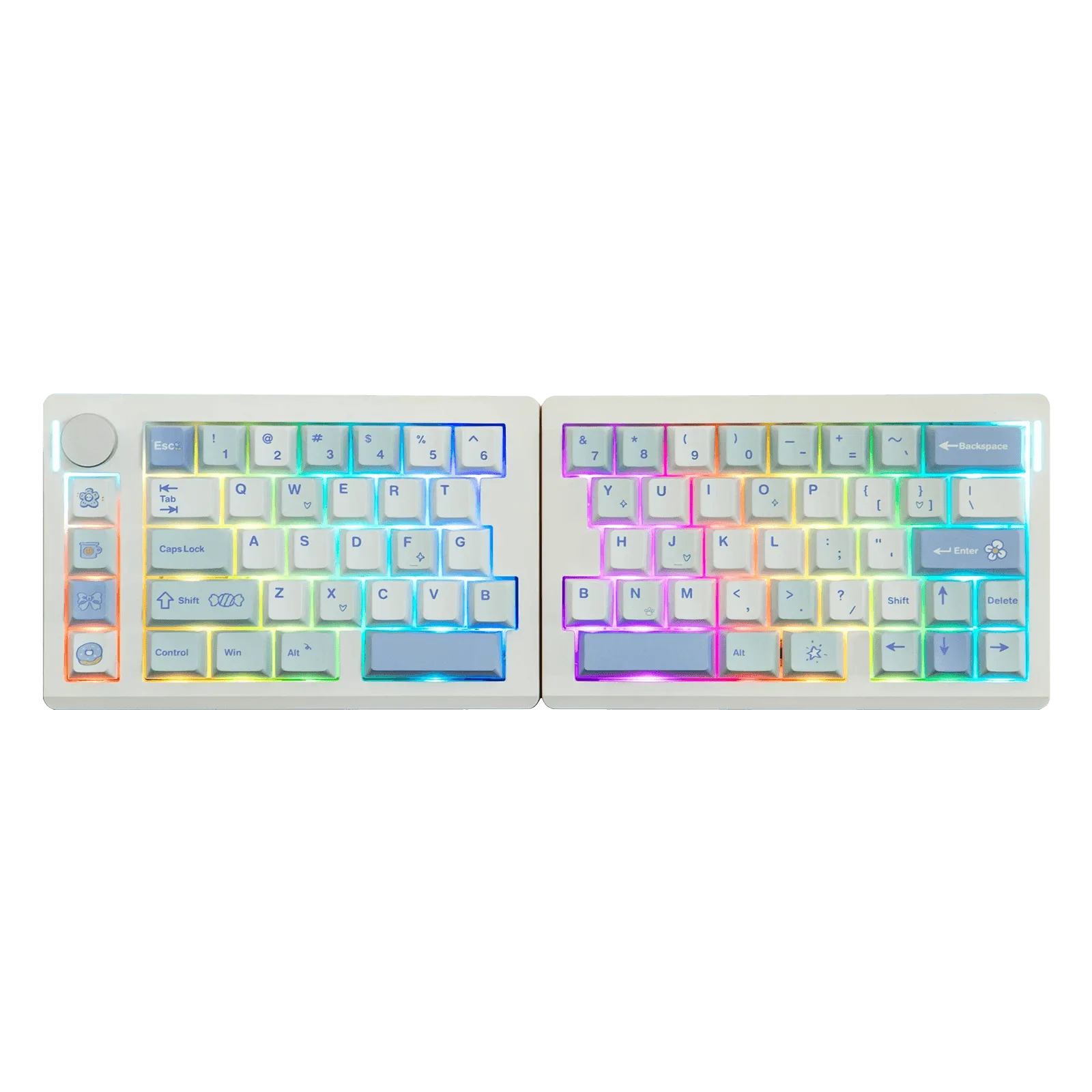
The Split70 offers a 70% layout, which adds a function row while still staying relatively compact. You can detach the halves or link them together with a cable, giving you the option to use it as a traditional keyboard or a split design. This flexibility comes at the cost of a slightly larger footprint when used as a single board.
Connectivity and setup
The Split 65 supports triple-mode connectivity (wired, 2.4 GHz, Bluetooth), making it easy to switch between devices without plugging in a cable. This is ideal if you frequently move between a desktop, laptop, or tablet.
The Split70's connectivity details are not specified in the catalog, so you should check the product page for the latest options. If wireless connectivity is a priority, the Split 65 has a clear advantage here.
Trade-offs at a glance
- Split 65: Always split, always adjustable: The halves are permanently separate, so you can position them independently. This gives you maximum ergonomic control but means you cannot use it as a single-piece keyboard.
- Split70: Split or united: You can detach the halves or link them with a cable. This offers flexibility but the adjustability range may be more limited compared to the Split 65 when used in split mode.
- Split 65: Triple-mode connectivity: Supports wired, 2.4 GHz, and Bluetooth connections, making it easy to switch between devices without cables. If you need wireless flexibility, the Split 65 is the better choice.
- Split70: Layout with function row: The 70% layout includes a function row, which is useful for shortcuts and media controls without needing extra layers. If you rely on dedicated function keys, the Split70 layout may suit you better.
Product facts
-
Epomaker Split 65: The Epomaker Split65 features an ergonomic, split design that enables users to adjust the keyboard's halves to their preferred typing angles. You can fine-tune each half independently to reduce wrist and forearm strain during long sessions.
Epomaker Split 65
-
EPOMAKER Split70: The Split70 Ergonomic Keyboard can be detached into halves or linked together with a cable, offering flexibility in typing angles. You get the option to switch between a traditional single-board feel and a split layout, depending on your task or desk space.
EPOMAKER Split70
Which one fits you?
Best for
- Typists who want maximum ergonomic adjustability and wireless connectivity: Split 65
- Users who want a compact keyboard with a function row and the option to use it as a single piece or split: Split70
Not for
- If you need a permanently united keyboard without separate halves, neither model is ideal; consider a traditional non-split keyboard instead.