Quick Answer
To extend your HyperX Pulsefire Haste Wireless battery life, adjust the RGB lighting, use the included USB cable for charging, and avoid fully draining the battery before recharging.
Battery Life Expectancy and Trade-offs
The HyperX Pulsefire Haste Wireless offers up to 100 hours of battery life on a single charge, but real-world usage varies. Factors like RGB lighting brightness, wireless polling rate, and how often you charge it can significantly affect that number.
One common trade-off: keeping the RGB lighting on at full brightness looks great but drains the battery faster. Lowering brightness or setting it to a static color can add hours of use. The mouse also supports a 1ms report rate with 2.4GHz wireless, which gives low latency but consumes a bit more power than a lower polling rate (the mouse does not have a switchable polling rate setting, so you cannot adjust that for battery savings).
Charging Habits That Preserve Battery Health
Lithium-ion batteries, like the one in the Pulsefire Haste Wireless, last longest when kept between 20% and 80% charge. Letting the battery drain to 0% frequently can shorten its overall lifespan. The mouse uses a USB-C charging cable—plugging it in when you're not gaming for 15–20 minutes each day can extend the time between full cycles.
Avoid leaving the mouse plugged in constantly after it reaches 100%. While modern protection circuits limit overcharging, it's still good practice to unplug once full. The mouse does not have a removable battery, so planned replacement isn't possible—making charging habits matter more.
Steps to Extend Battery Life
- 1. Adjust RGB Lighting: Open HyperX NGENUITY software, select the mouse, and reduce LED brightness to 25–50% or set a static color. Cycling effects like rainbow use more power. Lower brightness or static color mode adds hours per charge.
- 2. Use the Correct Charging Cable: Plug the included USB-C cable into the mouse and a USB port on your PC or a quality charger (5V/1A). Avoid cheap wall adapters that might not deliver clean power. Using a computer USB port is safest—avoid fast-chargers designed for phones.
- 3. Charge Before Full Drain: When the battery indicator shows 20% remaining, plug it in for 1–2 hours. Do not wait for the mouse to shut off completely before recharging. Topping up at 20% keeps the battery healthy longer.
- 4. Turn Off When Not in Use: Slide the power switch on the bottom of the mouse to Off after gaming sessions. The mouse does not have an auto-sleep timer that activates quickly enough to save power during short breaks. Manual turn-off prevents idle drain.
- 5. Keep Firmware Updated: Run HyperX NGENUITY and check for mouse firmware updates. Updates often include power management improvements. An outdated firmware can have inefficient battery handling.
Relevant Product Details
-
HyperX Pulsefire Haste - Wireless Gaming Mouse: The HyperX Pulsefire Haste Wireless packs all the features of the ultra-lightweight Pulsefire Haste plus a wireless connection and long-lasting battery life, adding only 2g of additional weight. The lightweight design makes it comfortable for long sessions, but the battery life (up to 100 hours) means you charge less often—just remember to adjust RGB settings and avoid deep discharges to preserve that longevity.
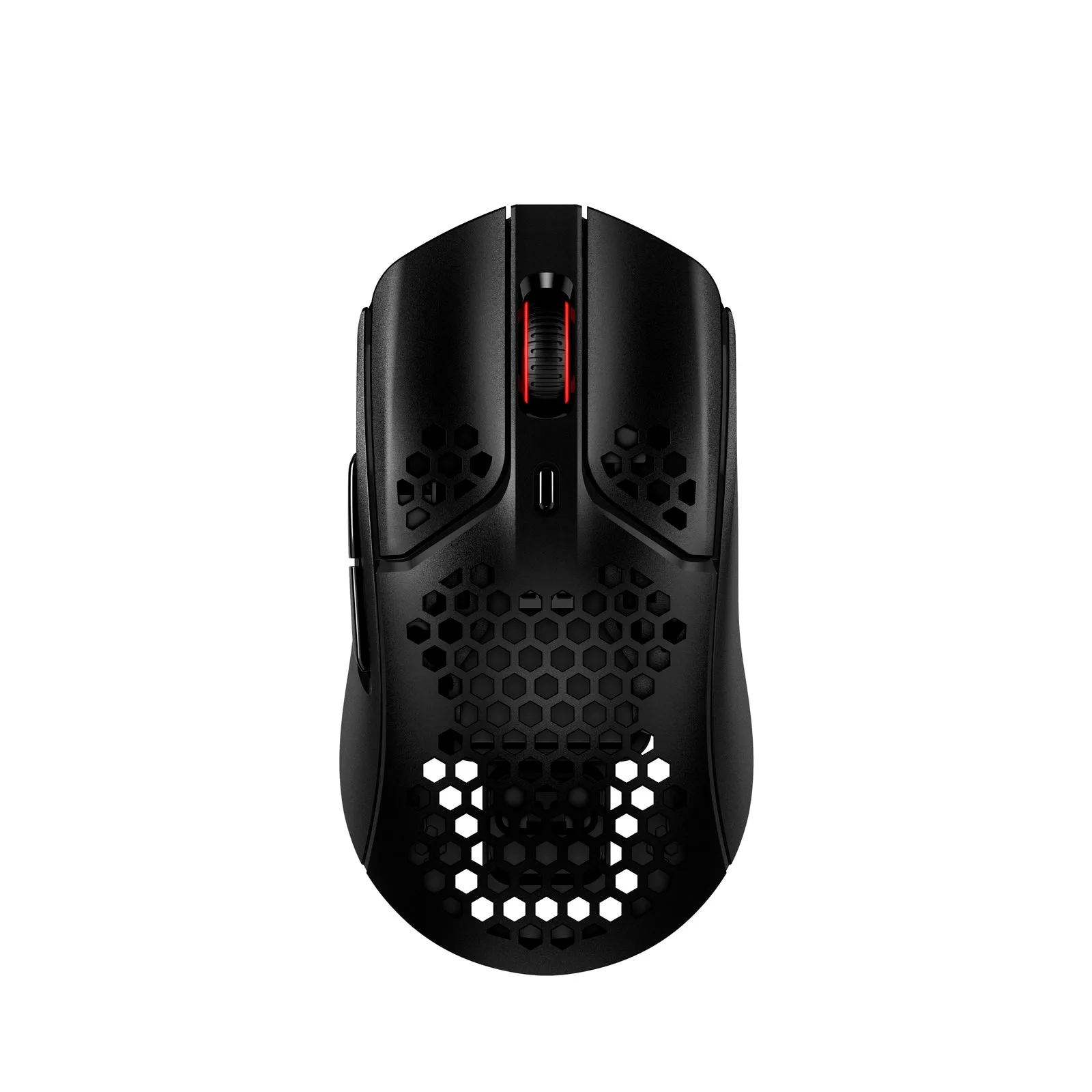
HyperX Pulsefire Haste - Wireless Gaming Mouse