Quick answer
Most flickering LED panel lights are caused by a loose connection, a failing driver, or an incompatible dimmer switch. Start by checking the power cord and plug, then test the light on a different circuit. If the flicker persists, the LED driver may need replacement.
Check the power connection first
A loose plug or damaged power cord is the most common cause of flicker. Unplug the light, inspect the cord for cuts or kinks, and plug it firmly into a known-working outlet. If the flicker stops, you've found the issue. If not, move to the next step.
Test on a different circuit
Sometimes the problem is the electrical circuit, not the light. Plug the panel into an outlet on a different breaker. If the flicker disappears, the original circuit may have voltage fluctuations or be overloaded. Consider moving the light or consulting an electrician for that circuit.
Inspect the LED driver
Every LED panel light has a driver that converts AC power to low-voltage DC. If the driver is failing, you may see a visible flicker or hear a faint buzzing. Drivers can overheat if the panel is enclosed without ventilation. Check if the driver feels hot to the touch. A replacement driver is often available from the manufacturer or a lighting supplier.
Dimmer switch compatibility
Not all LED panels work with standard dimmer switches. If your panel is on a dimmer and flickers, the dimmer may be designed for incandescent bulbs. Replace it with an LED-compatible dimmer rated for the panel's wattage. If the panel is not dimmable, remove the dimmer and install a standard switch.
Flicker diagnosis at a glance
- Symptom: Light flickers intermittently or continuously, sometimes with a buzzing sound. Checkpoint: note whether flicker is constant or only when the light is moved.
- Likely cause: Loose connection, failing driver, incompatible dimmer, or circuit voltage fluctuation. Verdict: start with the simplest fix—reseat the plug and test another outlet.
- Corrective action: Secure the connection, replace the driver, swap the dimmer, or move the light to a stable circuit. Next step: if the driver is hot or visibly damaged, order a replacement part.
- When to stop: If the flicker persists after replacing the driver and testing on a dedicated circuit, or if you smell burning, stop and call a licensed electrician. Safety first: do not attempt internal repairs on sealed LED panels.
Tools and parts that can help
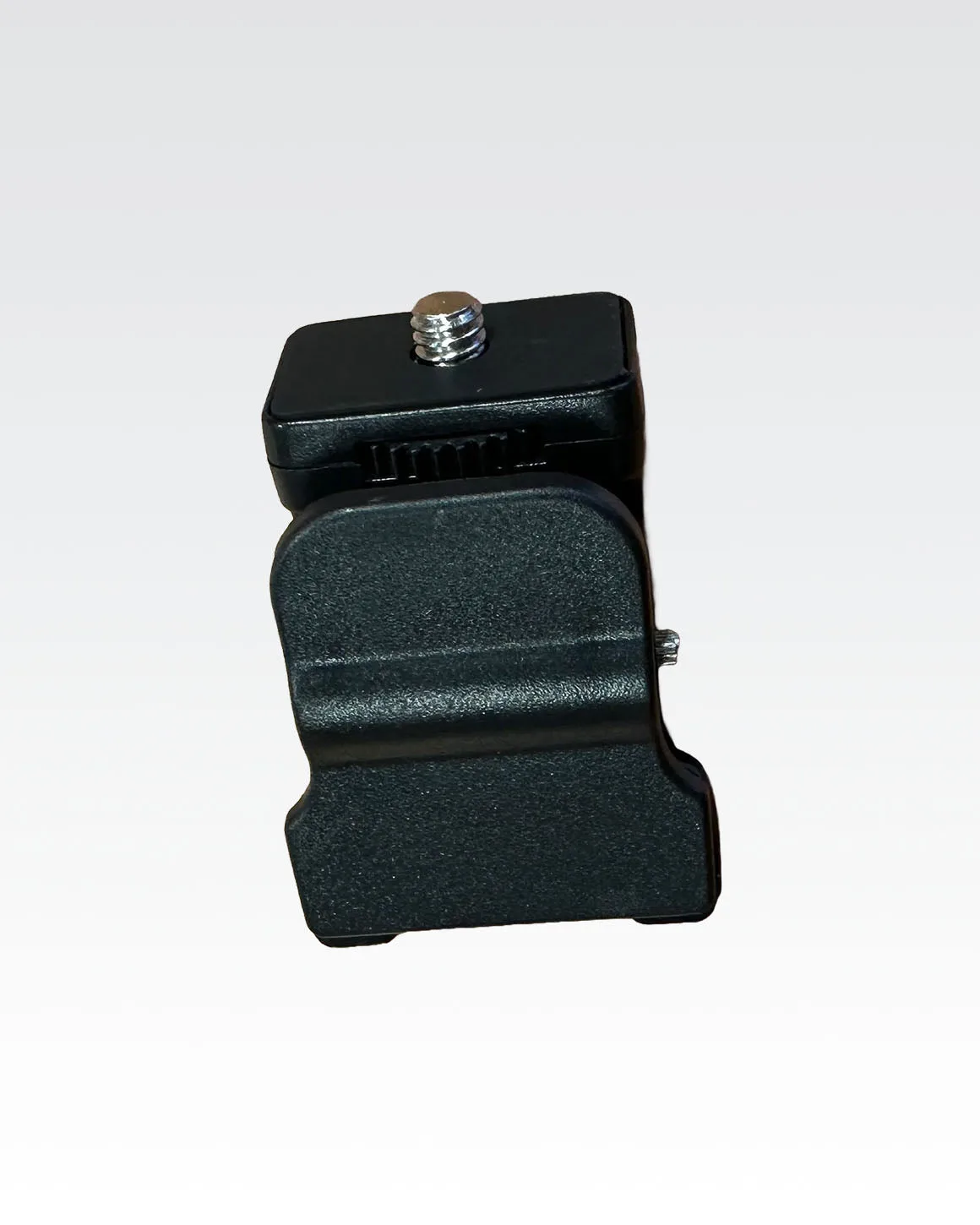
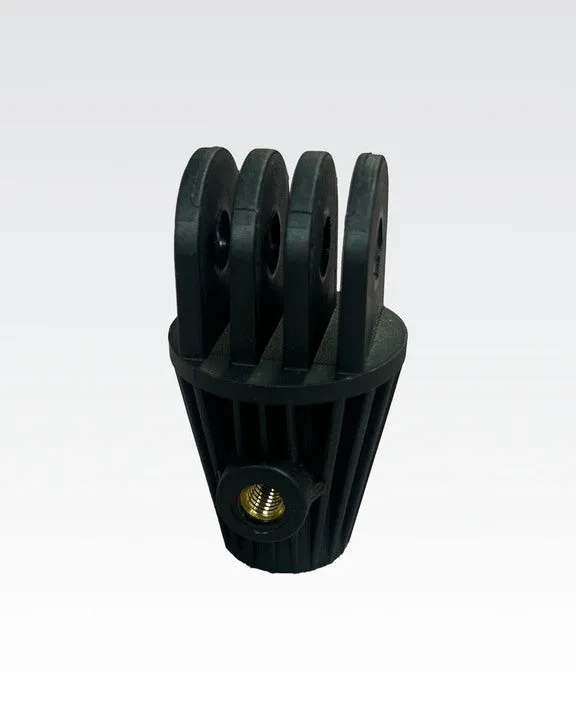
- Universal Clip Mount for Lume Cube Panel Lights: Easily mount your Lume Cube Panel Mini or Panel Pro with this versatile clip designed for both laptops and smartphones. If you need to reposition your panel while testing connections, a secure clip keeps the light stable and your hands free.