Quick answer
Most outdoor security camera connection problems come from weak Wi-Fi signal, power interruptions, or outdated firmware. You can usually restore a stable link by moving your router, checking the camera's power source, and updating its software.
Why signal strength matters more outdoors
Outdoor cameras face obstacles that indoor devices don't: walls, metal siding, weather, and distance all weaken Wi-Fi. A camera that works fine in the living room may struggle 50 feet away through brick. Understanding this trade-off helps you set realistic expectations before buying or installing.
Wireless cameras like the Defender AI GO 24/7 Recording 2.5K Wireless Camera with Solar Panel rely on a steady network to stream 2.5K video. If your router is on the opposite side of the house, even a high-end camera can drop frames or go offline.
Power instability can masquerade as a network issue
Solar-powered cameras add a layer of complexity. A camera that loses connection at night may actually be shutting down due to low battery, not a Wi-Fi problem. Before blaming your network, confirm the camera has enough charge and that the solar panel gets adequate sunlight during the day.
For PTZ cameras, the motor draws extra current when panning or tilting. If the power supply is marginal, the camera may reset during movement, appearing to lose connection. Check the voltage rating on your adapter versus the camera's requirements.
Diagnosis and fix steps
- Symptom: Camera goes offline intermittently, video freezes, or app shows 'device not responding'.
- Likely cause: Weak Wi-Fi signal at the camera location, power fluctuation, or outdated firmware.
- Corrective action: 1) Move your router closer or add a Wi-Fi extender. 2) Check the camera's power source: for solar models, ensure the panel gets direct sunlight for at least 4-6 hours daily. 3) Update the camera firmware through the app. 4) Change the Wi-Fi channel on your router to avoid interference from neighbors. After step 2, if the camera stays online for 24 hours, the fix is likely complete.
- When to stop or choose another option: If the camera still drops connection after trying all steps, the hardware may be defective or the location is simply out of range. Consider a wired PoE camera or a mesh Wi-Fi system before replacing the camera.
Product insights
-
Defender AI GO 24/7 Recording 2.5K Wireless Camera with Solar Panel, 2 PackSolar Panel, 2 Pack: The Defender AI GO 24/7 Recording 2.5K Wireless Camera with Solar Panel offers continuous monitoring with a wireless design. Because it relies entirely on Wi-Fi, positioning the camera within range of a strong signal is critical to avoid disconnects, especially when streaming 2.5K video.
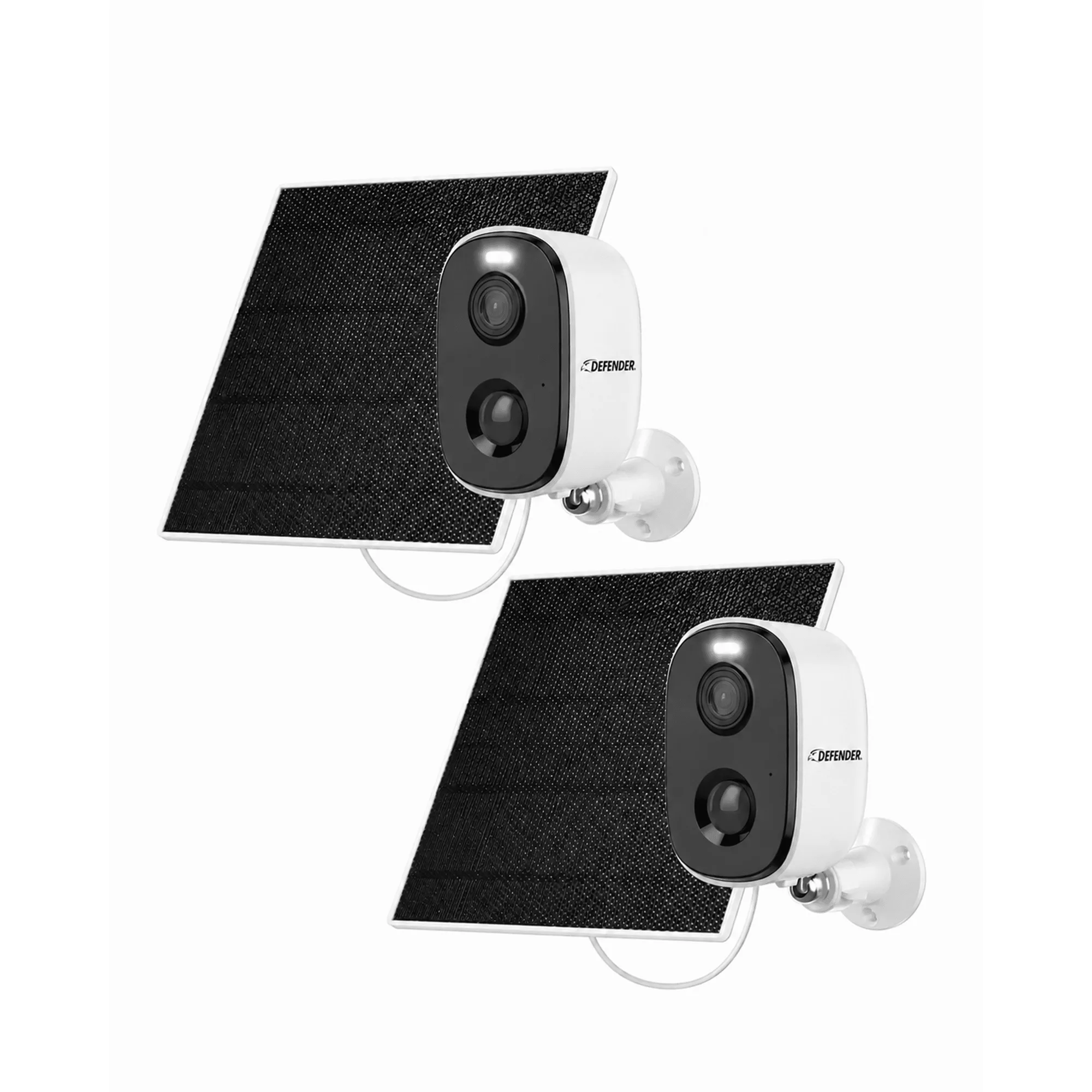
Defender AI GO 24/7 Recording 2.5K Wireless Camera with Solar Panel, 2 PackSolar Panel, 2 Pack