Quick Answer
If your Wyze Room Sensor isn't connecting, start by moving it closer to your Wyze Thermostat and checking the thermostat's firmware. Most connection issues are caused by distance, low batteries, or a thermostat that needs a restart.
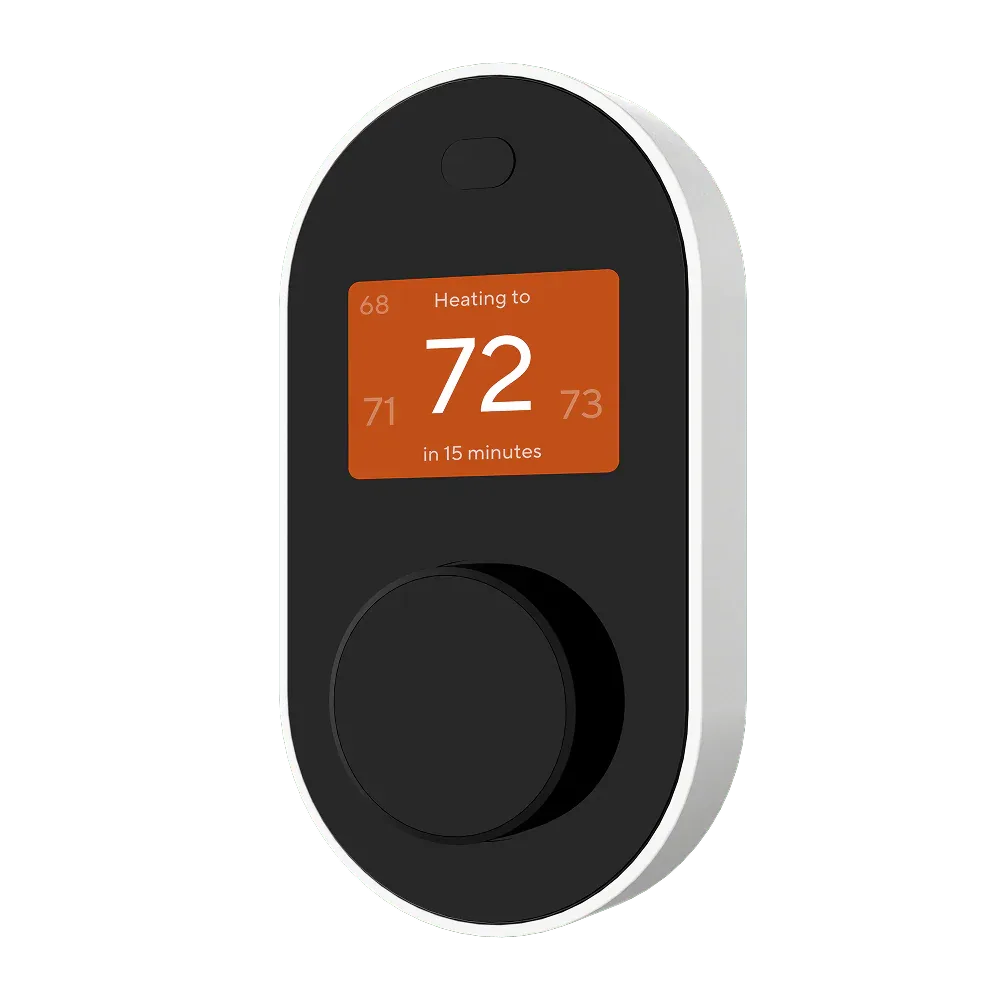
Wyze Thermostat
Common Connection Problems and Fixes
The Wyze Room Sensor communicates wirelessly with your Wyze Thermostat to report temperature, humidity, and motion. If the sensor stops reporting or never pairs, the problem is almost always one of three things: the sensor is out of range, the batteries are low, or the thermostat needs a power cycle. Try these steps in order before assuming a hardware defect.
First, verify the sensor is within 30 feet of the thermostat with no thick walls or metal appliances in between. Remove and reinsert the sensor batteries to force a reconnection. Then, power cycle your Wyze Thermostat by flipping the breaker or pulling the thermostat off its base for 30 seconds. If the sensor still shows as offline in the Wyze app, check for a thermostat firmware update under Device Settings.
When to Replace the Sensor Batteries
Low batteries are a silent cause of disconnection. The Wyze Room Sensor uses two AAA batteries, and when they drop below a certain voltage, the sensor stops transmitting reliably. The Wyze app may not show a low-battery warning until the sensor is completely dead. If your sensor connects temporarily but drops off after a few hours, replace the batteries with fresh alkaline cells and re-pair the sensor through the thermostat's accessory menu.
Connection Diagnosis Guide
- Symptom: Sensor shows 'Offline' in the Wyze app or never appears during setup. Checkpoint: Confirm the thermostat is powered and the sensor batteries are fresh.
- Likely Cause: Distance exceeds 30 feet, physical obstructions (walls, metal), or thermostat firmware is outdated. Checkpoint: Move sensor closer and update thermostat firmware via the Wyze app.
- Corrective Action: Power cycle the Wyze Thermostat (remove from base for 30 seconds or flip breaker). Remove and reinsert sensor batteries. Re-pair the sensor from the thermostat's accessory menu. Checkpoint: If the sensor pairs and stays connected for 24 hours, the issue is resolved.
- When to Stop or Choose Another Option: If the sensor still fails to connect after all steps, try pairing a different Wyze Room Sensor (if available) to the same thermostat. If the second sensor pairs fine, the original sensor may have a hardware fault. If no sensor pairs, the thermostat's wireless module may need service. Verdict: Replace the sensor if it's the only failing component. Contact Wyze support if the thermostat won't pair with any sensor.
Product That Can Help
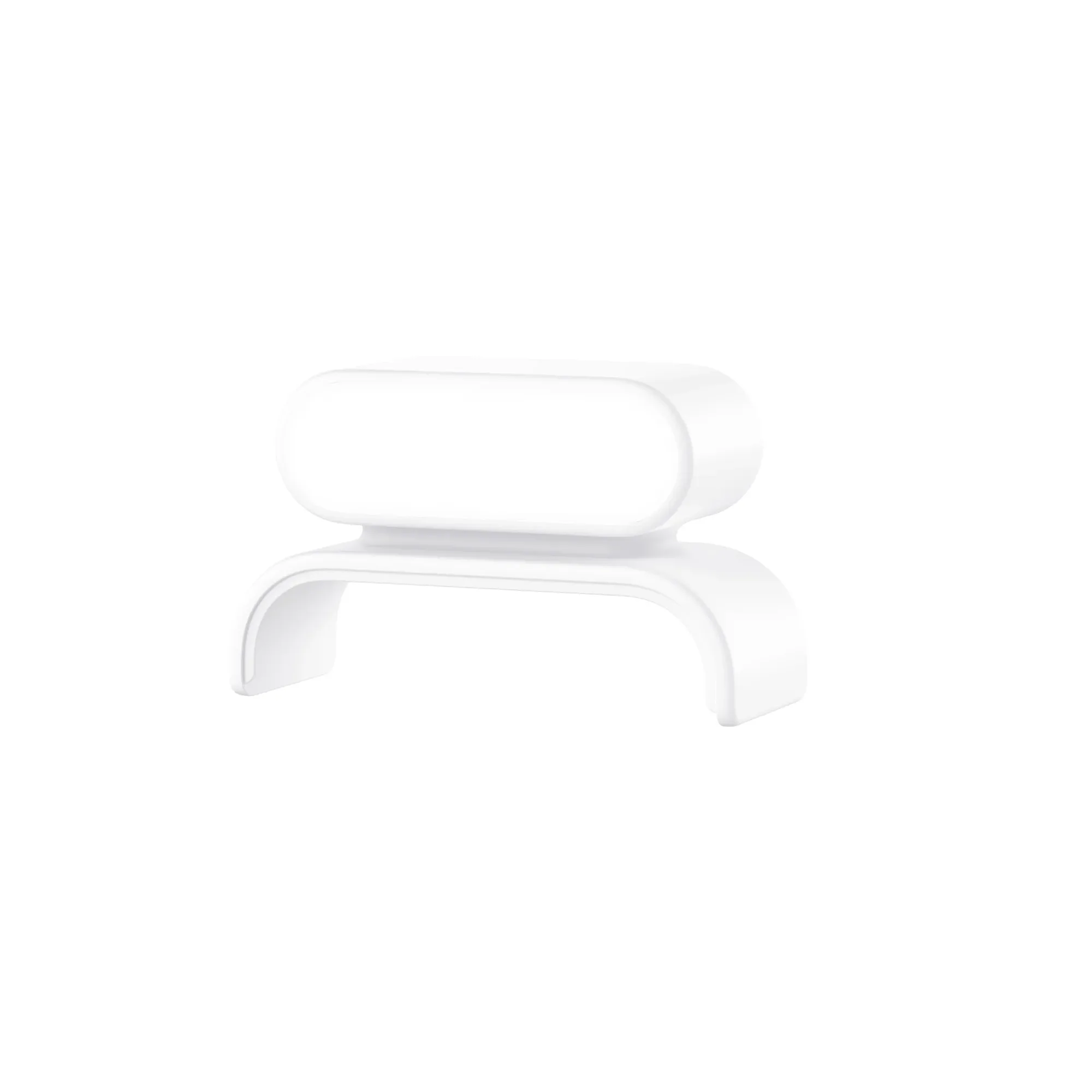
- Wyze Room Sensor: Wyze Room Sensor works with Wyze Thermostat to balance your home's climate through eliminating hot and cold spots in your home. Remotely view room temperatures, humidity, and motion. If your sensor is working intermittently, a fresh unit can restore reliable temperature monitoring and help you eliminate hot and cold spots. The sensor itself is the component you're troubleshooting, so having a spare on hand can quickly confirm whether the issue is with the sensor or the thermostat.