Quick answer
To fix color cast with NiSi 100x100mm ND filters, first confirm the filter is clean and properly seated, then use a custom white balance or a color checker in post-processing. The NiSi Nano IR coating minimizes color shift, but strong ND filters like the ND32000 may still need slight correction.
Why color cast happens with strong ND filters
Even premium ND filters can introduce a subtle color shift at very high densities. The NiSi Nano IR coating is designed to reduce infrared pollution and maintain true-to-life color, but a 15-stop filter like the ND32000 blocks so much light that residual color shifts can become visible in the final image. This is not a defect — it's a physical limitation of any ultra-dense filter.
The difference between 6-stop and 15-stop filters
The NiSi ND64 (6-stop) typically shows minimal to no color cast thanks to its Nano IR coating, making it ideal for golden hour and smooth water shots without heavy correction. The ND32000 (15-stop) is designed for extreme long exposures in bright conditions, and while it also uses Nano IR coating, the extreme density means you may need a slight white balance adjustment or a color checker in post to neutralize any residual shift.
Diagnosis and correction steps
- Symptom: Your long exposure image has a visible color tint (often magenta, green, or blue) that wasn't present in the unfiltered preview.
- Likely cause: The ND filter density is high enough that residual color shift becomes noticeable, even with Nano IR coating. Alternatively, the filter may have smudges or the white balance was set incorrectly before attaching the filter. Check the filter surface for smudges first — cleaning often solves the issue.
- Corrective action: Set a custom white balance using a gray card or white balance target before attaching the filter. In post, use the eyedropper tool on a neutral area (cloud, concrete, gray card) or apply a color temperature adjustment. For the ND64, minimal adjustment is needed; for the ND32000, a shift of 200-500K in the blue/magenta direction may be required. If using the ND32000, shoot a reference frame without the filter at the same white balance to compare.
- When to stop or choose another option: If the color cast persists after cleaning and white balance adjustment, the issue may be a mismatch between your camera's IR sensitivity and the filter's IR cut. In that case, consider using a different filter strength or a dedicated IR-cut filter in combination. The NiSi Nano IR coating already addresses this for most cameras. If you still see cast, your camera may have unusually strong IR sensitivity.
Products mentioned
-
NiSi 100x100mm Nano IR Neutral Density filter – ND64 (1.8) – 6 Stop: True to life color, No color cast. Provides a 6-stop light reduction. For most long exposure work, the ND64 requires little to no color correction, saving time in post.
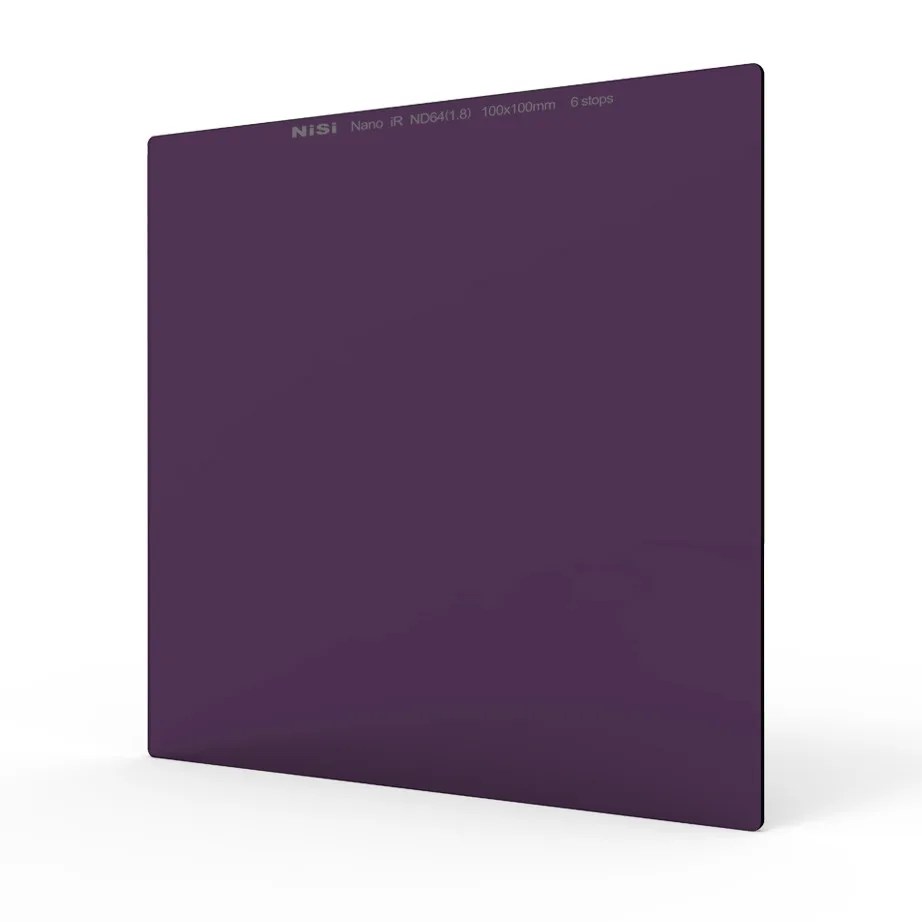
NiSi 100x100mm Nano IR Neutral Density filter – ND64 (1.8) – 6 Stop
-
NiSi 100x100mm Nano IR Neutral Density filter – ND32000 (4.5) – 15 Stop Super Stopper: True to life color, No color cast. Provides a 15-stop light reduction. The ND32000 enables extreme long exposures in daylight, but its density may need a slight white balance tweak for perfect color neutrality.
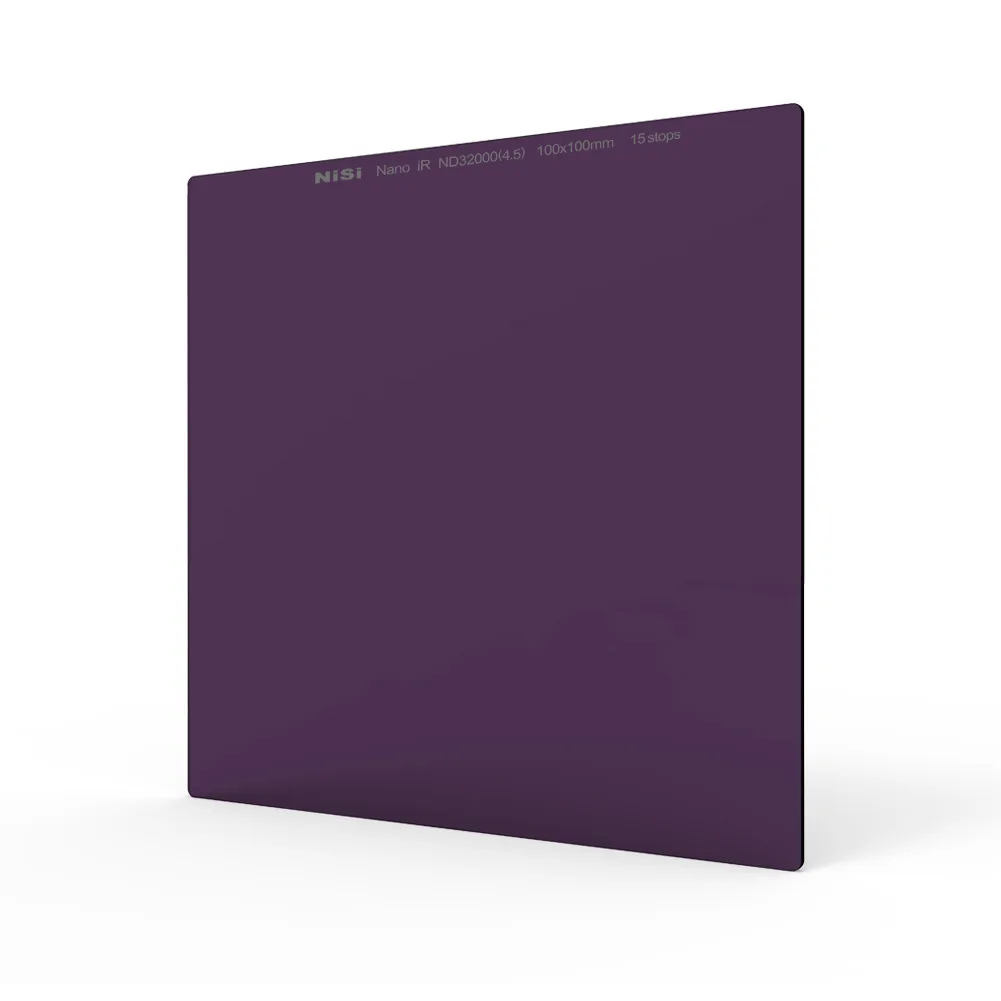
NiSi 100x100mm Nano IR Neutral Density filter – ND32000 (4.5) – 15 Stop Super Stopper