Quick Answer
Set up your FlexSeries Charging Dock for Women by placing it on a dry, stable surface, connecting the USB cable, and seating your shaver firmly on the dock until charging begins.
Why Use the Charging Dock?
The FlexSeries Charging Dock for Women keeps your shaver ready whenever you need it, while reducing counter clutter and eliminating unsightly cables. Unlike charging via USB cable alone, the dock provides a dedicated spot for your shaver, so you never have to search for it or deal with tangled cords.
A key trade-off: the dock requires counter space and a nearby power source. If your bathroom has limited space, consider whether a dedicated spot is worth the convenience. For most users, the dock's organization and readiness outweigh the space it occupies.
Common Setup Mistakes to Avoid
One frequent mistake is placing the dock near a sink where water splashes can reach it. Always keep the dock dry to protect the charging contacts and your shaver. Another is using a non-compatible USB adapter; stick with the one provided or a standard 5V adapter to ensure safe charging.
Also, ensure the shaver is fully seated on the dock. A loose connection may not charge properly, and you might think the dock is faulty when it's just a poor fit.
Step-by-Step Setup and Use
- Choose the Right Spot: Place the dock on a flat, dry, and stable surface near a power outlet. Avoid areas where water can splash, like directly beside the sink. Check that the surface is level and dry before placing the dock.
- Connect the Cable: Plug the USB cable into the dock and connect it to a power adapter. Use the adapter that came with your shaver or a standard 5V USB adapter for safe charging. Never force the cable into the port; it should fit snugly without resistance.
- Seat Your Shaver: Place your FlexSeries™ shaver onto the dock, ensuring it sits firmly and aligns with the charging contacts. You should feel a secure fit. If the shaver wobbles, reposition it to ensure proper contact.
- Confirm Charging: Look for the charging indicator light on the shaver or dock to confirm that charging has started. If no light appears, reseat the shaver or check the cable connection. Wait a few seconds for the indicator to activate; if it doesn't, troubleshoot the connection.
- Maintain the Dock: Keep the dock clean and dry. Wipe it with a soft, dry cloth periodically to remove dust and prevent buildup on the contacts. Do not use water or cleaning solutions directly on the dock.
Product Spotlight
-
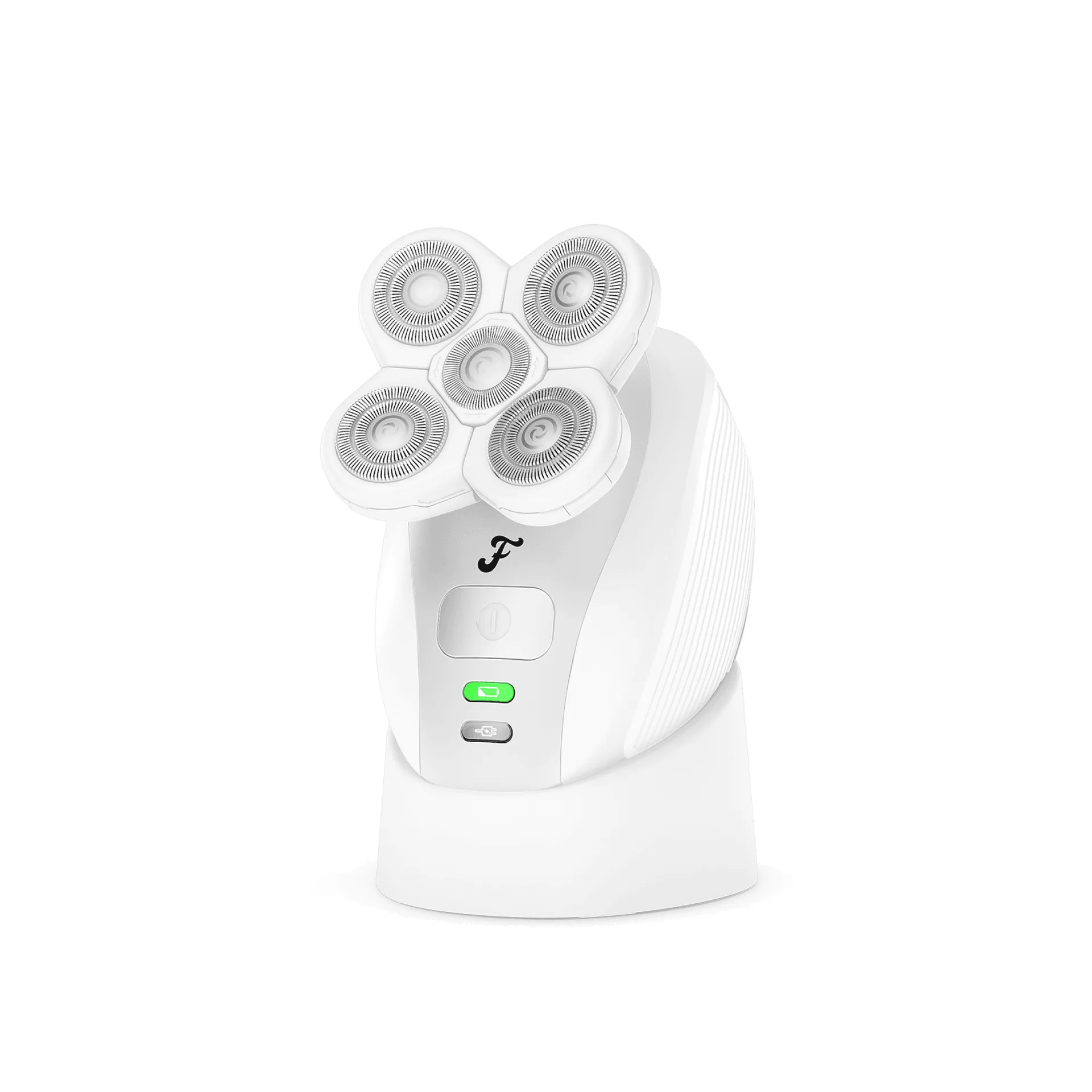
FlexSeries® Charging Dock for Women: The FlexSeries Charging Dock for Women ensures your FlexSeries™ is always ready for your next shave while cutting clutter and unsightly cables on your counter. This dock not only charges your shaver but also provides a clean, organized storage spot, so you can skip the messy cable routine and always know where your shaver is.
FlexSeries® Charging Dock for Women