Quick answer
Most FPE V2 button and knob complaints come from configuration mismatches or loose quick-release contact, not from failed hardware. Start by checking your wheel's configuration and re-seating the wheel on the base. If a single control still feels mushy, sticky, or dead after those two steps, the fix is usually a targeted replacement part or a support ticket—not a full wheel replacement.
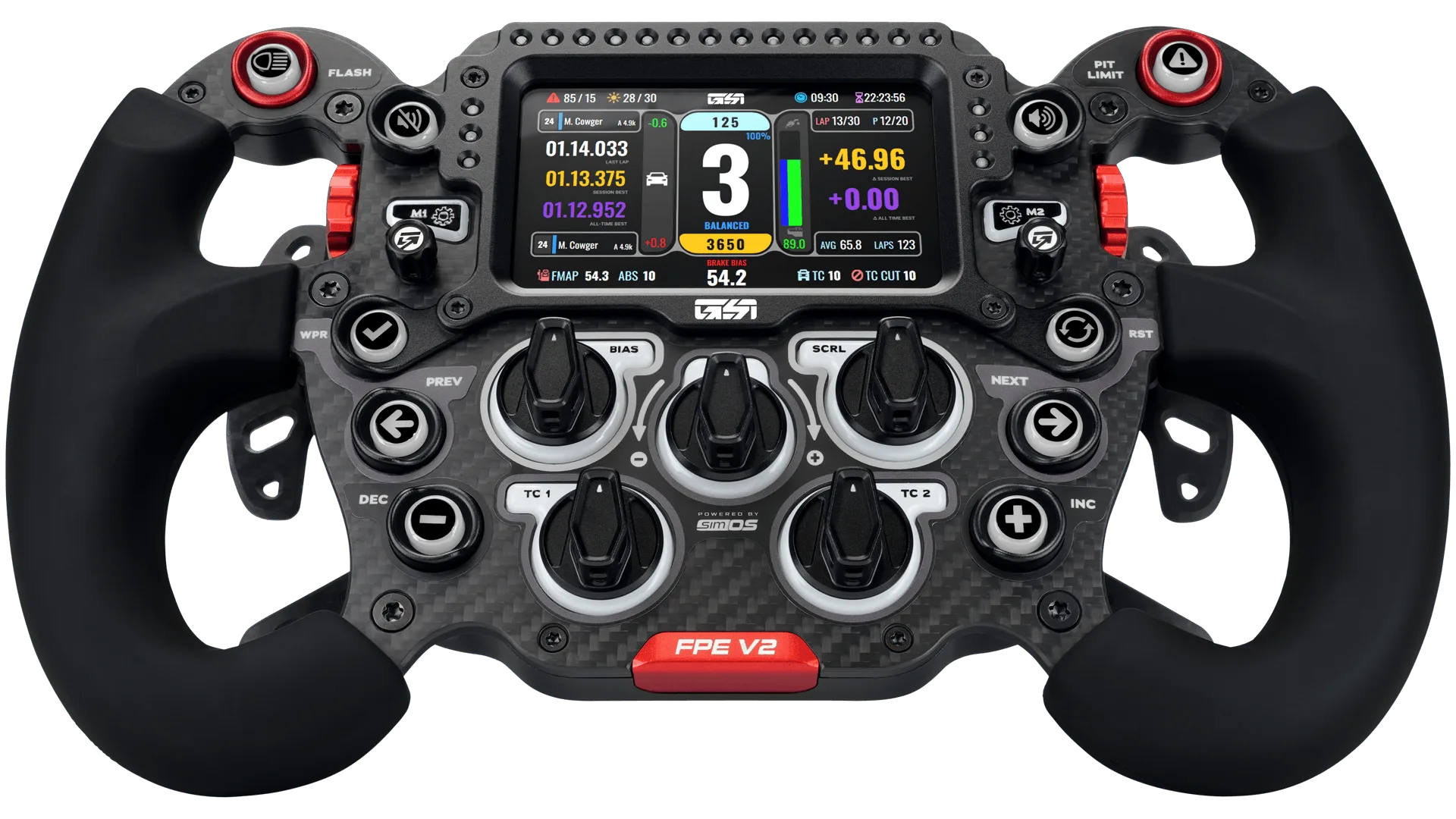
FPE V2
You are mid-stint, you tap a button, and nothing happens—or the knob feels like it is grinding through sand. When your FPE V2 controls feel wrong, the instinct is to assume the worst. In most cases, the problem is simpler than it looks.
The FPE V2 is a lightweight, customizable wheel built for tactile responsiveness, and its controls sit at the center of that experience. This guide separates the symptom from the likely cause so you can fix the small stuff yourself and know exactly when to stop and ask for help.
Start with the two-minute checks before touching hardware
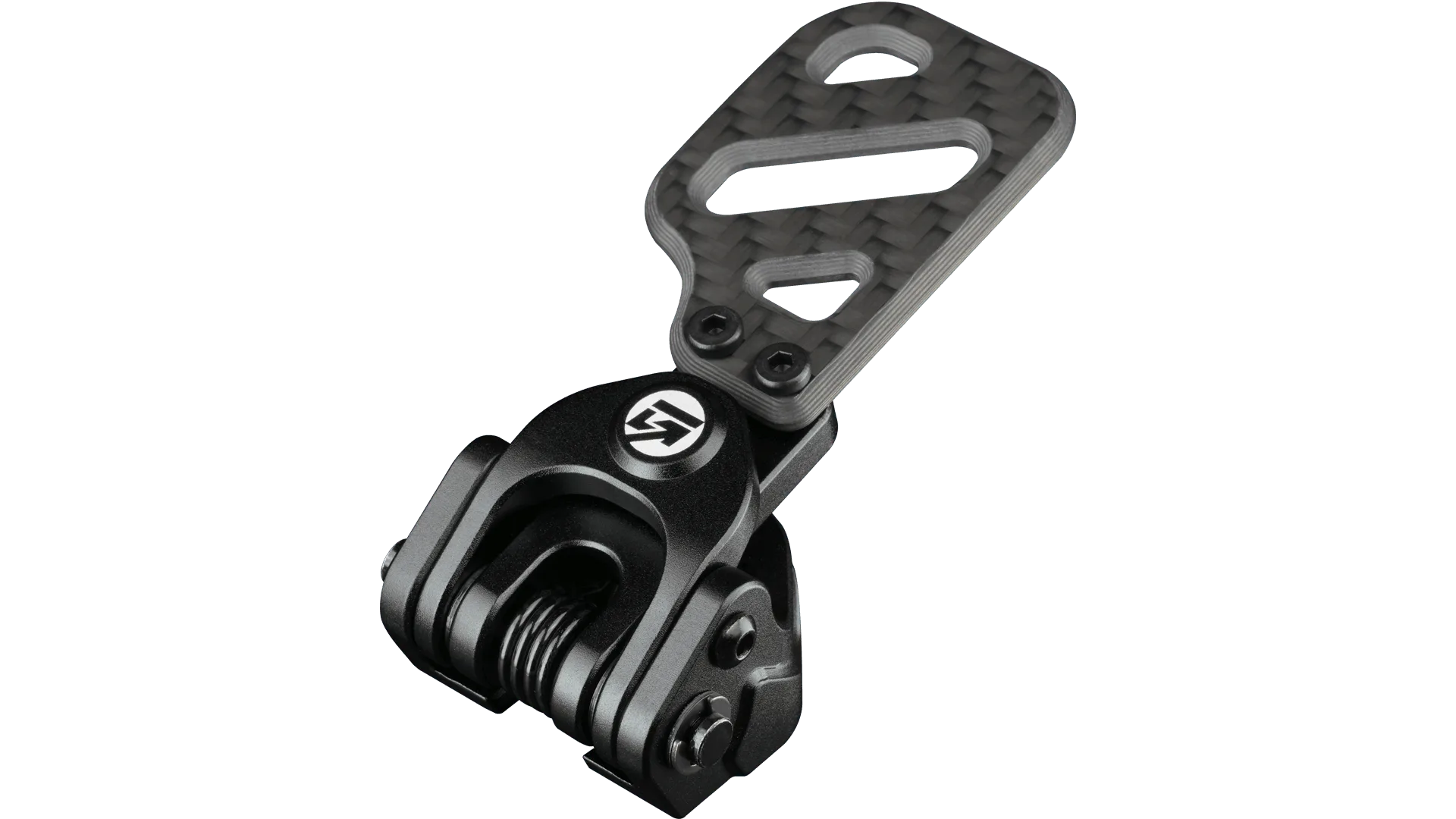
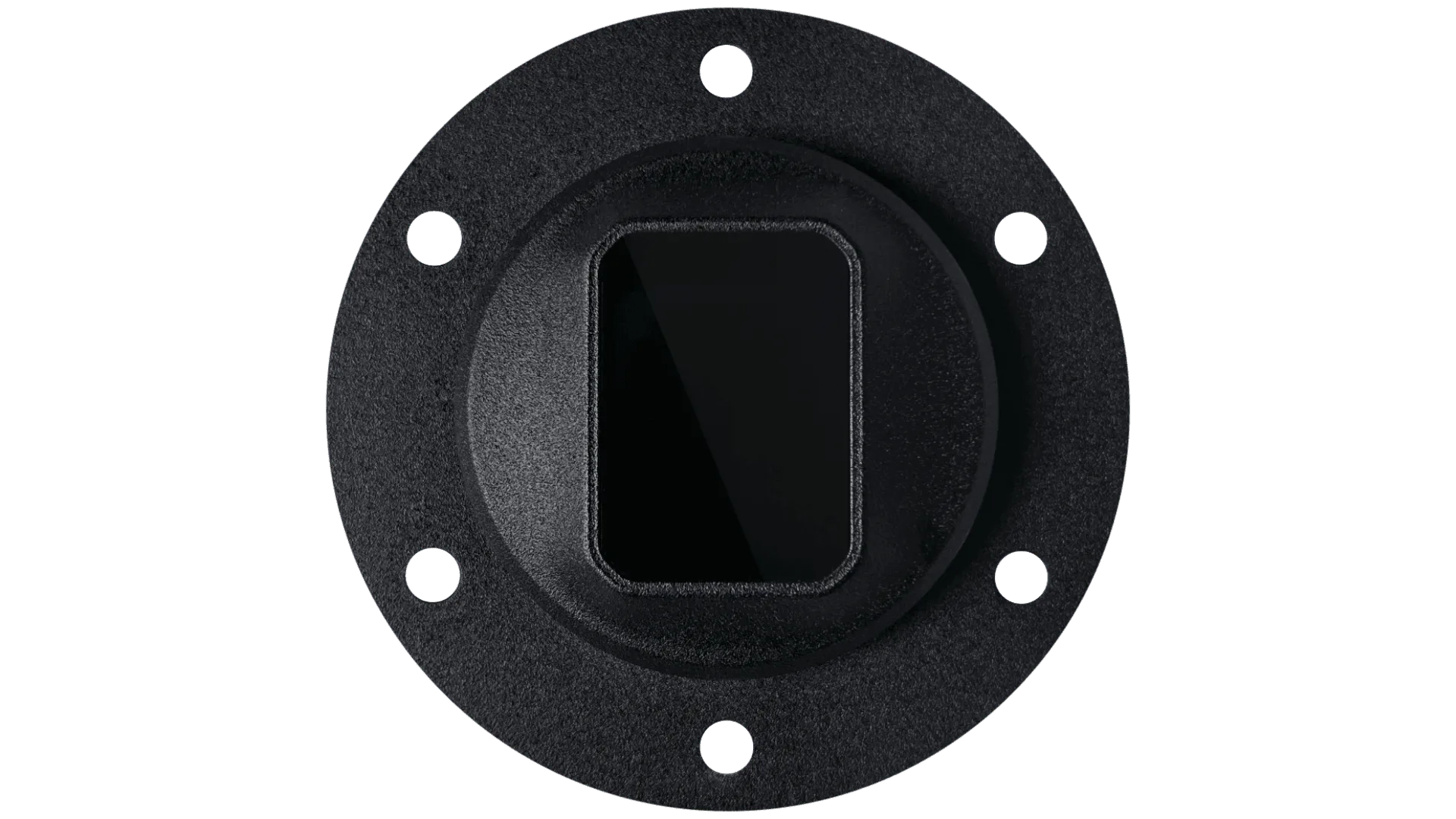
Before you reach for tools, rule out the easy stuff. Confirm the wheel is fully seated on the quick release and that the base recognizes it. A partially engaged connection can make one or two buttons behave intermittently while the rest work fine. If you are on a Simucube base, the Simucube Quick Release Wheel Side Kit is designed to get your GSI wheel mounted cleanly, and a loose or misaligned mount is a common source of phantom input issues.
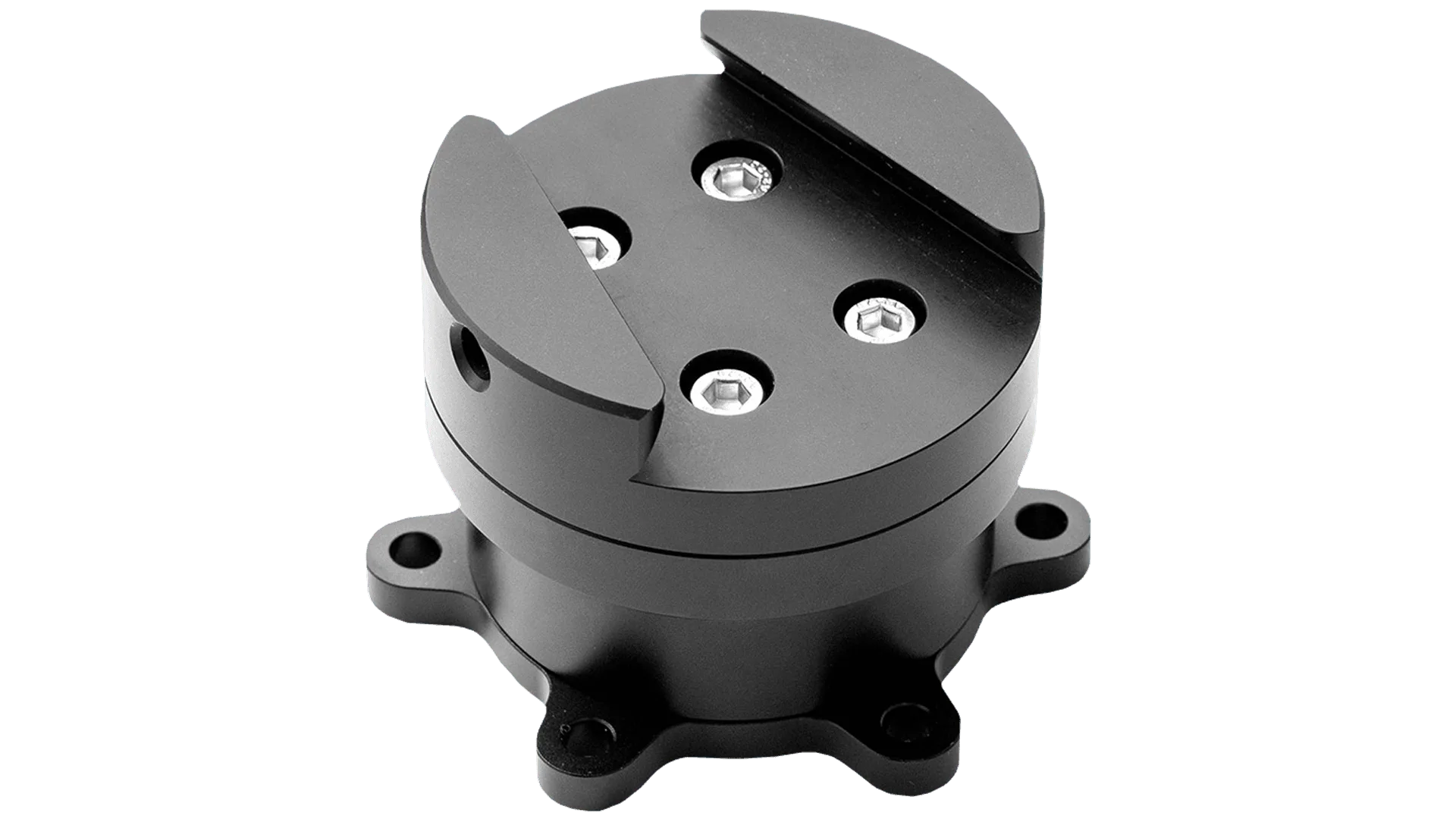
Simucube Quick Release Wheel Side Kit
Next, check your configuration. The FPE V2 ships with selectable configurations, and a button or knob that feels wrong may simply be mapped to a different function than you expect. Load your sim's control settings and confirm each input registers. If an input registers in the driver but not in the game, the problem is software, not the wheel.
- Re-seat the wheel on the base and listen for a clean engagement.
- Test every button and knob in the manufacturer's driver software before opening your sim.
- Note which controls fail—one, several, or all—because the pattern points to the cause.
Symptom: one button feels mushy or needs a hard press
A single mushy button usually points to a mechanical issue at that specific control rather than a system-wide fault. Debris, a worn contact, or a shifted cap can change the feel. Because the FPE V2 is built around tactile responsiveness, any change in that feel is worth investigating rather than ignoring.
If the button still actuates but feels vague, avoid pressing harder—that accelerates wear. Instead, isolate whether the input itself is registering reliably in software. If it registers every time but feels wrong, you are dealing with a mechanical wear question. If it misses inputs, treat it as an electrical or connection issue first.
- Do not force a stiff or mushy button; increased pressure can damage the contact underneath.
- Compare the feel against a neighboring button of the same type to judge how far it has drifted.
Symptom: a knob skips, grinds, or will not register
Rotary knobs are the most tactile controls on the wheel, so they are also the first place you notice a problem. A knob that skips detents or grinds often has debris in the mechanism or has shifted slightly on its shaft. A knob that spins freely with no input is usually an electrical or mapping issue.
Check the mapping first. If the knob registers in the driver but not in your sim, remap it and re-test. If it does not register anywhere, stop rotating it repeatedly—you will not fix an electrical fault with more turns, and you risk worsening a mechanical one.
- Test the knob in the driver software, not just in-game.
- If the knob registers intermittently, note whether temperature or session length affects it.
Symptom: several controls fail at once
When multiple buttons and knobs misbehave together, look at the shared path: the quick release, the cable or wireless link, and the configuration profile. A single loose connection can take out a whole cluster of inputs, which is why the two-minute checks come first.
If you recently changed configurations, revert to the previous profile and test again. Configuration changes are a frequent culprit because they can remap or disable inputs without any hardware fault. Only after ruling out connection and configuration should you consider that the wheel itself needs service.
- Revert to your last known-good configuration and re-test every input.
- Check that the quick release is fully engaged before assuming an internal fault.
When to stop and choose another option
Stop troubleshooting and contact support if you see physical damage, if a control fails after a confirmed good connection and correct mapping, or if the wheel is still under warranty. Opening the wheel yourself can void coverage and turn a small fix into a larger repair.
If your FPE V2 has seen years of hard use and multiple controls are worn, repair may not be the best value. In that case, compare the cost of service against a current wheel. The Hyper SL, for example, is a screenless option for racers who want a pure connection to the race, while the GXL V2 + Simucube 2 Pro Bundle pairs a screenless wheel with a direct drive base if you are ready to change the whole platform rather than chase one worn control.
- Contact support before opening the wheel if it is under warranty.
- Weigh repair cost against replacement when several controls are worn, not just one.
FPE V2 control diagnosis
- One button feels mushy or needs a hard press: Isolate the input in the driver software. If it registers reliably but feels vague, the issue is mechanical wear at that control. If it misses inputs, treat it as a connection or mapping problem first. Do not press harder—confirm registration before deciding on a repair.
- A knob skips, grinds, or will not register: Test the knob in the driver, then in your sim. Grinding or skipping suggests debris or a shifted knob; no registration at all suggests an electrical or mapping fault. Stop rotating a dead knob—more turns will not fix an electrical fault.
- Several controls fail at once: Check the quick release engagement, the connection to the base, and your current configuration profile. Revert to your last known-good profile and re-test every input. Shared-path faults, not individual controls, are the likely cause here.
- Physical damage or warranty coverage: If you see damage, or the wheel is under warranty, stop and contact support. Opening the wheel yourself can void coverage and worsen the fault. This is the point to choose support over self-repair.
Parts and options worth knowing
- FPE V2: The Formula Pro Elite V2 is a complete overhaul of the original, combining lightweight design, customizable features, and tactile responsiveness. Because the wheel is built around tactile feel, any change in button or knob response is a meaningful signal—not something to ignore until it fails completely.
- Simucube Quick Release Wheel Side Kit: The kit lets you purchase the Simucube wheel side quick release with your GSI wheel and have it installed at the factory. A correctly installed quick release removes one of the most common causes of intermittent button and knob inputs before you ever mount the wheel.
- Hyper SL: The Hyper SL is a screenless wheel constructed with premium materials and positioned as the most advanced screenless wheel in the GSI lineup. If multiple controls on an older wheel are worn, a screenless replacement like the Hyper SL may cost less than repeated repairs.
- GXL V2 + Simucube 2 Pro Bundle: The GXL V2 retains the same number of inputs and features as the FPE V2 but presents them in a sleek, screenless silhouette. If you like the FPE V2's input layout but want a different form factor, this bundle keeps the control count familiar while changing the platform.
Most FPE V2 button and knob problems trace back to connection or configuration, not a dead wheel. Work through the two-minute checks, isolate the symptom, and stop before you force anything. If the controls are genuinely worn out, a replacement wheel may serve you better than a repair.