Quick answer
Start by checking the power source and remote batteries—most galaxy projector failures are caused by a loose connection or dead batteries.
Why your galaxy projector may stop working
Galaxy projectors like the Alien or Astronaut models are simple devices, but they rely on a few key components: power adapter, remote control, and internal LED. When one fails, the whole unit seems broken. Before assuming a defect, rule out the easy fixes first.
Diagnosis guide for common galaxy projector problems
- Projector won't turn on: Symptom: No light or sound. Likely cause: Power adapter not connected firmly or outlet is dead. Corrective action: Unplug and reconnect the adapter. Test the outlet with another device. If still off, try a different USB cable or wall plug (5V/1A recommended). If it still won't power on after trying two outlets and cables, the internal LED may be faulty.
- Remote control not responding: Symptom: Projector stays on one mode, no color change. Likely cause: Dead or misaligned remote batteries. Corrective action: Replace with fresh CR2032 or AAA batteries (check manual). Point remote directly at the IR sensor on the projector, within 10 feet. If new batteries don't work, the remote may be defective—contact support for a replacement.
- Projection is dim or blurry: Symptom: Image is faint or out of focus. Likely cause: Dust on lens or wrong distance from wall. Corrective action: Wipe the lens gently with a microfiber cloth. Move projector 4–8 feet from the projection surface. Adjust focus ring if available. If the image remains dim after cleaning, the LED may be aging—consider replacement if under warranty.
- Colors or modes are stuck: Symptom: Only one color or mode shows, no cycling. Likely cause: Mode button stuck or remote not paired. Corrective action: Press the mode button on the projector body (not remote) to cycle manually. Power cycle the unit: unplug for 30 seconds, then reconnect. If manual cycling works but remote doesn't, the remote is the issue—see step 2.
Projectors that work well when set up correctly
-
Galaxy Projector Alien: The Alien Galaxy Projector can be programmed with its remote control to project up to 4 Galaxy modes and add sound effects. If the remote stops working, you lose access to modes and sound—making battery replacement your first step.
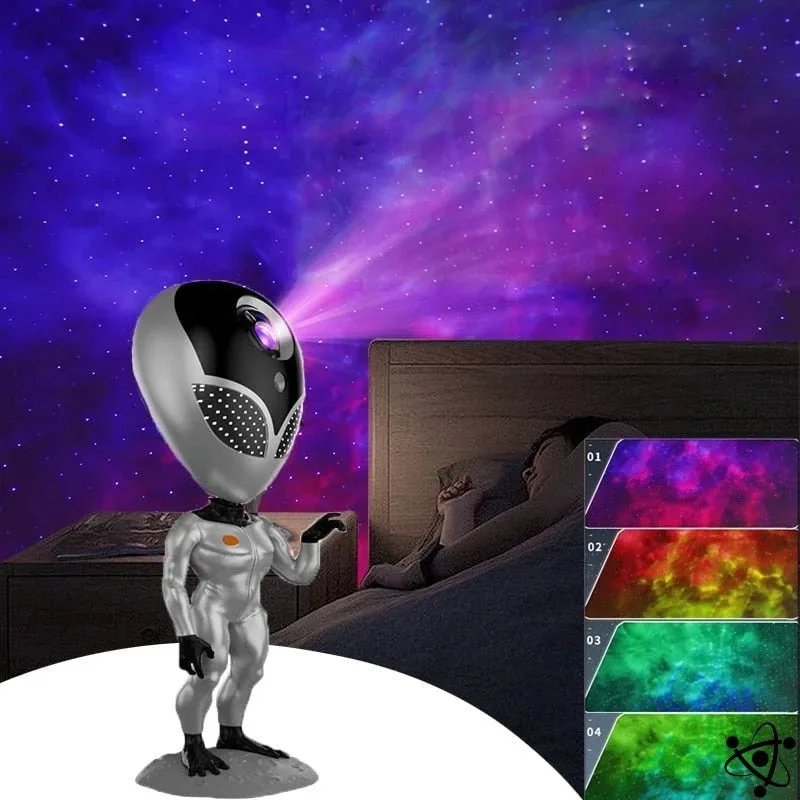
Galaxy Projector Alien
-
Astronaut Galaxy Projector: The Astronaut Galaxy Projector projects an enchanting display of stars and nebulae onto walls or ceilings. When the image is dim or missing, check if the lens is clean and the power adapter is fully plugged in.
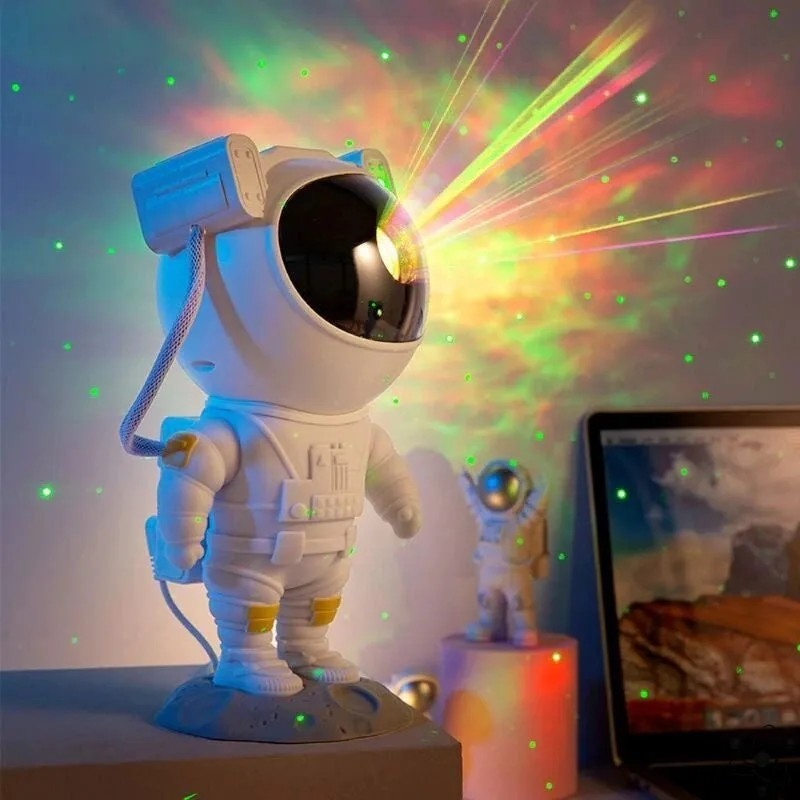
Astronaut Galaxy Projector


