Quick Answer
Installing a GameCube optical drive emulator (ODE) like PicoBoot or GCLoader replaces the disc drive with a digital solution. This guide walks you through preparation, soldering, and testing for a reliable setup.
Choose Your ODE Kit
The most common GameCube ODE options are PicoBoot, GCLoader, and KunaiGC. PicoBoot works with the original disc drive and loads Swiss from an SD card. GCLoader fully replaces the drive and boots games directly. KunaiGC is a newer option that offers similar functionality to GCLoader but with a different installation method. Your choice depends on whether you want to keep the disc drive (PicoBoot) or remove it entirely (GCLoader, KunaiGC).
All three kits require soldering to the GameCube motherboard. If you are not comfortable with soldering, consider a send-in service. Powr Up Gaming offers a GameCube Optical Drive Emulator (ODE) listing that lets you select the appropriate option based on your kit. This listing is intended for internal or configuration purposes, so contact them directly to confirm your choice.
Tools and Preparation
You will need a soldering iron with a fine tip, solder wick, flux, a small Phillips screwdriver, and a plastic spudger. For PicoBoot, you also need a Raspberry Pi Pico and an SD card. For GCLoader or KunaiGC, you need the ODE board itself. Work on a clean, static-free surface and unplug the GameCube before starting.
Installation Steps
- Disassemble the GameCube: Remove the outer shell, then disconnect the disc drive ribbon cable and power cable. Remove the metal shielding to expose the motherboard. Keep all screws organized. Common mistake: Forgetting to unplug the console or losing screws. Use a magnetic mat or container.
- Identify Solder Points: Locate the required solder points on the motherboard. For PicoBoot, you need to connect to the IPL chip pins. For GCLoader/KunaiGC, you need to solder to the disc drive connector pads. Refer to your kit's wiring diagram. Checkpoint: Use a multimeter to verify continuity between the pad and the chip pin before soldering.
- Solder the ODE Board: Tin the pads and the ODE board's wires. Solder each wire to its corresponding pad, ensuring no bridges. For PicoBoot, also solder the Pico to the IPL chip. Use flux for clean joints. Common mistake: Creating solder bridges. Inspect with a magnifying glass and use solder wick to remove excess.
- Reassemble and Test: Reinstall the metal shielding and outer shell. Do not put the disc drive back if you are using GCLoader or KunaiGC. Power on the console. For PicoBoot, Swiss should load from the SD card. For GCLoader, the ODE menu should appear. Checkpoint: If the console does not boot, double-check solder joints and wire connections. A cold joint is the most common cause.
Product Facts
-
GameCube Optical Drive Emulator (ODE): This listing is for a GameCube Optical Drive Emulator (ODE) and offers options including PicoBoot (with kit provided or customer-provided kit), GCLoader Gen1 (customer-provided kit), KunaiGC (customer-provided kit), or No. You can choose the exact ODE method that matches your skill level and hardware preference, whether you supply your own kit or order one included.
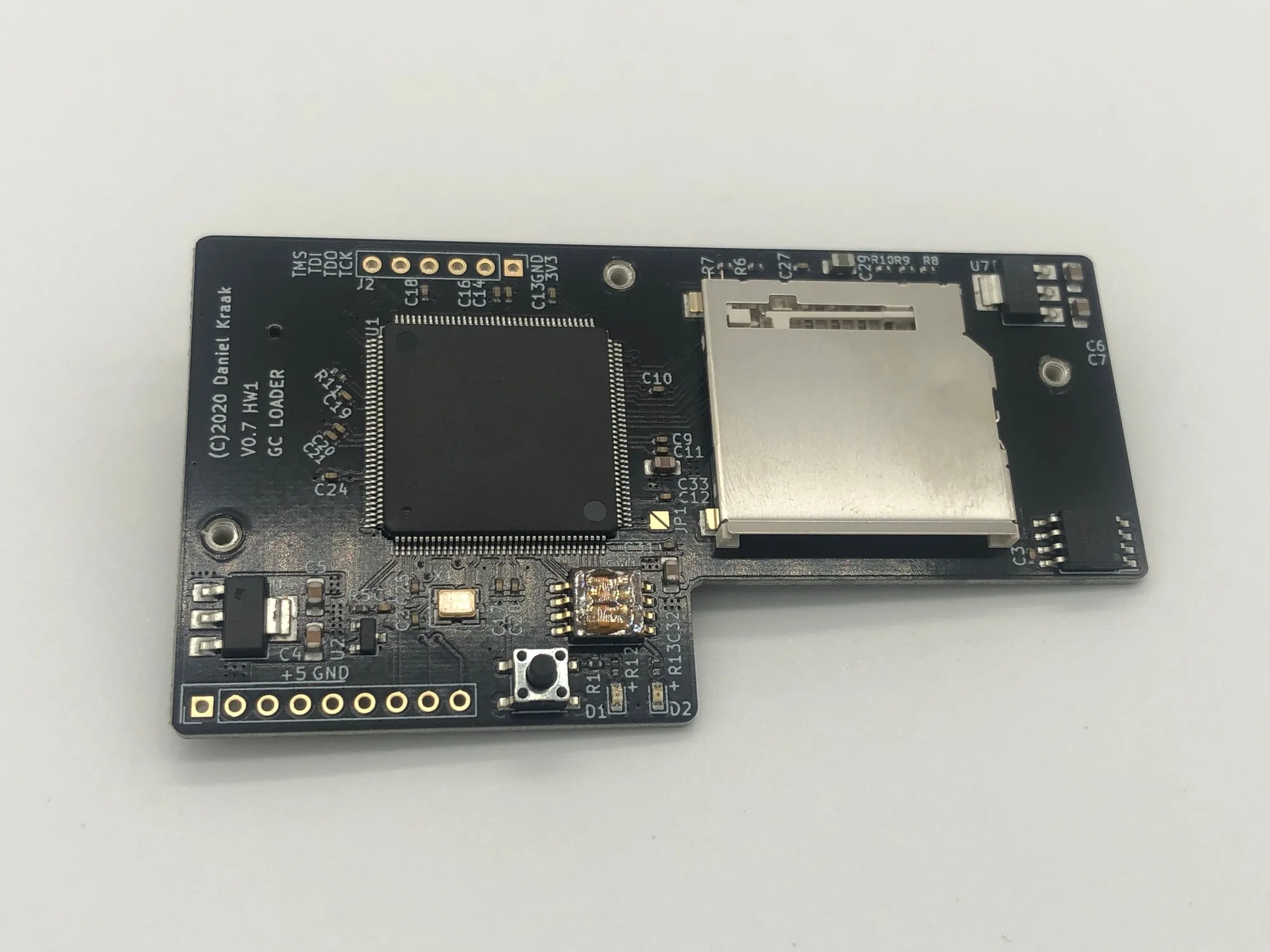
GameCube Optical Drive Emulator (ODE)