Quick answer
Most tight headsets can be made comfortable by stretching the headband over a slightly wider object for a few hours, adjusting the slider so the band sits higher on your head, and replacing worn or stiff ear pads. Stop if you feel sharp pain, numbness, or a headache that returns within minutes — that means the headset's shape or size is wrong for you, and no amount of stretching will fix it.
Why headsets clamp harder than they need to
Clamping force is the inward pressure the headband applies to keep the earcups sealed against your ears. Manufacturers tune it for a secure fit during movement, which is why a brand-new headset often feels tighter than the same model after a few weeks of use. The band gradually relaxes, but the initial break-in period is when most pressure headaches happen.
Two other factors make clamping feel worse than it is: earcup depth and pad material. Shallow cups press the driver grille against your ear, and stiff pads transmit more force to the side of your head. If your headset uses a suspension band or a rigid plastic arch, the adjustment range matters more than the clamping force itself.
- New headset: expect a break-in period of several days of normal use.
- Worn pads: flattened foam brings the hard cup closer to your ear.
- Wrong slider setting: a band that sits too low concentrates pressure at one point.
Safe ways to stretch a headset without damaging it
The safest stretch method uses a rigid object slightly wider than your head. Slide the headband over a stack of books, a small box, or a padded chair back and leave it for two to four hours. Repeat daily until the pressure eases. Never pull the earcups apart with your hands — that stresses the hinge and the band's internal wire, and it is the most common way people crack a headband.
Heat helps plastic relax, but it also softens the parts you do not want to deform. Keep the headset at room temperature. If the band is metal-reinforced, stretching is less effective because metal returns to its original shape; in that case, focus on pad swaps and fit adjustment instead.
- Stretch over a rigid object, not with your hands.
- Two to four hours per session, then test the fit.
- Avoid heat, sunlight, and hanging the headset by one cup.
Adjust the fit before you stretch anything
Many pressure complaints come from the slider position, not the band. Extending the sliders moves the earcups lower on your head and reduces the angle at which the band presses inward. Try one notch longer on each side, then check that the cups still cover your ears fully. If the band sits on the crown of your head rather than your temples, clamping force drops noticeably.
Glasses wearers should also check temple arms. Thick frames push the pads away from the head, which forces you to tighten the fit and increases pressure. Thinner frames or a headset with softer pads usually solve this without any stretching.
- Extend both sliders equally, one notch at a time.
- Keep the band on the crown, not the temples.
- Glasses arms: thinner frames reduce the need to over-tighten.
Ear pad replacement: the fix that also improves sound
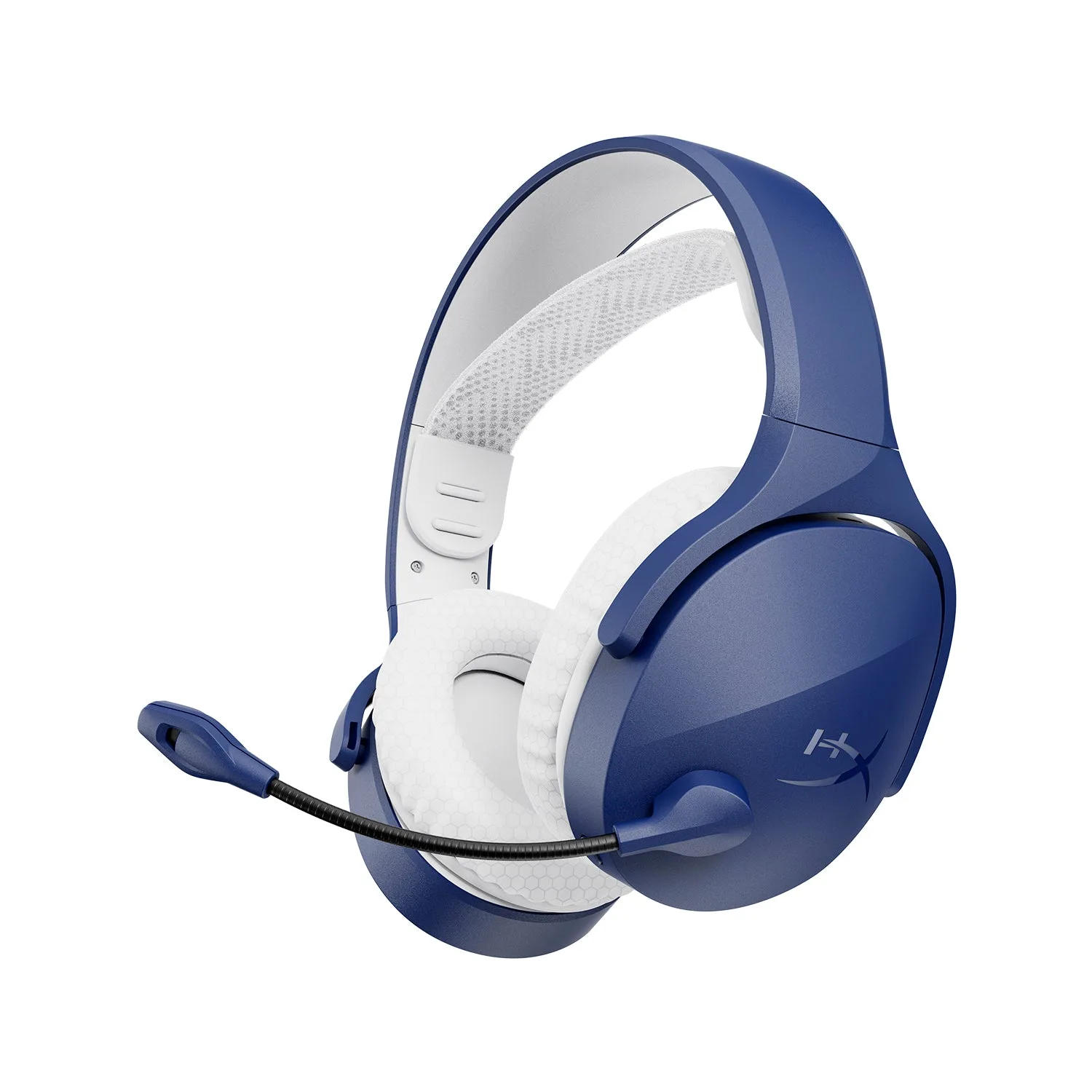
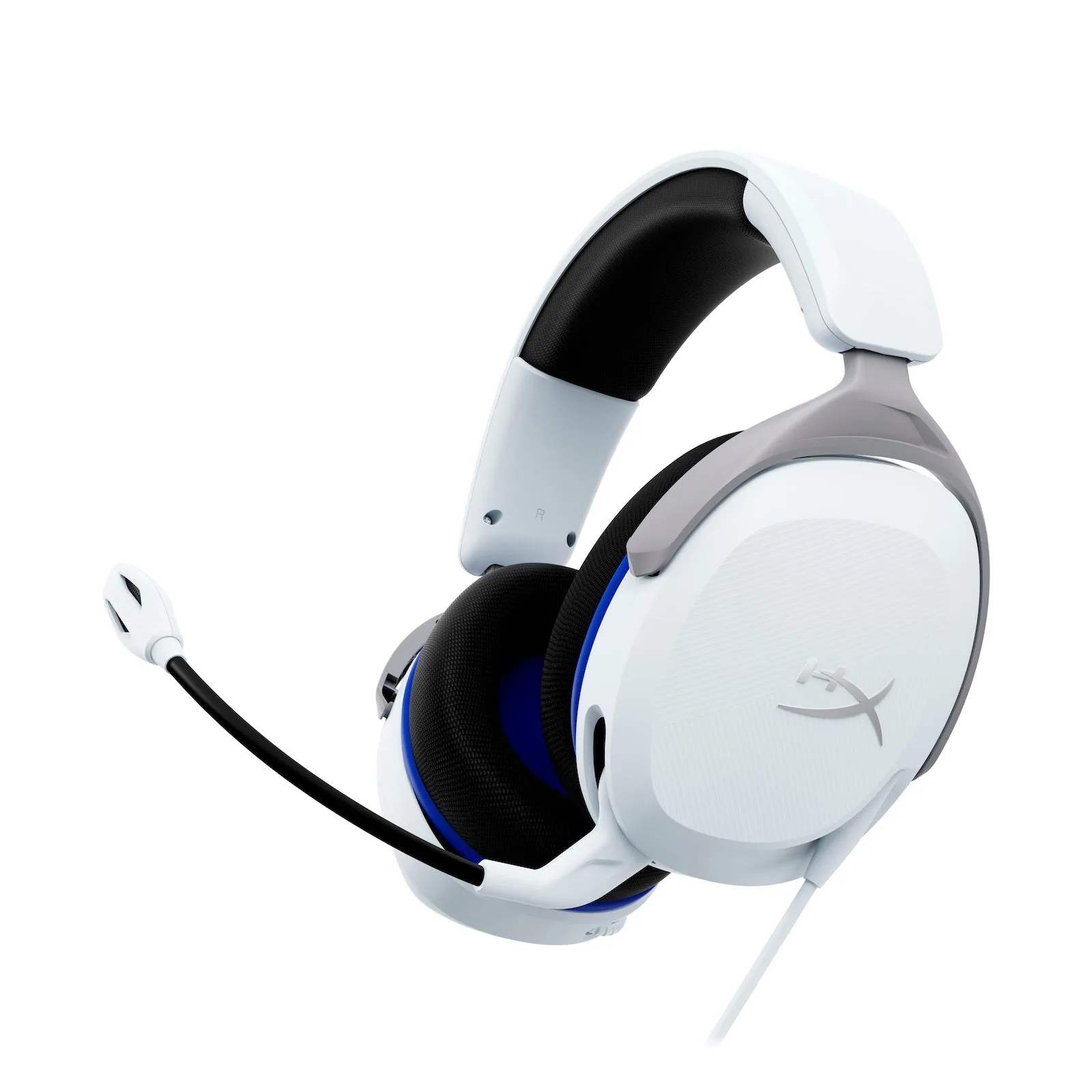
If the pads are flattened, stiff, or peeling, replacing them is often more effective than stretching. Thicker, softer pads increase the distance between the driver and your ear, which reduces pressure and can improve comfort during long sessions. On a headset like the HyperX Cloud Stinger 2 Core, the pads are the main contact point, so a fresh set restores the original fit.
Match the pad depth to your ear size. Very deep pads can reduce bass seal, while very shallow pads bring back the pressure you were trying to escape. If you are unsure, start with pads from the same manufacturer as your headset so the mounting ring and cup diameter match.
- Replace pads when foam no longer springs back.
- Thicker pads reduce pressure but can change bass response.
- Keep the original pads so you can compare after the swap.
When to stop stretching and choose another headset
Stop if you feel sharp pain, tingling, or numbness around your ears or jaw, or if a headache returns within a few minutes of putting the headset on. Those are signs the headband shape or cup size does not match your head, and continuing to stretch risks cracking the band without solving the problem.
If you have stretched, adjusted, and replaced pads and the pressure is still there, look for a headset with a wider adjustment range or a suspension-style band. The HyperX Cloud Jet, for example, uses a dual wireless design with 2.4GHz and Bluetooth 5.3, and its fit is aimed at gamers upgrading from entry-level gear — worth considering if your current headset simply will not relax.
- Stop at pain, numbness, or recurring headaches.
- Three failed fixes: stretching, slider adjustment, pad swap.
- Consider a different band style rather than forcing the fit.
Diagnose your tight headset
- Pressure only in the first week: New pads and bands relax with use. Stretch the band over a box for two to four hours a day and re-test. If it improves each day, keep going; if it does not change after a week, move to the next cause.
- Pressure at the temples or jaw: The band is sitting too low or the sliders are too short. Extend both sides one notch and move the band to the crown of your head. If the cups no longer seal around your ears, the headset size is wrong for you.
- Pressure plus flattened or stiff pads: Replace the ear pads with a thicker, softer set that matches your headset's mounting ring. If new pads restore comfort, keep the old ones as spares and replace again when they flatten.
- Pain, numbness, or a returning headache: This is not a break-in issue. Stop stretching and stop wearing the headset for long sessions. Choose a headset with a wider adjustment range or a suspension band instead.
Products that address fit and comfort
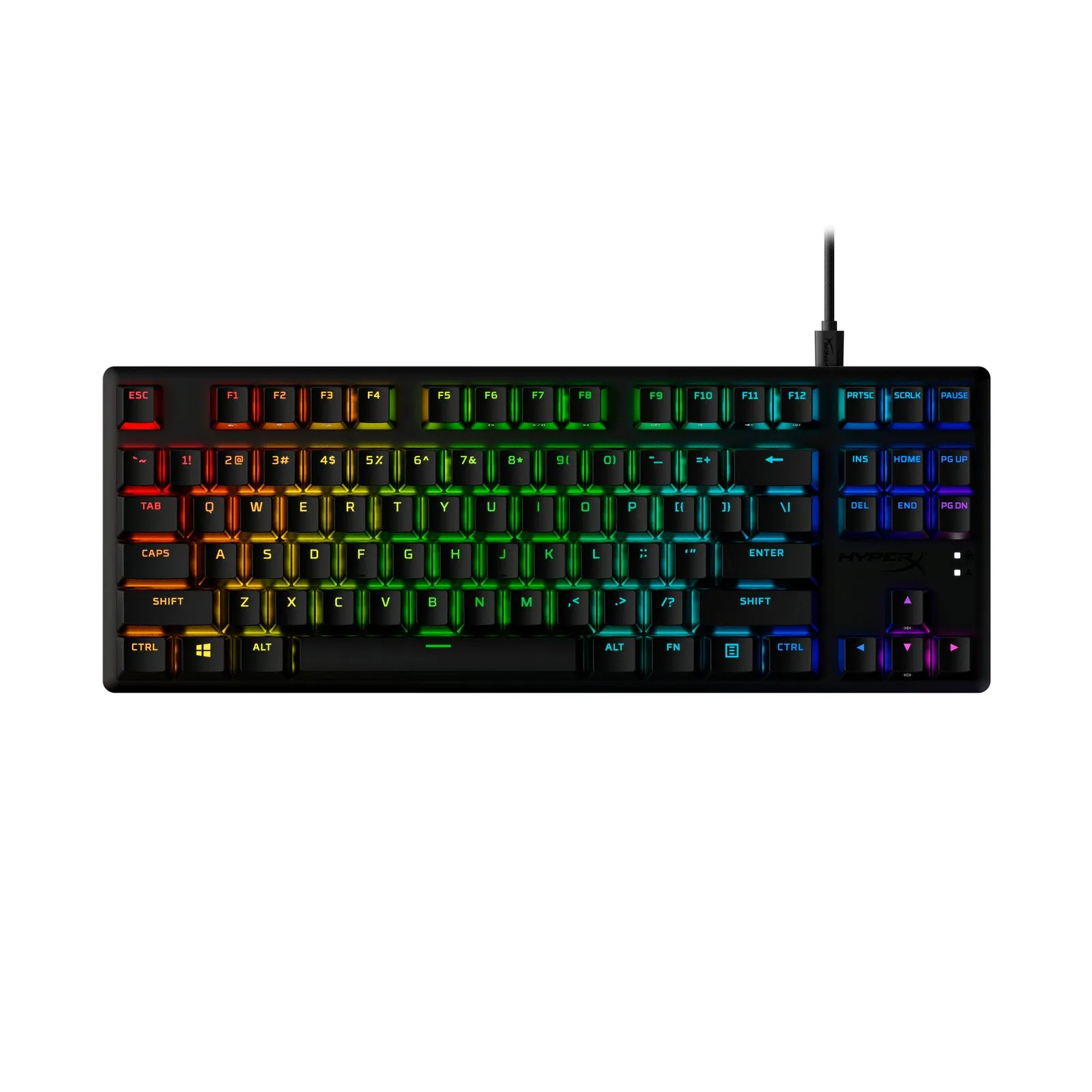
- HyperX Alloy Origins Core PBT HX Red Gaming Keyboard: The HyperX Alloy Origins Core PBT is an ultra-compact tenkeyless keyboard with pre-installed PBT keycaps and side-printing. A smaller keyboard frees desk space so you can position your headset and sit with a straighter neck, which reduces the tension that makes headset pressure feel worse.
- HyperX Cloud Stinger 2 Core - Gaming Headset - PlayStation: The HyperX Cloud Stinger 2 Core is an entry-level PlayStation headset with audio controls on the headset and a swivel-to-mute mic. Its on-headset controls mean you can adjust volume without reaching for a menu, so you are less likely to shift the headset and re-tighten it during a session.
- HyperX Cloud Jet - Wireless Gaming Headset: The HyperX Cloud Jet is a dual wireless headset with 2.4GHz and Bluetooth 5.3 connectivity and 40mm drivers. If stretching and pad swaps have not solved your pressure problem, a headset designed for upgraders with a different band and cup fit is a practical alternative to forcing a bad fit.