Quick answer
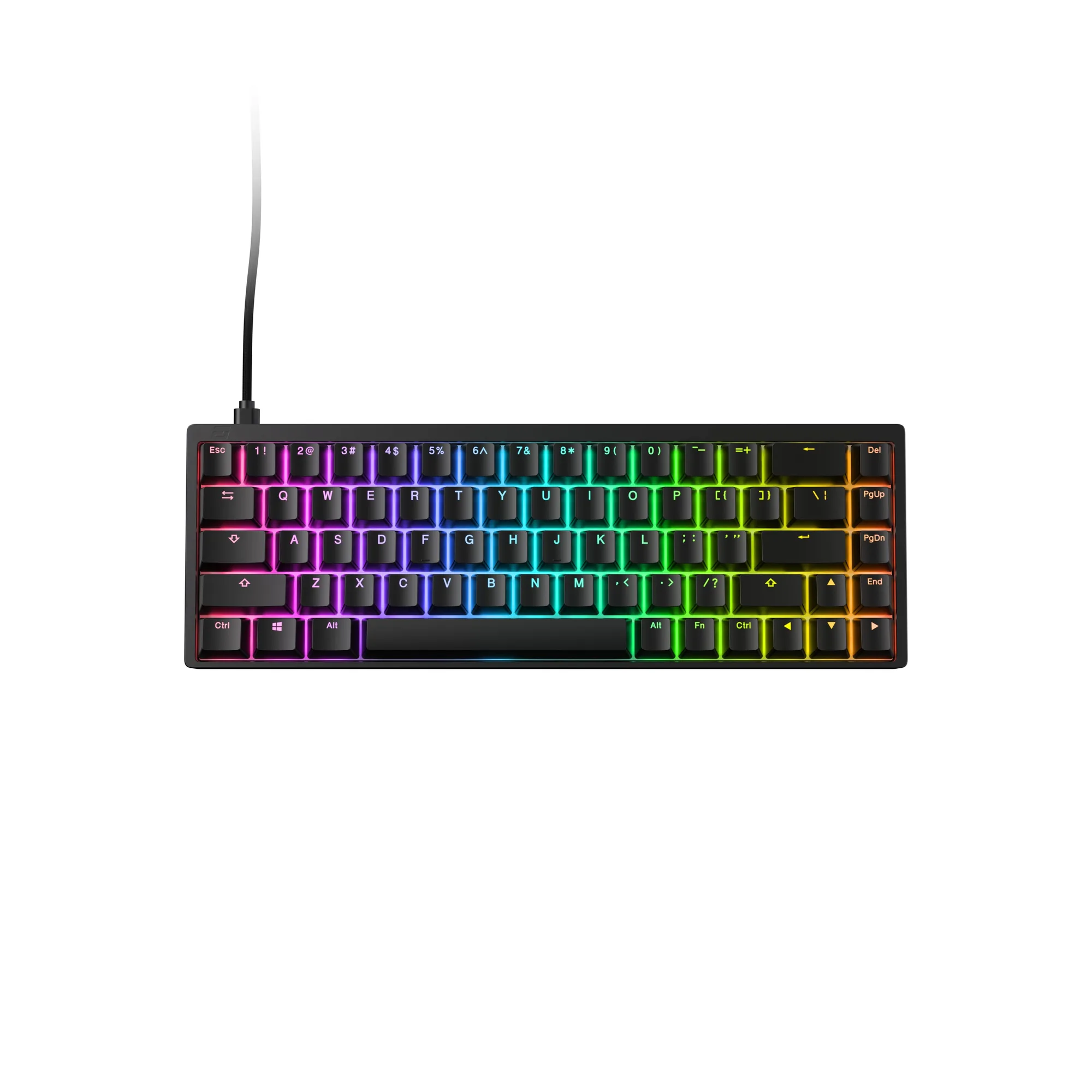
For most competitive gamers, a Hall Effect keyboard like the KB65HE 8k Hall Effect Gaming Keyboard - ANSI US is the strongest pick because Rapid Trigger and adjustable actuation give a measurable speed edge. If you mostly play casually or want a familiar feel, a smooth linear switch is the safest all-rounder, while tactile switches suit typing-heavy work where you want a physical bump. There is no single best keyboard switch for gaming; the right choice depends on whether you value reaction speed, typing feedback, or quiet operation.
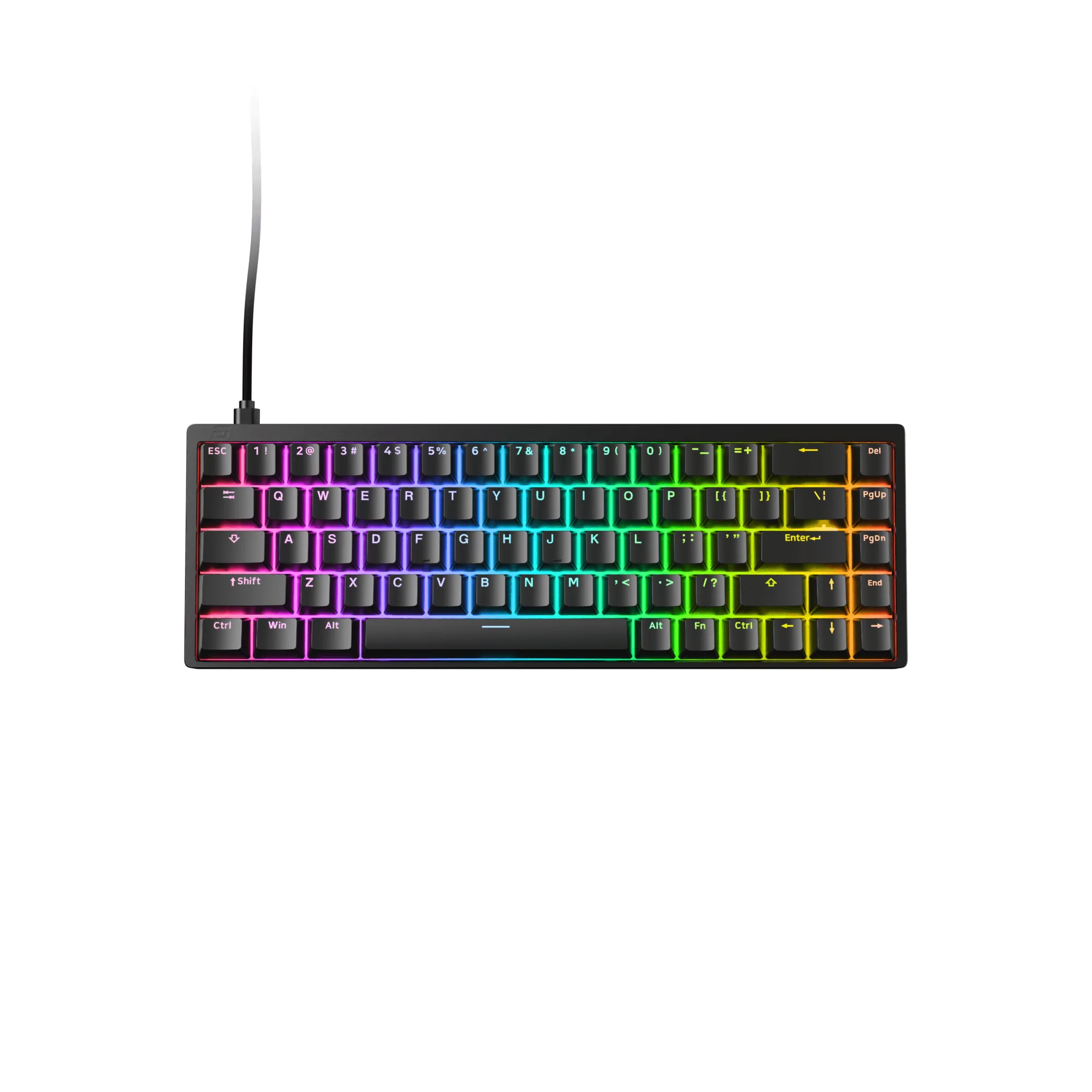
KB65HE 8k Hall Effect Gaming Keyboard - ANSI US
Keyboard switch types change far more than sound. They decide how much force you need, how far the key travels before it registers, and whether you feel a bump at the actuation point. For gaming, those differences show up as faster strafes, cleaner counter-strafes, and fewer misclicks.
This guide breaks down linear, tactile, and Hall Effect switches in plain terms, then gives you decision rules you can apply before you buy. We will also look at how a specific board like the KB65HE 8k Hall Effect Gaming Keyboard - ANSI US puts those principles to work.
What actually changes between switch types
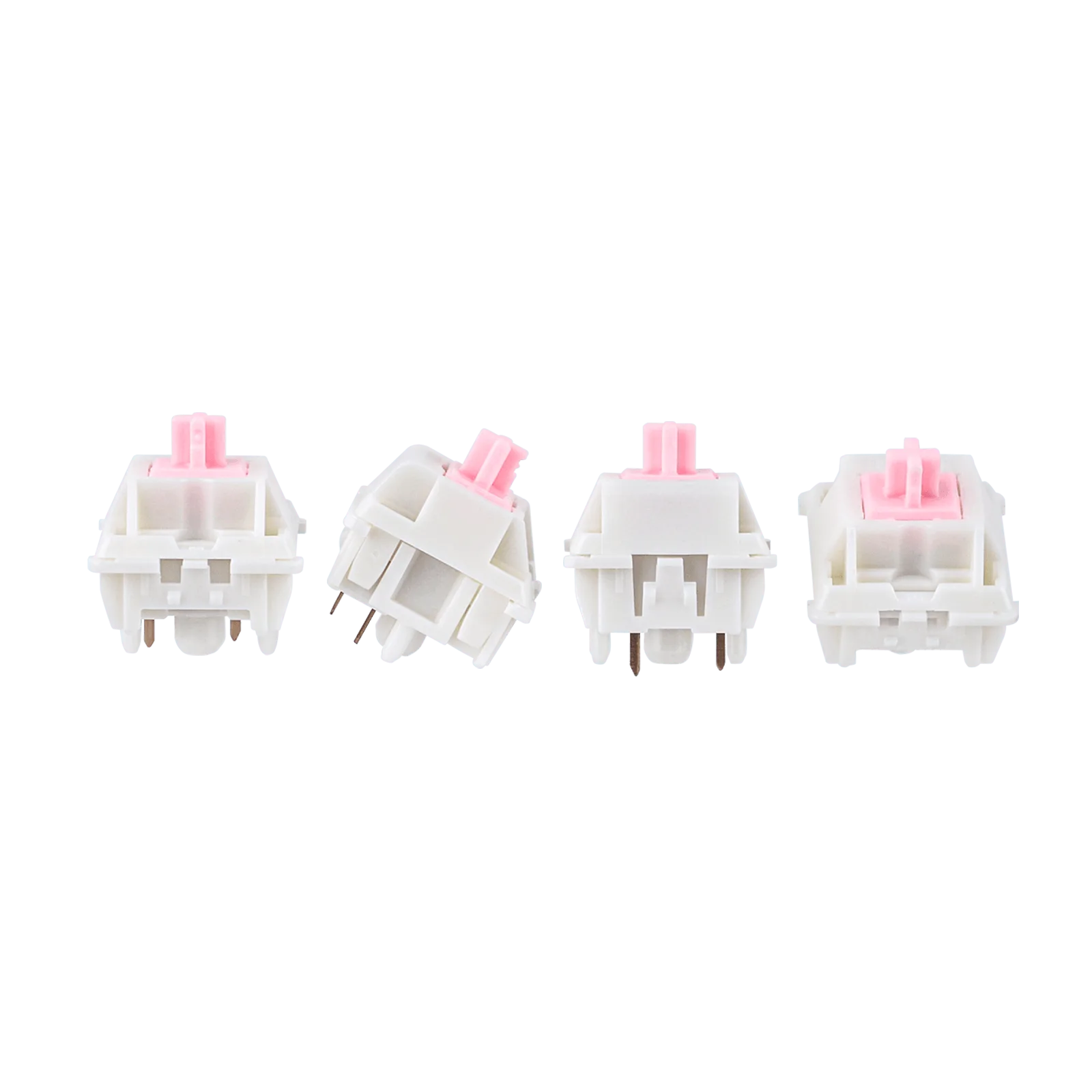
Every mechanical switch has an actuation point, the distance you press before the keystroke registers. Traditional mechanical switches, whether linear or tactile, use metal contacts that close at a fixed point. Linear switches feel smooth from top to bottom with no bump. Tactile switches add a noticeable bump right before actuation so you can feel when the key will fire. Hall Effect switches replace the metal contact with a magnetic sensor, which means the actuation point can be adjusted in software and the switch can reset the instant you begin releasing it.
That reset behavior is the big deal for gaming. On a standard mechanical switch, you must release past a reset point before you can press again. Hall Effect boards with Rapid Trigger let you re-press almost immediately, which matters for rapid strafing, bunny hops, and quick ability spam. The trade-off is that Hall Effect keyboards usually cost more and need software setup to feel their best.
- Linear: smooth, no bump, predictable, usually quiet.
- Tactile: a bump you can feel, helpful for typing accuracy.
- Hall Effect: adjustable actuation and Rapid Trigger, best for competitive play.
Linear switches: the smooth all-rounder
Linear switches are the default choice for many gamers because they are simple. You press, the key fires, and there is no bump to distract you. That consistency helps in games where you hold a key for movement or repeat the same input thousands of times. They also tend to be the quietest mechanical option, which is useful if you share a room or stream without a noise gate.
The downside is feel. Without a tactile bump, some typists find it harder to know exactly when a key registered, which can lead to bottoming out and a slightly mushy sensation. If you split your time between gaming and long writing sessions, a linear switch is still workable, but you may prefer a heavier spring weight to avoid accidental presses.
- Choose linear if you want smooth, predictable keystrokes for fast movement and low noise.
- Avoid very light linear springs if you rest your fingers heavily on the keys.
Tactile switches: feedback you can feel
Tactile switches give you a small bump at the actuation point. That bump tells your fingers when the key has fired without needing to bottom out, which can improve typing speed and reduce fatigue over long sessions. For gaming, the bump is mostly a preference; some players like the confirmation, while others find it slows down rapid repeated presses.
Tactile switches are often louder than linear ones because the bump mechanism adds noise. If you play in a quiet environment or use an open microphone, that clack can bleed into voice chat. They are a strong fit for players who also do a lot of writing, coding, or productivity work and want one keyboard to handle both.
- Choose tactile if you want clear feedback for typing and do not mind a bit more noise.
- Skip tactile if you want the absolute fastest repeated presses for competitive shooters.
Hall Effect switches: speed and adjustability
Hall Effect switches use magnetic sensing instead of metal contacts. That design allows two things mechanical switches cannot do: adjustable actuation distance and Rapid Trigger. Adjustable actuation means you can set each key to fire earlier or later depending on how you play. Rapid Trigger means the key resets the moment you release it, so your next press registers sooner. For competitive games, that can translate into faster counter-strafes and more responsive movement.
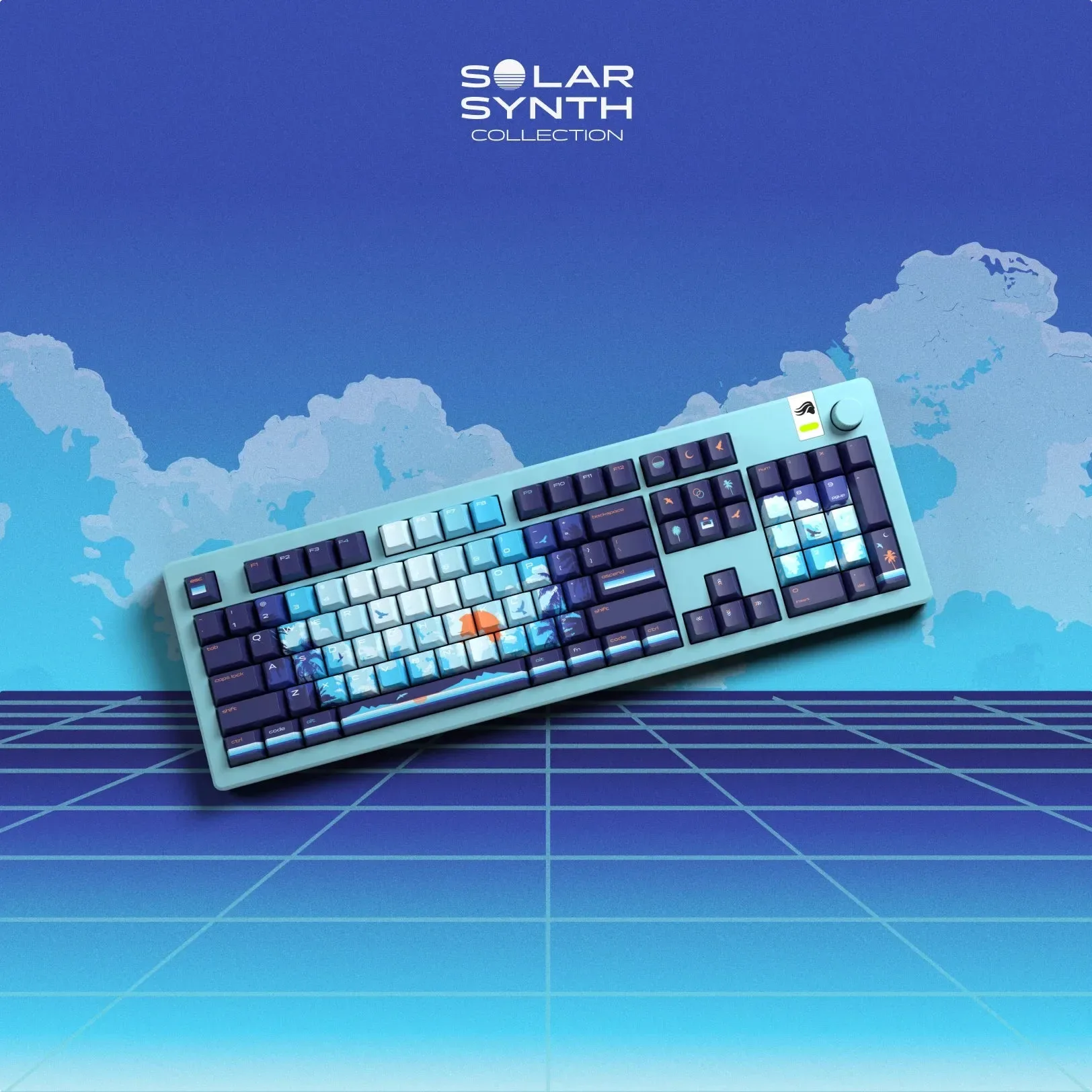
The KB65HE 8k Hall Effect Gaming Keyboard - ANSI US is a clear example. It offers true 8000Hz polling and scan rate, Hall Effect technology, and Rapid Trigger for near-instant responsiveness. It uses silent Raesha Magnetic switches with a smooth, lightweight feel and enhanced acoustic dampening for a deeper sound. That combination suits players who want speed without a loud, hollow typing sound.
- Choose Hall Effect if you play competitive shooters or fighting games and want the lowest possible input delay.
- Plan to spend time in software tuning actuation and Rapid Trigger to get the benefit.
How to match switch type to your play style
Start with the games you play most. If you grind ranked shooters, Hall Effect is the most future-proof pick because you can tune it as your preferences change. If you play a mix of genres and want something that feels good out of the box, a linear switch is the least fussy option. If you type more than you game, tactile switches give you the feedback that makes long writing sessions more comfortable.
Also consider your environment. Silent or quiet switches matter if you share a space, record audio, or play late at night. Hall Effect boards can be quiet too, especially when paired with silent magnetic switches and acoustic dampening. Finally, think about setup time. Hall Effect keyboards reward players who are willing to adjust actuation points and test Rapid Trigger settings, while mechanical switches are plug-and-play.
- Competitive shooter main: Hall Effect with Rapid Trigger.
- Mixed gaming and typing: linear or tactile depending on whether you want a bump.
- Quiet environment: silent linear or silent magnetic switches.
Decision rules for choosing a gaming keyboard switch type
- If you play competitive shooters and want the lowest input delay: Pick a Hall Effect keyboard and enable Rapid Trigger. Set actuation around 1.0–1.5mm to start, then adjust per key if the software allows. The KB65HE 8k Hall Effect Gaming Keyboard - ANSI US is built for this with true 8000Hz polling and scan rate. Best for ranked play where reaction time decides rounds.
- If you want one keyboard for gaming and long typing sessions: Choose tactile switches if you want a bump to confirm actuation, or linear switches if you prefer smooth, quiet presses. Tactile helps typing accuracy; linear helps fast repeated presses. Tactile for typists, linear for low-noise all-rounders.
- If you share a room, stream, or record audio: Prioritize silent or quiet switches. Silent linear mechanical switches and silent magnetic switches both reduce noise. The KB65HE 8k Hall Effect Gaming Keyboard - ANSI US uses silent Raesha Magnetic switches and acoustic dampening for a soft, quiet feel. Quiet switches keep your microphone clean and your roommates happy.
- If you want plug-and-play with zero software tuning: Stick with a standard mechanical keyboard using linear or tactile switches. Hall Effect boards reward players who adjust actuation and Rapid Trigger settings, so skip them if you will not use the software. No tuning, no problem: mechanical switches are simpler.
Product facts that matter for switch choice
- KB65HE 8k Hall Effect Gaming Keyboard - ANSI US: The KB65HE 8K delivers ultra-fast performance with true 8000Hz polling and scan rate, Hall Effect technology, and Rapid Trigger for near-instant responsiveness. Silent Raesha Magnetic switches provide smooth, lightweight keystrokes with a soft, quiet feel, while enhanced acoustic dampening creates a deep and satisfying sound profile. This is the board to pick if you want Hall Effect speed plus a quiet, smooth typing feel. The 8000Hz polling and Rapid Trigger directly target competitive input latency, while the silent magnetic switches keep it usable in shared spaces.
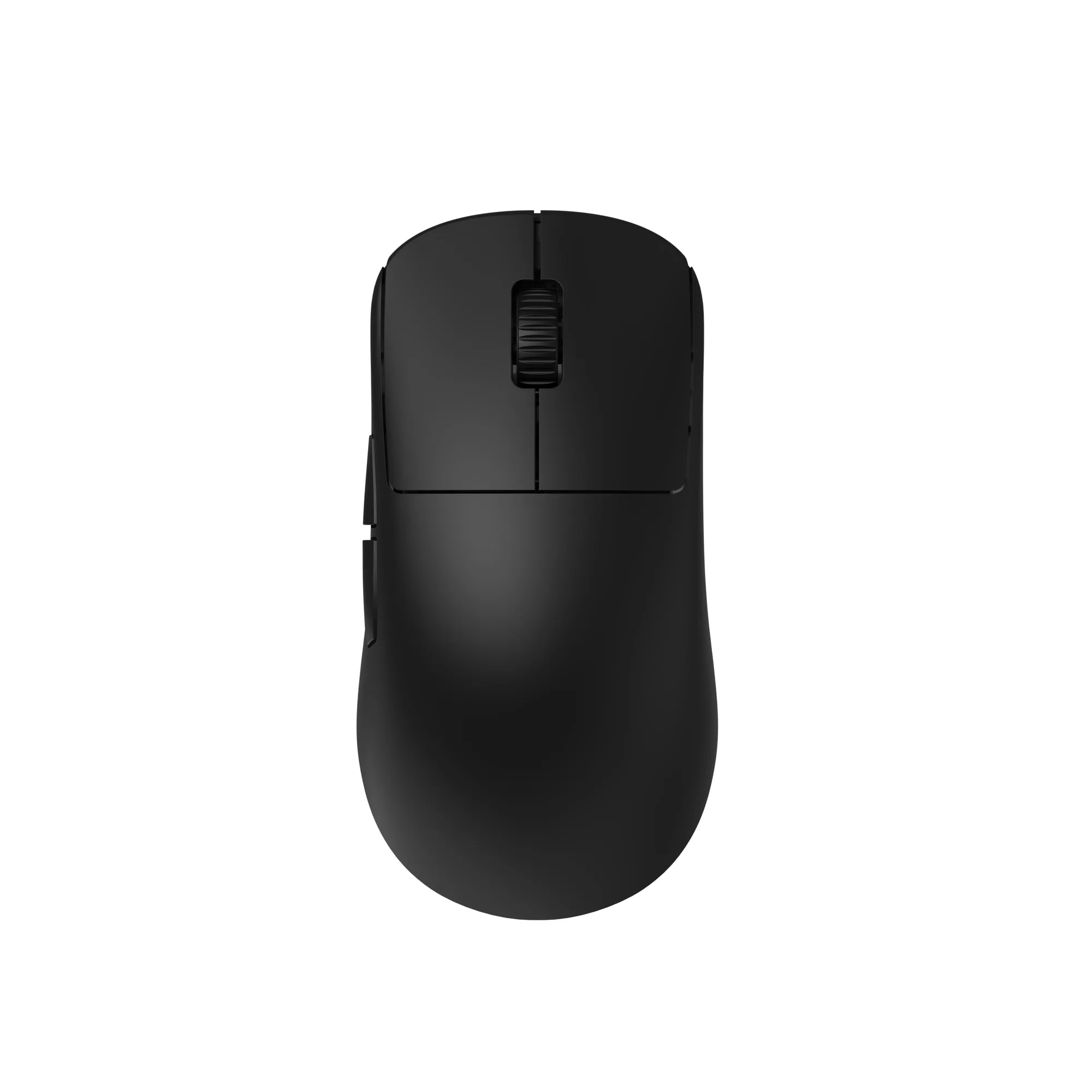
- OP1w 4k v2 Wireless Gaming Mouse: The OP1w 4k v2 combines the PixArt PAW3950 sensor, up to 4000Hz wireless polling, and Kailh GX mechanical switches for precise, responsive performance. Hot-swappable switches and a dustproof Kailh encoder provide enhanced customization and durability. If you are already thinking about switch feel, the OP1w 4k v2 lets you carry that interest into your mouse. Hot-swappable Kailh GX switches mean you can change click feel without replacing the whole mouse, which is a practical complement to a switch-focused keyboard setup.
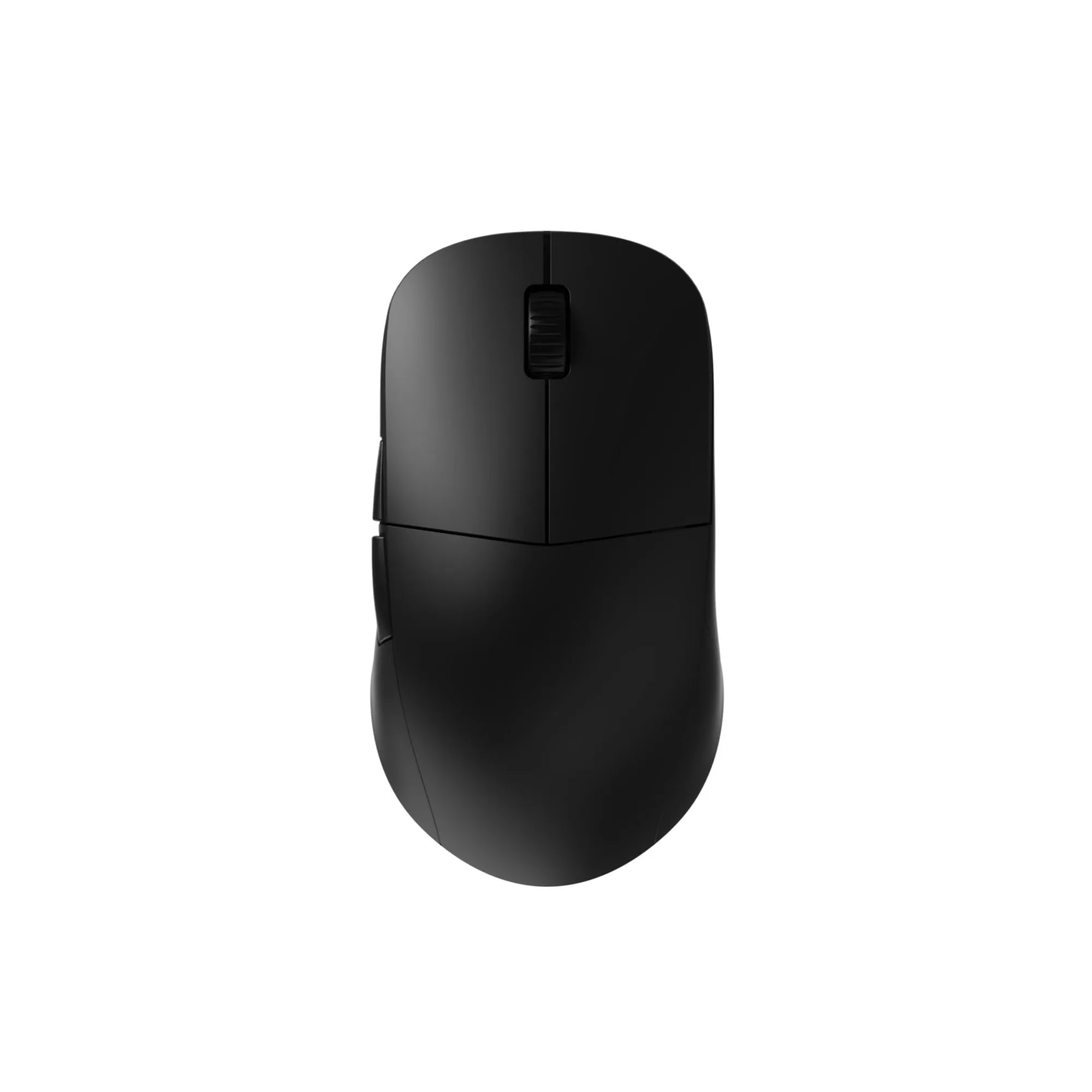
- XM2w 4k Wireless Gaming Mouse: The XM2w 4k Wireless Gaming Mouse is equipped with the PixArt PAW3395 sensor, a Nordic MCU, and a high polling rate dongle, delivering outstanding performance at up to 4000Hz wireless. A high polling rate mouse pairs naturally with a fast keyboard. If you choose a Hall Effect board for lower input latency, matching it with a 4000Hz wireless mouse keeps your whole input chain responsive.
Who should buy which switch type
Best for
- Competitive FPS and fighting game players who want adjustable actuation and Rapid Trigger
- Players who want a quiet board with fast response and are willing to tune settings
- Gamers who also type heavily and want one keyboard for both
Not for
- Buyers who want zero setup and never open configuration software
- Players who prefer a pronounced tactile bump and loud, clicky feedback
- Anyone on a strict budget who does not need adjustable actuation
Switch type is a personal fit, not a ranking. Linear is smooth and simple, tactile adds feedback for typing, and Hall Effect gives competitive players adjustable speed. If you want the most tunable option for gaming, start with the KB65HE 8k Hall Effect Gaming Keyboard - ANSI US and set your actuation points to match how you play. If you prefer plug-and-play, a quality linear or tactile mechanical board will serve you well for years.