Quick answer
Start with 100% PTFE skates in the shape made for your exact mouse model. Thickness should match your stock feet so you don't change sensor height or scrape the pad. For Endgame Gear mice, the XM2 Mouse Skates and OP1 Mouse Skates are the direct-fit options.
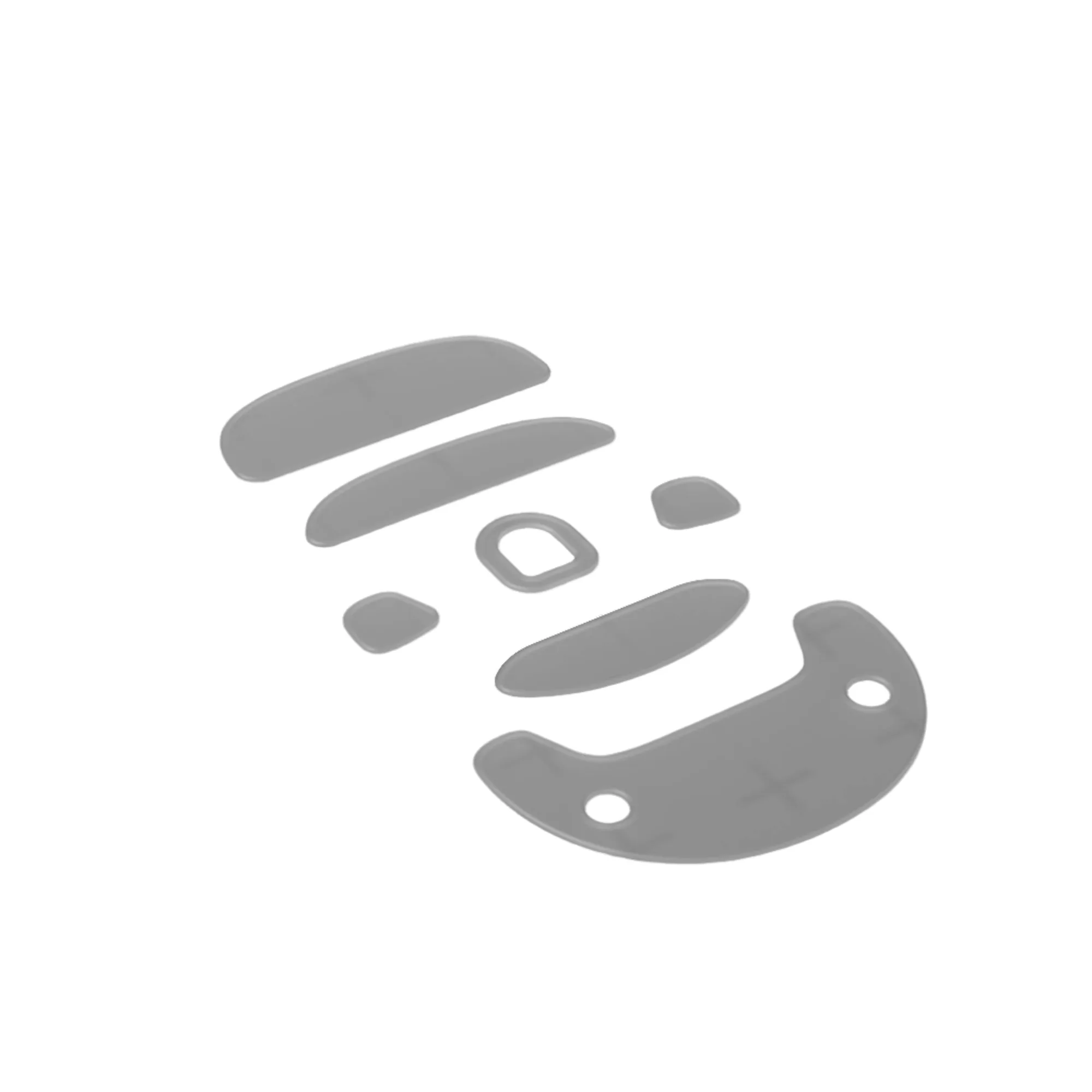
OP1 Mouse Skates
Your mouse skates are the only part of your setup that touches the pad. They decide how much force it takes to start a flick, how consistently you stop, and how much vibration you feel through the shell. A new set costs less than most mousepads, but the wrong material or thickness can make a good mouse feel worse.
This buying guide explains the three decisions that actually matter: material, thickness, and compatibility. It also covers when to replace skates and how to match them to your pad and grip style. Use it to pick a set with confidence instead of guessing from product photos.
Material: what PTFE does and what to avoid
Nearly all aftermarket mouse skates are made from PTFE, a low-friction plastic. Endgame Gear skates use 100% PTFE, which gives a consistent glide without the sticky start-up feel of worn stock feet. Pure PTFE is soft enough to conform slightly to the pad surface, so it stays quiet and smooth over time. Avoid skates with unclear material blends or hard coatings; they can scratch a cloth pad or wear unevenly.
If you want the smoothest possible glide, look for virgin PTFE. If you want a bit more control, a slightly thicker PTFE skate can add stability because it spreads contact over a larger area. There is no universal best material, but 100% PTFE is the safest starting point for cloth and hybrid pads.
- Check the product description for '100% PTFE' rather than vague terms like 'smooth compound'.
- Avoid metal or ceramic skates unless you use a hard pad and accept faster wear.
Thickness: how it changes feel and fit
Skate thickness affects two things: how the mouse sits in your hand and how much the skate edges catch on the pad. Stock skates are usually around 0.6 to 0.8 mm. Replacing them with a much thicker set raises the mouse body, which can change your sensor's lift-off distance and make the shell feel taller. A much thinner set can cause the mouse base to scrape.
For most players, matching the stock thickness is the right call. If you use a very soft cloth pad, a slightly thicker skate can reduce the chance of the pad bunching under the edges. If you use a hard pad, stay close to stock thickness so the sensor height stays predictable. Endgame Gear's XM2 and OP1 skates are designed as direct replacements, so they keep the intended geometry.
- Measure your old skates with calipers if you are unsure of the thickness.
- After installing, check that the mouse does not rock and the sensor still tracks at your usual lift-off height.
Compatibility: shape, model, and pad pairing
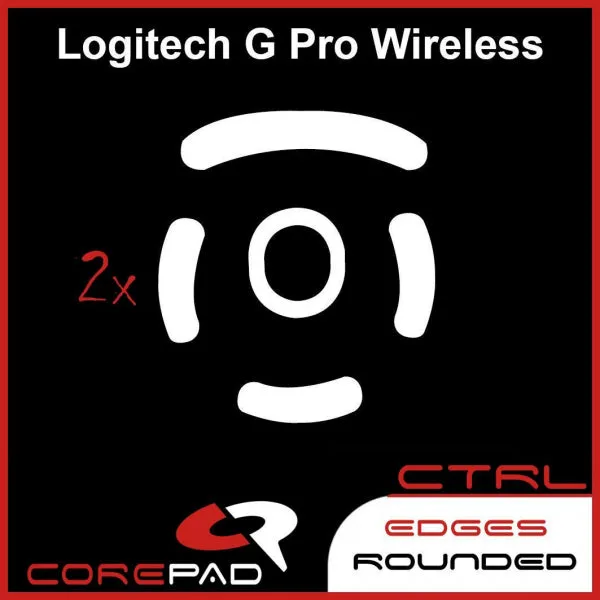
Skate shape is model-specific. A set made for the XM2 will not fit the OP1, and generic oval skates often leave gaps or overlap screw holes. Always match the skate to your exact mouse model. Endgame Gear lists separate skates for the XM2 and OP1, which removes the guesswork. If you use a third-party mouse, check the manufacturer's cutout diagram before buying.
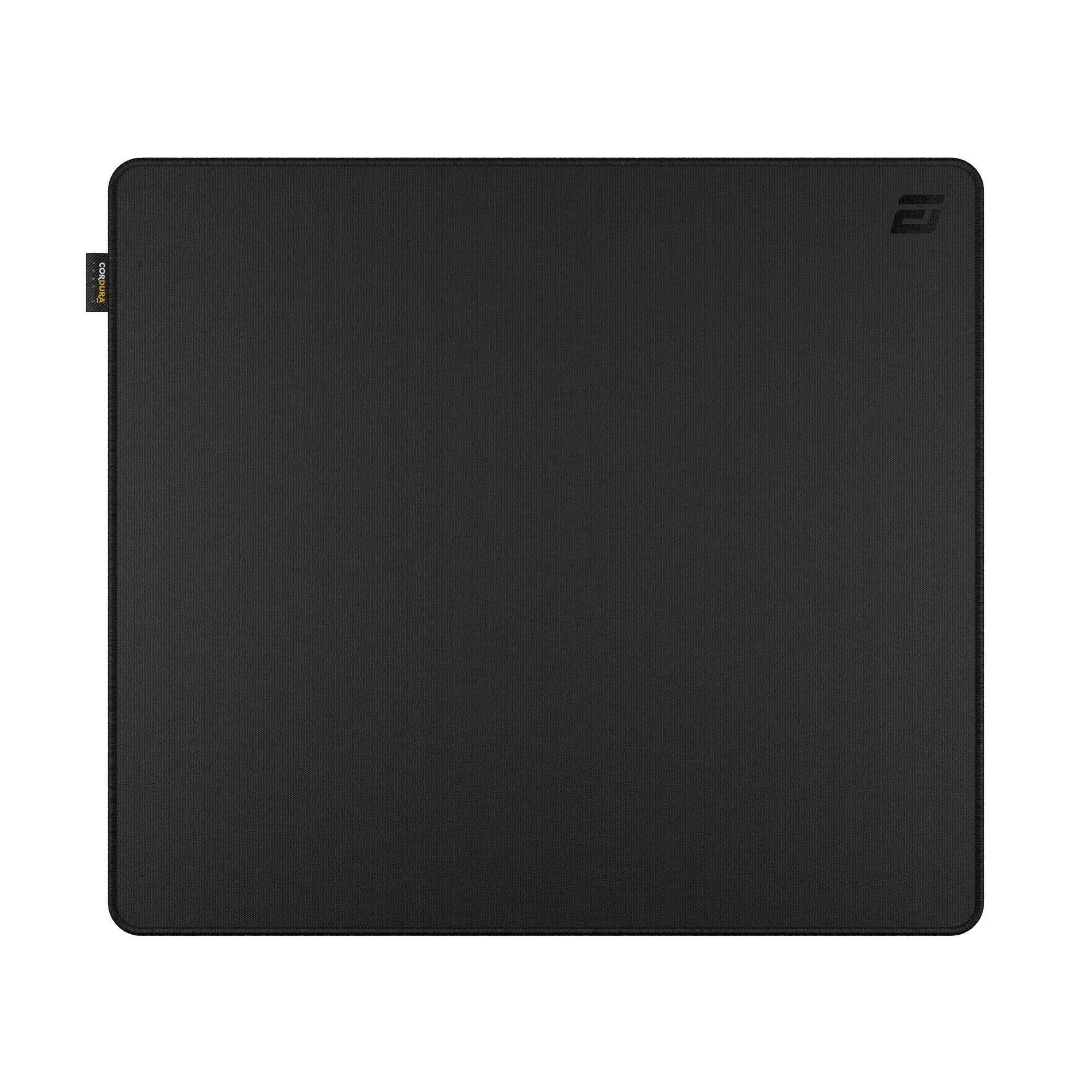
Pad pairing matters too. PTFE skates glide smoothly on cloth and hybrid surfaces like the MPC450 CORDURA® Gaming Mousepad. On a rough or dirty pad, even good skates will feel scratchy. Clean your pad before installing new skates, and replace the skates if you switch between very different pad textures often.
- Confirm the skate name matches your mouse model exactly (for example, XM2 vs OP1).
- If your mouse has a honeycomb base, make sure the skate does not cover sensor openings.
When to replace and what to expect
Replace skates when you feel a scratchy or inconsistent glide, see visible flat spots, or notice the mouse catching during small adjustments. Worn PTFE gets polished and thin, which can expose the adhesive or the mouse base. A fresh set restores the original glide and protects the pad from sharp edges.
New skates often feel faster for the first few hours. That is normal. Give them a short break-in period on your usual pad before judging the feel. If they still feel too fast, a control-oriented pad like the MPC450 CORDURA® Gaming Mousepad can balance the speed without changing the skates again.
- Keep a spare set so you can replace worn skates immediately before a tournament or ranked session.
- Clean the mouse base with isopropyl alcohol before applying new skates for better adhesion.
Decision rules for buying mouse skates
- If you use an Endgame Gear XM2: Buy the XM2 Mouse Skates. They are cut for that shell and use 100% PTFE, so you get the intended glide without modifying anything. Checkpoint: the skate name must say XM2, not OP1.
- If you use an Endgame Gear OP1: Buy the OP1 Mouse Skates. The shape matches the OP1 base and avoids gaps around the sensor ring. Checkpoint: confirm your mouse model on the underside label before ordering.
- If you are unsure about thickness: Match your stock skate thickness. If you cannot measure it, choose the direct-fit option from your mouse manufacturer rather than a universal set. Checkpoint: after install, the mouse should not rock or scrape.
- If you want more control: Pair PTFE skates with a control-oriented pad like the MPC450 CORDURA® Gaming Mousepad instead of switching to a slower skate material. Checkpoint: change one variable at a time so you know what caused the difference.
Endgame Gear skates and pads that fit this guide
- XM2 Mouse Skates: Milky-white XM2 Mouse Skates crafted from 100% PTFE for undisturbed gliding and reduced strain from repetitive fast movements. Direct-fit replacement for the XM2 that keeps the original glide feel and protects your pad from worn edges.
- OP1 Mouse Skates: Pristine milky-white OP1 Mouse Skates made from 100% PTFE for uninterrupted gliding and less strain during swift motions. The correct shape for the OP1, so you avoid trimming generic skates or covering screw holes.
- MPC450 CORDURA® Gaming Mousepad: Durable, water-resistant CORDURA® surface with smooth glide and precise tracking in a compact size for smaller setups. A consistent pad surface helps you judge whether new skates feel right and keeps glide predictable.
Who should buy which skates
Best for
- Owners of an Endgame Gear XM2 or OP1 who want a direct-fit PTFE replacement.
- Players who want a smooth, consistent glide on cloth or hybrid mousepads.
- Anyone replacing worn stock feet without changing mouse height or sensor feel.
Not for
- Users of other mouse brands who need a model-specific shape; check that brand's skates instead.
- Players looking for a hard, ceramic, or metal skate material for a glass pad.
Pick skates by exact model first, then by 100% PTFE material, then by stock-matching thickness. For Endgame Gear mice, the XM2 Mouse Skates and OP1 Mouse Skates are the straightforward choices. Pair them with a clean, consistent pad and replace them when glide turns scratchy.