Quick answer
ANPR cameras use AI and optical character recognition to read license plates in real time. With a POE ANPR camera like the Defender Pro 4MP, you can record plate data for access control or security audits.
What makes an ANPR camera different from a regular security camera
A standard security camera records video; an ANPR camera is built to capture and decode license plates. It uses dedicated firmware and often a specialized sensor that can handle high contrast and fast-moving vehicles. The Defender Pro 4MP AI Powered ANPR POE Bullet Camera, for instance, combines a 4MP sensor with onboard AI processing to extract plate numbers without sending raw video to a server.
Where ANPR cameras work best and where they struggle
ANPR cameras excel at controlled entry points: parking lots, gates, toll booths, and building entrances. They need a clear, unobstructed view of the plate and consistent lighting. Low-angle sunlight, dirty plates, or extreme weather can reduce accuracy. Night operation requires IR illumination that doesn't wash out reflective plates. Test your camera at different times of day before finalizing placement.
How to set up a POE ANPR camera in 5 steps
- Mount the camera at the correct height and angle: Position the camera 10–15 feet high, angled down so the plate fills roughly 30–40% of the frame. For a bullet camera like the Defender Pro, use the adjustable bracket to aim the lens at the approach lane. A common mistake is mounting too high or too low—plates become too small or are cropped out entirely. Test the field of view with a vehicle before tightening all bolts.
- Connect Power over Ethernet (POE): Run a single Cat6 cable from a POE switch or injector to the camera. Use shielded cable for outdoor runs longer than 100 feet to avoid signal loss. A frequent checkpoint: verify the switch port supplies at least 30W (802.3at) for the camera and heater if equipped.
- Configure the IP address and network settings: Assign a static IP address to the camera via its web interface or a DHCP reservation on your router. This prevents the address from changing after a power cycle. Do not rely on automatic IP assignment for ANPR cameras—you need a fixed address for reliable NVR or software integration. Write down the IP and subnet mask for future reference.
- Enable ANPR and adjust trigger zones: Log into the camera’s web GUI, navigate to the ANPR or Smart Event menu, and turn on license plate recognition. Draw a detection zone covering only the lane where vehicles pass. A typical error: leaving the zone too wide, causing false reads from parked cars or pedestrians. Set the minimum plate size threshold to avoid reading distant plates that are too blurry.
- Test with multiple vehicles and lighting conditions: Drive a car through the detection area during daytime, dusk, and night. Check the camera’s event log for captured plates. If nighttime reads fail, adjust the IR intensity or add an external IR illuminator. Do not finalize the installation until you have at least 10 successful reads in each condition. Run a week-long test before relying on the ANPR data for access control.
Product spotlight
-
Defender Pro 4MP AI POWERED ANPR POE Bullet Camera: The Defender Pro 4MP AI Powered ANPR POE Bullet Camera features 4MP resolution and AI-powered ANPR for automated license plate recognition. Higher resolution helps the AI read plates at greater distances, while onboard processing means you don't need a separate server for plate decoding.
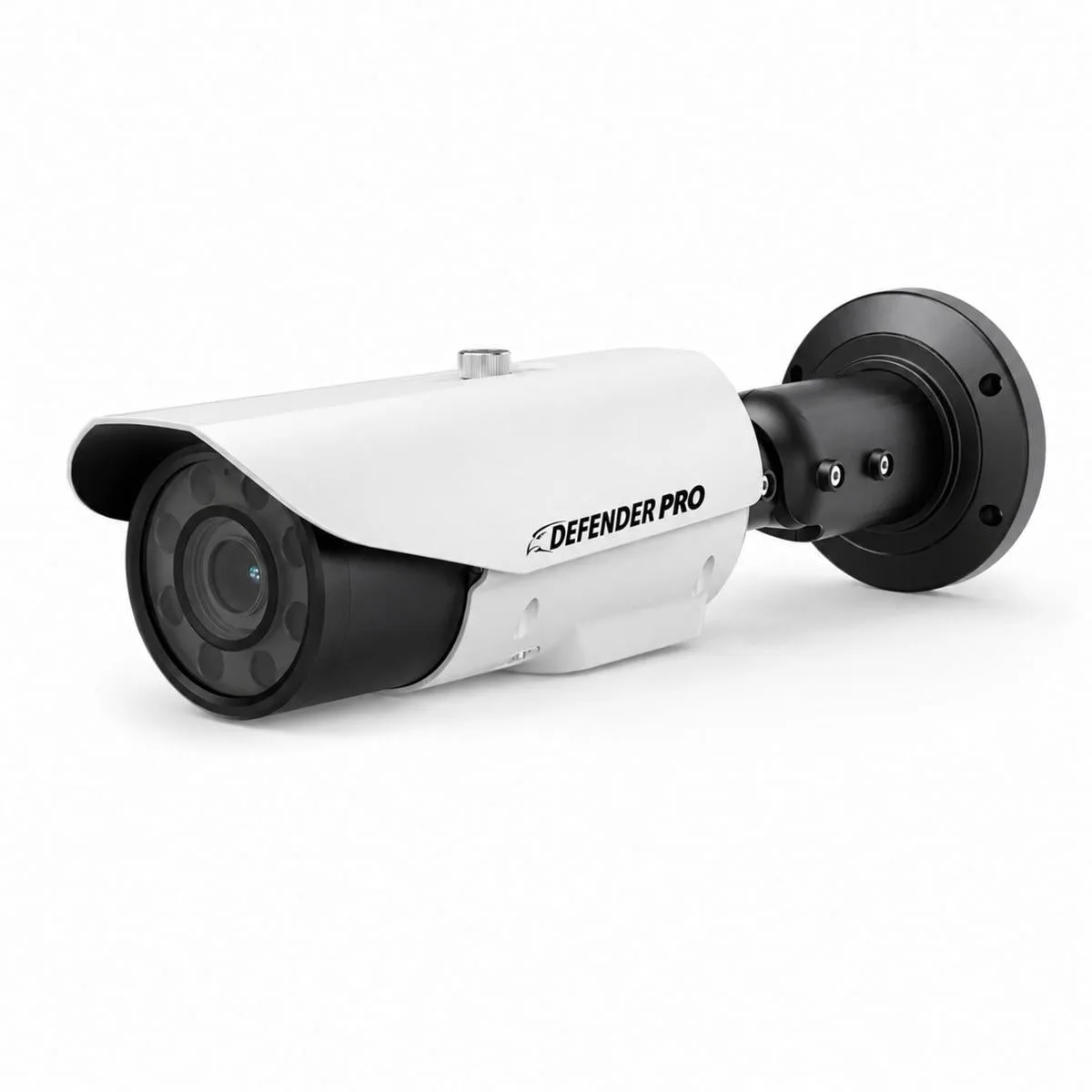
Defender Pro 4MP AI POWERED ANPR POE Bullet Camera