Quick Answer
Add the Personalization add-on to your cart during checkout for select Bala products. Choose your custom detail, complete your purchase, and your item will be made uniquely yours.
Which Bala Products Can Be Personalized?
Personalization is available for select Bala products only. During checkout, the option will appear if the item in your cart qualifies. If you don’t see the add-on, that product does not support customization.
The Personalization add-on costs $0.65 (regularly $1.00) and includes a standard personalization option. You can add a custom detail such as initials, a short name, or a small symbol to make the item feel more personal.
Important: Personalized Items Are Non-Returnable
Because each personalized item is made specifically for you, it cannot be returned or exchanged. Double-check your customization details before placing your order. Mistakes in spelling or formatting are final.
If you’re ordering as a gift, confirm the recipient’s preferred spelling or design choice ahead of time. This avoids disappointment and ensures the gift feels thoughtful rather than incorrect.
How to Personalize Your Bala Order: Step-by-Step
- 1. Add a qualifying Bala product to your cart: Browse Bala’s product pages and add an item that supports personalization. Not all products qualify, so check the product description or look for the personalization badge. If you don’t see a personalization option at checkout, the product you chose does not support it.
- 2. Select the Personalization add-on during checkout: On the cart or checkout page, look for the Personalization add-on (priced at $0.65). Click to add it. A text field or selection menu will appear for entering your custom detail. Common mistake: forgetting to click the add-on before entering text. Make sure the add-on is in your cart first.
- 3. Enter your custom detail carefully: Type the initials, name, or short message you want. Keep it concise—character limits apply. Double-check spelling, spacing, and capitalization. Once submitted, the detail cannot be changed. Read your entry aloud to catch typos. Consider how it will look when engraved or printed.
- 4. Review your order before payment: Before completing the purchase, review the order summary to confirm the personalization detail is correct. This is your last chance to edit or remove the add-on. If the detail looks wrong, go back to the personalization field and correct it. Do not proceed with errors.
- 5. Complete your purchase and wait for delivery: Place your order. Because the item is personalized, production may take a few extra days. You’ll receive a confirmation email with your customization details. Keep the confirmation email as proof of your personalization choice. If the item arrives incorrectly, contact customer support with this information.
Product Details
-
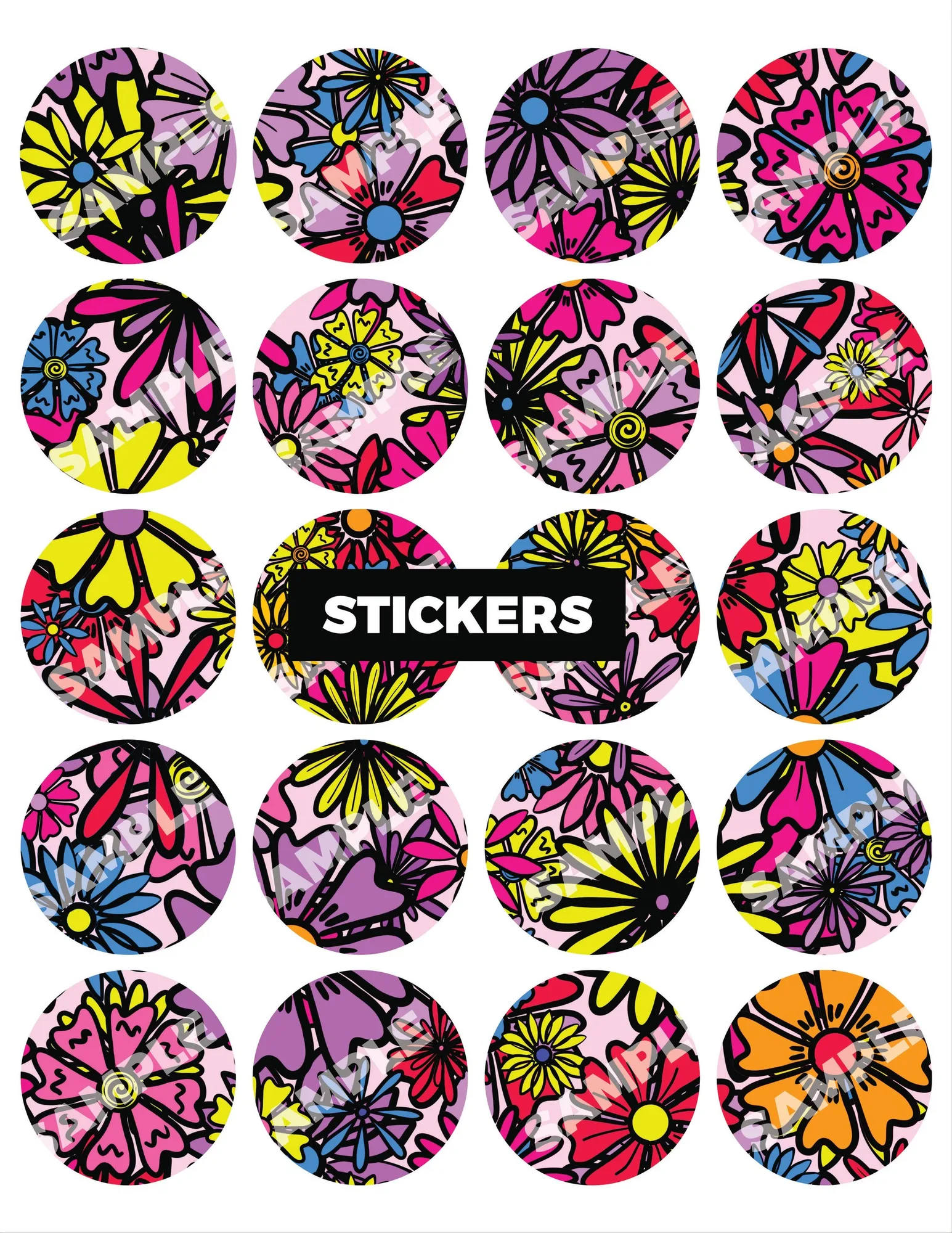
Personalization: Add a personal touch to your Bala purchase with our Personalization add-on. This service allows you to customize your item to make it uniquely yours, perfect for gifting or treating yourself. This add-on turns a standard fitness accessory into a meaningful gift or a motivational piece that reflects your style.

Personalization