Quick answer
To attach a DSLR to a spotting scope for digiscoping, you need a T-ring (specific to your camera brand) and a T-adapter that fits your scope's eyepiece or body. For a Canon EOS camera, the Zhumell M42 T-Ring provides the correct bayonet mount, while a standard T-adapter connects it to the scope.
Why a T-ring is essential for digiscoping
A T-ring replaces your camera lens and provides a threaded mount (usually M42) that connects to a T-adapter. Without it, there is no way to physically attach the DSLR body to the spotting scope. The Zhumell M42 T-Ring for Canon EOS cameras is a reliable, affordable option that fits most telescope T-adapters. Note: T-rings are camera-brand specific, so you need the correct version for your DSLR (Canon, Nikon, Sony, etc.).
Straight vs angled spotting scope: what changes
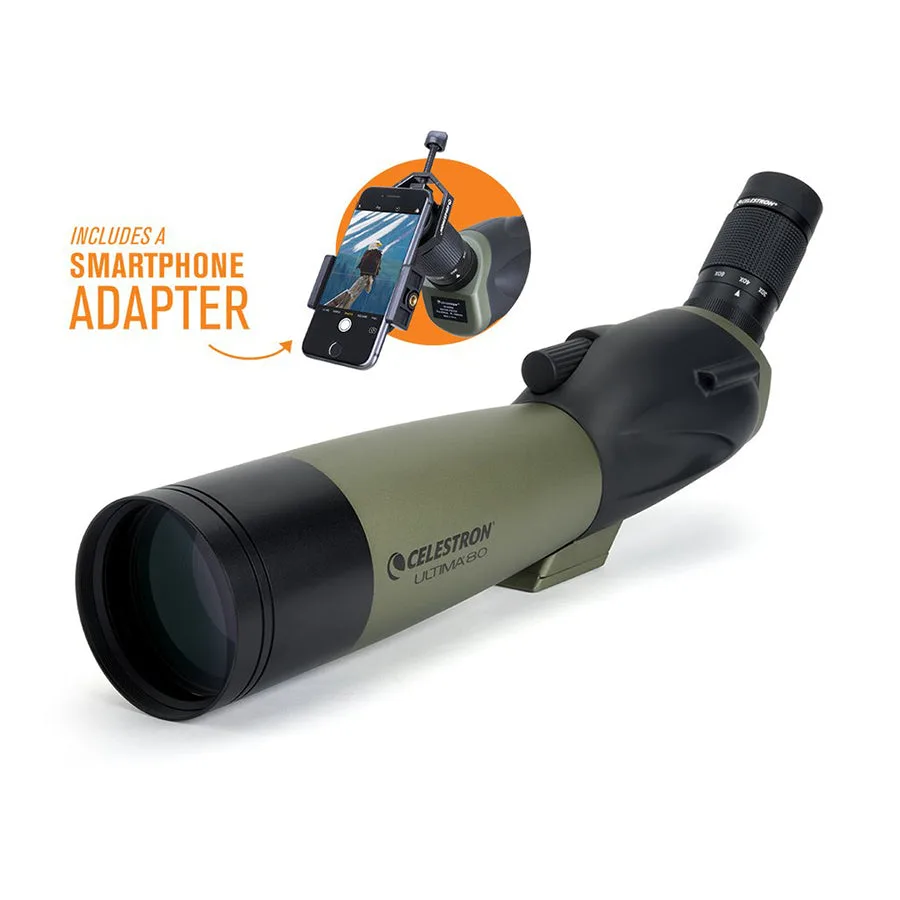
The orientation of your spotting scope affects how you mount the camera. A straight scope (like the Celestron Ultima 100 Zoom Straight Spotting Scope) keeps the camera in line with the scope, which is simpler for balancing and aiming. An angled scope (like the Celestron Ultima 80 Angled) may require a tripod with a tilting center column or an L-bracket to keep the camera level. Both work, but straight scopes are generally easier for first-time digiscoping setups.
Step-by-step: Attaching your DSLR to a spotting scope
- Step 1: Gather your equipment: You will need a DSLR (Canon EOS in this example), a T-ring specific to your camera brand (Zhumell M42 T-Ring for Canon), a T-adapter that matches your spotting scope's eyepiece or body thread, and a sturdy tripod. Check that your scope has a standard 1.25-inch or T-thread connection; if not, you may need an additional adapter. Common mistake: buying a T-ring without checking camera compatibility. Ensure the T-ring matches your camera mount (e.g., Canon EF/EF-S).
- Step 2: Remove the camera lens and attach the T-ring: Take the lens off your DSLR as you normally would. Align the T-ring's bayonet mount with the camera body and twist it into place until you hear a click. The T-ring now acts as a lens mount with a threaded hole in the center. Common mistake: touching the camera sensor. Keep the body cap on until you are ready to mount the T-ring, and work in a dust-free area.
- Step 3: Connect the T-adapter to the T-ring: Screw the T-adapter (a short metal tube with male and female threads) into the T-ring's M42 thread. Tighten gently by hand—do not force it. The T-adapter's other end will attach to the spotting scope. Common checkpoint: ensure the T-adapter is the correct size for your scope. Many scopes use a 1.25-inch eyepiece barrel, so the T-adapter should have a 1.25-inch female clamp or thread.
- Step 4: Attach the T-adapter to the spotting scope: If your scope has a removable eyepiece, remove it to expose the threaded or clamp connection. Slide the T-adapter onto the scope's body or eyepiece tube and tighten the thumbscrews. For scopes with a fixed eyepiece, you may need a special eyepiece-to-T-adapter coupler. Common mistake: overtightening the thumbscrews, which can damage the scope's threads. Tighten only until snug.
- Step 5: Mount the scope and camera on a tripod: Attach the spotting scope to a tripod using its built-in mounting shoe. Balance the setup so the camera does not tilt the scope forward. Use the tripod's pan handle to adjust aim. For heavy DSLR bodies, consider a tripod with a rated payload of at least 10 lbs. Common checkpoint: if the camera causes the scope to sag, reposition the scope on the tripod or add a counterweight.
- Step 6: Focus and capture: Use the spotting scope's focus knob to achieve a sharp image through the camera's viewfinder or live view. Start with a low magnification (20x) for easier focusing. Set your camera to manual mode, use a remote shutter release or self-timer to reduce vibration, and take test shots. Adjust exposure as needed. Common mistake: camera shake from pressing the shutter button. Always use a remote trigger or 2-second delay.
Products mentioned in this guide
-
Zhumell M42 T-Ring for Canon EOS Cameras - ZHUI008-1: The Zhumell T-Ring - Canon EOS allows easy mounting of a Canon EOS camera to a telescope T-adapter using standard M42 threads. This T-ring is the key adapter that lets you attach your Canon DSLR to the spotting scope for digiscoping without needing a special camera lens.
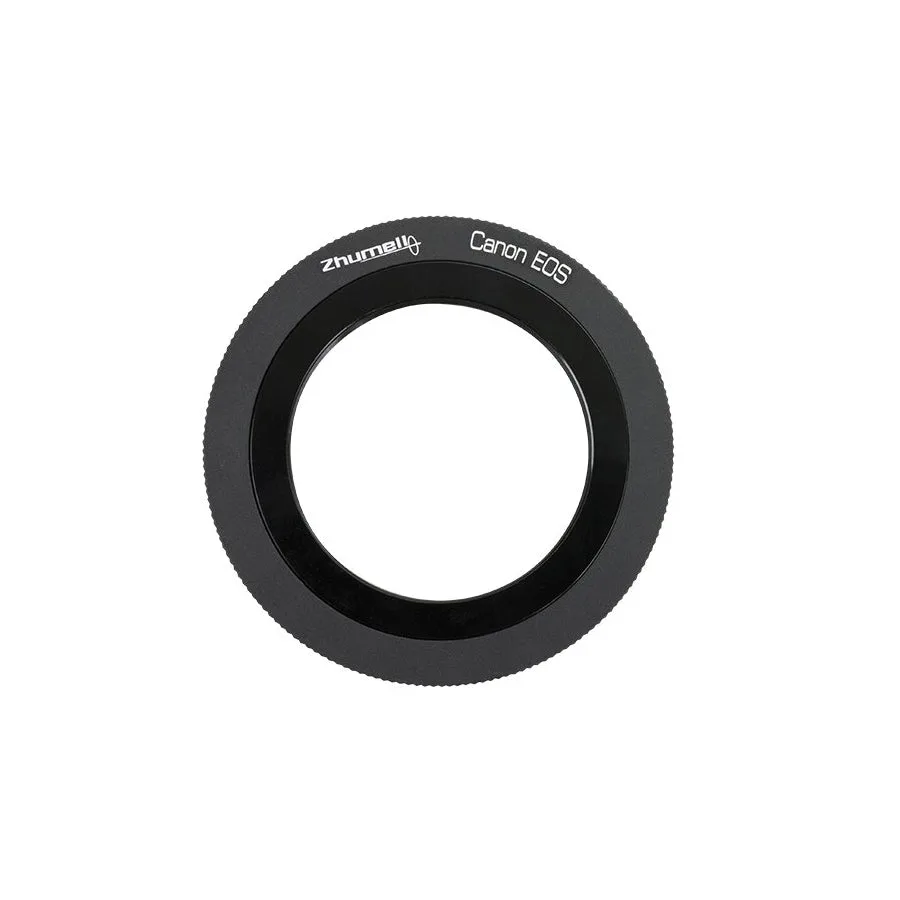
Zhumell M42 T-Ring for Canon EOS Cameras - ZHUI008-1
-
Celestron Ultima 100 Zoom Straight Spotting Scope - 52257: Celestron's Ultima 100 zoom straight spotting scope provides correctly oriented views for both land and sky, making it versatile for digiscoping. A straight scope simplifies camera alignment and balance, which is especially helpful when you are learning to attach a DSLR for the first time.
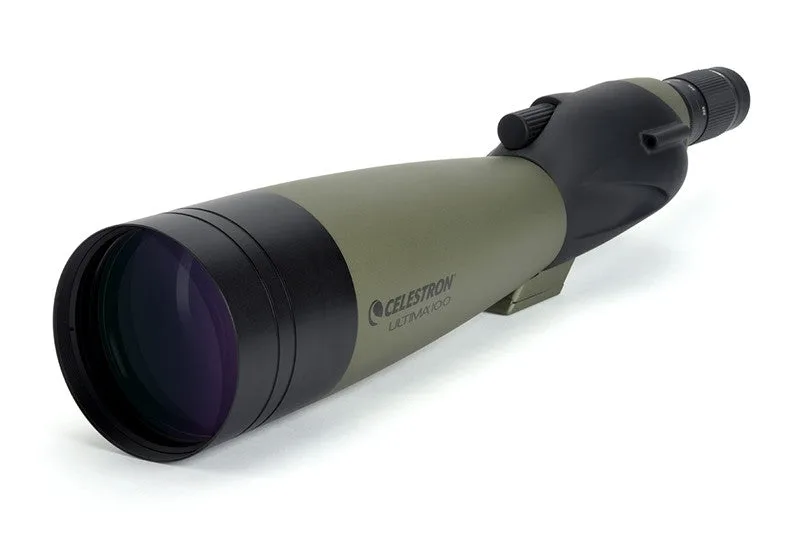
Celestron Ultima 100 Zoom Straight Spotting Scope - 52257
-
Celestron Ultima 80 Angled Spotting Scope with Smartphone Adapter - 52350: The Celestron Ultima 80 Angled Spotting Scope includes a smartphone adapter and a 45º viewing angle, ideal for digiscoping with a phone. If you prefer using a smartphone for digiscoping, this scope comes ready with the adapter, saving you the extra purchase. For a DSLR, you will still need a T-ring and T-adapter.