Quick answer
Slide the Jelly AirTag Holder onto your dog's collar or harness strap (up to 1 inch wide), insert the AirTag, and secure the silicone cover.
Why a dedicated holder matters
An AirTag alone is not designed for pet wear. Without a holder, it can fall off, get lost, or be chewed. The Jelly AirTag Holder is made from silicone, which is flexible yet durable enough to withstand daily walks and play.
Choosing the right collar or harness
The Jelly AirTag Holder fits straps up to 1 inch wide. Measure your dog's collar or harness before buying to ensure compatibility. A snug fit prevents the holder from sliding around.
Step-by-step attachment guide
- Step 1: Slide the holder onto the collar: Remove your dog's collar or harness. Slide the Jelly AirTag Holder onto the strap, positioning it between the buckle and the D-ring for balanced weight distribution. Common mistake: attaching the holder too close to the buckle, which can cause the collar to twist.
- Step 2: Insert the AirTag: Press the Apple AirTag into the holder's recessed compartment. The silicone should grip the edges snugly. Ensure the AirTag's flat side faces outward for optimal signal transmission. Checkpoint: make sure the AirTag clicks into place. A loose fit may cause it to fall out during rough play.
- Step 3: Secure the cover and test: Close the silicone flap or cover (if your holder has one). Reattach the collar to your dog. Give the holder a gentle tug to confirm it's secure. Then test tracking via the Find My app on your phone. Test the connection indoors first. If the signal is weak, reposition the holder away from metal buckles or thick fabric.
Product fact
-
Jelly | AirTag Holder: The Jelly AirTag Holder is made from silicone and slides onto collars or harness straps up to 1 inch wide. Silicone is lightweight and flexible, so your dog won't notice it during walks, and the holder stays put without extra clips or adhesives.
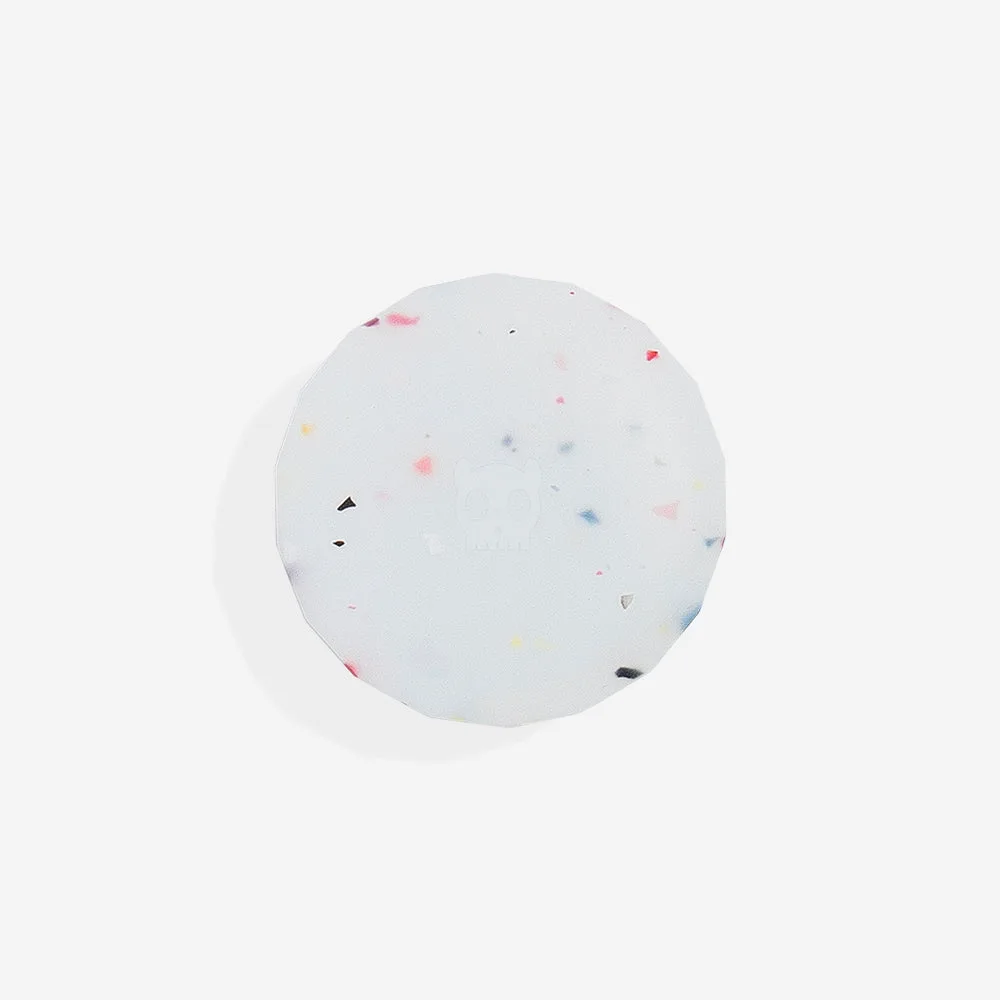
Jelly | AirTag Holder