Quick answer
To charge AirPods wirelessly without overheating, place the case centered on a Qi-certified pad, remove any thick or metal case, and avoid charging in direct sun or under pillows. If the case feels hot to the touch, stop charging and let it cool. For MagSafe, align the case with the magnet array and use a charger that supports the correct wattage.
Why wireless charging generates heat
Wireless charging works by creating a magnetic field between the charger and the coil inside your AirPods case. Any misalignment forces the charger to work harder, which increases heat. Thick cases, metal plates, or foreign objects between the case and charger also trap heat and reduce efficiency. Heat is the main cause of battery degradation, so keeping the case cool during charging is key to long-term battery health.
Choose the right charger and setup
Not all wireless chargers are equal. Look for Qi-certified chargers, which meet safety and efficiency standards. Avoid cheap, uncertified pads that may overheat or deliver inconsistent power. If you use a MagSafe charger, it will align automatically with MagSafe-compatible cases, reducing misalignment heat. For AirPods, a 5W to 7.5W charger is sufficient; higher wattage won't charge faster and may generate more heat.
Step-by-step: charge AirPods wirelessly without overheating
- Remove any thick or metal case: AirPods cases are not designed to be charged through another case. A thick or metal outer case traps heat and can block the charging coil. Remove it before placing on a wireless charger. Checkpoint: If the case feels warm after 10 minutes, remove any extra case and try again.
- Place the case centered on the charger: Misalignment is a common cause of excess heat. Center the AirPods case on the charging pad. If using MagSafe, the magnets will snap into place, but still verify the charging light turns on. Checkpoint: If the charging light blinks or doesn't turn on, adjust the position until it stays solid.
- Avoid charging in hot environments: Direct sunlight, hot cars, or under pillows can cause overheating. Charge in a cool, well-ventilated area. Don't charge on soft surfaces like beds or couches that trap heat. Checkpoint: If the case is too hot to hold, unplug the charger and let it cool before resuming.
- Don't charge overnight on a wireless pad: While AirPods have overcharge protection, continuous trickle charging can generate slight heat over many hours. If you must charge overnight, use a wired Lightning cable instead, which produces less heat. Checkpoint: For daily use, charge during the day when you can monitor temperature.
- Use a Qi-certified charger: Uncertified chargers may deliver inconsistent power and overheat. Look for the Qi logo. Brands like Belkin, Anker, and Mophie are reliable. Avoid ultra-cheap pads from unknown brands. Checkpoint: If your charger gets hot to the touch, replace it with a certified model.
- Monitor battery health over time: Frequent overheating can degrade battery capacity. If you notice your AirPods battery draining faster or the case not holding a charge, it may be time for service. Checkpoint: Check battery health in Settings > Bluetooth > AirPods. If capacity is below 80%, consider replacement.
Product facts
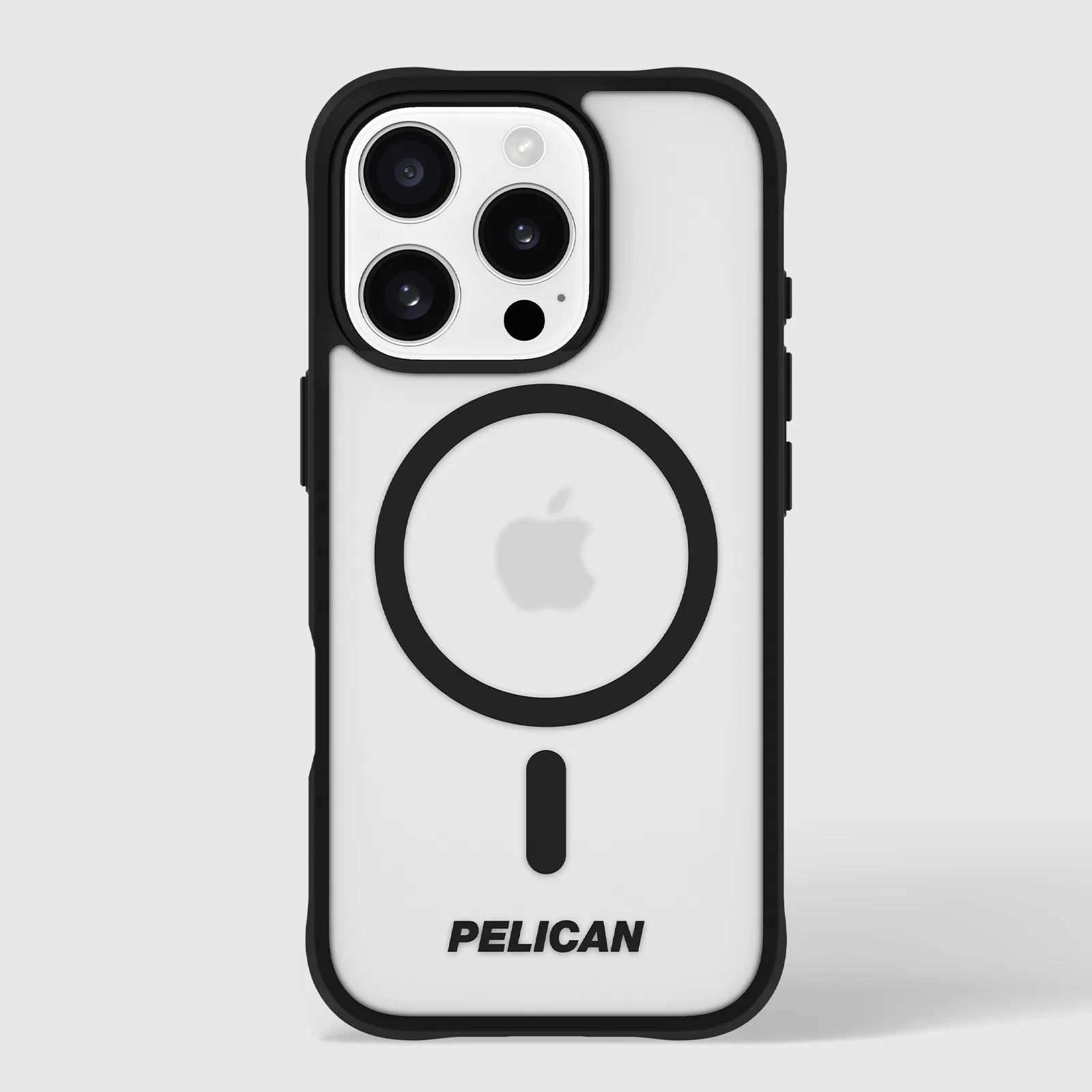
- Pelican Ranger Frosted Clear MagSafe - iPhone 16 Pro: The Pelican Ranger Frosted Clear MagSafe case for iPhone 16 Pro has strong built-in magnets for easy MagSafe charging and 14-foot drop protection. If you charge your iPhone and AirPods together on a MagSafe charger, a case with strong magnets ensures proper alignment, reducing heat from misalignment.