Quick answer
To charge your phone faster with a UGREEN power bank, use a USB-C to USB-C or USB-C to Lightning cable rated for at least 20W, plug into the power bank's fast-charging port, and avoid charging your phone while the power bank itself is recharging. The UGREEN Power Bank 20W Two-way Fast Charging supports quick top-ups for compatible devices and lets both the power bank and your phone recharge at high speed.
Match the cable to your phone and the power bank
The cable is the most common bottleneck. A thin charging cable from a drawer may only carry 5W or 10W even when the power bank can deliver 20W. Use a cable rated for at least 20W and check that the connector matches your phone: USB-C for most Android phones and newer iPhones, or USB-C to Lightning for older iPhones. If the cable is frayed or the plug feels loose, replace it before blaming the power bank.
Use the right port and avoid pass-through charging
Most power banks have one port that supports fast charging and another that is slower. On the UGREEN Power Bank 20W Two-way Fast Charging, plug your phone into the port marked for fast charging or the USB-C port if available. Do not charge your phone while the power bank is plugged into a wall charger unless the power bank specifically supports pass-through charging at full speed. Sharing incoming power slows both devices and can add heat.
Keep the phone cool and the screen off
Heat is the enemy of fast charging. Remove thick cases during charging, avoid direct sunlight, and do not rest the phone on a soft surface like a bed or couch that traps heat. Turn the screen off or enable airplane mode if you need the fastest possible top-up. A phone that is gaming, navigating, or streaming while charging will draw power and slow the charge rate.
Understand two-way fast charging and when it helps
Two-way fast charging means the power bank can accept a fast charge from a wall charger and also deliver a fast charge to your phone. This matters when you are short on time: a 20W two-way power bank can refill itself faster at a wall outlet, so it is ready to top up your phone again sooner. If you only have a low-wattage wall charger, the power bank will still recharge, but at a slower rate.
Steps to charge your phone faster
- Check your cable: Use a USB-C to USB-C or USB-C to Lightning cable rated for at least 20W. Avoid unknown cables that may only support 5W. If the cable is warm or the phone charges slowly, swap cables first.
- Plug into the fast-charging port: Connect your phone to the port labeled for fast charging or the USB-C port. Do not use a low-power USB-A port if a faster option exists. Check the power bank label or manual to confirm which port is fast.
- Remove the case and keep it cool: Take off thick cases and avoid charging in direct sun or on soft surfaces. Heat slows charging and can damage battery health over time. If the phone feels hot, unplug and let it cool before resuming.
- Turn off the screen and background apps: Lock the phone or enable airplane mode. Close games, navigation, and video apps that draw power while charging. Even a brief screen-off period can noticeably speed up a top-up.
- Recharge the power bank with a fast wall charger: Use a wall charger that supports at least 20W and a good cable to refill the power bank quickly. Two-way fast charging only helps if the wall charger is fast enough. A slow wall charger will make the power bank take much longer to refill.
Product facts
- UGREEN Power Bank 20W Two-way Fast Charging: UGREEN Power Bank 20W Two-way Fast Charging supports 20W fast charging for compatible devices and two-way fast charging for the power bank and device. A 20W output is enough for a quick top-up on most phones, and two-way charging means you can refill the power bank faster at a wall outlet.
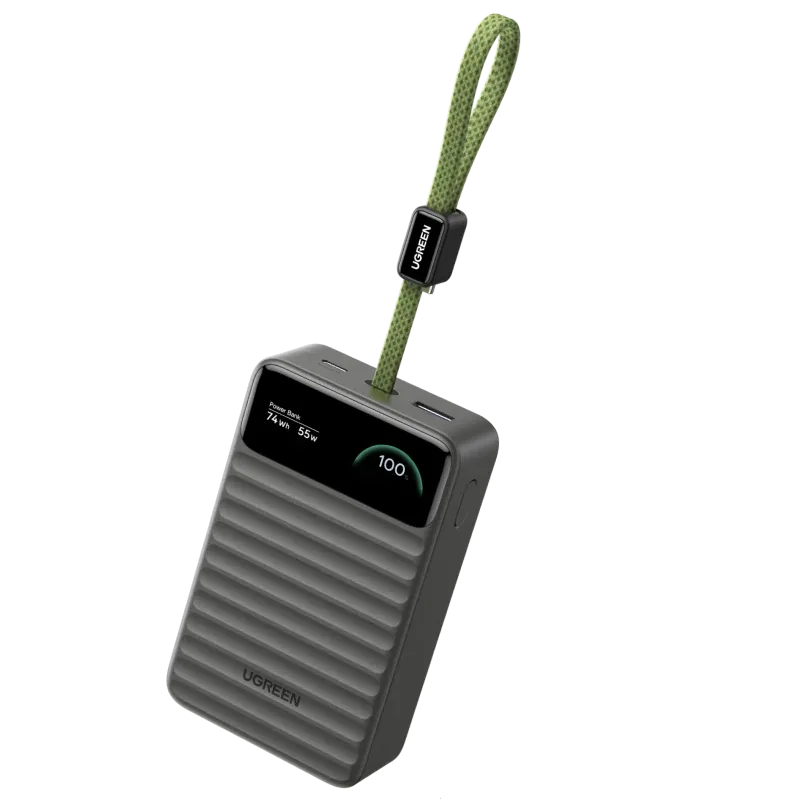
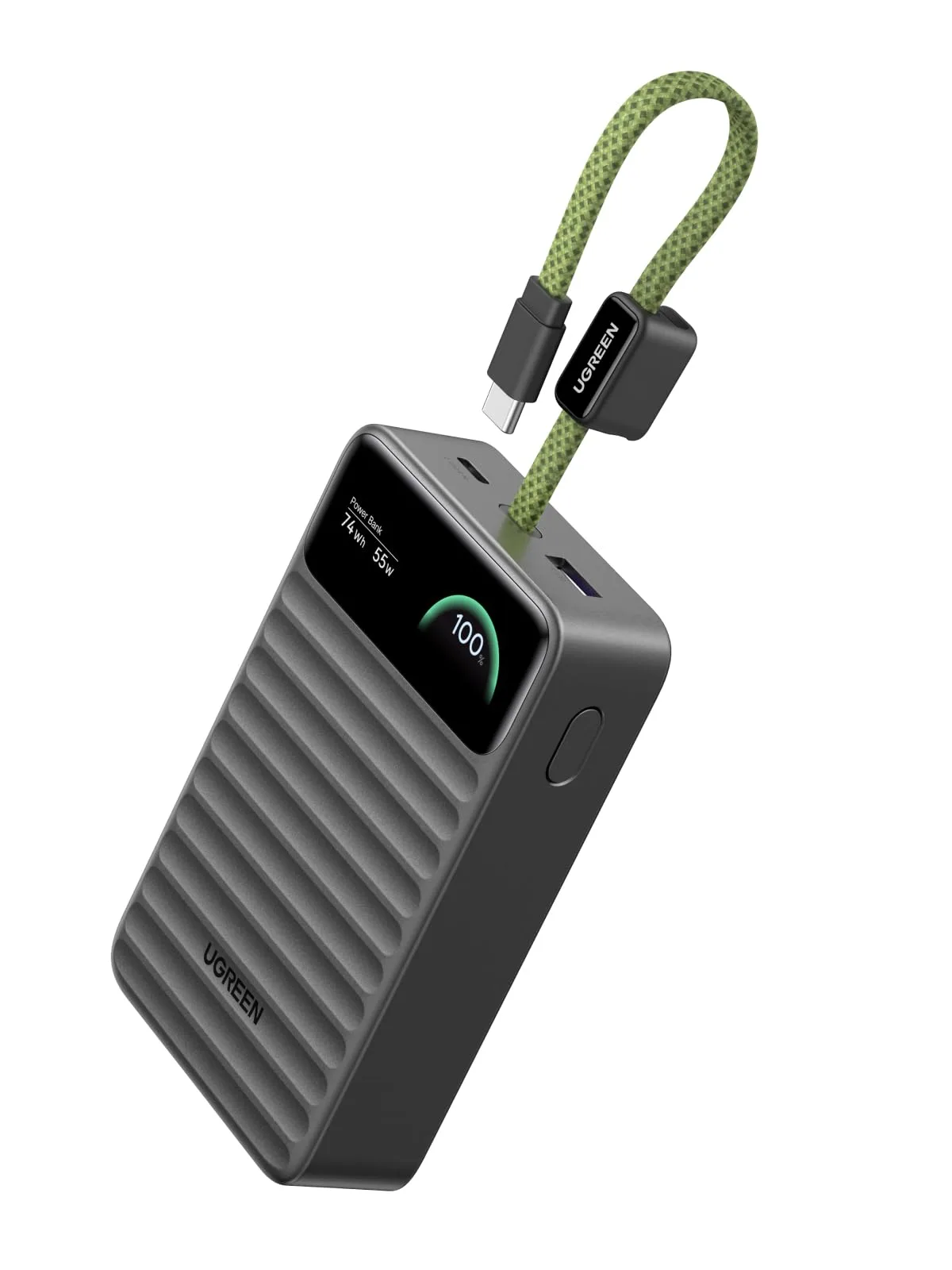
- UGREEN Nexode Power Bank 20000mAh 45W with Built-in USB-C Cable Smart Display: https://ugreenetv.com/products/id-85596-177fe679449056094965b149-1311135https://ugreenetv.com/products/my-85596-3f9e37b02db53d95488408e3-1311189https://ugreenetv.com/products/ae-85597-a26a6f7453f25c16f34d8466-1311197https://ugreenetv.com/products/sg-85596-53817fe154e4de0e34be4db4-1311280UGREEN Nexode Power Bank 20000mAh 45W with Built-in USB-C Cable Smart Display has a 20000mAh capacity, 45W output, built-in USB-C cable, and smart display. The higher 45W output and built-in cable reduce cable hunting and can charge larger devices faster, while the display shows charging status.
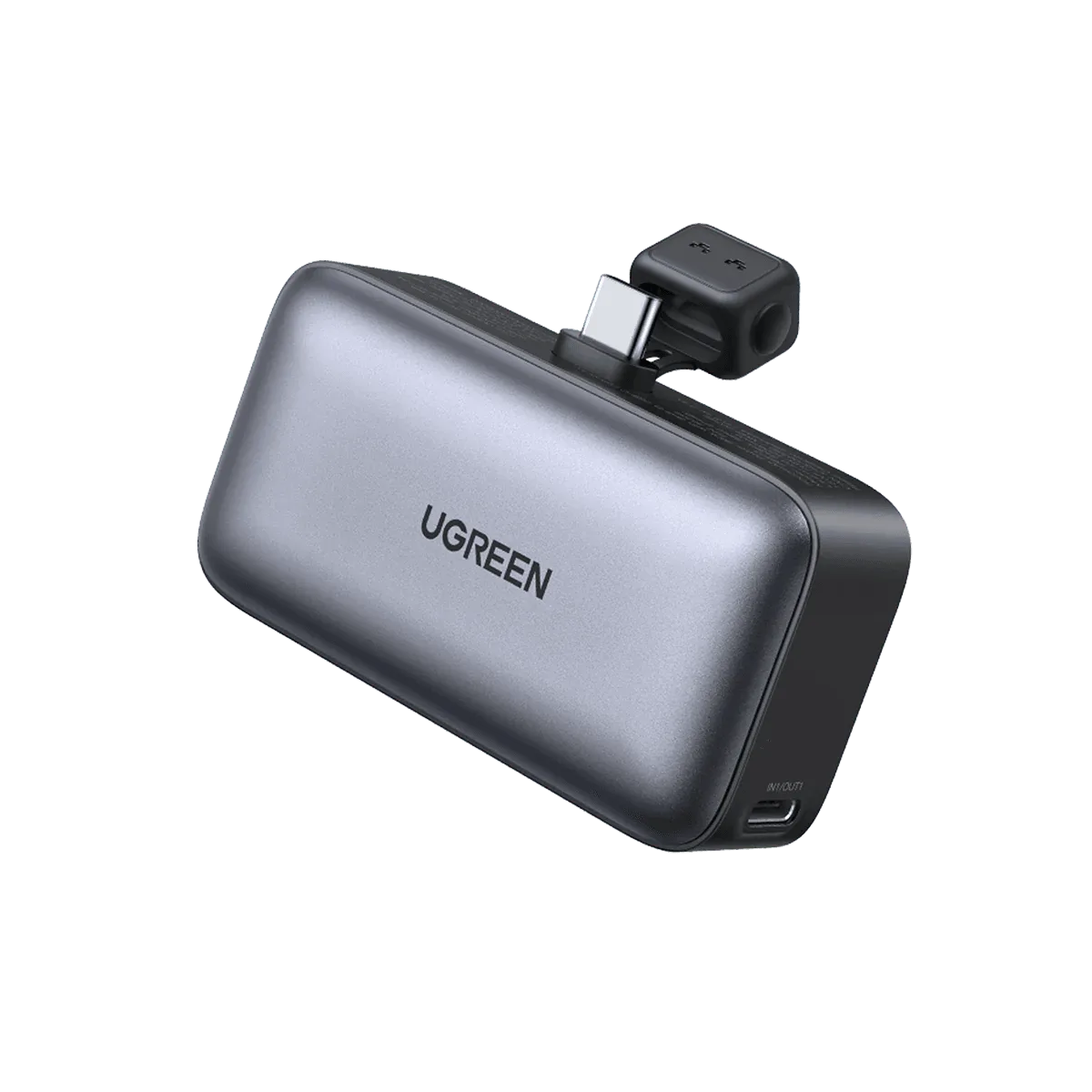
- UGREEN Nexode Power Bank 22.5W 5000mAh: UGREEN Nexode Power Bank 22.5W 5000mAh has a foldable stand, 22.5W fast charging, 5000mAh capacity, two-way charging, and works with a phone case. The compact size and foldable stand make it easy to use while charging, and 22.5W is slightly faster than 20W for compatible phones.