Quick answer
Buy the RMA packaging kit that matches your NZXT prebuild's case series: H3, H5, H7, or H9. These kits provide the box and foam needed for a safe, warrantable RMA shipment. If you still have the original retail packaging, you can often reuse it, but check the foam condition first.
Shipping a prebuilt gaming PC is not like mailing a laptop. The case, GPU, and cooler all carry weight and leverage, so the box and foam have to hold the system in place through sorting belts and delivery trucks. NZXT sells RMA packaging kits for its prebuild case series, and picking the right one comes down to matching the case family, confirming the weight, and understanding what the kit actually includes.
This guide walks through the current NZXT packaging options, explains when a kit is required versus when original retail packaging works, and gives you decision rules so you order once and ship safely.
Why the case series decides the kit
NZXT RMA packaging kits are built around specific case families, not around the prebuild model name. The H3, H5, H7, and H9 kits each use foam inserts shaped for that chassis, so the system sits in the same orientation it was originally packed. If you put an H7 prebuild in an H5 kit, the foam will not cradle the case correctly and the PC can shift inside the box.
The practical rule is simple: identify your case series first, then buy the matching kit. You can find the case series in your original order confirmation, on the case itself, or in your NZXT account. If you are unsure, measure the case height and compare it to the series dimensions before ordering.
- Check the case series, not the prebuild name, before choosing a kit.
- Original retail packaging works if the foam is intact and the box is not crushed.
- Never substitute a different series kit just because it is in stock.
What each NZXT kit covers
The H3 and H9 2023 series kits hold up to 50 lbs and meet shipping carrier requirements. That weight ceiling covers most air-cooled and liquid-cooled prebuilds in those chassis, but you should still weigh your system if you have added a heavy GPU or extra drives. The H5 and H7 kits do not list a weight limit in the catalog, so treat them as designed for standard prebuild configurations in those cases.
All four kits are listed under Extras, and all sales are final. That means you want to confirm the series and weight before checkout, because returns are not part of the deal. The H7 and H5 product pages also note that enclosed materials may differ slightly from the images, with substitutions of equal or higher quality possible.
- H3 and H9 kits: holds up to 50 lbs, meets carrier requirements.
- H5 and H7 kits: no published weight limit, standard prebuild use.
- All sales are final, so verify fit before ordering.
When you can skip the kit
If you kept the original retail packaging and the foam is still firm and uncracked, you can usually ship in that instead of buying a new kit. The original box was designed for the exact system, so fit is already solved. The catch is condition: foam that has been compressed, stored in a hot garage, or torn will not protect the PC on a second trip.
You should also skip the kit if you are not filing a warrantable RMA. NZXT states that packaging materials similar to these kits are required for all warrantable RMA procedures, but if you are shipping a sold system to a friend or buyer, you can use any carrier-approved box and foam that fits. In that case, focus on double-boxing and rigid foam rather than a specific NZXT kit.
- Reuse original packaging only if foam is firm and box is structurally sound.
- Required for warrantable RMA; optional for private resale shipping.
- For resale, prioritize double-boxing and rigid foam over brand-specific kits.
How to pack the PC once you have the kit
Open the kit and lay out the foam pieces before you touch the PC. Remove the GPU if it is heavy or if the kit instructions call for it, and pack it separately in anti-static material. If the GPU stays installed, many builders add a foam block or expanding foam support under it, but only if the kit allows and the case has room.
Place the PC into the bottom foam, add the top foam, and slide the assembly into the box. The box should close without forcing. Tape all seams with packing tape, not masking tape, and label the box as fragile and this side up. NZXT provides packaging instructions on the product pages, so follow those steps for your specific series.
- Remove heavy GPUs and pack them separately when instructed.
- Use packing tape on all seams; label fragile and this side up.
- Follow NZXT's linked packaging instructions for your series.
Cost and value trade-offs
The H5 and H7 kits list at USD 17.50, while the H3 and H9 kits list at USD 18.50. All four show a catalog comparison price of roughly double, so the current pricing is a discount, not a premium. For a one-time RMA, that is a small cost next to the value of the PC and the risk of shipping damage.
If you ship prebuilds regularly, such as a small reseller or a system integrator, buying the correct kit per system is still cheaper than replacing a damaged case or GPU. The trade-off is storage: kits take up shelf space, and the H9 box is larger than the H5. Buy only what you need for the systems you actually ship.
- H5 and H7: USD 17.50; H3 and H9: USD 18.50.
- Comparison prices are about double, so current pricing is favorable.
- Buy per system; do not stock mismatched kits.
Decision rules for buying NZXT packaging materials
- Match the case series exactly: Find your case series (H3, H5, H7, or H9) before ordering. Do not buy a different series kit even if it is cheaper or in stock. Wrong series means poor foam fit and higher damage risk.
- Check the weight limit: H3 and H9 kits hold up to 50 lbs. H5 and H7 kits do not list a limit. Weigh your PC if you have added a heavy GPU or extra drives. Overweight systems need a different shipping plan, not a different kit.
- Confirm RMA vs resale: Use an NZXT kit for warrantable RMA. For private resale, you can use any carrier-approved box and foam, but double-box for safety. Required for warranty; optional for resale.
- Inspect original packaging first: If you kept the original box and foam, check for compression, cracks, or moisture damage. Reuse only if it is structurally sound. Good original packaging can save you the purchase.
- Buy only what you will ship: All sales are final. Order the kit for the system in front of you, not for a future build you might own. No returns, so verify before checkout.
NZXT packaging kits at a glance
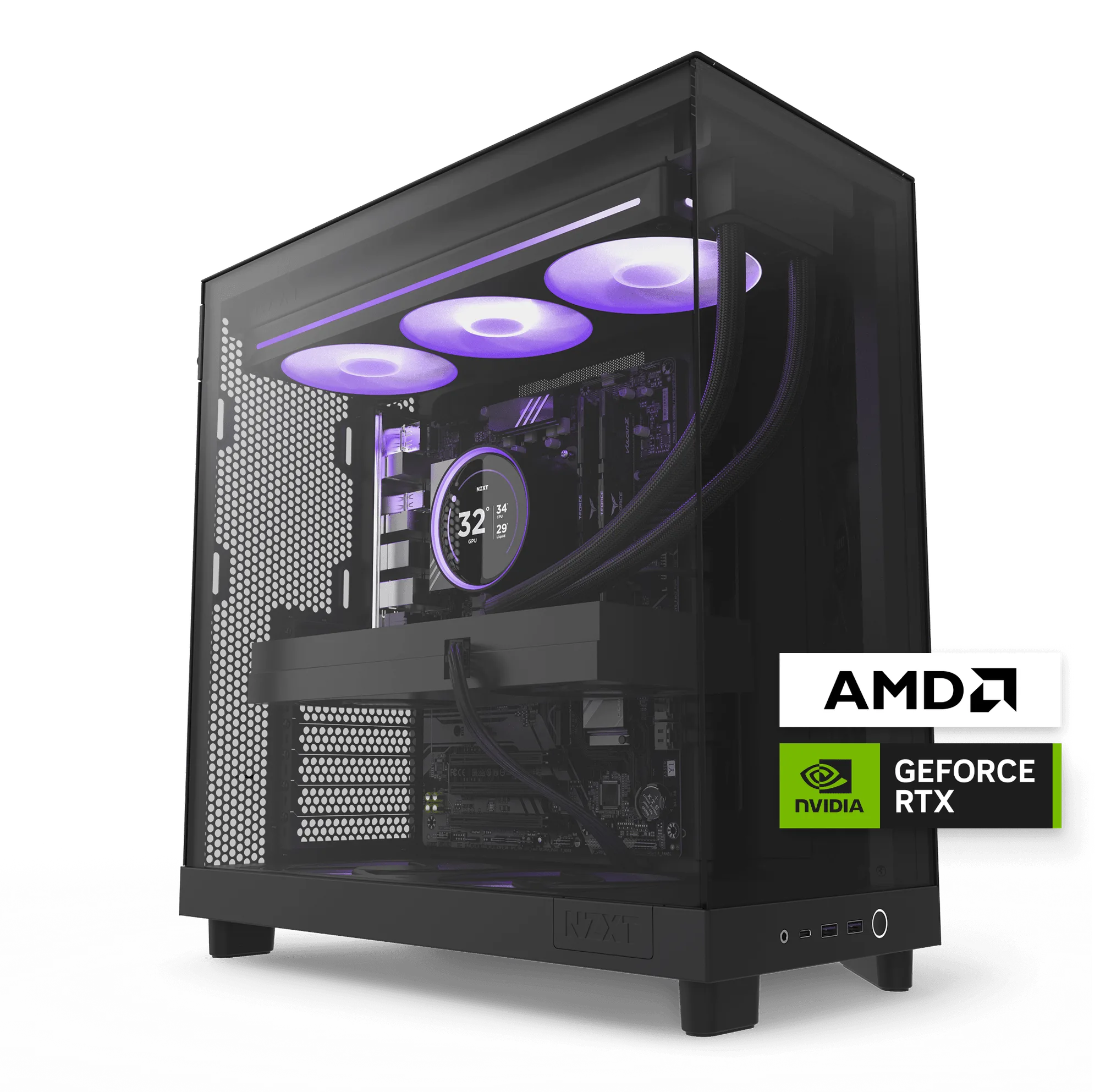
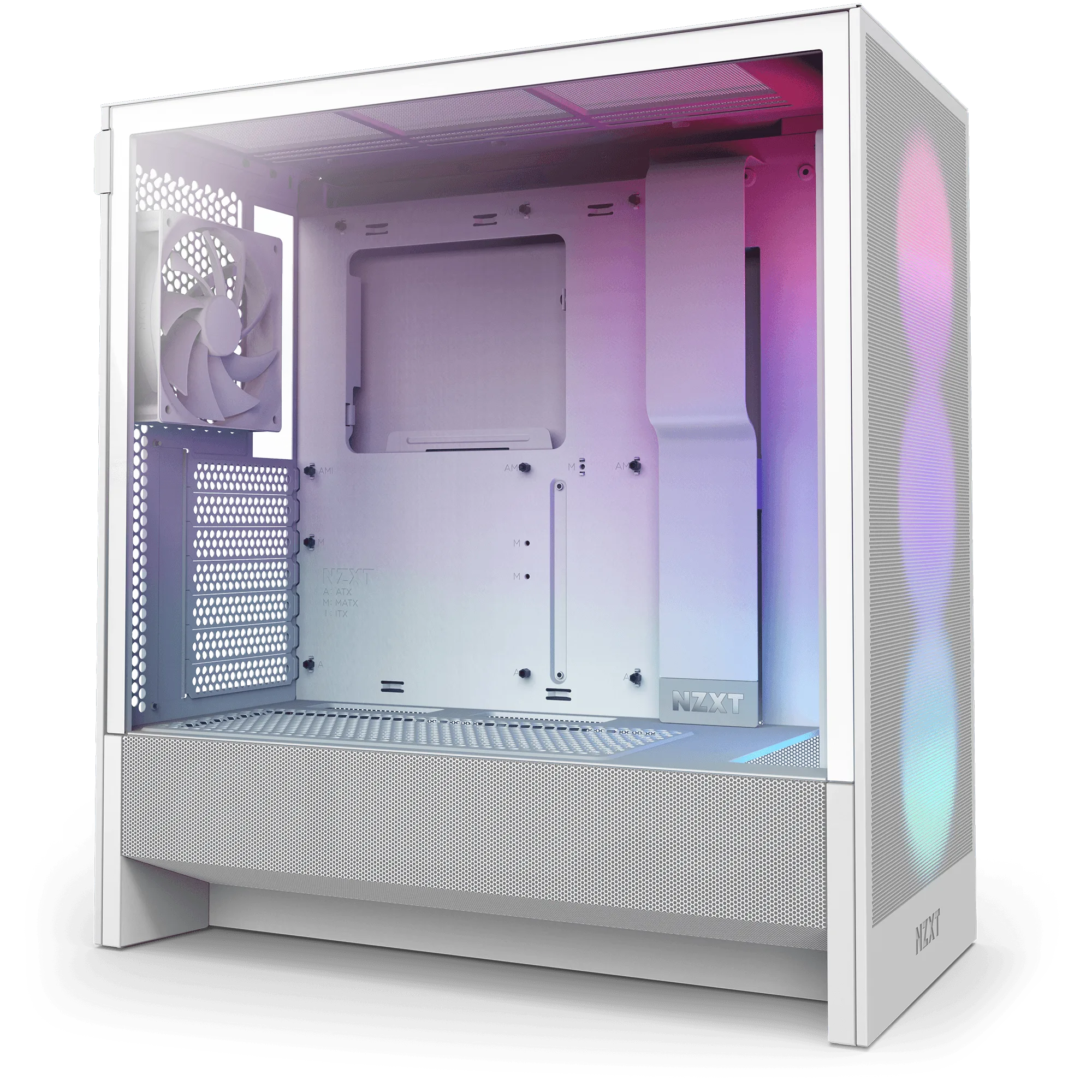
- Gaming PC RMA Packaging Materials (H3): The H3 series packaging materials kit provides a safe and secure shipping solution for your PC. Holds up to 50 lbs. Meets shipping carrier requirements. All sales are final. If you have an H3 prebuild, this kit is the correct fit and can handle heavier configurations up to 50 lbs.
- Gaming PC RMA Packaging Materials (H9 2023 Series): The H9 2023 series packaging materials kit provides a safe and secure shipping solution for your PC. Holds up to 50 lbs. Meets shipping carrier requirements. All sales are final. H9 2023 systems need this larger kit; the 50 lb limit covers most high-end builds in that chassis.
- Gaming PC RMA Packaging Materials (H7 Series): The H7 series packaging materials kit provides a safe and secure shipping solution for your PC. Packaging materials similar to this kit are required for all warrantable RMA procedures. Materials may differ slightly from images, with equal or higher quality substitutions possible. H7 owners should buy this kit for warranty shipping; expect minor material differences from the photos.
- Gaming PC RMA Packaging Materials (H5 Series): The H5 series packaging materials kit provides a safe and secure shipping solution for your PC. Packaging materials similar to this kit are required for all warrantable RMA procedures. Materials may differ slightly from images, with equal or higher quality substitutions possible. H5 prebuilds use this kit; no published weight limit, so keep the configuration standard.
Who should buy an NZXT packaging kit
Best for
- NZXT prebuild owners filing a warrantable RMA who no longer have original packaging
- Anyone shipping an H3, H5, H7, or H9 prebuild who wants a carrier-compliant box and foam
- Small resellers who ship the same NZXT case series repeatedly
Not for
- Owners who still have intact original retail packaging and are not required to use a new kit
- People shipping a non-NZXT case or a custom build in a different chassis
- Buyers who need a returnable packaging option, since all sales are final
Choose the kit that matches your case series, confirm the weight, and decide whether original packaging is still good enough. If you are filing a warrantable RMA, the correct NZXT kit is the straightforward path. If you are shipping for resale, any carrier-approved box with rigid foam can work, but double-box and label it clearly. Order once, pack carefully, and your prebuild arrives the way it left.