Quick answer
For low light, choose a lens with a light transmission around 60-80%—like a yellow or storm lens—and ensure it’s compatible with your goggle model. Dakine’s Sector, Domain, and Venue replacement lenses offer options that boost contrast in flat light.
Why lens tint matters in low light
In flat or overcast light, contrast drops and terrain features can disappear. A low light lens uses a lighter tint to let more light reach your eyes, helping you see shadows and bumps. Dark lenses that work on sunny days can make flat light even worse by reducing visibility further.
Look for a lens with a high visible light transmission (VLT) percentage—typically 60% or higher. Yellow, amber, and storm tints are common choices because they amplify contrast and highlight color details, which helps you read the snow surface.
Compatibility: not all lenses fit every goggle
Replacement lenses are model-specific. A lens designed for the Sector won’t fit the Domain or Venue, even if the shape looks similar. Before buying, check which goggle model you own and confirm the replacement lens is made for that model. Dakine’s replacement lens pages list the compatible goggle models, so verify before you add to cart.
Also note that some lenses are available in multiple colors, but not all colors may be offered for every model. For example, the Venue replacement lens comes in Storm Yellow, while the Sector and Domain have Silver Mirror options—but these are for different light conditions, not low light.
Steps to pick and install your low light lens
- Confirm your goggle model: Check the model name printed on the frame or strap of your Dakine goggles. Replacement lenses are model-specific, so you need to know whether you have Sector, Domain, Venue, or another model. Buying a lens for the wrong model is the most common mistake—double-check before ordering.
- Choose a lens with high VLT for low light: Look for a lens with a light transmission around 60-80%. Yellow or storm tints are ideal for flat light because they boost contrast. Avoid dark mirror lenses for low light conditions. If you ride in varied light, consider having both a low light and a sunny lens on hand.
- Use the magLOCK system to swap lenses: Dakine’s magLOCK system uses magnets for quick lens changes. Gently pull the lens away from the frame—the magnets will release—then align the new lens and let it snap into place. Follow the included lens change instructions to avoid forcing the lens. Practice swapping at home once so you can do it confidently on the mountain.
Dakine replacement lenses at a glance
-
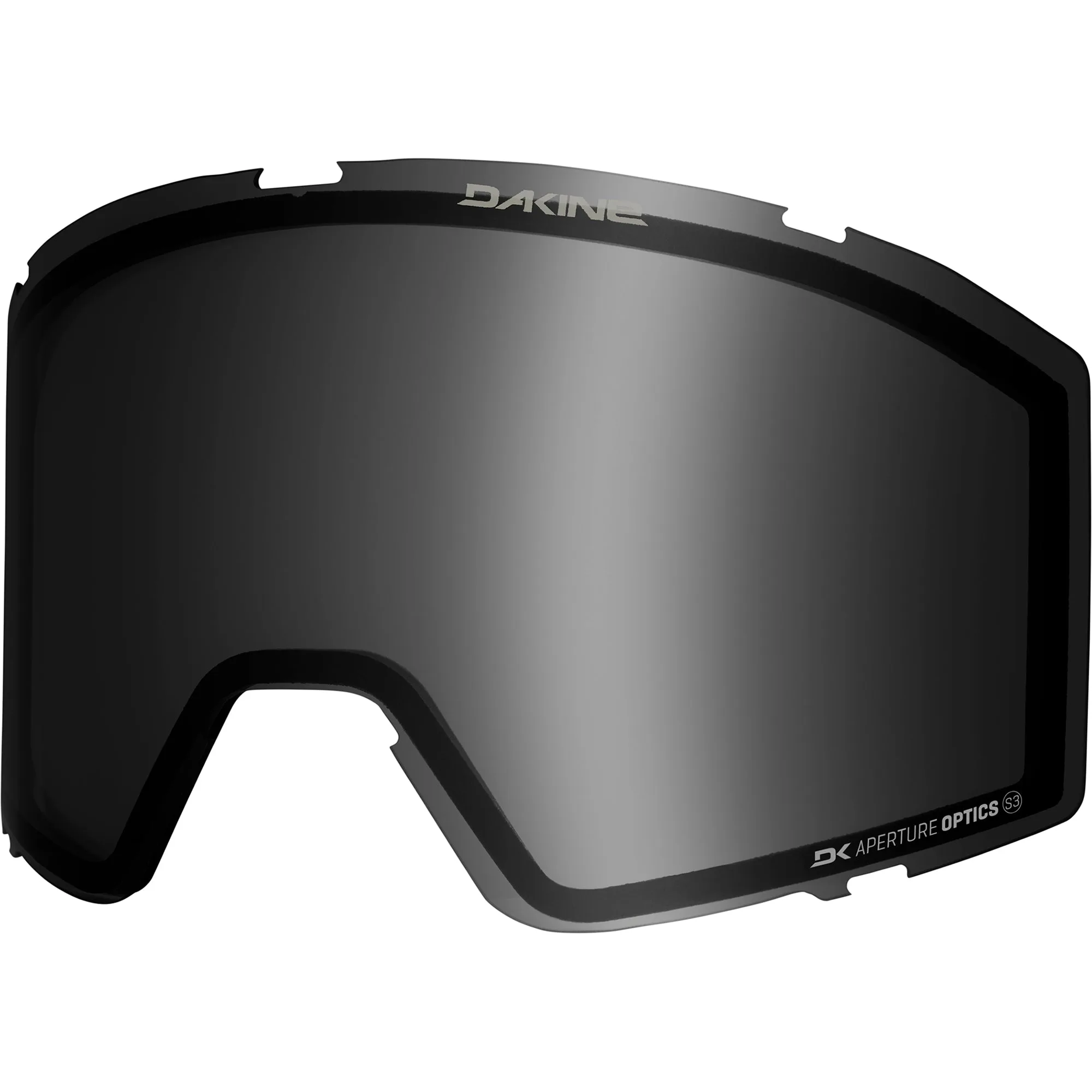
Sector Snow Goggle Replacement Lens: Sector Snow Goggle Replacement Lens features the DK magLOCK lens swap system with magnets for quick and easy lens changes. If you ride in changing light, you can swap lenses fast without fumbling with clips or tools.
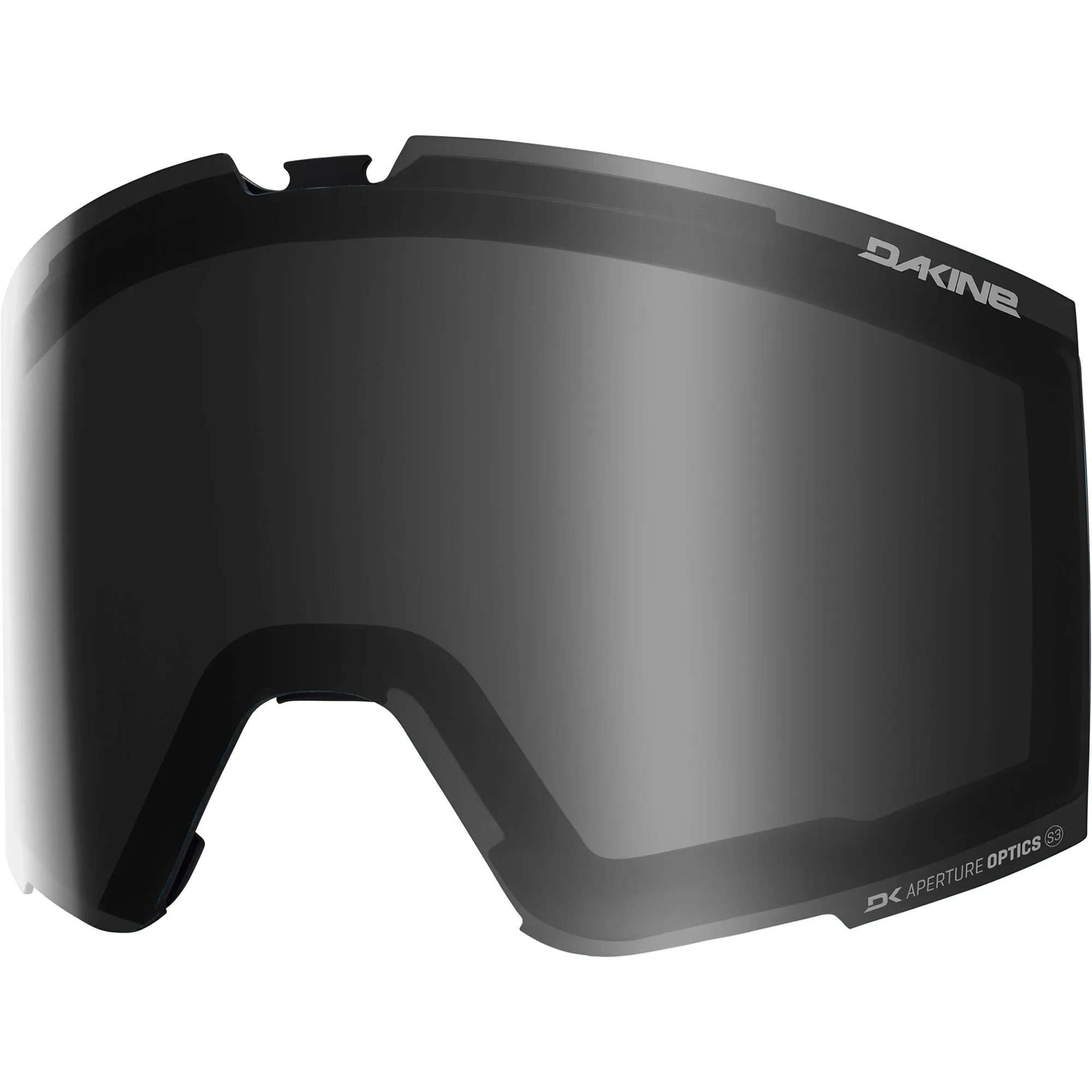
Sector Snow Goggle Replacement Lens
-
Domain Snow Goggle Replacement Lens: Domain Snow Goggle Replacement Lens also uses the DK magLOCK system and includes plant-based inner lens and lens rim. The magnetic system makes it easy to switch to a low light lens when clouds roll in, and the plant-based materials are a more sustainable choice.
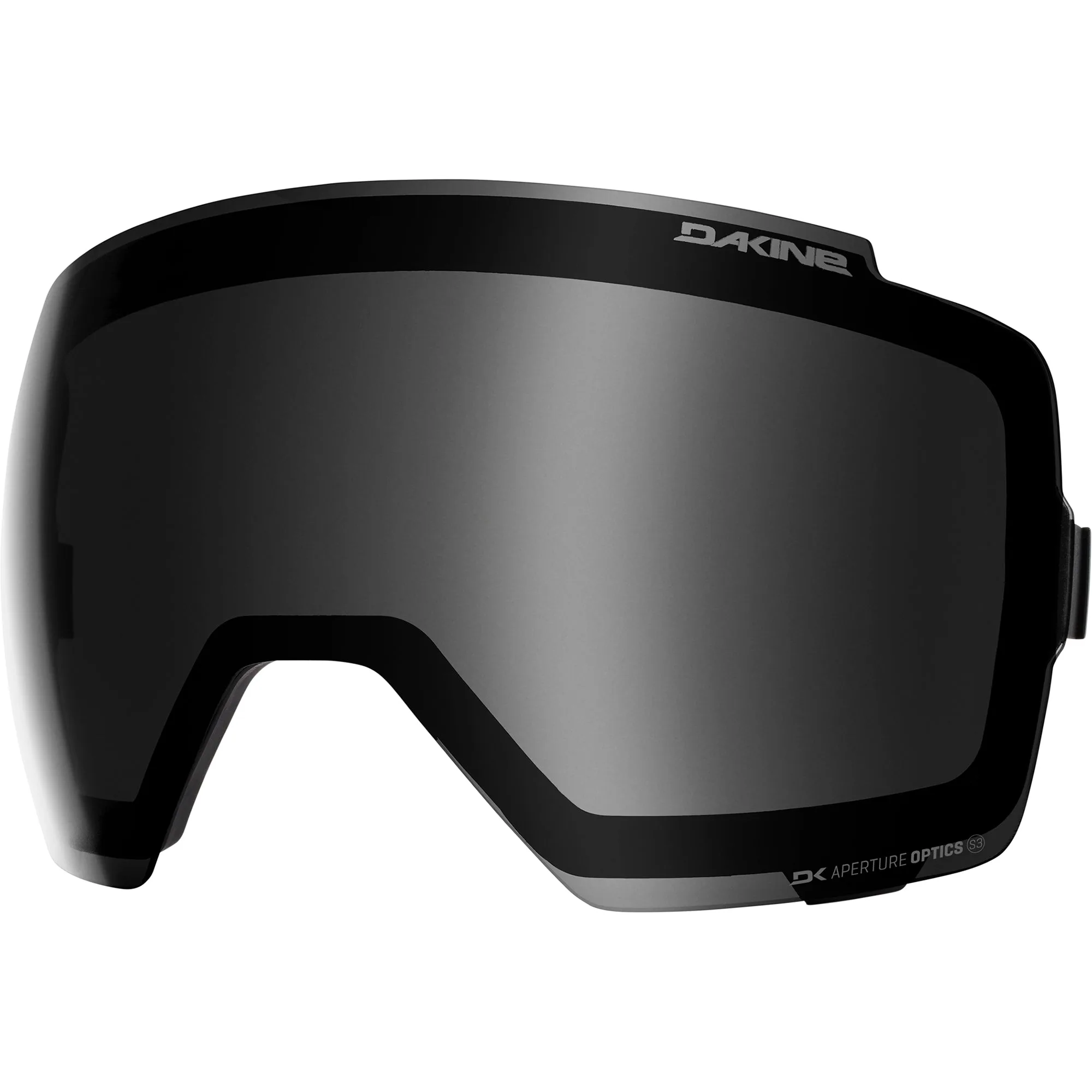
Domain Snow Goggle Replacement Lens
-
Venue Snow Goggle Replacement Lens: Venue Snow Goggle Replacement Lens in Storm Yellow features DK Aperture Optics lens for amplified contrast and highlighted color details. That Storm Yellow tint is specifically designed to boost contrast in flat or low light, making it a strong option for overcast days.