Quick answer
Choose an articulating arm for small monitors when you need flexible positioning, and a boom arm for heavier monitors when you need reach and stability. Match the mount's rod diameter and thread type to your rig's existing 15mm or 19mm rods.
Articulating Arm vs Boom Arm: What's the Difference?
An articulating arm uses a ball joint and locking knobs to let you position the monitor in almost any angle close to the rig. It's compact and works well with monitors under 7 inches. A boom arm extends the monitor away from the rig, usually with a secondary locking arm, giving you more clearance for other accessories or for viewing from a distance.
Key Decision Rules for Your Monitor Mount
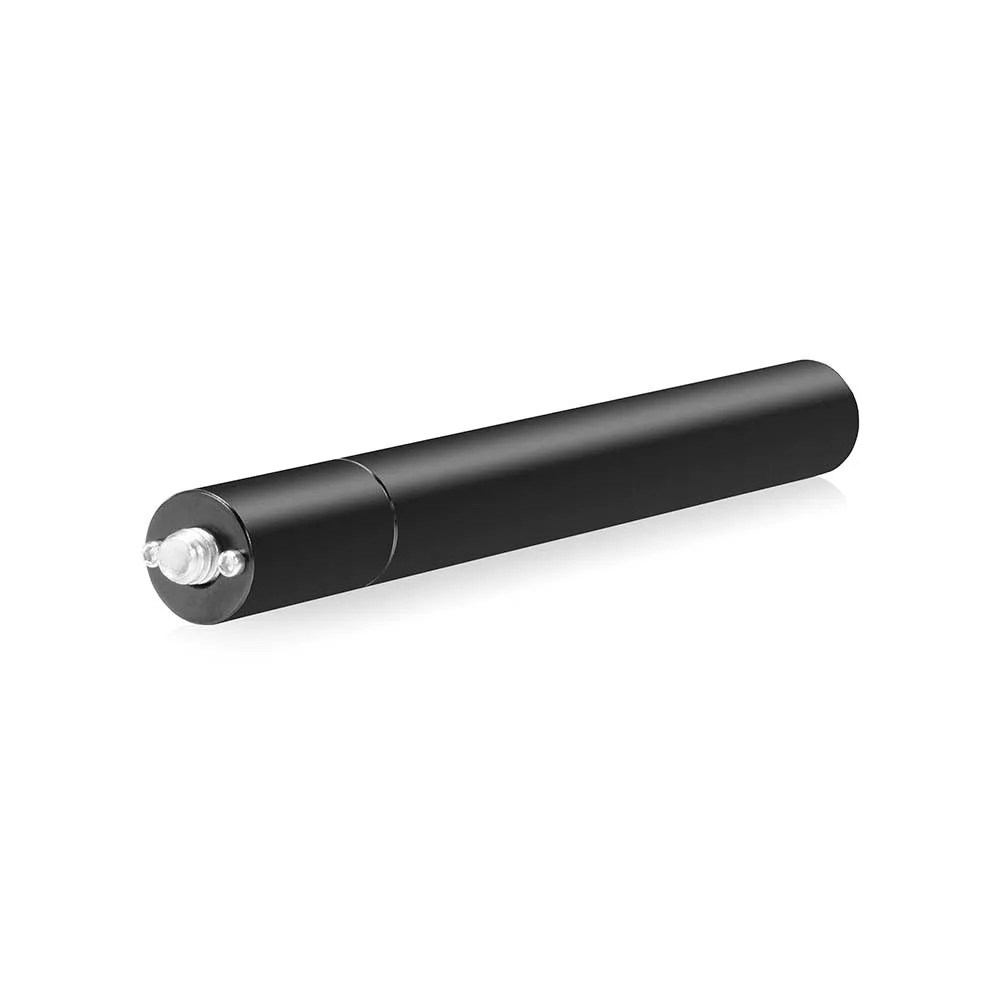
First, check your rig's rod system: most professional rigs use 15mm rods, but some use 19mm. The SHAPE 5-inch 15mm Rod with 1/4''-20 Mount is a straightforward option if you need a dedicated rod for mounting accessories. Second, verify the mount's weight rating against your monitor's weight. Third, consider your shooting style: run-and-gun setups benefit from a low-profile articulating arm, while studio or jib work may prefer a boom arm for better sight lines.
Fit Guidance: Compatibility Matters
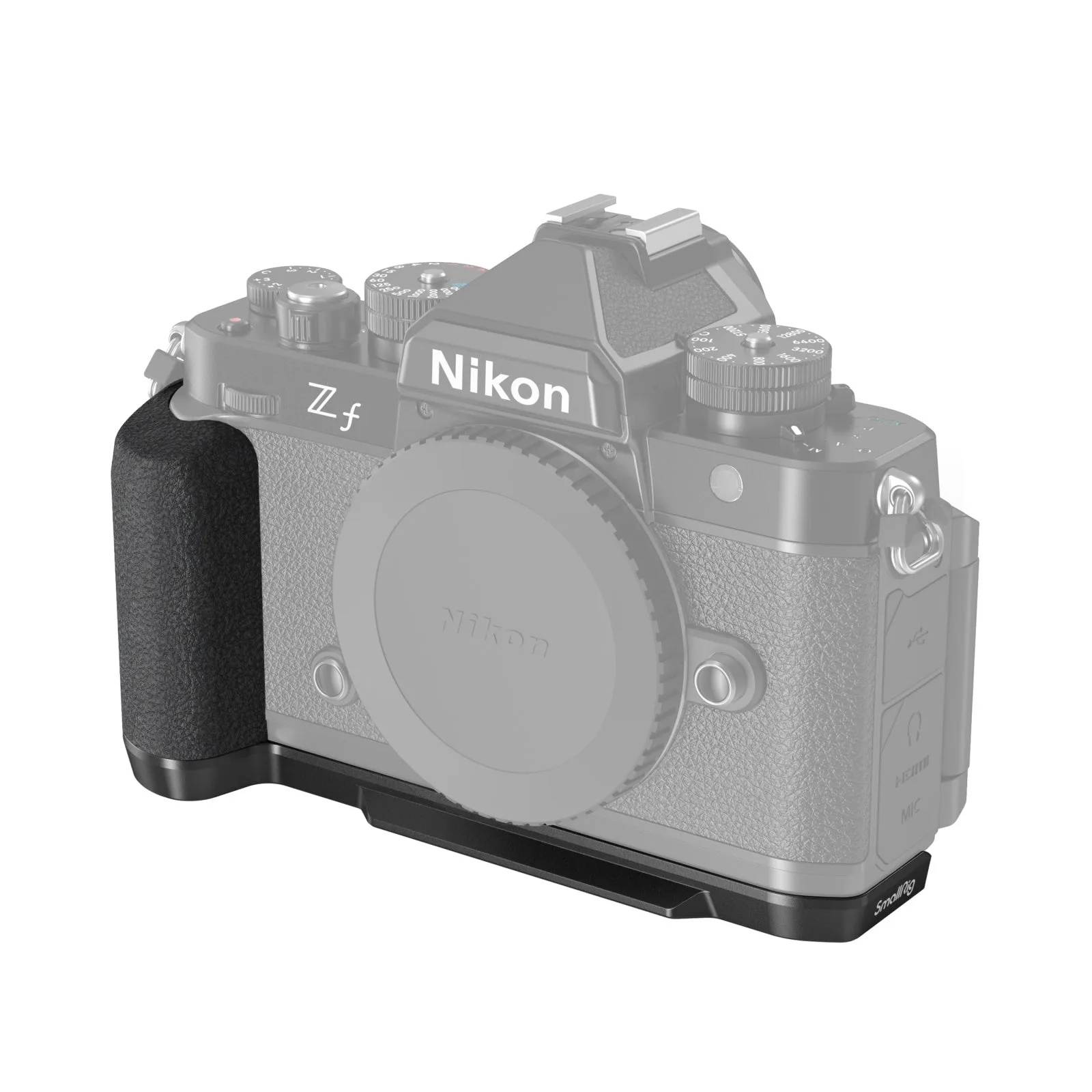
Monitor mounts often attach via a 1/4-inch-20 screw or a rod clamp. Ensure the mount you choose matches the thread or rod diameter on your rig. For example, the SmallRig Z f Handgrip L-Shape Grip 4262 is a model-specific handgrip for the Nikon Z f, not a monitor mount, but it illustrates the importance of checking compatibility: a grip shaped for one camera body won't fit another. Similarly, a monitor mount designed for 15mm rods won't clamp onto 19mm rods without an adapter.
Your Monitor Mount Decision Rules
- Monitor weight under 1.5 lbs: Use an articulating arm for flexible positioning close to the rig. It's lighter and easier to adjust on the fly. Best for small field monitors and run-and-gun setups.
- Monitor weight over 1.5 lbs: Choose a boom arm with a locking mechanism to prevent sag. The extended arm also keeps the monitor away from other gear. Best for studio, jib, or gimbal work where stability matters more than compactness.
- Rig uses 15mm rods: Look for a mount with a 15mm rod clamp. If your rig lacks a free rod, add one like the SHAPE 5-inch 15mm Rod with 1/4''-20 Mount. Most common in DSLR and mirrorless rigs; easy to find compatible mounts.
- Rig uses 19mm rods: You'll need a mount with a 19mm clamp or an adapter. Fewer options, but more robust for heavy monitors. Common in cinema and broadcast rigs; verify before buying.
Product Facts to Consider
- SHAPE 5-inch 15mm Rod with 1/4''-20 Mount: The SHAPE 5-inch 15mm Rod with 1/4''-20 Mount is a durable 15mm bolt-on rod for seamless integration with camera accessories. If your rig uses 15mm rods, this rod gives you a dedicated mounting point for your monitor arm without taking up space on your main rods.
- SmallRig Z f Handgrip L-Shape Grip 4262: The SmallRig 4262 is an L-shaped handgrip cut specifically for the Nikon Z f, wrapping the base and side for a secure hold. This grip shows how model-specific accessories improve ergonomics. For monitor mounts, always check that the mount's rod diameter and thread type match your rig's specifications.
Which Mount Is Right for You?
Best for
- Run-and-gun shooters who need a small, adjustable monitor close to the camera
- Studio operators who want a boom arm for clear sight lines and heavy monitors
Not for
- Rigs without any 15mm or 19mm rods (you'll need to add a rod first)
- Monitors with non-standard thread patterns (check your monitor's mounting hole pattern)