Quick answer
If you want the cleanest, most authentic N64 digital output and are comfortable with a permanent modification, choose an internal N64 HDMI mod. If you prefer a plug-and-play solution that works across multiple retro consoles, an external upscaler is the more flexible, lower-risk option.
The N64 is a beloved console, but its video output can look blurry and soft on modern TVs. Whether you're dusting off your old system or buying one for the first time, you'll quickly face a choice: install an internal N64 HDMI mod or use an external upscaler. Both improve the picture, but they work in very different ways and suit different setups.
This guide breaks down the key differences between N64 HDMI options, from installation and cost to image quality and compatibility. You'll get concrete decision rules so you can match the upgrade to your TV, your skills, and your budget.
Understanding N64 HDMI Options
There are two main ways to get N64 HDMI output: internal mods and external upscalers. An internal mod replaces or adds to the console's video hardware to output a native digital signal. This is the most direct path to crisp, lag-free video, but it requires opening the console and often permanent soldering.
An external upscaler, on the other hand, takes the N64's analog signal and converts it to HDMI. It plugs into your console and TV with no modification required. The tradeoff is that the quality depends on the upscaler's processing, and some models add input lag or don't handle the N64's unique resolution well.
- Internal mods are permanent; external upscalers are portable and can be used with other consoles.
Key Factors to Consider
Before you decide, think about your TV, your technical comfort, and your budget. If you have a 4K TV, you'll want a solution that upscales well to 4K. If you plan to play on a CRT or a smaller 1080p display, a simpler and cheaper option may be enough.
Installation is another major factor. Internal mods require opening the console and sometimes soldering. If you're not comfortable with that, a send-in service can handle the installation for you, but that adds cost and shipping time. External upscalers are truly plug-and-play, but they may not deliver the same pixel-perfect result.
- Check your TV's input lag and resolution support before choosing an upscaler.
Quality vs. Convenience: The Tradeoff
The biggest tradeoff is quality versus convenience. Internal HDMI mods generally produce the sharpest image with the least lag because they tap the digital signal directly. They also preserve the N64's original look without extra processing artifacts. However, they are more expensive, require installation, and are tied to one console.
External upscalers are cheaper and work with any console that outputs analog video. They're ideal if you have a multi-console setup or want to avoid opening your N64. The downside is that image quality can vary, and some upscalers add noticeable lag. For fast-paced games like racing or shooters, that lag can be a dealbreaker.
- If you're a competitive player, prioritize low lag over convenience.
Decision Rules for Choosing Your N64 HDMI Upgrade
- Your TV resolution: If you have a 4K TV, you'll want a solution that upscales well. Internal mods often handle this better, but some external upscalers also do a great job. For 1080p or lower, a good upscaler is usually sufficient. Match the output to your TV's native resolution.
- Your comfort with installation: Internal mods require opening the console and soldering. If you're not comfortable, choose an external upscaler or use a send-in service. A send-in service adds cost but guarantees a professional install. Be honest about your DIY skills.
- Your budget: Internal mods are generally more expensive than external upscalers, especially if you factor in installation. If you're on a tight budget, an upscaler is the more affordable entry point. Set a budget before you start shopping.
- Multi-console use: If you want to use the same device with multiple retro consoles, an external upscaler is the better choice. Internal mods are console-specific and can't be shared. Consider your whole collection, not just the N64.
- Image quality priority: If you demand the absolute cleanest image with minimal lag, an internal mod is the way to go. If you're okay with slight compromises for convenience, an upscaler is fine. Decide what matters more: quality or convenience.
Products That Help with Your Retro Setup
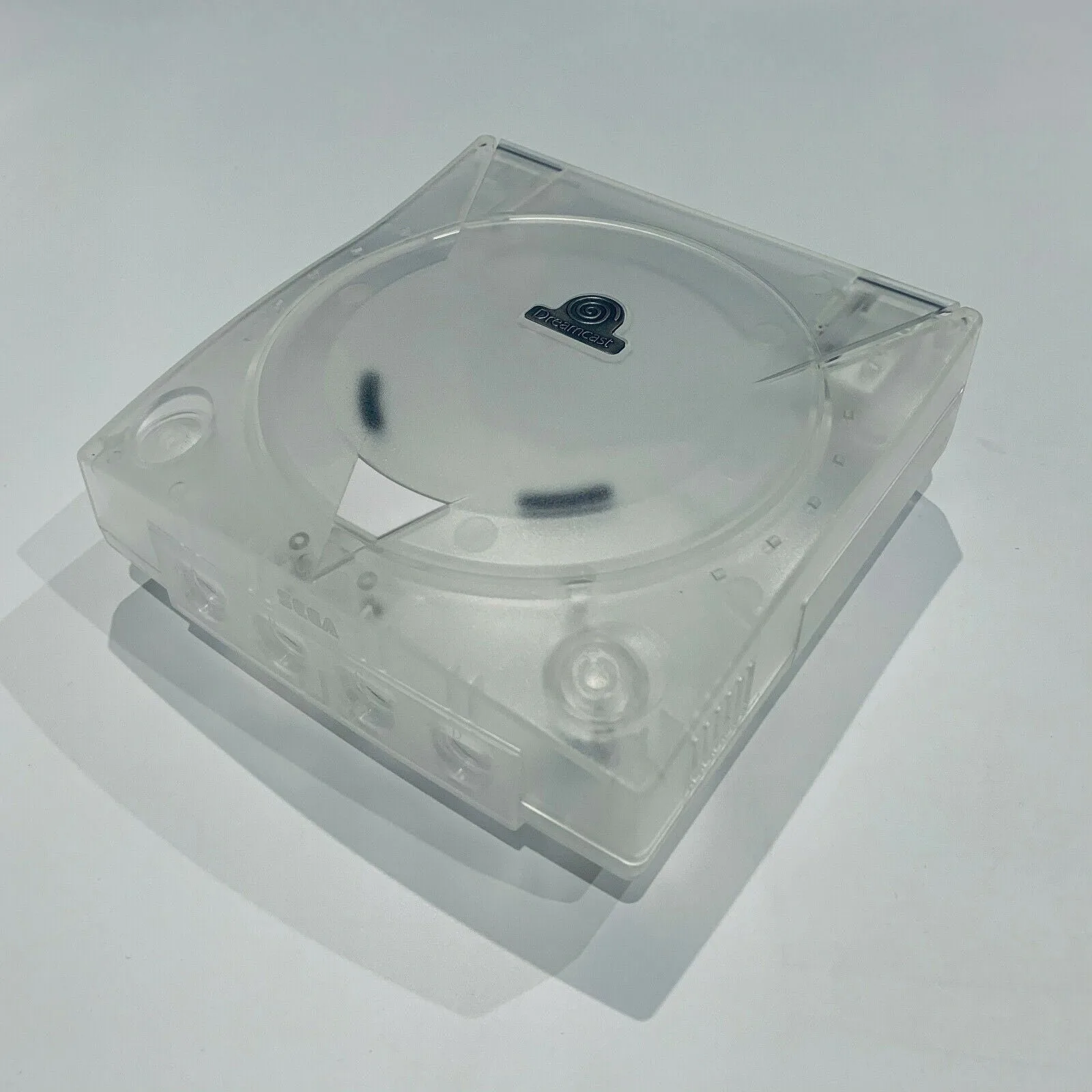
- Dreamcast 3rd Party Console Shells: Give your Dreamcast a fresh new look with these third-party console shells from Powr Up Gaming. Available in a variety of eye-catching colors, these shells let you customize your console to match your style. If you're already opening your console for a mod, a replacement shell can give it a fresh look and make the modification feel like a complete upgrade.
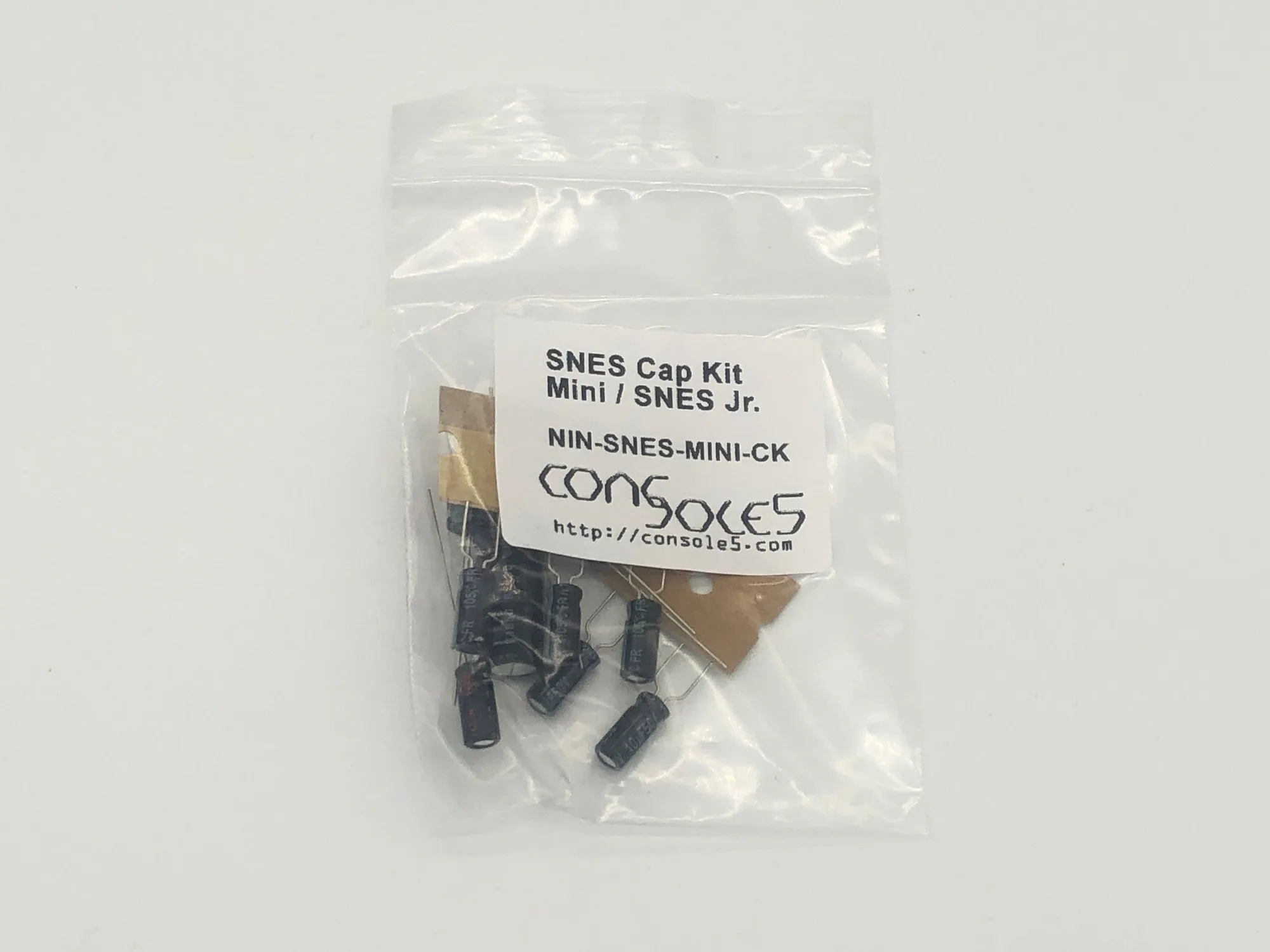
- SNES New Capacitors: Keep your classic SNES running at its best with this set of new capacitors from Powr Up Gaming. Designed as a replacement part for maintenance and repair projects, these capacitors are a practical choice for anyone looking to restore or service their console. Capacitor replacement is a common maintenance step for aging consoles. If you're sending your N64 in for a mod, consider having other consoles serviced at the same time to prevent future issues.
Which Option Fits You?
Best for
- Enthusiasts who want the best possible N64 digital output and are comfortable with permanent modifications
- Players with 4K TVs who prioritize low lag and pixel-perfect image quality
Not for
- Casual players who want a quick, non-invasive solution and don't want to open the console
- Those on a tight budget or who plan to use the same device with multiple retro consoles
Choosing between an N64 HDMI mod and an upscaler comes down to your priorities: image quality, installation effort, and budget. If you want the best possible picture and are ready for a permanent upgrade, an internal mod is the winner. If you prefer flexibility and simplicity, an external upscaler will serve you well. Either way, you'll enjoy your N64 on a modern TV with a much sharper image.