Quick answer
For most NZXT cases, buy 120mm or 140mm fans that match your case's listed mount sizes, and choose static-pressure models for radiators and airflow models for open case positions. If you want fewer cables and cleaner RGB, pick a single-frame F Series RGB Core model sized to your case; if you want maximum pressure per fan, choose the F120X or F140X.
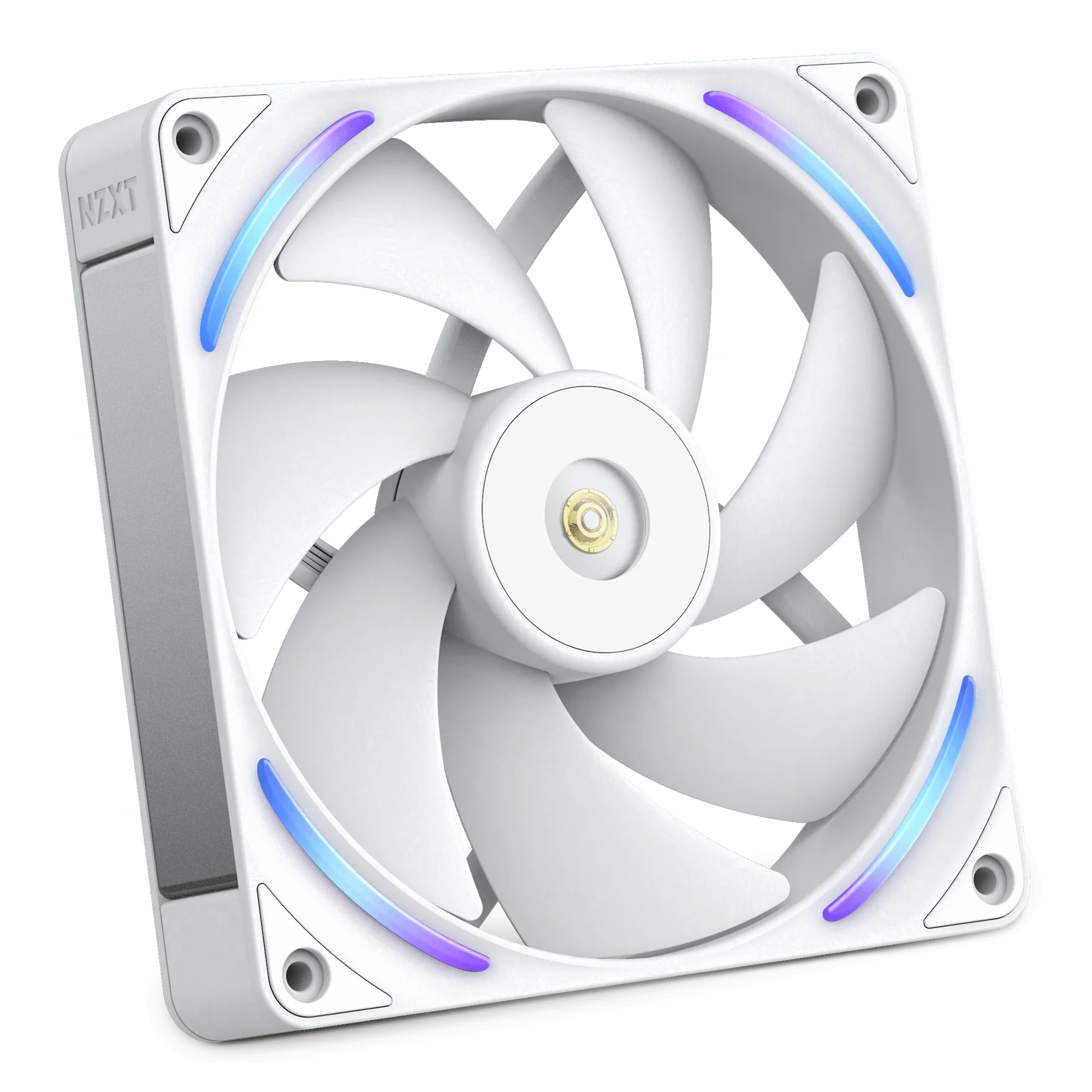
F140X
Choosing NZXT fans comes down to three checks: what size your case and radiator accept, whether the position needs airflow or static pressure, and how much cable and lighting complexity you want to manage. Get those right and you will not overspend on fans that cannot mount or undercool a hot GPU.
This guide walks through size matching, the F140X vs F240X buying decision, and when a single-frame RGB Core fan makes more sense than individual fans. It uses only the NZXT product facts available here, so where a spec is not listed, treat that as a reason to check your case manual before buying.
Start with fan sizes your case actually supports
NZXT fan sizes in this catalog cover 120mm and 140mm diameters, and multi-fan frames in 240mm, 280mm, 360mm, and 420mm lengths. Your case determines which of those fit. A 120mm mount will not accept a 140mm fan, and a 240mm radiator position usually expects two 120mm fans or one 240mm frame. Measure the mount spacing and read the case spec before buying, because a fan that is the right diameter can still foul a cable bar or top panel.
If you are unsure, buy for the smallest confirmed mount. A single 120mm fan can go almost anywhere, while a 420mm frame needs a case and radiator that explicitly support that length. When a spec such as maximum radiator thickness is not listed in the product facts, check the case manual rather than guessing.
- Match the fan diameter to the case mount, not to the fan you liked in a photo.
- For radiator positions, count the fans the radiator supports and buy that frame length or that many individual fans.
Airflow vs static pressure: pick by position
Airflow fans move a large volume of air through open case positions such as front intake and rear exhaust. Static-pressure fans push air through resistance such as a radiator or a dust filter. The F120X and F140X use liquid-crystal polymer blades and frames that maintain their shape at high speeds, resisting flex and vibration, which supports stronger, quieter operation in restrictive positions.
The F Series RGB Core fans are described as offering high static pressure, pushing air through a radiator while providing good airflow. That makes them a reasonable choice for both radiator and open positions if you want one fan type across the build. If you run a thick radiator or a dense front filter, prioritize static pressure over raw airflow.
- Radiator or filtered intake: choose static pressure.
- Open rear or top exhaust: airflow-focused fans are enough.
F140X vs F240X buying: individual fans or a single frame
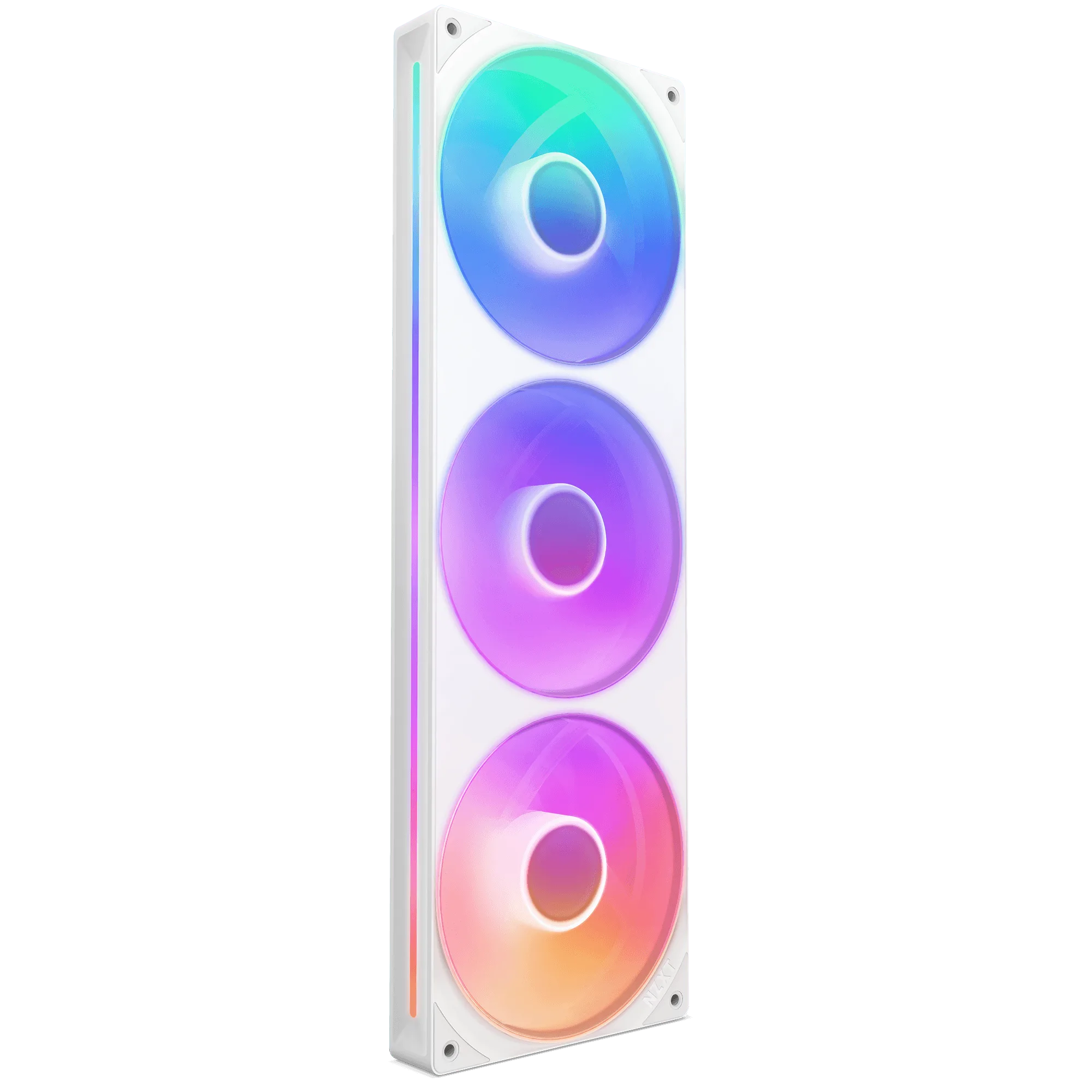
The F140X is a single 140mm fan, while an F240X-class product is a single-frame unit that integrates multiple fans. The practical difference is installation and control. A single-frame unit streamlines installation, setup, and lighting control because you do not connect individual fans, and you connect a single cable to an NZXT controller (sold separately) for lighting and speed control.
Choose the F140X when you have one 140mm mount, when you want to replace a single noisy fan, or when you are mixing sizes across a case. Choose a multi-fan frame when you are filling a matched radiator or a row of identical mounts and want fewer cables. Check that your case supports the frame length, and remember the controller is sold separately if you want lighting and speed control through it.
- One mount or mixed sizes: individual fan such as the F140X.
- Two or three matched mounts with clean cabling: single-frame RGB Core.
RGB Core frames and how they simplify a build
Single-frame F Series RGB Core fans integrate multiple fans into one unit, so you connect one cable instead of several. The F120 RGB Core Fans use eight individually addressable RGB LEDs mounted on the fan hub, diffused through semi-translucent blades, and a refined hub and blade design that enhances static pressure for radiator use. That combination suits builders who want lighting and cooling without a fan hub full of cables.
The trade-off is flexibility. If one fan in a frame fails, you replace the frame rather than a single fan, and you cannot rotate individual fans to a different angle. For a straight radiator row or a front intake bank, that is usually acceptable. For odd mounts, individual fans give you more freedom.
- Count your case's matched mounts before choosing a frame length.
- Plan for a controller if you want lighting and speed control through a single cable.
Fit and clearance checks before you buy
Fit is more than diameter. Check radiator thickness plus fan depth against your case's clearance, and confirm that a top-mounted radiator does not collide with motherboard power cables or RAM. In many NZXT cases, a front-mounted radiator is easier to fit than a top-mounted one because the top panel has less room above the motherboard.
Also check the fan frame width. A 140mm fan is wider than a 120mm fan, and a 280mm or 420mm frame is wider still. If your case lists 120mm mounts only, a 140mm fan or a 280mm frame will not fit even if it looks close. When a clearance number is not published in the product facts, measure your case or consult the manual.
- Measure radiator thickness plus fan depth before ordering.
- Confirm top-panel clearance above the motherboard for top-mounted radiators.
How many fans and which direction
A common setup is two or three front intake fans, one rear exhaust, and optionally one or two top exhausts. More fans do not automatically mean better cooling; balance intake and exhaust so air moves through the case rather than looping. If your case has a filtered front panel, intake fans there need enough static pressure to pull through the filter.
For a single-frame RGB Core unit, the integrated fans share one cable and one control channel, so direction is set by how you mount the frame. Plan the orientation before installing. If you want independent control per fan, individual fans such as the F120X or F140X give you that flexibility.
- Aim for slightly more intake than exhaust to reduce dust ingress.
- Set frame orientation before mounting; you cannot flip one fan inside a frame.
Decision rules for choosing NZXT fans
- Rule 1: Match the mount size first: Confirm whether your case mount is 120mm or 140mm, and whether a radiator position expects a 240mm, 280mm, 360mm, or 420mm frame. Buy only what the mount supports. If the size is wrong, nothing else about the fan matters.
- Rule 2: Choose static pressure for resistance: Use static-pressure fans for radiators and filtered intakes. The F120 RGB Core Fans are described with high static pressure for radiator use, and the F120X and F140X use LCP construction to resist flex at high speeds. Airflow-only fans underperform when air must pass through a radiator or dense filter.
- Rule 3: Choose single-frame for clean cabling: If you are filling two or three matched mounts, a single-frame F Series RGB Core unit connects with one cable to an NZXT controller (sold separately) for lighting and speed control. If you need per-fan control or mixed sizes, buy individual fans such as the F140X or F120X. Fewer cables now means easier maintenance later; more fans means more flexibility.
- Rule 4: Verify clearance before ordering: Add radiator thickness to fan depth and compare against your case's published clearance. Check top-panel room above the motherboard and front-panel room behind the filter. When a clearance figure is not listed, measure your case or check the manual.
NZXT fan facts that affect your choice
- F140X: The NZXT Performance Fans deliver powerful, quiet cooling with LCP construction, optimized blades, and a hybrid bearing system for superior airflow and durability. LCP construction means liquid-crystal polymer blades and frame maintain their shape at high speeds, resisting flex and vibration. Useful for a single 140mm mount where you want strong airflow and less vibration noise, especially in a filtered intake or a radiator position.
- F120X: The NZXT Performance Fans deliver powerful, quiet cooling with LCP construction, optimized blades, and a hybrid bearing system for superior airflow and durability. A reinforced core, advanced motor, and subtle RGB lighting combine performance and style. A good pick for 120mm mounts where you want performance-first cooling with a little lighting, and you prefer individual fan control.
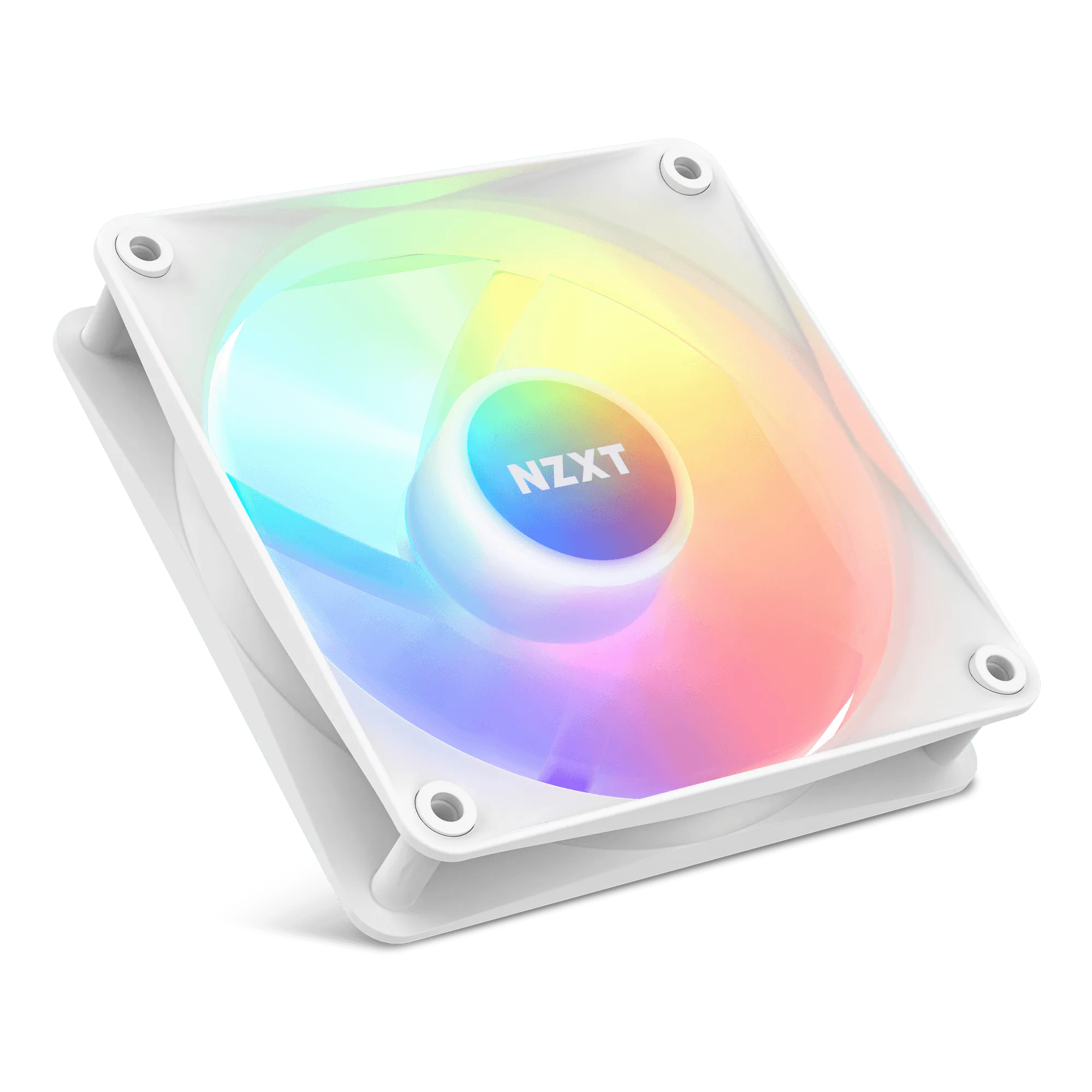
- F120 RGB Core Fans: The F Series RGB Core Fans offer brilliant lighting with eight individually addressable RGB LEDs and premium cooling with high static pressure. Eight individually addressable LEDs mounted on the fan hub are perfectly diffused through the semi-translucent blades, and a refined hub and blade design offers enhanced static pressure by pushing air through your radiator. Best when you want addressable RGB and radiator-ready static pressure in a 120mm size, with lighting diffused across the blades rather than a harsh point source.
- F360 RGB Core: NZXT F Series RGB Core single-frame fans seamlessly integrate multiple fans for effortless installation while offering superior cooling, whisper-quiet performance, and striking RGB visuals. Single-frame unit with integrated fans streamlines installation, setup, and lighting control—no need to connect individual fans. Simply connect a single cable to an NZXT controller (sold separately) for lighting and speed control. Ideal for a 360mm radiator or three matched 120mm mounts where you want one cable and one control point instead of three separate fan connections.
Who each fan choice fits
Best for
- Builders filling a 360mm or 280mm radiator who want one cable and unified RGB control
- First-time builders who want fewer fan connections and simpler setup
- Anyone replacing a single noisy fan in a 120mm or 140mm mount
Not for
- Builders who need independent speed control for every fan in a multi-fan row
- Cases with only one or two odd-sized mounts that cannot accept a matched frame
- Anyone who has not confirmed radiator and top-panel clearance
Pick your fan size from the case spec, then choose static pressure for radiators and filtered intakes and airflow for open positions. Use individual fans like the F140X or F120X when you want flexibility, and a single-frame F Series RGB Core unit when you want fewer cables and unified lighting. Confirm clearance before you order, and you will get cooling that fits the first time.