Quick Answer
To clean a silicone phone case without ruining it, use mild dish soap and warm water with a soft cloth. Avoid harsh chemicals, bleach, or abrasive scrubbers. For yellowing, a gentle baking soda paste can help, but test on a small area first.
Why Silicone Cases Need Special Care
Silicone phone cases are soft, grippy, and comfortable, but they attract dust, lint, and oils from your hands. Over time, clear or light-colored silicone can develop a yellowish tint from UV exposure and heat. Using the wrong cleaning method—like rubbing alcohol or bleach—can strip the finish, cause discoloration, or make the case tacky. That's why a gentle approach matters.
What You'll Need
Gather a bowl of lukewarm water, a few drops of mild dish soap, a soft microfiber cloth or sponge, and a clean towel. For stubborn yellowing, have baking soda on hand. Avoid paper towels, scrub brushes, or any cleaner labeled as abrasive.
Step-by-Step Cleaning Method
- Remove the Case and Dust It Off: Take the case off your phone. Use a dry microfiber cloth to wipe away loose dust, lint, and debris from the inside and outside. Pay extra attention to the corners and edges where grime collects. Common mistake: Skipping this step can push dirt into the silicone during washing, causing scratches.
- Soap and Warm Water Soak: Mix a few drops of mild dish soap into a bowl of lukewarm water. Submerge the case and gently scrub it with a soft cloth or sponge. Focus on oily spots and the back panel. Rinse thoroughly with clean water. Checkpoint: Avoid hot water—it can warp silicone. Never use bleach or alcohol-based cleaners.
- Remove Yellowing with Baking Soda Paste: If your case has yellowed, make a paste of two parts baking soda to one part water. Apply it to the affected areas with a soft cloth and gently rub in circles. Let it sit for 10 minutes, then rinse off completely. Verdict: This method works best on clear silicone but may not restore severe UV damage. Test on a hidden spot first.
- Dry Completely Before Reattaching: Pat the case dry with a clean towel, then let it air dry for at least an hour. Make sure no moisture remains inside the case before putting it back on your phone. Next step: A damp case can trap moisture against your phone, potentially causing charging port issues over time.
Keeping Your Case-Mate Case Clean
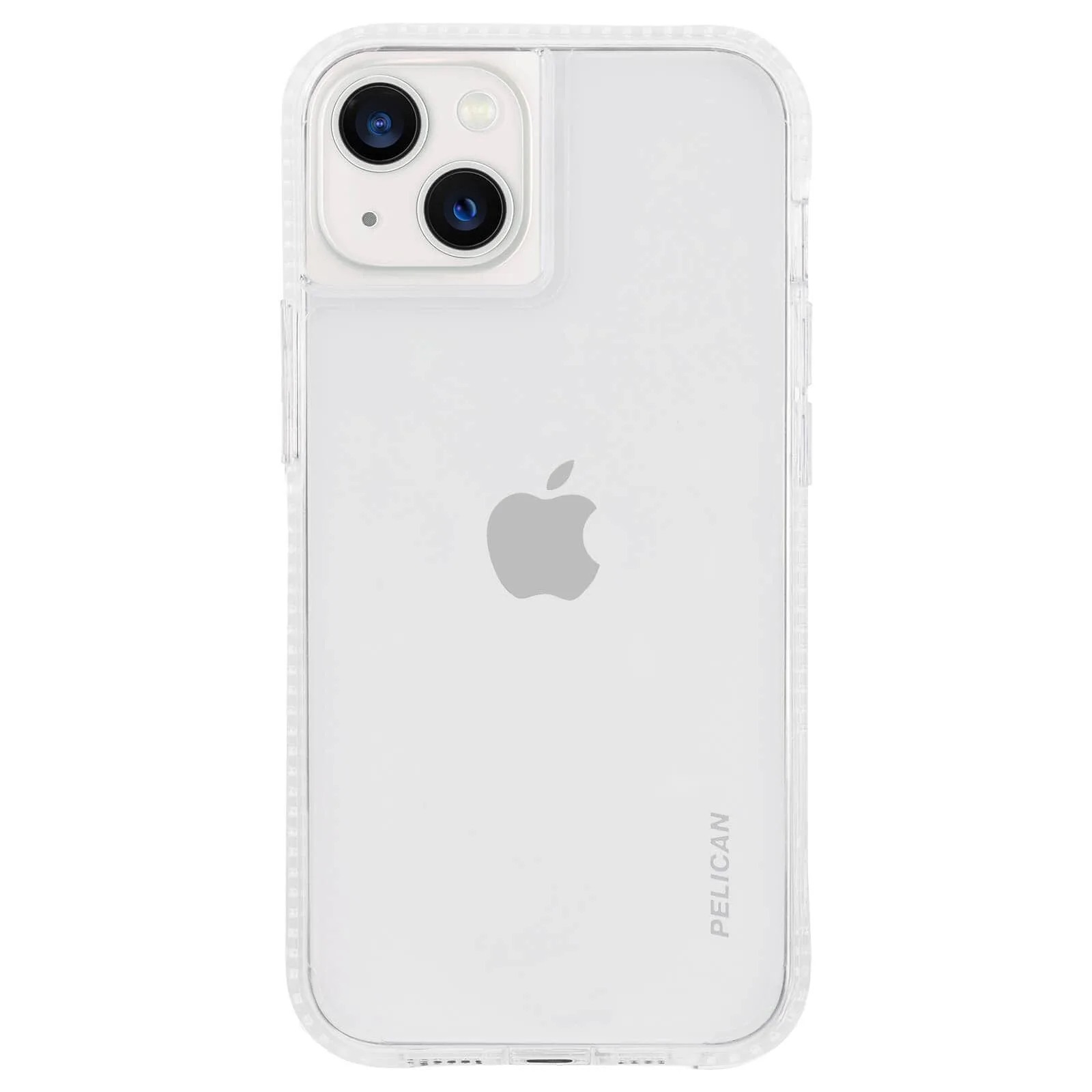
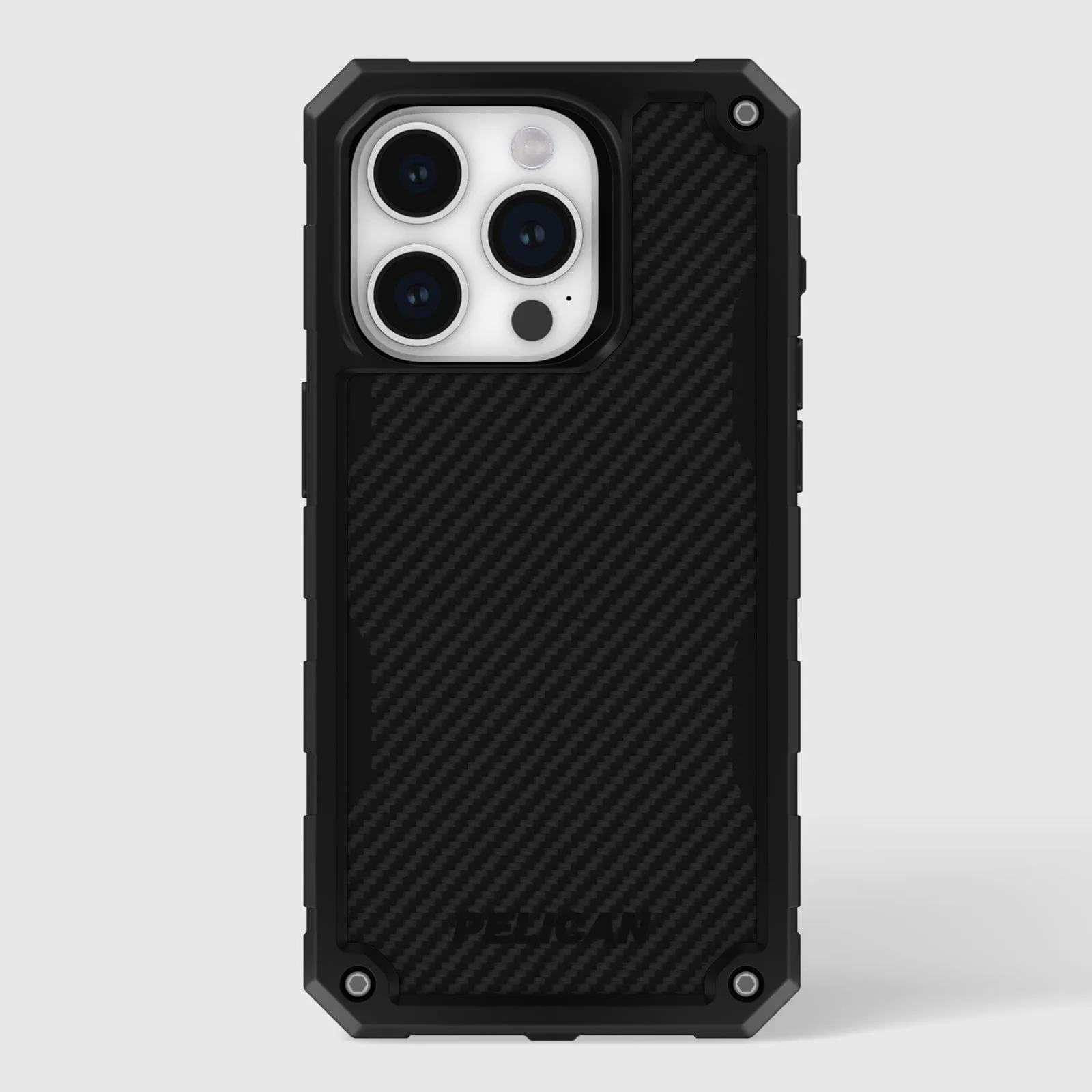
- Pelican Ranger (Clear) - iPhone 13 mini: The minimalist design of this Pelican Ranger case for the iPhone 13 mini gives you ultimate protection in a sleek profile. The reinforced back panel, cushioned corners and impact absorbing ridges provide maximum protection for your device. Even a rugged case like the Pelican Ranger benefits from regular gentle cleaning to keep its clear back panel from looking cloudy over time.