Quick Answer
To clean and care for your retro handheld collection, start by powering off the device, then use a soft microfiber cloth to wipe the screen and shell. Store units in a cool, dry place away from direct sunlight, and remove batteries if you won't play for weeks. This routine keeps the screen clear, the plastic from yellowing, and the battery contacts corrosion-free.
Why Regular Care Matters for Retro Handhelds
Retro handhelds like the Retro Arcade Machine X and Go Gamer Classic rely on simple electronics that can last for years with basic upkeep. Dust and oils from your hands gradually cloud the screen and can seep into button crevices, making controls feel sticky or unresponsive. A few minutes of care every month prevents these issues and preserves the nostalgic look and feel of your collection.
What You'll Need
Gather a microfiber cloth (avoid paper towels or rough fabrics that can scratch the screen), a soft-bristle brush or clean paintbrush for crevices, isopropyl alcohol (70% or less) for stubborn grime, and a small case or drawer for storage. For devices with removable batteries, have a dry cloth handy to wipe battery contacts if needed.
Step-by-Step Care Routine for Your Retro Handhelds
- Power Off and Remove Batteries: Turn off the handheld completely. If the device uses removable batteries, take them out. This prevents accidental button presses during cleaning and protects the circuit board from moisture if you use a slightly damp cloth. Checkpoint: Never clean a device while it's plugged in or powered on.
- Wipe the Screen and Shell: Use a dry microfiber cloth to gently wipe the screen in circular motions. For the plastic shell, use the same cloth; if there are sticky spots, lightly dampen a corner of the cloth with isopropyl alcohol (not water) and wipe the affected area, then follow with the dry part of the cloth. Common mistake: Using household glass cleaner or paper towels can strip screen coatings and leave micro-scratches.
- Clean Crevices and Buttons: Use a soft-bristle brush (like a clean makeup brush or a dedicated electronics brush) to gently sweep dust from around the D-pad, action buttons, and speaker grille. Hold the handheld upside down while brushing so debris falls out instead of deeper inside. Checkpoint: If buttons feel sticky after cleaning, a single drop of isopropyl alcohol on a cotton swab wiped around the button edge can dissolve residue.
- Inspect and Wipe Battery Contacts: With the batteries removed, look at the metal contacts inside the battery compartment. If you see any white or green corrosion, dip a cotton swab in white vinegar, wipe the contacts, then follow with a dry swab. For normal dust, a dry swab is enough. Common mistake: Leaving old batteries inside a handheld you don't play often can cause corrosion that damages the device permanently.
- Store Properly Between Play Sessions: Place the handheld in a cool, dry drawer or a soft case. Avoid direct sunlight, humid bathrooms, and hot cars. If you won't use the device for more than a month, store it with batteries removed to prevent leakage. Final tip: Stack handhelds vertically or side by side rather than piling them to avoid pressure on screens and buttons.
Products That Benefit from This Care Routine
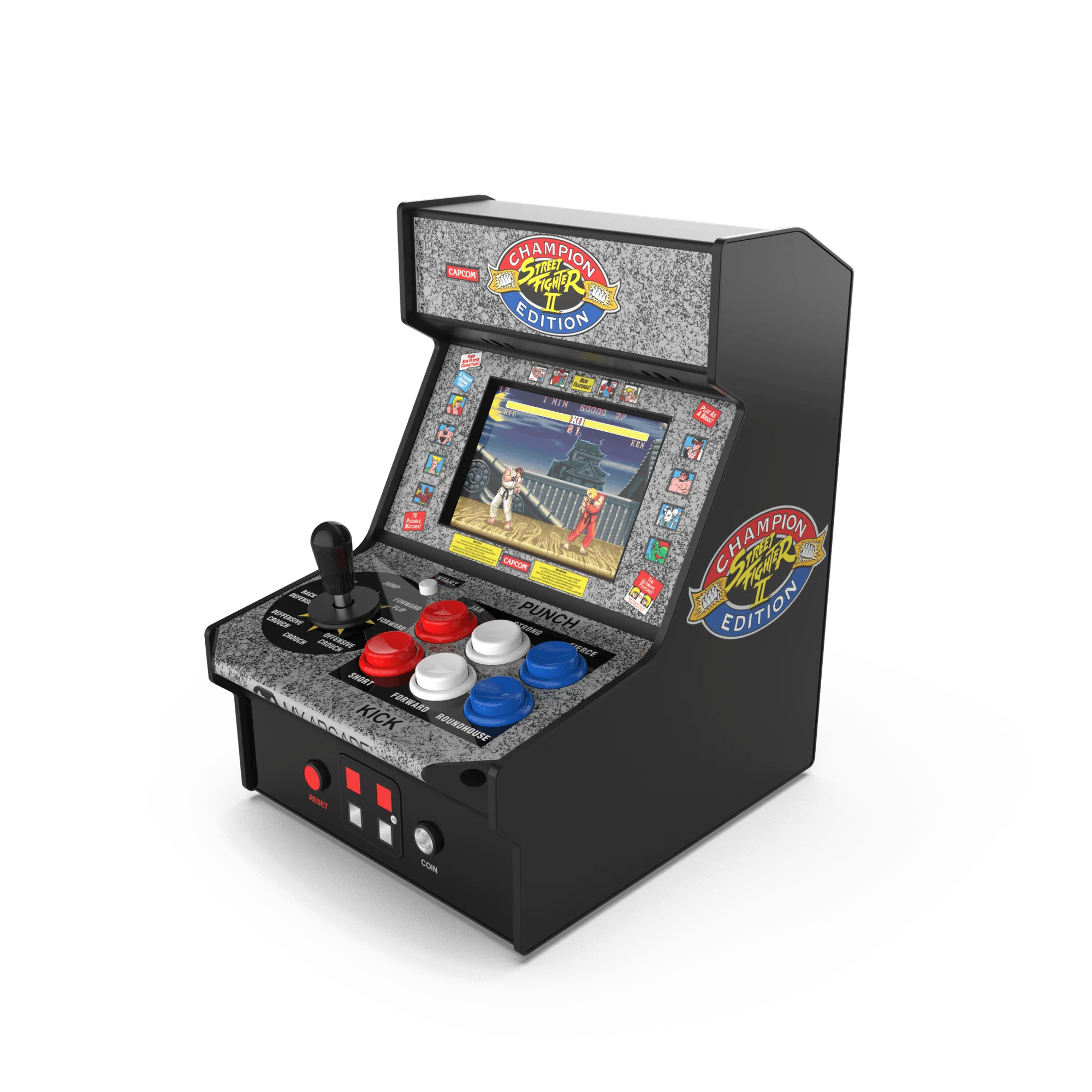
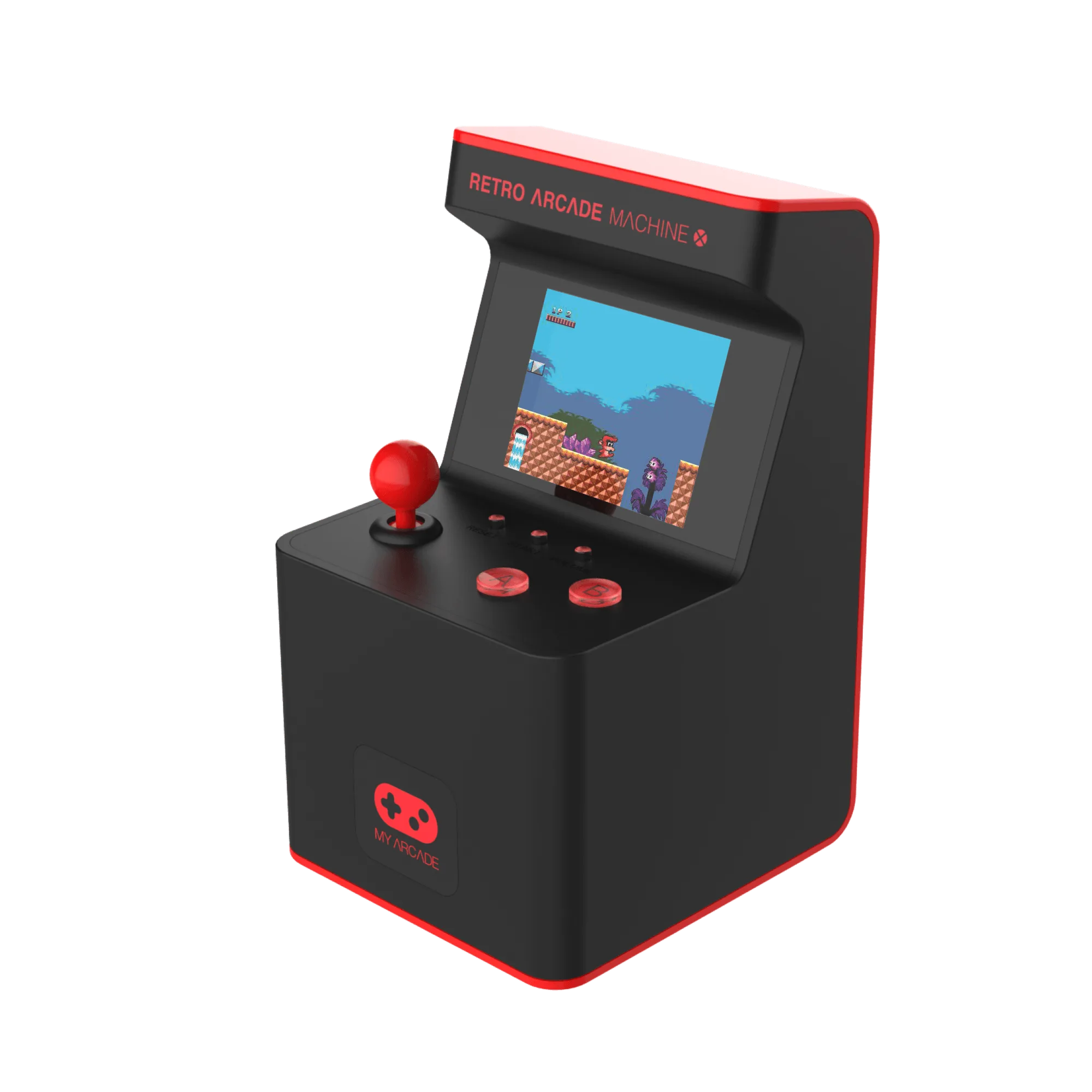
- Retro Arcade Machine X: The Retro Arcade Machine X features a full color LCD screen and controls that mimic original arcade cabinets. The screen is the main window into the 300 built-in games, so keeping it free of smudges and scratches directly improves your play experience. The arcade-style controls also have small gaps where dust can collect, making periodic crevice cleaning especially useful.
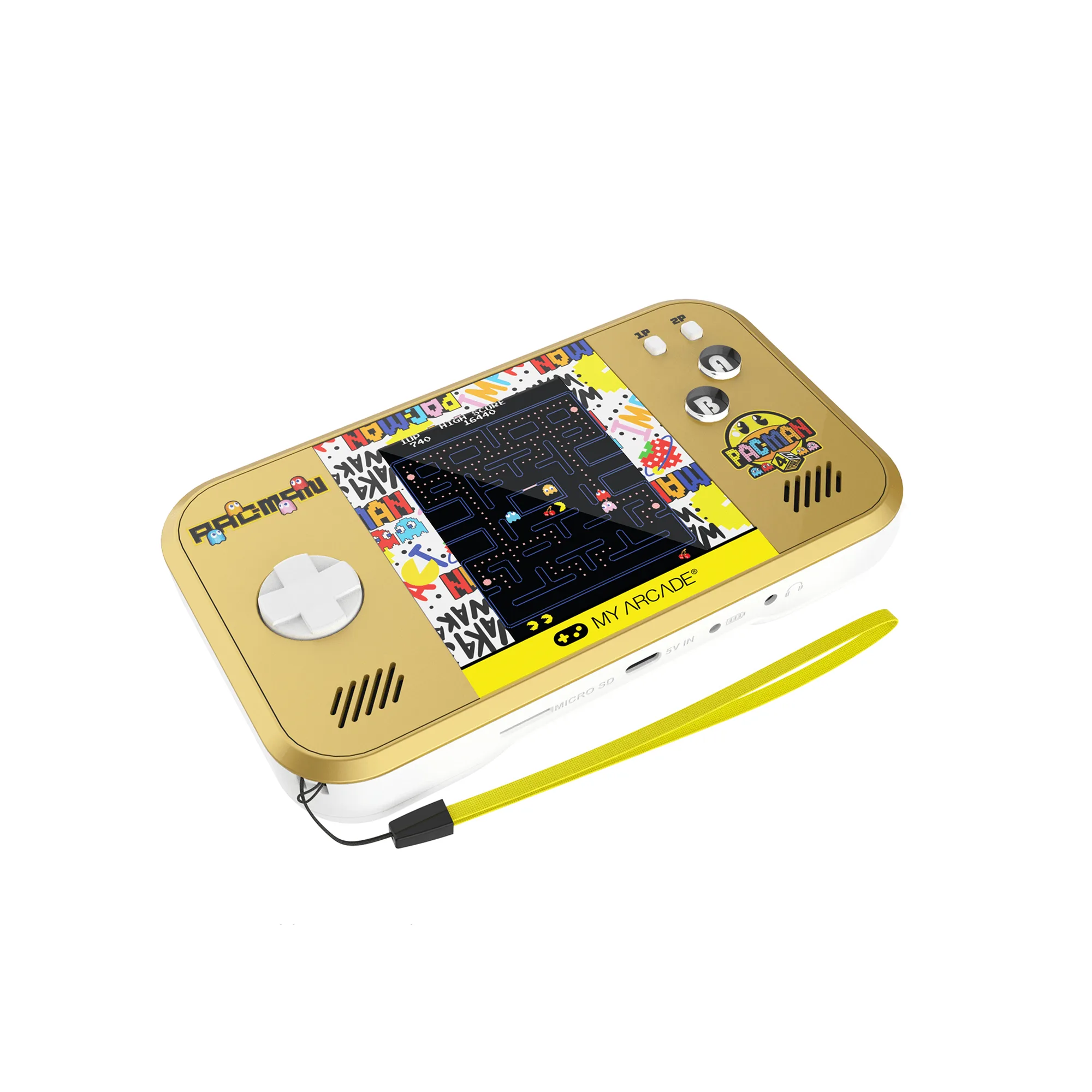
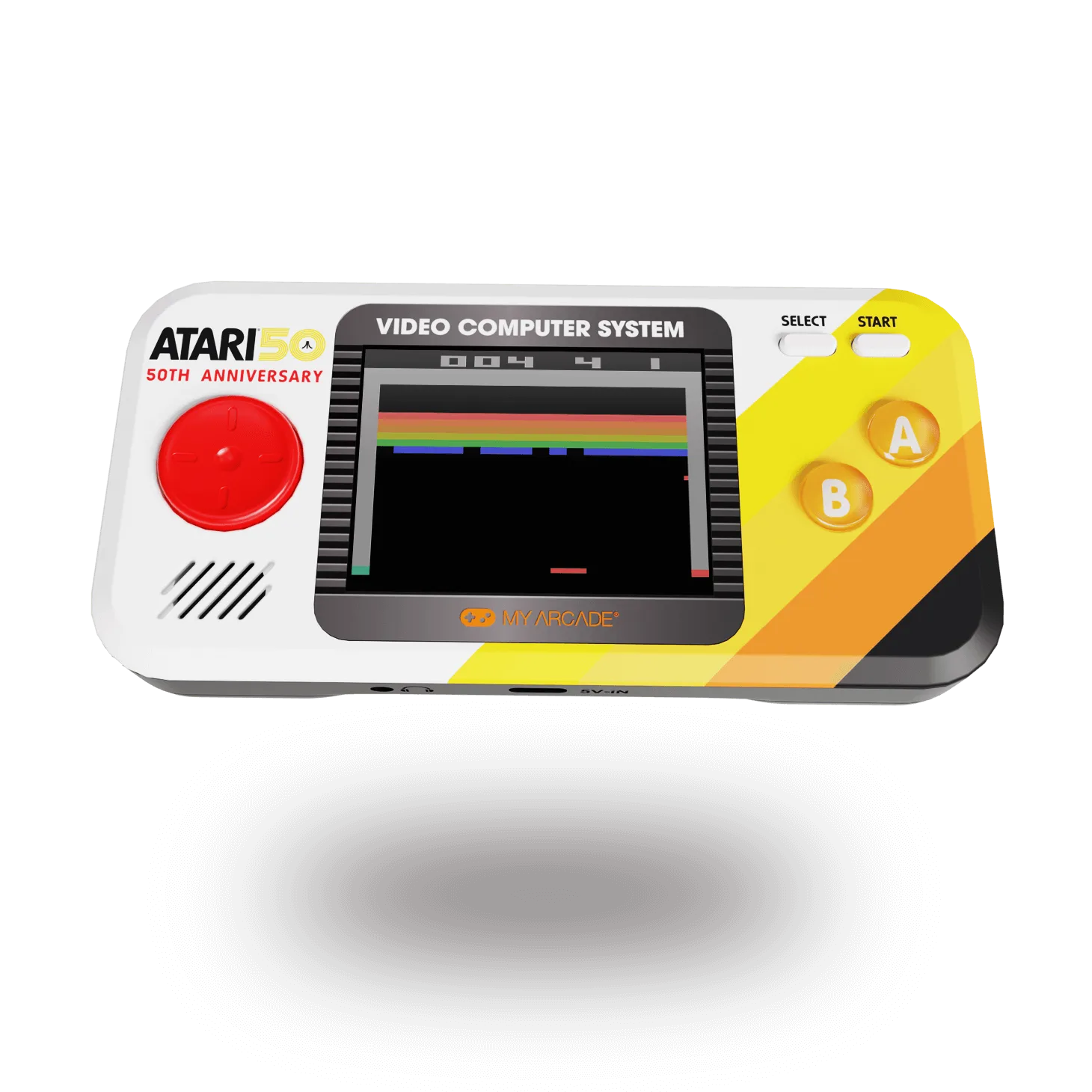
- GO GAMER CLASSIC- Black/Red: The Go Gamer Classic has a full color 2.5" screen and fits easily in a pocket, purse, bag or backpack. Because it's designed for portability, it often gets tossed into bags where lint and crumbs can enter the speaker grille and button edges. Regular cleaning helps maintain the crisp screen and responsive buttons so it's always ready to play on the go.