Quick Answer
To clean an antimicrobial screen protector without damaging it, use a soft microfiber cloth slightly dampened with water or a screen-safe cleaner, and avoid harsh chemicals and abrasive materials.
Why Cleaning Method Matters for Antimicrobial Coatings
Antimicrobial screen protectors, like those with InvisiGlass technology, have a special coating that helps inhibit the growth of microbes on the surface. This coating is effective but can be degraded by harsh cleaning agents or abrasive scrubbing. Using the right technique preserves both the clarity and the antimicrobial properties of your protector.
The Galaxy S25 Edge's curved display makes it especially important to clean gently. The edges are more prone to dust accumulation, but aggressive wiping can lift the protector or damage the coating. A soft touch and the right tools keep the protector looking new and functioning as intended.
Step-by-Step Cleaning and Maintenance
- Power off and inspect: Turn off your phone and hold it under a bright light to see dust and smudges. This helps you target cleaning and avoid spreading debris. Check for any cracks or lifting edges before cleaning; if damaged, consider replacing the protector.
- Use a dry microfiber cloth first: Gently wipe the screen with a clean, dry microfiber cloth to remove loose dust and particles. Avoid using paper towels or tissues, which can scratch the surface. Never use your shirt or any abrasive fabric.
- Dampen for stubborn smudges: If smudges remain, lightly dampen a corner of the microfiber cloth with distilled water or a screen cleaner specifically designed for coated screens. Wipe in gentle, circular motions. Do not spray liquid directly onto the screen; always apply to the cloth.
- Dry and polish: Use a dry part of the microfiber cloth to gently buff the screen until it is streak-free. This also helps restore the smooth feel of the glass. Avoid pressing hard; light pressure is enough.
- Maintain regularly: Clean your screen protector at least once a week or whenever you notice visible buildup. Regular maintenance prevents dirt from becoming hard to remove and keeps the antimicrobial coating effective. If you use a phone case, remove it occasionally to clean dust that collects around the edges.
Product Spotlight
-
InvisiGlass antimikrobieller Displayschutz für das Galaxy S25 Edge: This Belkin InvisiGlass screen protector is designed specifically for the Samsung Galaxy S25 Edge and includes a positioning tray for easy, accurate installation. A precise fit reduces the chances of dust getting under the edges, making cleaning simpler and less frequent.
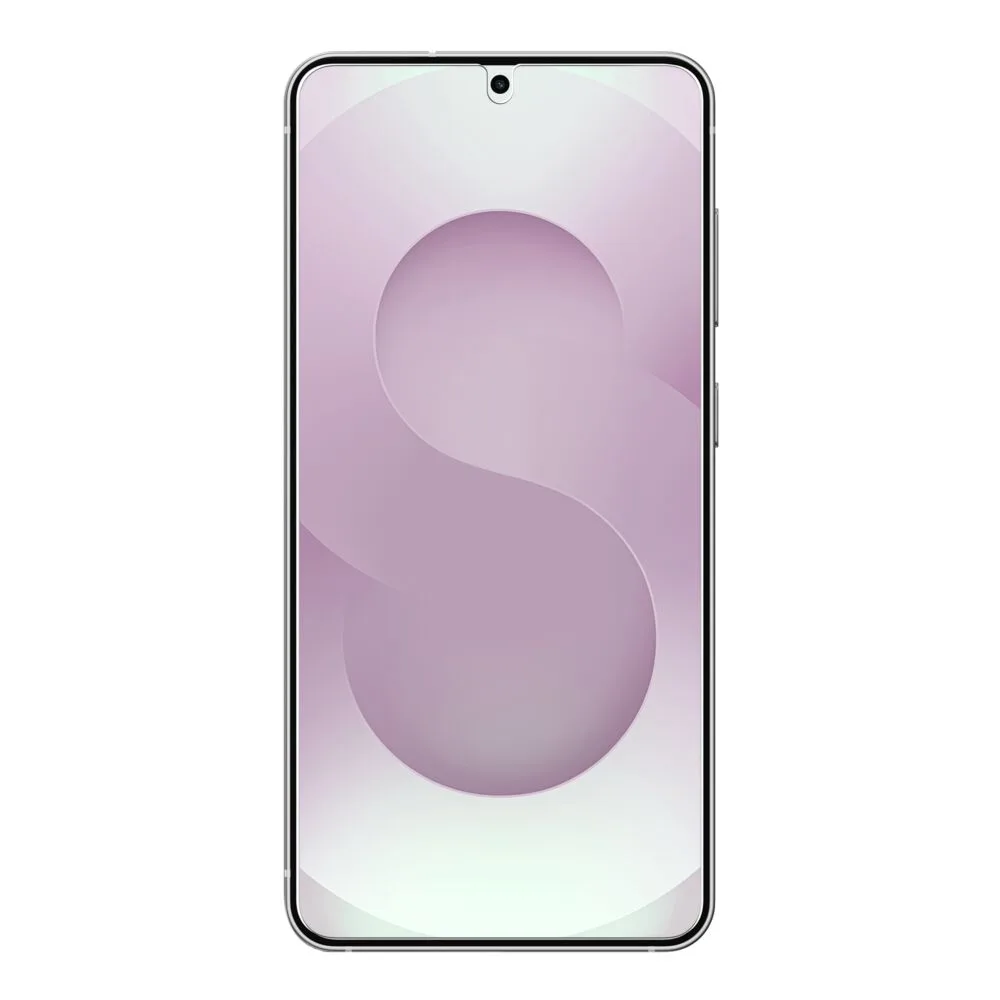
InvisiGlass antimikrobieller Displayschutz für das Galaxy S25 Edge