Quick answer
To clean anthracite keycaps, remove them from the board, soak them in warm water with a mild dish soap, gently scrub with a soft brush, rinse, and dry completely before reinstalling. Avoid harsh chemicals and excessive scrubbing, especially if your keycaps are ABS, as they can damage the surface and accelerate shine.
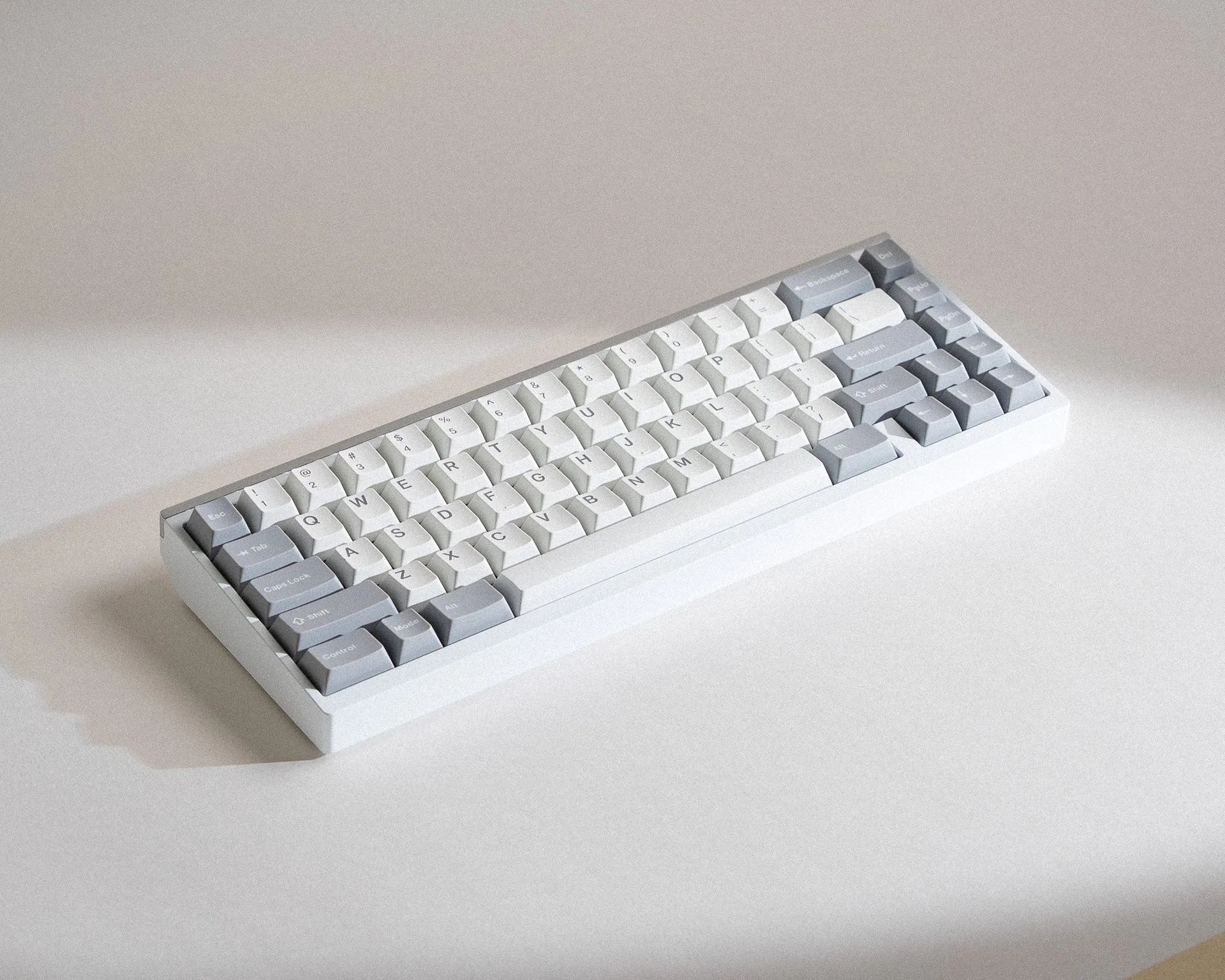
anthracite keycaps
Dark keycaps like anthracite look sleek, but they show dust, fingerprints, and smudges more easily than lighter sets. Regular cleaning keeps them looking crisp and extends their lifespan. Whether you have a set of Obscura Keycaps or another dark profile, the process is straightforward and requires only a few household items.
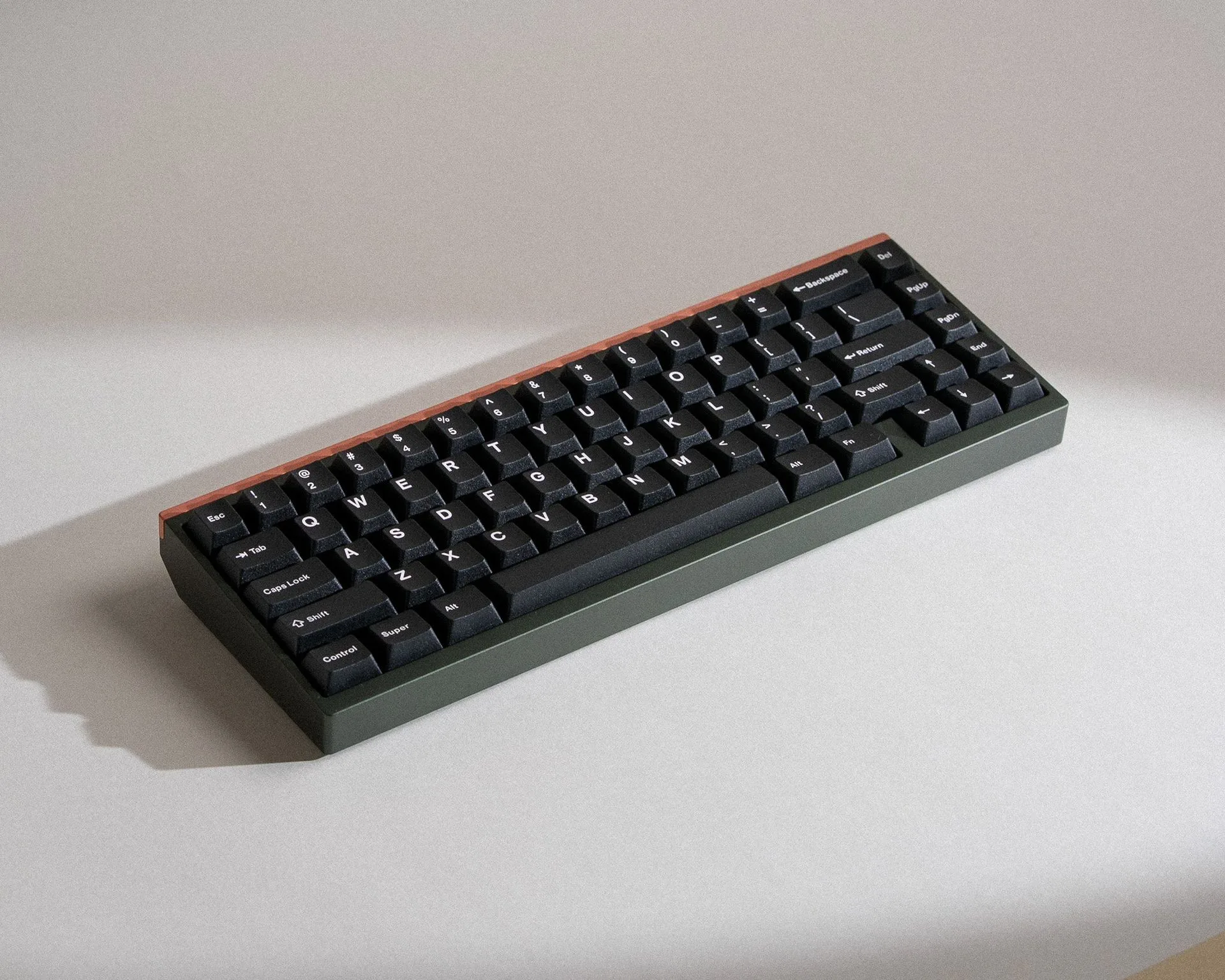
Obscura Keycaps
This guide walks you through a safe cleaning routine, highlights common mistakes, and offers maintenance tips to keep your keycaps in top condition. We'll also touch on why material matters—especially if your keycaps are made from ABS—so you can avoid common pitfalls like shine and discoloration.
Why dark keycaps need special care
Dark keycaps, especially black or anthracite, reveal every speck of dust and every fingerprint. While they don't stain as visibly as white keycaps, they can develop a shiny, worn look over time if not cleaned properly. This is particularly true for ABS keycaps, which are more prone to shine from oils and friction.
The good news is that with the right technique, you can keep dark keycaps looking matte and fresh. The key is to use gentle cleaners and avoid abrasive tools. Over time, regular light cleaning is better than occasional deep cleaning, as it prevents grime from building up and becoming harder to remove.
- Use a soft-bristled brush or a microfiber cloth to avoid scratching the surface.
- Avoid isopropyl alcohol on ABS keycaps—it can strip the finish and cause clouding.
- Dry keycaps thoroughly before reinstalling to prevent moisture damage to switches.
What you'll need
Gather a few basic supplies before you start. You'll need a keycap puller (or a safe alternative), a bowl or container large enough to hold your keycaps, warm water, mild dish soap (free of dyes and fragrances), a soft-bristled brush (like a toothbrush), and a clean, lint-free towel for drying.
If your keycaps are particularly greasy, you can add a tiny drop of dish soap to the water. Avoid using bleach, ammonia, or abrasive cleaners, as these can damage the keycap surface. For stubborn stains, a gentle soak of 30 minutes usually works without needing extra scrubbing.
- If you don't have a keycap puller, you can use a plastic spudger or carefully pry with your fingers—just be gentle to avoid bending the stems.
Step-by-step cleaning process
- Remove the keycaps: Using a keycap puller, gently lift each keycap straight up. Start from the corners and work inward to avoid bending the stems. Place them in a bowl. Checkpoint: Ensure you have a safe place to store them so none roll away.
- Soak in warm soapy water: Fill a bowl with warm water and add a few drops of mild dish soap. Submerge the keycaps and let them soak for 15–30 minutes. This loosens oils and grime without harsh scrubbing. Mistake to avoid: Don't use hot water—it can warp ABS keycaps.
- Scrub gently: Use a soft-bristled brush to gently scrub each keycap, paying attention to the sides and the underside where grime accumulates. Use circular motions and light pressure. Checkpoint: If stains remain, soak for another 15 minutes instead of scrubbing harder.
- Rinse thoroughly: Rinse each keycap under cool running water to remove all soap residue. Shake off excess water and place them on a clean towel. Mistake to avoid: Soap residue can attract more dust, so rinse well.
- Dry completely: Pat the keycaps dry with a lint-free towel, then let them air-dry on a flat surface for at least an hour. Ensure they are completely dry before reinstalling. Checkpoint: Test a few keycaps by shaking them—if any water droplets remain, wait longer.
- Reinstall carefully: Align each keycap over its switch stem and press down firmly until it clicks into place. Do not force—if it doesn't fit, check for misalignment. Mistake to avoid: Pressing at an angle can bend the switch stem.
Keycap materials and care
- Obscura Keycaps: These keycaps use a custom PBT/ABS blend, balancing a full sound profile with better resistance to surface shine. They are double-shot so legends never fade. Because they resist shine better than pure ABS, they stay looking matte longer, but they still benefit from gentle cleaning to avoid buildup.
- Mill-Max 3305 Sockets: Mill-Max 3305 sockets are the shortest length socket with the thinnest lip in the Mill-max MX switch product lineup, sold in packs of 50. If you plan to remove keycaps frequently for cleaning, these sockets allow you to hot-swap switches without desoldering, making maintenance easier on your board.
Regular cleaning keeps anthracite keycaps looking sharp and extends their life. By using gentle methods and avoiding harsh chemicals, you'll preserve the matte finish and prevent shine. For keycaps made with a PBT/ABS blend like Obscura Keycaps, you'll enjoy both durability and a clean appearance for years to come.