Quick answer
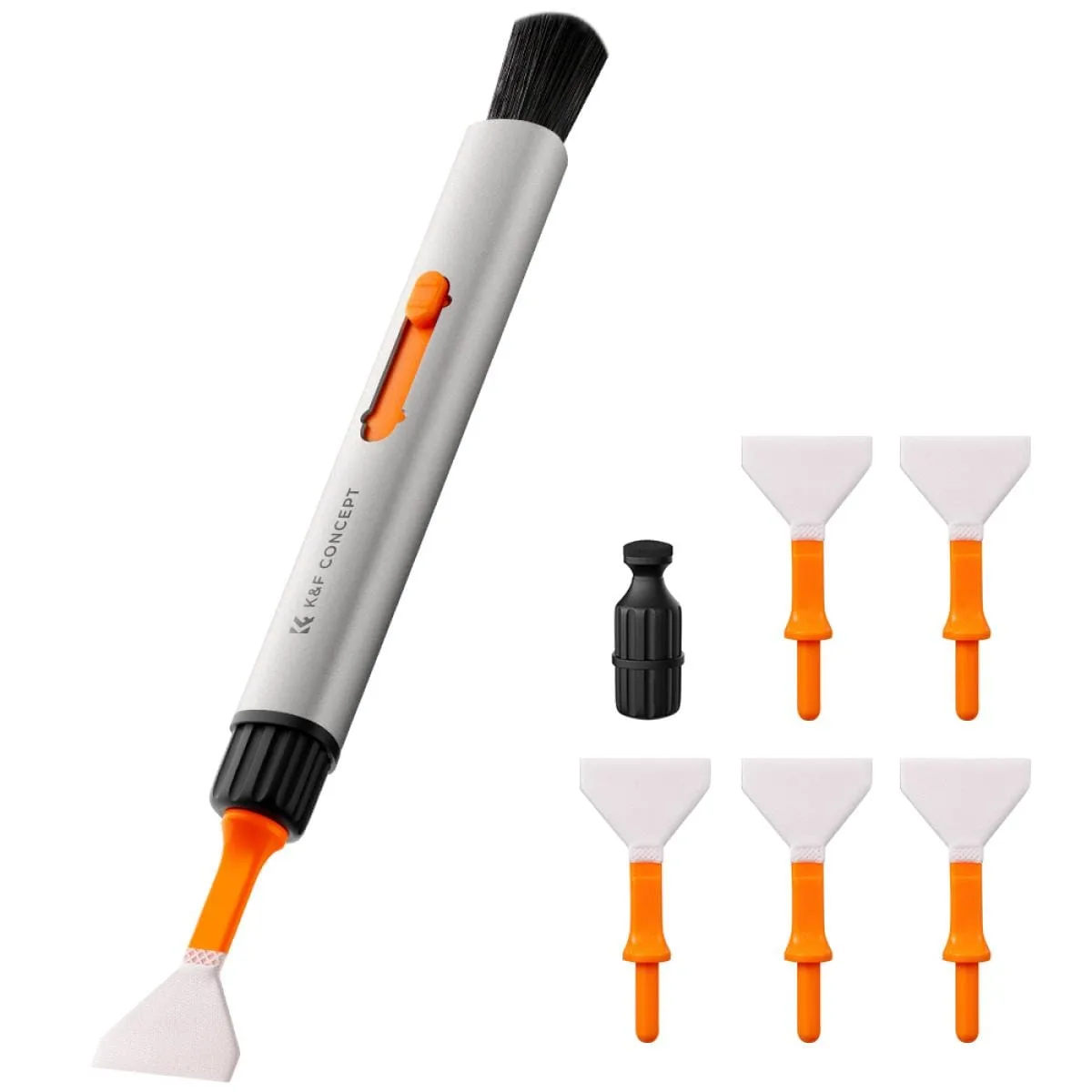
Use a dedicated APS-C sensor cleaning stick, like the K&F Concept 16mm set, to safely remove dust from your camera sensor without scratching or leaving residue.
Why use a dedicated stick instead of a swab
Generic cotton swabs can shed fibers or be too wide, risking damage to the sensor or mirrorless shutter. APS-C sticks are precisely sized (16mm) to cover the sensor in one pass, reducing the chance of streaks or missed spots.
When to clean vs. when to leave it
Only clean when dust spots are visible in your images at small apertures (f/8 or smaller). A few specks rarely affect real-world shots. Over-cleaning risks scratches or static buildup, so wait until dust is bothersome.
Step-by-step sensor cleaning process
- Prepare your camera: Set your camera to 'Sensor Cleaning' mode (usually found in the setup menu) to lock the mirror up and expose the sensor. Remove the lens first. Common mistake: Forgetting to disable the shutter or power off the camera, which can cause the shutter to close during cleaning.
- Inspect the sensor: Use a sensor loupe or take a test shot at f/22 of a plain white surface. Check the image for dust spots to confirm cleaning is needed. Skip this step if you already know where the dust is—focus only on visible spots to avoid unnecessary passes.
- Unwrap the cleaning stick: Open the foil package of the K&F Concept stick. Hold it by the handle only—do not touch the tip. The stick is pre-moistened, so no additional liquid is needed. Common mistake: Touching the tip or exposing it to air for too long, which can introduce dust or dry out the solution.
- Wipe the sensor in one pass: Place the flat side of the stick against the sensor. Gently drag it from one edge to the other in a single, continuous motion. Do not press hard or go back and forth. Stop immediately if you feel resistance—pressing harder can scratch the sensor filter.
- Check and repeat if needed: Take another test shot at f/22. If dust remains, use a fresh stick for a second pass. Never reuse a stick—it will redeposit dust. If spots persist after three passes, consider professional cleaning to avoid sensor damage.
What you need
-
K&F Concept Sensor Cleaning Stick Set 16mm APS-C Format – 10PCS: Includes 10 individually wrapped sticks designed for APS-C format sensors. Each stick is pre-moistened and sealed, so you don't need to apply liquid separately—reduces the risk of using too much solution.
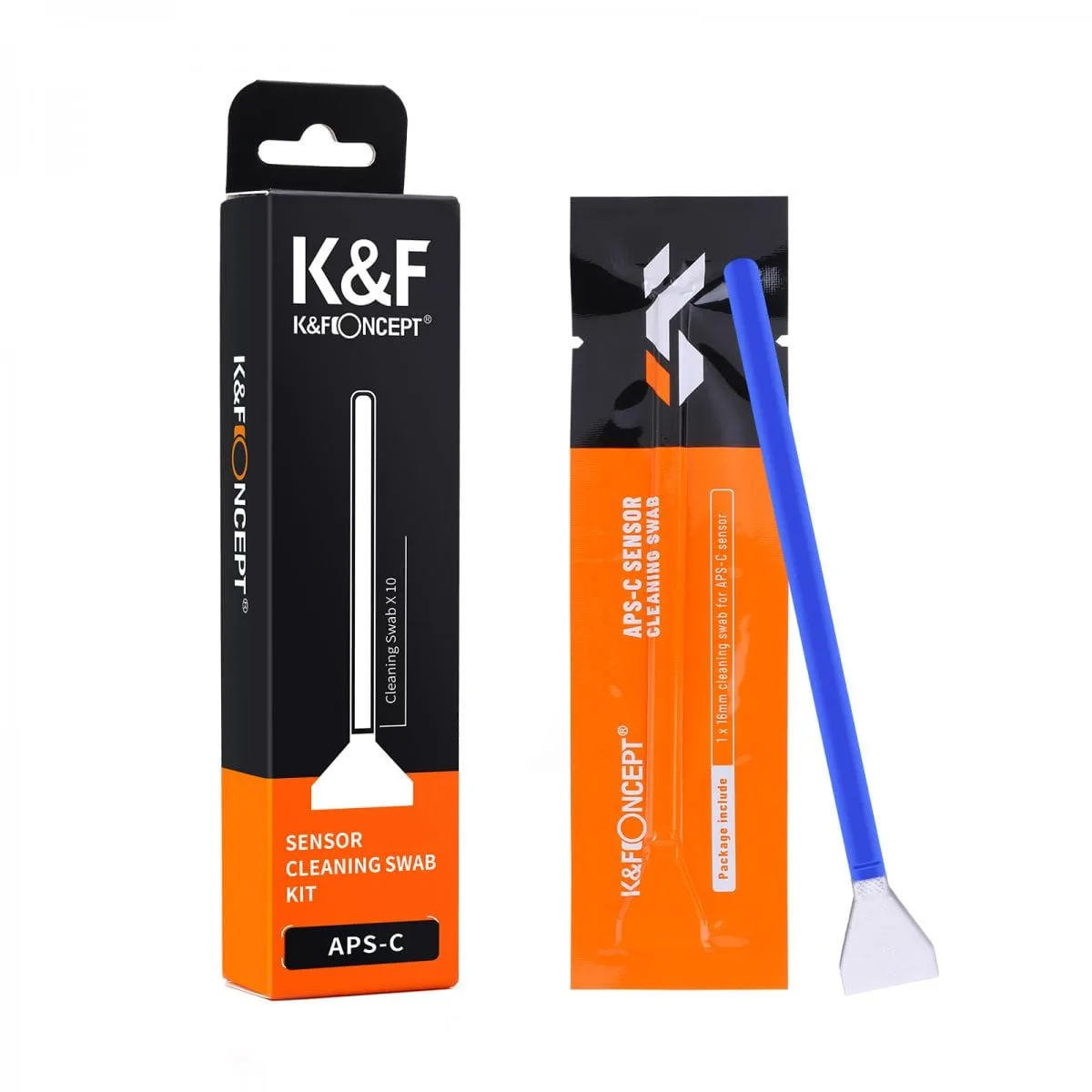
K&F Concept Sensor Cleaning Stick Set 16mm APS-C Format – 10PCS