Quick answer
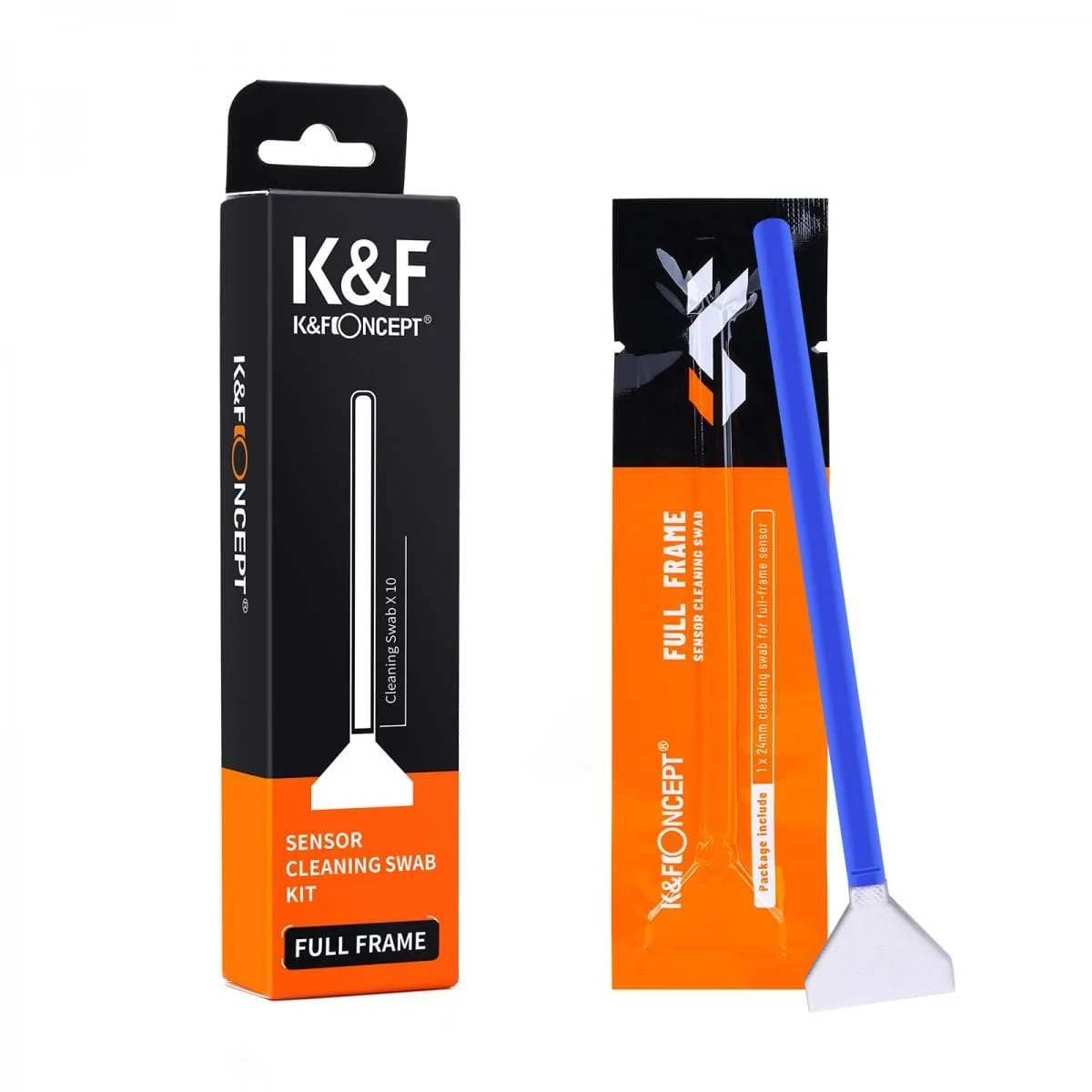
Start with a blower and a sensor cleaning pen before any wet cleaning. If dust remains, use a sensor cleaning kit with the correct swab size for your sensor. Work in a clean, static-free space and never reuse a swab.
Why sensor size and dust type decide your method
Not all dust is the same. Loose particles like dry dust or lint usually lift with air or a pen brush. Sticky spots such as pollen, oil, or moisture need a wet swab. Using a wet swab on dry dust can drag particles and scratch the filter.
Your sensor format also matters. A full-frame sensor needs a wider swab than an APS-C sensor. Using the wrong size leaves edges dirty or forces you to scrub, which raises the risk of damage.
When to stop and get help
If you see smears, scratches, or dust under the sensor glass after two wet cleaning attempts, stop. Further rubbing can harm the sensor filter or void your warranty. Send the camera to a professional service center.
Also avoid cleaning in humid or windy rooms. High humidity slows drying and can leave streaks. A windy room blows new dust onto the sensor while you work.
Step-by-step sensor cleaning
- Check your camera menu for a cleaning mode: Use the camera's built-in sensor cleaning mode first. It locks the mirror up (on DSLRs) or runs a vibration cycle (on mirrorless) to shake off loose dust. Common mistake: skipping this and going straight to a swab, which can grind particles into the sensor. Run the built-in cleaning mode twice before doing anything physical.
- Blow off loose dust with a rubber blower: Remove the lens and hold the camera face-down. Use a rubber air blower (like the K&F Concept Lens Cleaner Rubber Air Dust Blower Pump) to puff air across the sensor. Never use canned air, which can spray liquid propellant. Common mistake: touching the sensor with the blower nozzle. Keep the blower nozzle at least two inches from the sensor at all times.
- Inspect with a bright light and magnifier: Shine a clean LED light across the sensor at an angle and look through a magnifier. Dust shows as tiny specks; smears look like streaks. This tells you whether you need a dry pen or a wet swab. Common mistake: guessing at dust that isn't there and cleaning unnecessarily. Only clean what you can actually see.
- Use a sensor cleaning pen for stubborn dry dust: If dust remains after blowing, use a sensor cleaning pen (like the K&F Concept Full Frame Camera Sensor Cleaning Pen Set). Brush gently in one direction, then lift. Do not press hard. Common mistake: using the same pen tip on multiple cameras without cleaning it, which transfers oil. Replace or clean the pen tip after every two or three uses.
- Wet-clean only if dry methods fail: Use a sensor cleaning kit with the correct swab size for your sensor. For APS-C, use a 24mm stick (like the K&F Concept Sensor Cleaning Stick Set 24mm APS Format – 10PCS). Apply one drop of cleaner to the swab, not the sensor. Swipe once in one direction with light pressure. Common mistake: reusing a swab or swiping back and forth. One swipe per swab. Discard it immediately after use.
- Recheck and repeat only once: Reattach the lens, take a test shot at f/16 against a white wall, and inspect for spots. If dust remains, you may repeat the wet clean once with a fresh swab. If it still remains, stop and seek professional service. Common mistake: cleaning more than twice in one session, which increases scratch risk. Two wet cleaning attempts is the safe limit for a home clean.
Products that help
-
K&F Concept Full Frame Camera Sensor Cleaning Pen Set: K&F Concept Full Frame Camera Sensor Cleaning Pen Set, catalog price USD 33.81 (comparison price USD 49.00), 1 Year Warranty, FREE UK DELIVERY, Brand New Stock. A pen set gives you a controlled dry-cleaning tool for loose dust before you try wet swabs.
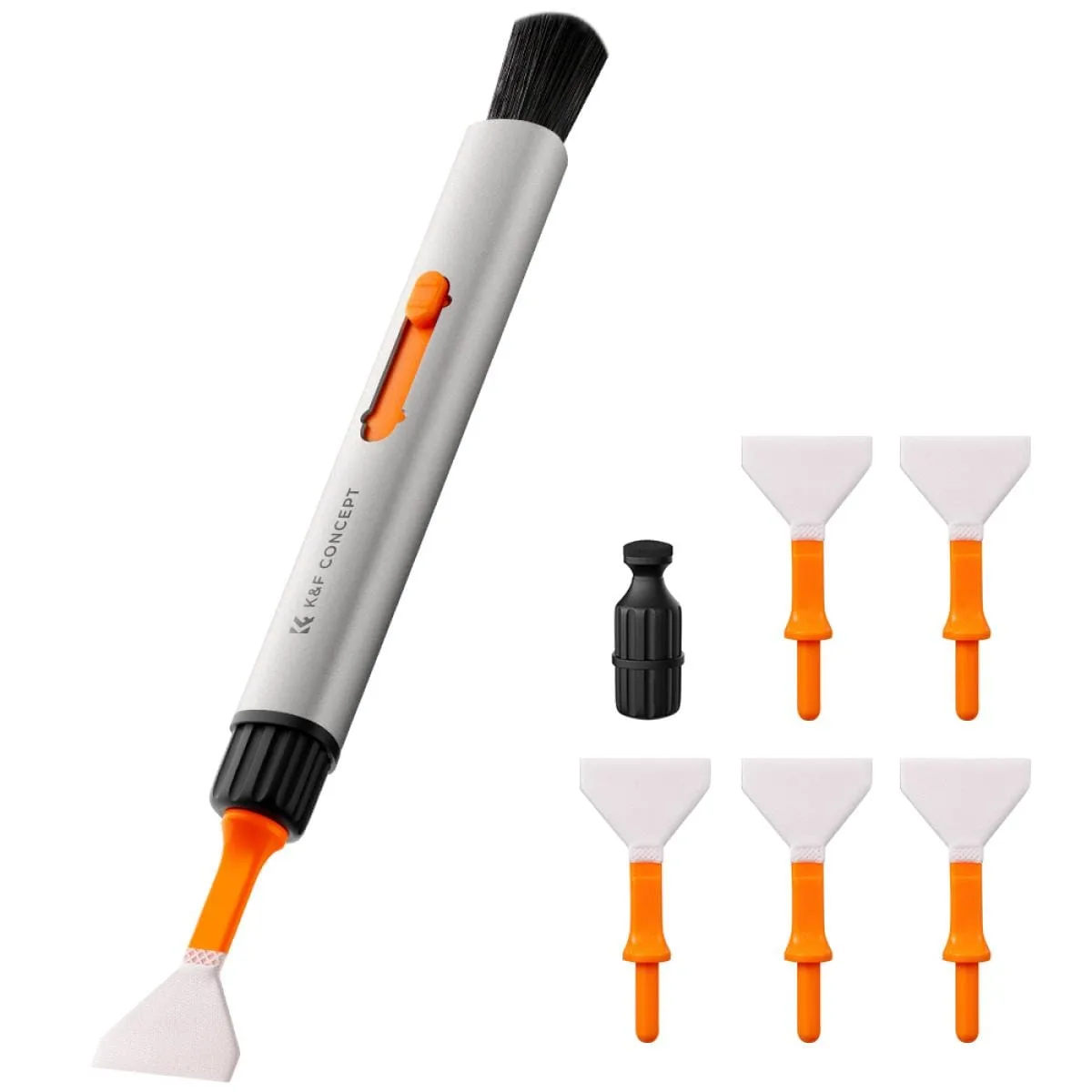
K&F Concept Full Frame Camera Sensor Cleaning Pen Set
-
K&F Concept Lens Cleaner Rubber Air Dust Blower Pump For Cameras Lenses: K&F Concept Lens Cleaner Rubber Air Dust Blower Pump For Cameras Lenses, catalog price USD 10.20 (comparison price USD 15.00), 1 Year Warranty, FREE UK DELIVERY, Brand New Stock. A rubber blower removes loose dust without touching the sensor, which is the safest first step.
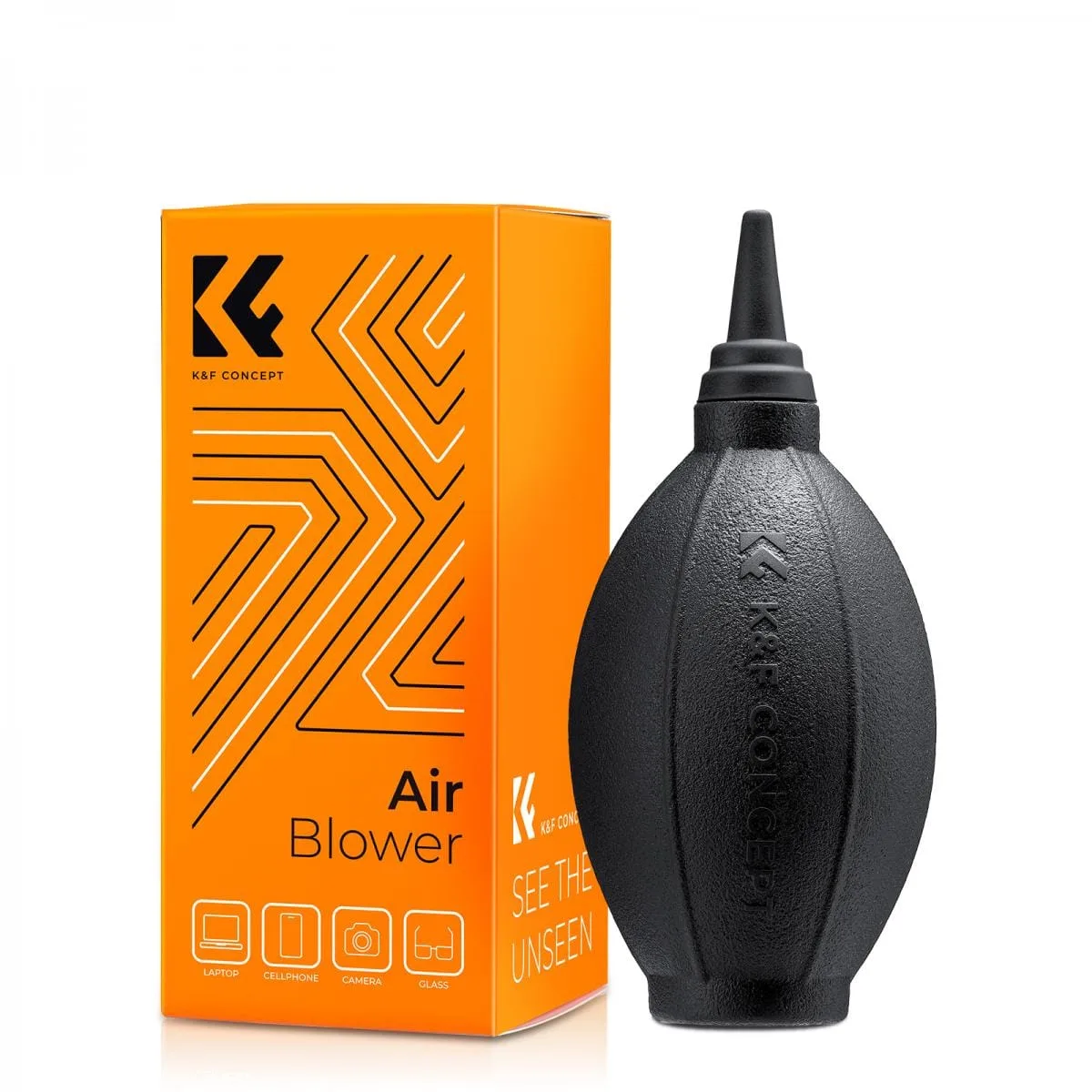
K&F Concept Lens Cleaner Rubber Air Dust Blower Pump For Cameras Lenses
-
K&F Concept Sensor Cleaning Stick Set 24mm APS Format – 10PCS: K&F Concept Sensor Cleaning Stick Set 24mm APS Format – 10PCS, catalog price USD 10.37 (comparison price USD 17.00), 1 Year Warranty, FREE UK DELIVERY, Brand New Stock. Pre-sized 24mm sticks match APS-C sensors, so you avoid the guesswork and risk of trimming a swab yourself.