Quick answer
Clean a cloth gaming mouse pad with lukewarm water and a drop of mild soap, wipe gently with a soft cloth, then air-dry it flat and fully before putting it back on the desk. Skip the washing machine, hot water, and direct heat, and roll the pad loosely for storage rather than folding it, so the surface and stitched edges stay flat and accurate.
Your mouse pad takes more daily abuse than almost any other piece of gear. Skin oils, sweat, dust, drink splashes, and crumbs all collect in the weave, and that buildup changes how your mouse glides and how accurately it tracks. A dirty pad also wears faster, especially along the edges.
The good news is that most cloth pads, including HyperX models, are easy to maintain with supplies you already have. This guide walks through a simple cleaning routine, stitched edge care, and storage habits that help you extend gaming mouse pad life without risking the surface.
Before you start: check what your pad is made of
Most gaming mouse pads are cloth-topped with a rubber underside. The HyperX Pulsefire Mat follows that design, with a highly optimized surface, anti-fray stitching, an anti-slip rubber underside, and comfortable padding. That construction tells you exactly how to treat it: clean the cloth surface gently, keep the rubber base dry, and protect the stitched border.
If your pad has a hard surface, a glass top, or built-in lighting, stop here and use only a dry or slightly damp microfiber cloth. Water and soap can damage those materials. For cloth pads, the steps below are safe when you follow them in order.
- Check the label or product page before using any liquid.
- Test any cleaning solution on a small corner first.
Step 1: Shake out loose debris and wipe the surface
Take the pad off your desk and give it a firm shake outdoors or over a trash bin. This removes crumbs, dust, and hair before they turn into mud when wet. Then wipe the surface with a dry microfiber cloth using light pressure to lift surface dust.
A common mistake is skipping this step and going straight to water. Loose debris becomes a gritty paste that you then rub into the weave, which is exactly how you create shiny worn spots. Two minutes of dry prep protects the surface you paid for.
- Work from the center outward so you do not push debris into the stitched edges.
Step 2: Wash a cloth gaming mouse pad with mild soap
Fill a basin or sink with lukewarm water and add a small drop of mild dish soap or hand soap. Submerge the pad and gently rub the surface with your fingertips or a soft sponge in circular motions. Do not scrub hard, and do not wring or twist the pad.
If you wash a cloth gaming mouse pad this way every few months, you remove the oil film that makes a pad feel slow and inconsistent. Rinse with clean lukewarm water until no soap remains. Soap residue is the most common reason a freshly washed pad still feels tacky.
- Never use hot water, bleach, fabric softener, or abrasive cleaners.
- Keep the rubber underside out of standing water as much as possible.
Step 3: Dry flat, and be patient
Lay the pad flat on a clean towel or drying rack, cloth side up, in a well-ventilated room. Air-dry it completely before you use it. Depending on thickness and humidity, that can take several hours or overnight.
Heat is the enemy here. Hair dryers, radiators, direct sunlight, and clothes dryers can warp the rubber base or shrink the cloth, and a warped pad never sits flat again. If the pad still feels cool or damp in the middle, give it more time. Using a damp pad traps moisture against your desk and speeds up odor and rubber breakdown.
- Flip the pad once during drying if the rubber side feels damp.
- Do not stack heavy objects on a damp pad to flatten it.
Step 4: Care for stitched edges and the rubber base
Stitched edge mouse pad care is mostly about preventing fraying before it starts. After each wash, inspect the border for loose threads and trim any stray fiber with small scissors rather than pulling it, which can unravel the seam. Keep the stitching clean with the same mild soap and a soft toothbrush if it looks grimy.
For the rubber underside, wipe with a damp cloth and dry immediately. A clean base grips better, and the anti-slip rubber underside on the Pulsefire Mat works best on a clean, dry desk. If your pad slides, clean the desk surface too before blaming the pad.
- Trim loose threads, never pull them.
- A dirty desk undermines even a perfectly clean pad.
Step 5: Store a gaming desk pad without ruining it
For gaming desk pad storage, roll the pad loosely with the cloth surface facing outward and secure it with a soft strap or a loose rubber band. Store it flat or upright in a dry place away from direct sun and heavy objects. Avoid folding, which creates permanent creases that affect mouse glide.
If you travel with a pad, a rigid tube or a laptop sleeve works well. The Pulsefire Mat rolls up for easy portability, so it is built for this kind of handling, but any cloth pad lasts longer when it is not crushed under books or gear for months. When you unroll it, give it a few hours to relax flat before gaming.
- Roll, do not fold.
- Keep stored pads out of hot cars and damp basements.
How often should you clean your pad?
A quick dry wipe once a week and a full wash every one to three months suits most setups. Clean more often if you eat at your desk, game in a warm room, or notice the surface feeling slick or sticky. If your mouse starts skipping or the pad smells musty, that is your signal to wash it now.
Consistent light maintenance beats occasional deep cleaning. It also protects the surface texture, which is what gives you consistent mouse control. If the pad is years old and the weave is visibly worn smooth, cleaning will not restore it; at that point, replacement is the honest answer.
- Weekly: dry wipe and shake out.
- Every 1-3 months: full wash and air-dry.
Your mouse pad care checklist
- Shake and dry wipe first: Remove the pad from the desk, shake out loose debris, and wipe the surface with a dry microfiber cloth before any water touches it. Checkpoint: no visible crumbs or hair remain.
- Wash with lukewarm water and mild soap: Submerge the pad, gently rub the cloth surface in circles with fingertips or a soft sponge, then rinse until no soap remains. Mistake to avoid: hot water, bleach, or scrubbing hard.
- Air-dry flat, cloth side up: Lay the pad flat in a ventilated room and wait until it is completely dry, flipping once if the rubber side feels damp. Mistake to avoid: hair dryers, radiators, or direct sun.
- Inspect and trim the stitched edges: Check the border for loose threads and snip them with small scissors instead of pulling, and clean grimy stitching with mild soap and a soft toothbrush. Checkpoint: stitching lies flat with no frayed loops.
- Store rolled, not folded: Roll the pad loosely with the cloth facing outward, secure it lightly, and keep it flat or upright in a dry place away from heat and heavy objects. Next step: let a stored pad relax flat for a few hours before gaming.
HyperX pads built for this routine
- HyperX Pulsefire Mat - Gaming Mouse Pad - Cloth: Built for durability and precision tracking with a highly optimized surface and anti-fray stitching, plus an anti-slip rubber underside and comfortable padding; it rolls up for easy portability and comes in a variety of size options. The anti-fray stitching and rollable design make it a good candidate for the wash-and-store routine above, while the rubber base means you should dry it fully before putting it back on the desk.
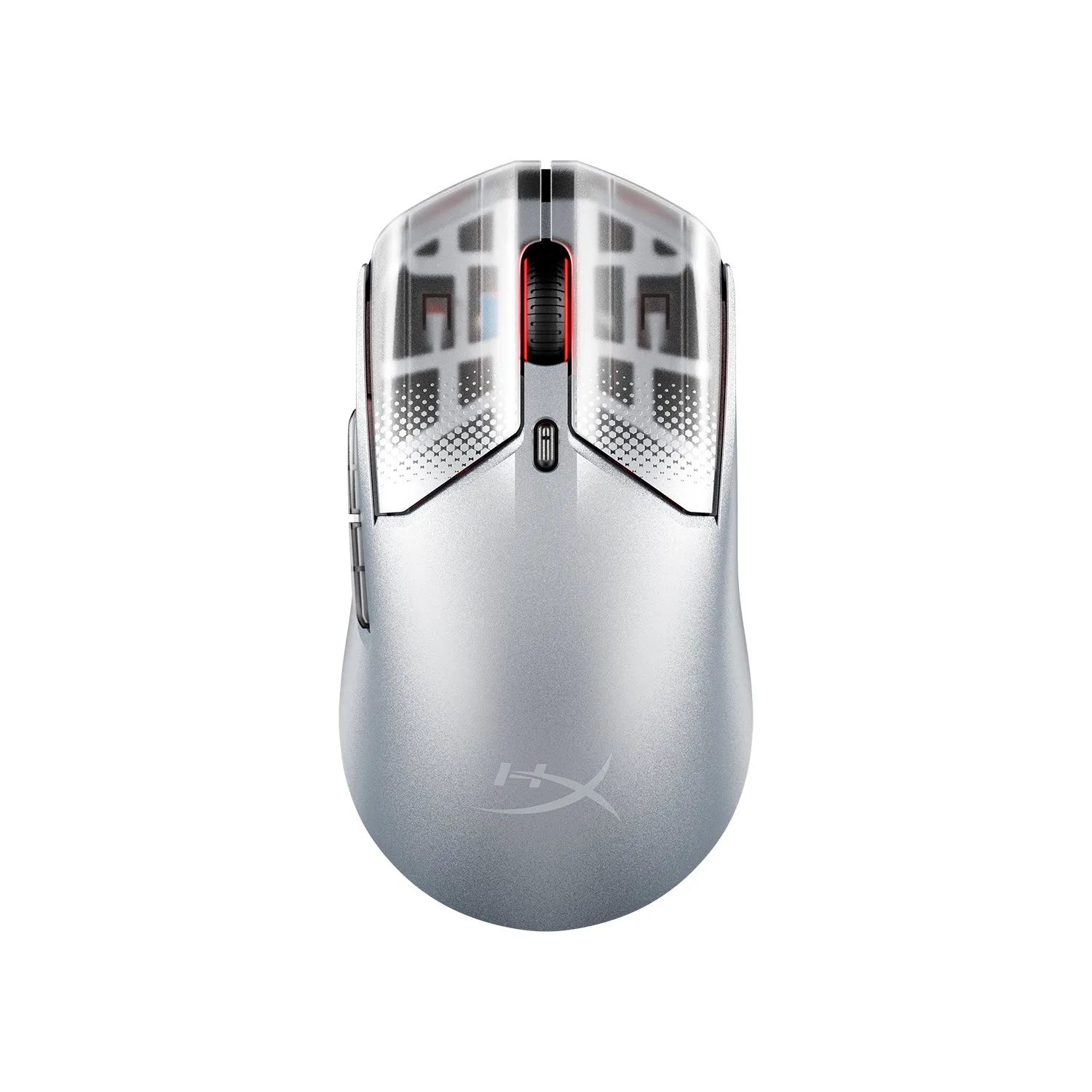
- HyperX Pulsefire Haste 2 S Wireless Gaming Mouse: Features a solid magnesium-alloy shell for enhanced durability and structural integrity while keeping the operating weight low at only 64 grams. A light mouse paired with a clean, flat pad gives you the most consistent glide, so keeping the surface free of oil and debris matters more than swapping mice.
A clean pad is a fast pad. Set a weekly dry wipe, wash with lukewarm water and mild soap every few months, dry it flat, and store it rolled rather than folded. Those habits cost you a few minutes and protect the surface, stitched edges, and rubber base that make your mouse feel consistent.