Quick answer
Use a microfiber cloth and a drop of water or lens-safe cleaner to gently wipe your iPhone 15 camera lens protector in a circular motion. Avoid paper towels, alcohol, or abrasive materials that can scratch the coating.
Why cleaning your lens protector matters
A clean lens protector means clearer photos and fewer editing headaches. Smudges from fingerprints, dust, or pocket lint can soften details and create haze, especially in bright light. Regular maintenance keeps your protector working as intended without needing replacement.
What not to use on your lens protector
Avoid household glass cleaners, rubbing alcohol, vinegar, or any cleaner with ammonia. These can strip the anti-fingerprint and scratch-proof coatings that make modern lens protectors effective. Also skip paper towels, tissues, or your shirt — their fibers can leave micro-scratches over time.
Step-by-step cleaning guide
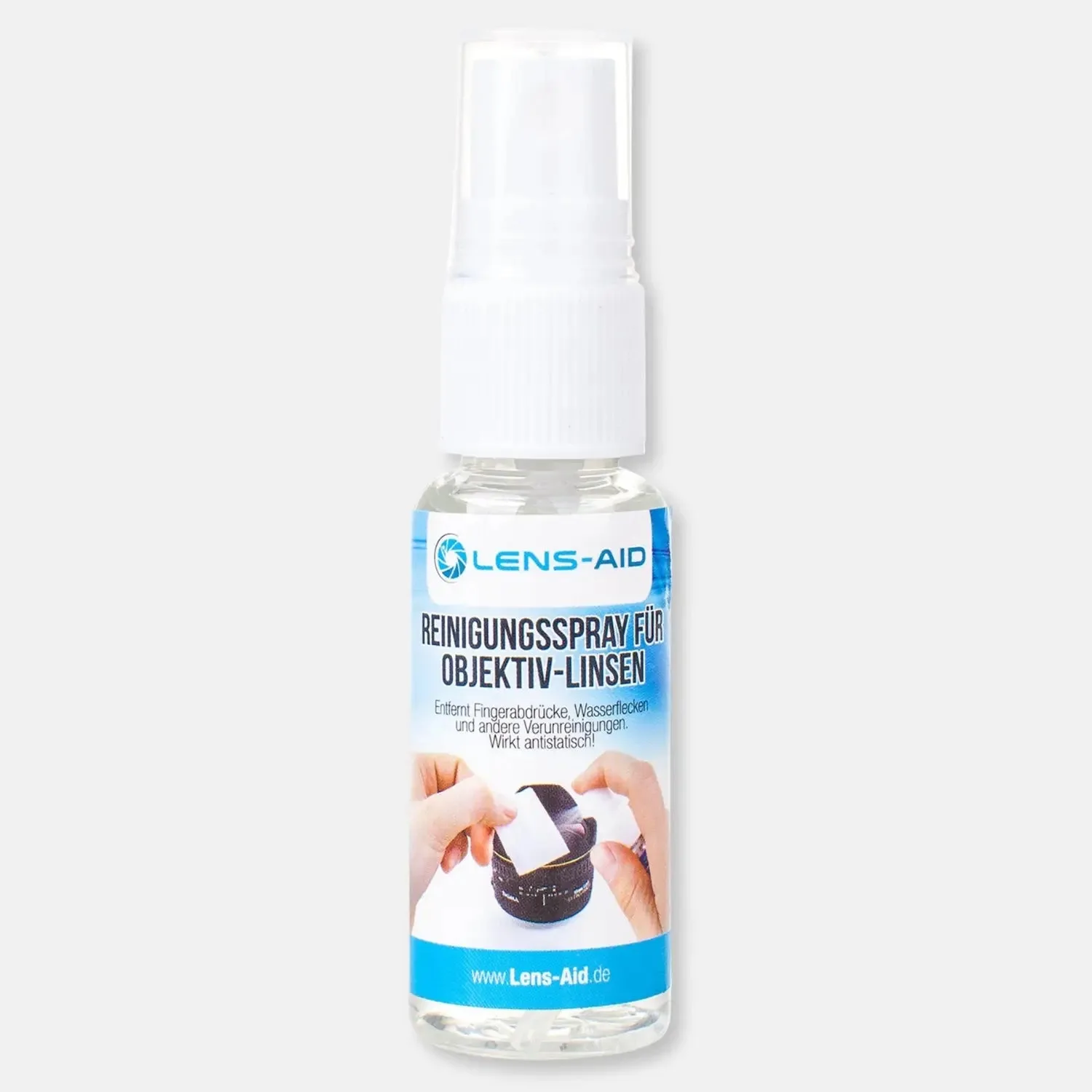
- Step 1: Gather the right tools: Get a clean, lint-free microfiber cloth (the type for eyeglasses or camera lenses). Have a small spray bottle of distilled water or a dedicated lens cleaner without alcohol or ammonia. Microfiber is non-abrasive and traps particles instead of dragging them across the glass.
- Step 2: Remove loose debris: Before wiping, use a blower or gently tap the phone to dislodge any sand or dust on the protector. Skipping this step can grind particles into the coating during cleaning. Even a tiny grain of sand can cause a scratch if wiped directly.
- Step 3: Dampen the cloth, not the phone: Lightly mist the microfiber cloth with one or two sprays of water or lens cleaner. The cloth should be damp, not wet. Wipe the lens protector in a gentle circular motion, starting from the center and moving outward. Never spray liquid directly on the phone — it can seep into the camera module or charging port.
- Step 4: Dry and inspect: Use a dry section of the microfiber cloth to buff the protector until it's streak-free. Hold the phone under a bright light and tilt it to check for remaining smudges or dust. Repeat steps 3–4 if needed. If streaks persist, the cloth may need washing. Dirty cloths redistribute oils rather than removing them.
Product spotlight
-
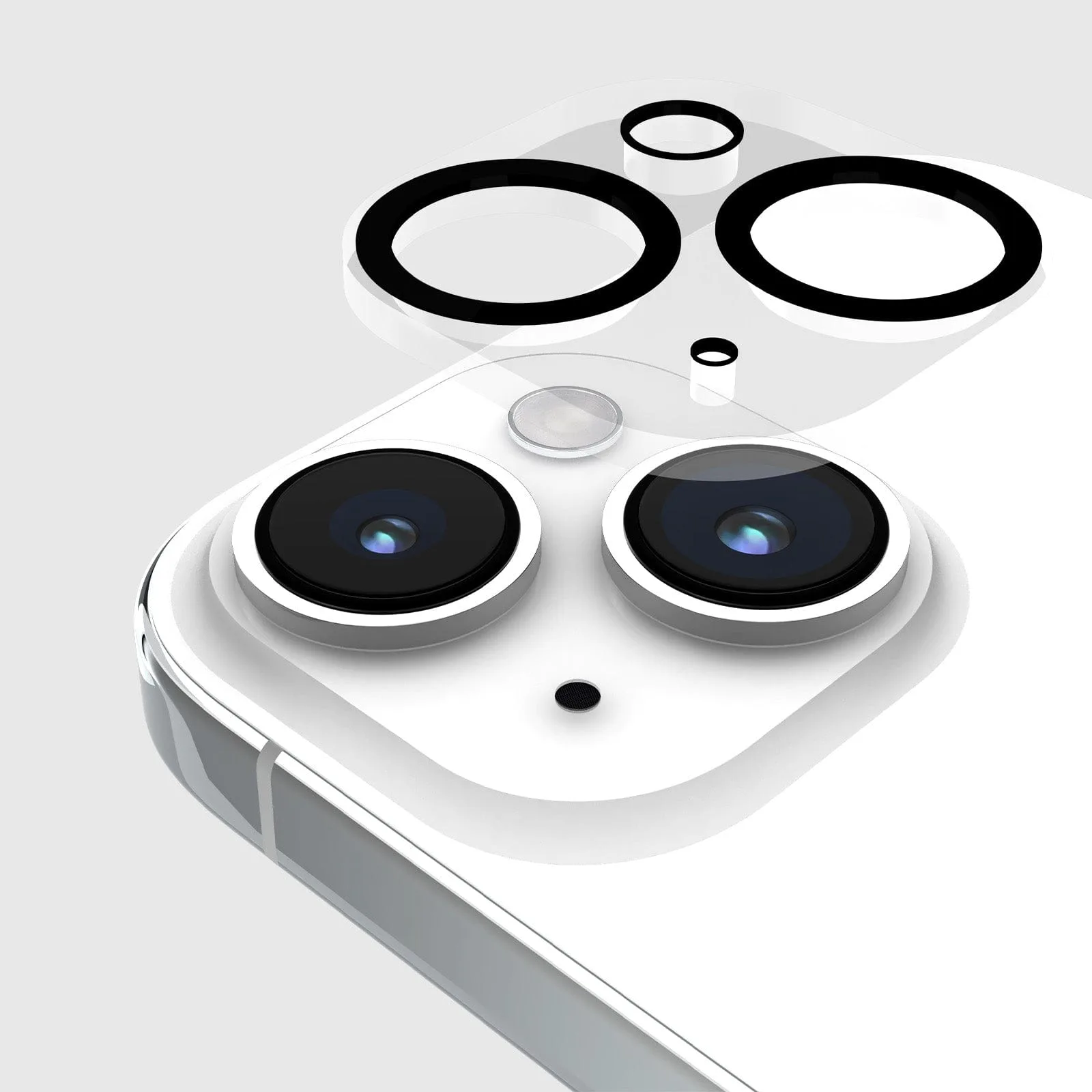
Glass Camera Lens Protector - iPhone 15 / 15 Plus: Double-tempered glass with scratch-proof and anti-fingerprint coatings. Using the wrong cleaner can degrade these coatings, making the protector more prone to smudges and scratches. Gentle cleaning preserves the factory protection.
Glass Camera Lens Protector - iPhone 15 / 15 Plus