Quick answer
To clean a camera lens without streaks or scratches, first remove loose dust with a blower or soft brush, then use a microfiber cloth with a few drops of lens cleaning solution, wiping in a gentle circular motion from the center outward. Finish by inspecting the lens under light and repeating only if needed. Avoid spraying directly on the lens and never use rough cloth or tissue.
Why streaks and scratches happen (and how to prevent them)
Streaks usually come from using too much solution, a dirty cloth, or wiping a dry lens that still has abrasive dust. Scratches happen when grit is dragged across the coating or when you press too hard with a stiff material. The fix is a two-stage approach: dry removal first, then a minimal wet wipe. Keep a dedicated microfiber cloth for lenses only, and wash it regularly without fabric softener. If you wear a lens cap and use a blower after every outdoor shoot, you will need deep cleaning far less often.
Tools that make streak-free cleaning easier
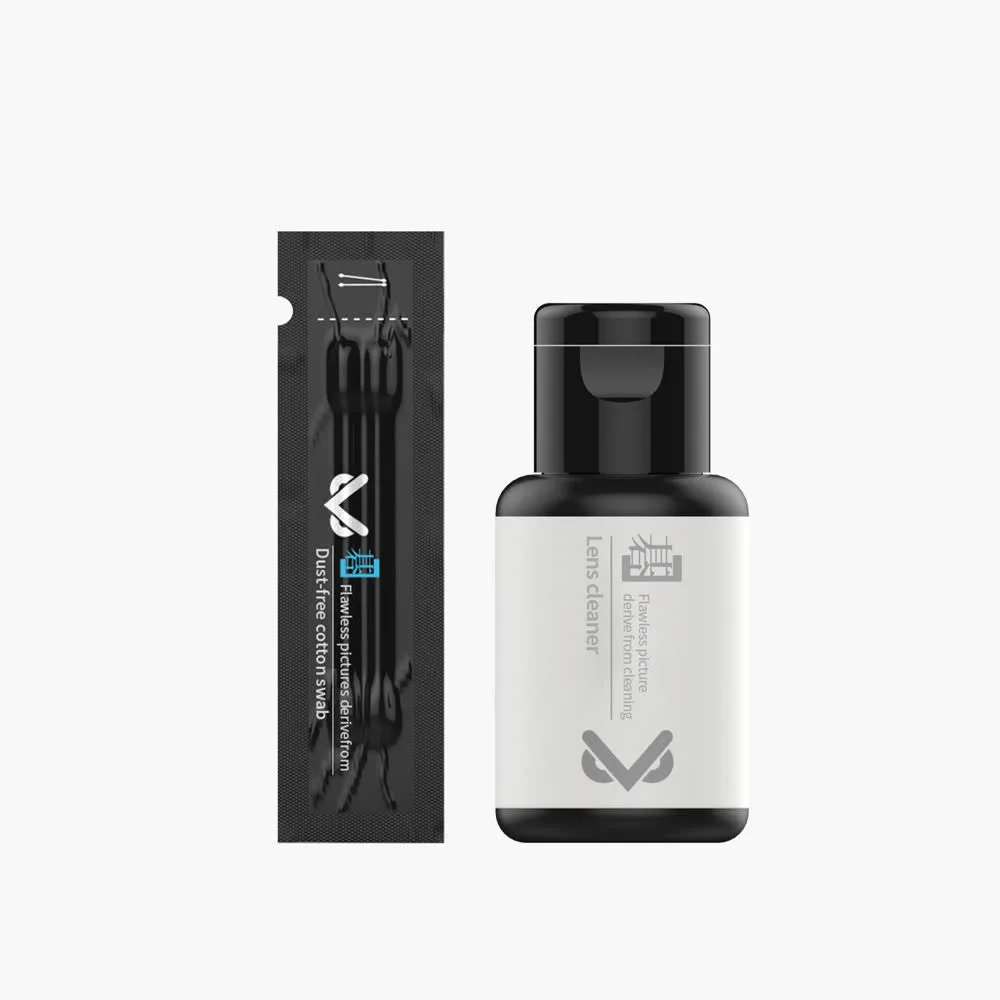
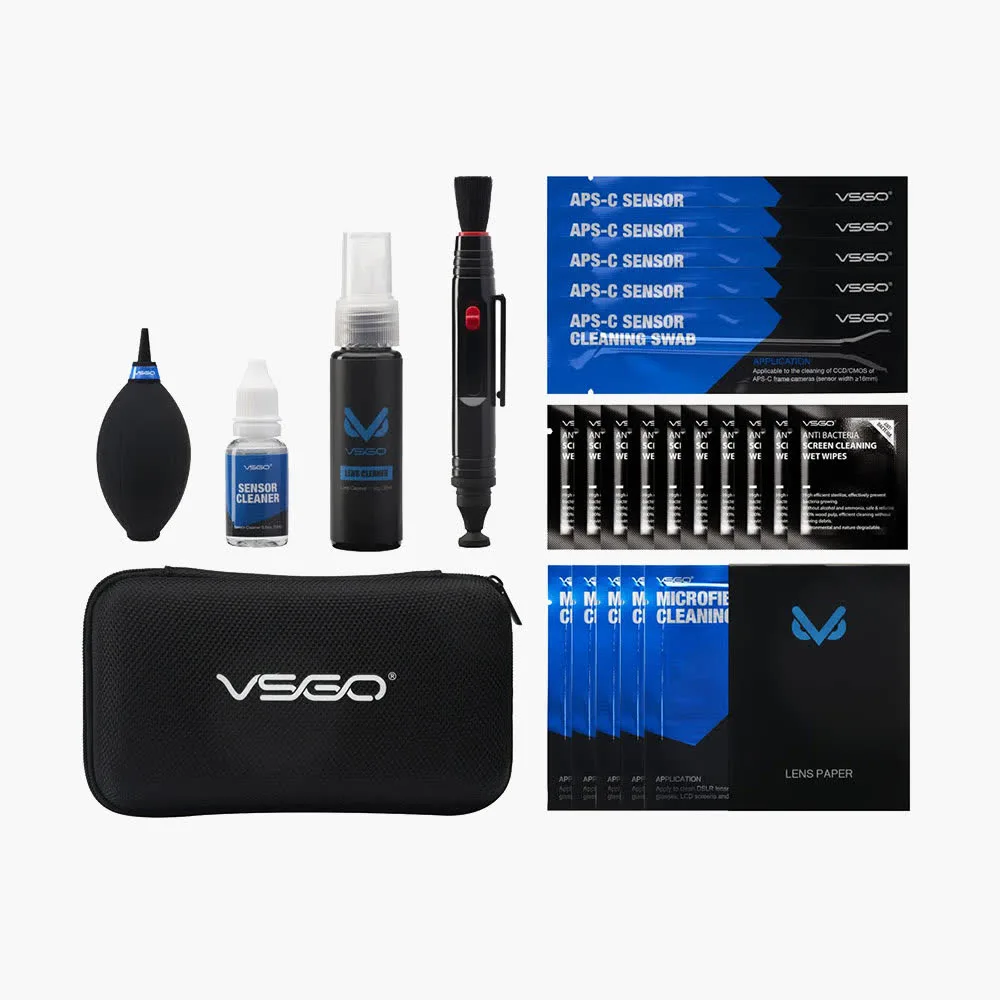
A proper camera lens cleaner kit gives you the right tools in one place: a blower, soft brush, microfiber cloths, and a safe cleaning solution. The VSGO Camera Lens Cleaner Kit V-C01E is a compact option for standard lens cleaning tasks. For full-frame or APS-C camera owners who also need sensor care, the 69-in-1 Camera Cleaning Kit DKL-20 includes a high-volume mini air blower, lens pen, sensor cleaning pen, reusable microfiber cloths, and eco-friendly lens cleaner in a portable dust-free case. Both kits help you avoid the common mistake of using a shirt or paper towel, which can leave lint and micro-scratches.
Step-by-step: how to clean a camera lens safely
Follow this order every time. Each step includes a checkpoint so you can stop before causing damage.
Safe lens cleaning steps (with checkpoints)
- Remove loose dust with a blower: Use a rocket-style air blower or the high-volume mini air blower from a kit like the 69-in-1 DKL-20. Hold the lens downward and puff air across the surface. Do not touch the glass with the nozzle. Checkpoint: if you still see dust, repeat once. Never wipe while dust is visible.
- Brush away stubborn particles: Use a soft lens brush or the brush end of a lens pen to gently sweep particles off the glass. Use light, short strokes. Do not press the bristles into the lens. Mistake to avoid: using the same brush on the lens and the camera body without cleaning it.
- Apply solution to a microfiber cloth, not the lens: Put one or two drops of lens cleaning solution onto a clean microfiber cloth. Never spray directly on the lens, as liquid can seep into the barrel. Use a cloth dedicated to lenses only. Checkpoint: the cloth should be damp, not wet. If it leaves visible moisture, you used too much.
- Wipe in a gentle circular motion from center outward: With very light pressure, wipe from the center of the lens outward in a spiral. Turn the cloth to a clean section after each pass. Do not scrub back and forth. Mistake to avoid: pressing hard to remove a smudge. If it does not come off, add a tiny bit more solution and try again.
- Inspect and repeat only if needed: Hold the lens under a light at an angle. If streaks remain, use a dry section of the microfiber cloth to buff gently. If the lens is clean, stop. Over-cleaning can wear coatings over time. Checkpoint: a faint reflection is normal; visible smears mean you need one more light pass with a clean cloth.
Products mentioned in this guide
- Camera Lens Cleaner Kit V-C01E: VSGO Camera Lens Cleaner Kit V-C01E is a cleaning kit for camera lens cleaning tasks, offered in a Standard option under code V-C01E. A dedicated kit gives you the basic tools to remove dust and smudges without improvising with unsafe materials.
- 69-in-1 Camera Cleaning Kit DKL-20: 69-in-1 Camera Cleaning Kit DKL-20 includes a high-volume mini air blower with soft rubber nozzle, lens pen, sensor cleaning pen, reusable microfiber cloths, and eco-friendly lens cleaner in a portable dust-free case. This kit covers both lens and sensor cleaning, so you can handle full-frame or APS-C gear at home or on the go without buying separate tools.