Quick answer
Clean your Litter-Robot in three rhythms: scoop-free daily checks, a weekly wipe-down of the globe and waste drawer area, and a full deep clean every one to three months depending on how many cats use it. Always unplug the unit before any wet cleaning, use a pet-safe enzyme cleaner rather than bleach or ammonia, and let every part dry completely before reassembly. Most odor and sensor complaints trace back to skipped drying or a liner that was put back damp.
A self-cleaning litter box still needs you, just less often. The Litter-Robot handles the scooping, but litter dust, tracked granules, and waste residue build up in places the rotation cycle never touches. If you skip those spots, you get the two problems owners complain about most: smell that seems to come from nowhere, and sensors that start acting unreliable.
This litter-robot cleaning guide walks through the whole routine in order, from a two-minute daily check to a full litter-robot deep clean. Each step includes the checkpoint that tells you it is actually done, plus the mistake that most often causes people to redo the job a week later.
What you need before you start
Gather everything first so you are not hunting for supplies with a half-disassembled unit on the floor. You need a pet-safe enzyme cleaner, a mild unscented dish soap, warm water, two soft cloths or microfiber towels, a small brush for crevices, a trash bag, and fresh litter. Skip bleach, ammonia, and heavily perfumed sprays, since cats are sensitive to both the residue and the scent.
Work in a well-lit area with a hard floor if possible. Litter escapes during disassembly, and a hard surface makes clean-up a thirty-second job instead of a vacuuming session. If you are cleaning a Litter-Robot 5 Pro, keep your phone nearby so you can check the app before and after maintenance.
- Never mix cleaning products. One pet-safe cleaner plus mild soap is enough.
- Set a timer for drying. Damp parts are the number one cause of repeat odor.
Step 1: Unplug and empty the unit
Press the cycle button to let the globe finish rotating and return to its home position, then unplug the power supply at the wall. Empty the waste drawer into a trash bag and set the drawer aside. Remove the litter and carbon filter, then pour the used litter into a bag rather than trying to rinse it down a drain.
This is the step people rush, and it is the one that matters most for safety. Any wet cleaning on a powered unit risks damage to the electronics, and the base should never be submerged or sprayed directly. Checkpoint: the unit is unplugged, the drawer is empty, and no loose litter remains in the globe.
- Common mistake: wiping the base with a soaked cloth. Wring it out until it is barely damp.
Step 2: Remove the globe, drawer, and removable parts
Lift the globe off the base following your model's instructions and set it on a towel. Take out the waste drawer liner, the carbon filter, and any removable fence or step piece. Lay everything out in the order you removed it, which makes reassembly far faster and stops you from forcing a part back into the wrong slot.
If your setup includes a LitterHopper, detach it before you start washing so litter residue does not fall back into a clean globe. Checkpoint: every removable part is off the base and accounted for, and the base itself is sitting dry and empty.
- Photograph the layout with your phone if you are cleaning a model you have not disassembled before.
Step 3: Wash the globe and liner
Wash the globe with warm water and a small amount of mild dish soap, using a soft cloth rather than anything abrasive. Pay attention to the inner rim and the seam where litter tends to cake, and use a small brush on textured areas. Rinse thoroughly, because soap residue left behind will attract litter and hold odor.
The waste drawer liner gets the same treatment. If your liner is disposable, this is the moment to replace it instead of washing it. Checkpoint: the globe feels smooth and soap-free when you run a hand across the inside, with no grit in the corners.
- Common mistake: using a scouring pad. It scratches the surface and creates places for odor to cling.
Step 4: Clean the base and sensors carefully
Wipe the base with a barely damp cloth, then dry it immediately. Do not spray cleaner directly onto the base, and do not pour water into any opening. Dust and stray litter around the entry and the sensor area are worth clearing with a dry soft brush, since buildup there is a common reason a unit stops cycling reliably.
Checkpoint: the base is visibly clean, completely dry, and nothing has been pushed into the sensor openings. If the unit has been throwing errors, note what you found here so you can compare after reassembly.
- Never submerge the base or run it under a tap.
- Let the base air dry for a few extra minutes before reassembly if you used any moisture at all.
Step 5: Reassemble, add litter, and test a cycle
Reinstall the liner, carbon filter, globe, and any accessories in reverse order. Add fresh litter to the fill line rather than overfilling, since too much litter is a frequent cause of cycle interruptions. Plug the unit back in and run a manual cycle to confirm the globe rotates fully and returns to home.
Checkpoint: one complete cycle with no error light and no litter spilling over the fence. If you cleaned a Litter-Robot 5 Pro or another connected model, open the app and confirm the unit is reporting normally before you walk away.
- Replace the carbon filter on schedule. It handles odor the wash cycle cannot reach.
How often to do each part of the routine
Daily, empty the waste drawer before it is full and glance at the globe for clumps stuck to the liner. Weekly, wipe the globe interior and the entry area and check the litter level. Every one to three months, do the full deep clean above, and sooner if you have multiple cats or notice odor returning quickly.
Households with more cats, or cats that dig aggressively, will land at the shorter end of that range. There is no single schedule that fits every home, and the honest signal is your nose plus how the unit cycles, not a calendar reminder.
- Multi-cat homes: shorten the deep-clean interval rather than cleaning harder.
- If odor returns within days of a deep clean, check the carbon filter and the liner first.
Your cleaning checklist, in order
- 1. Unplug and empty: Let the globe finish its cycle, unplug at the wall, empty the waste drawer, and remove the used litter. Checkpoint: no power, no waste, no loose litter.
- 2. Disassemble in order: Remove the globe, liner, carbon filter, and any accessories, laying them out as you go. Mistake to avoid: forcing a part loose instead of checking your model's instructions.
- 3. Wash the globe and liner: Use warm water and mild dish soap with a soft cloth, focusing on the rim and seams, then rinse fully. Checkpoint: no soap residue and no grit in the corners.
- 4. Wipe the base dry: Use a barely damp cloth, never a spray, and clear dust from the entry and sensor area with a dry brush. Mistake to avoid: submerging the base or letting moisture sit near electronics.
- 5. Dry completely: Air dry every part until there is no dampness in seams or under the liner. This single step prevents most repeat-odor complaints.
- 6. Reassemble and test: Reinstall parts in reverse order, add fresh litter to the fill line, plug in, and run one manual cycle. Checkpoint: a full cycle with no error light and no overflow.
- 7. Set your next interval: Daily drawer checks, weekly wipe-downs, and a deep clean every one to three months based on cat count. Shorten the interval before you increase the scrubbing.
Which Litter-Robot models this routine covers
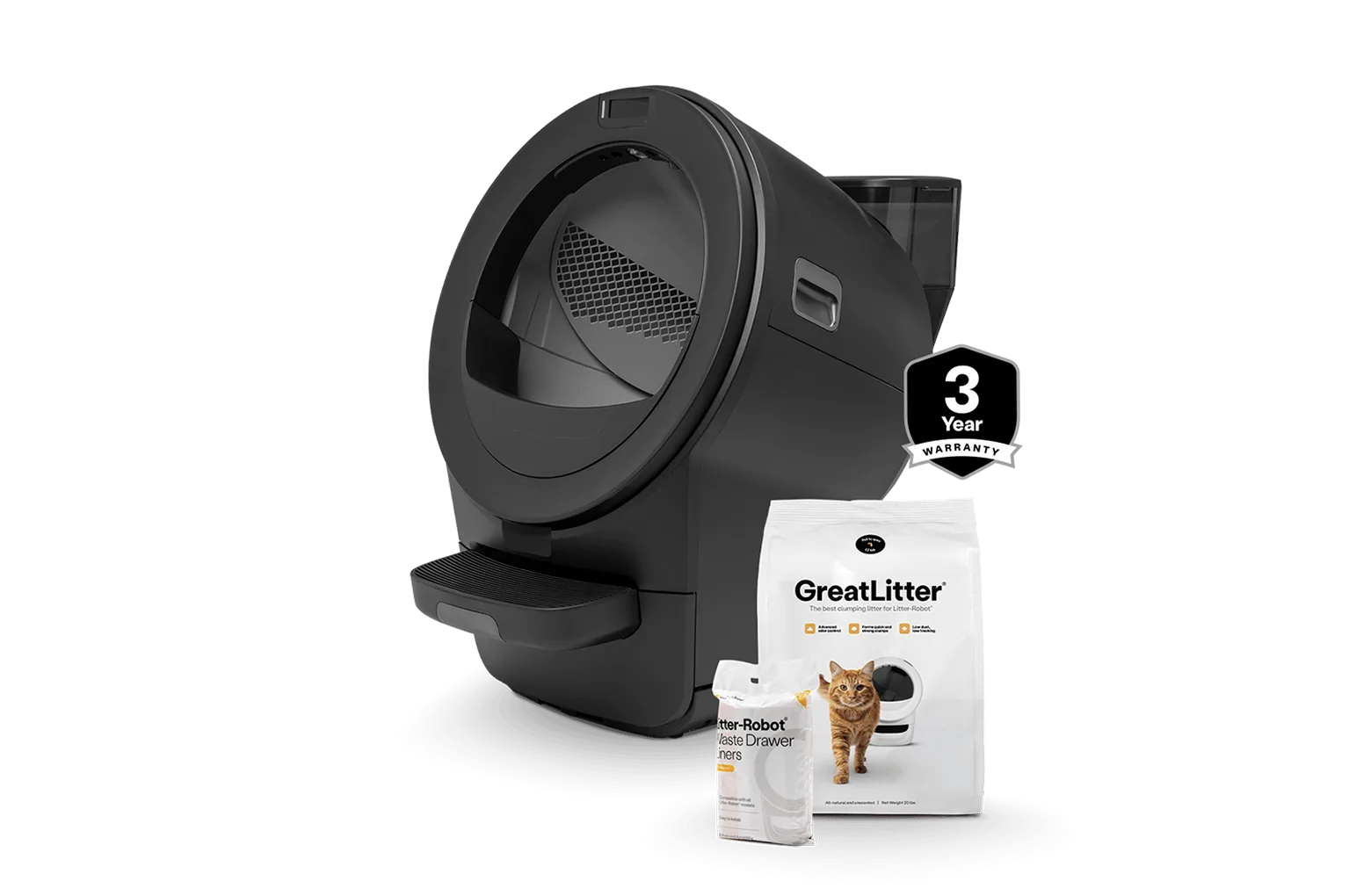
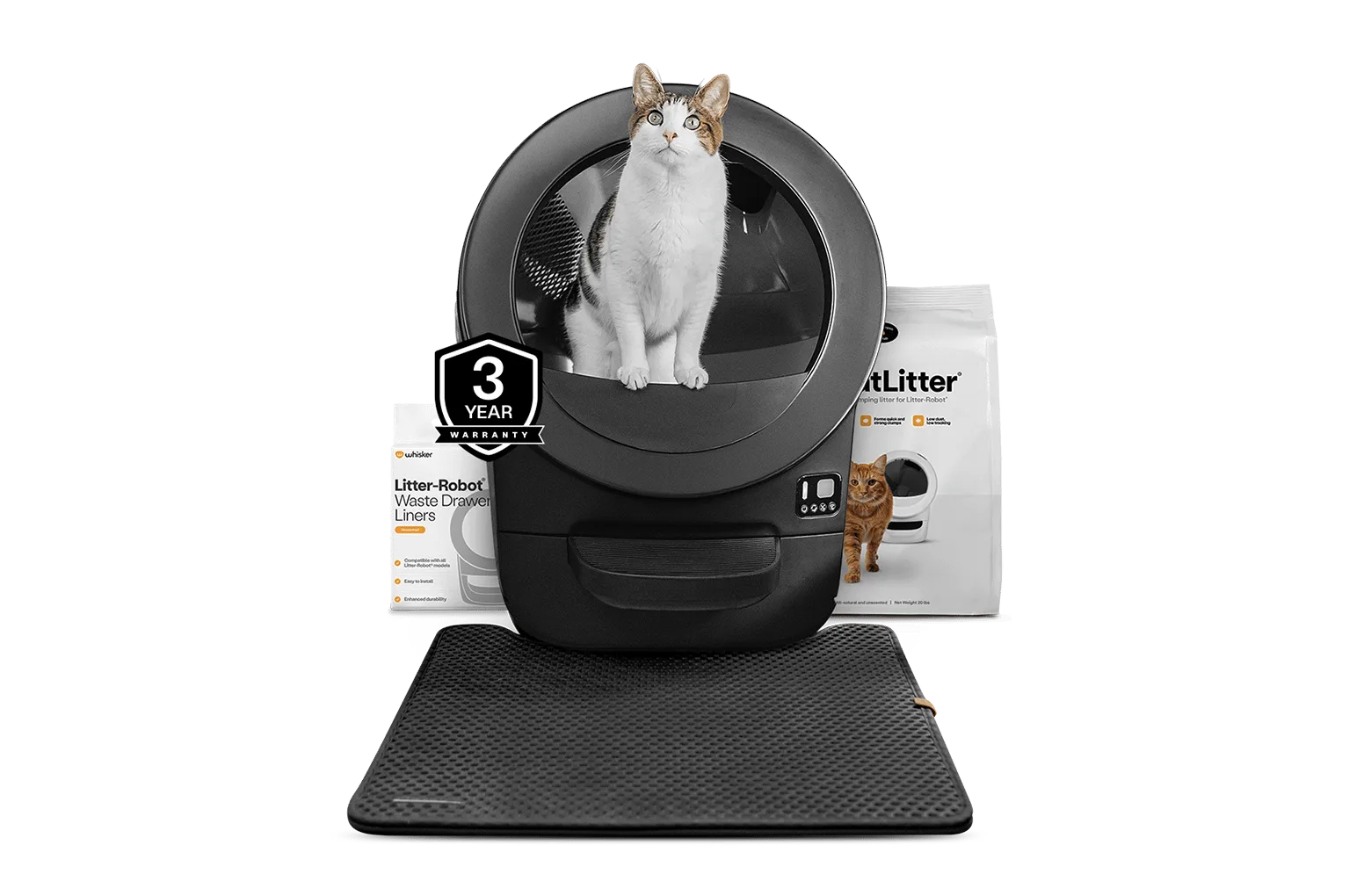
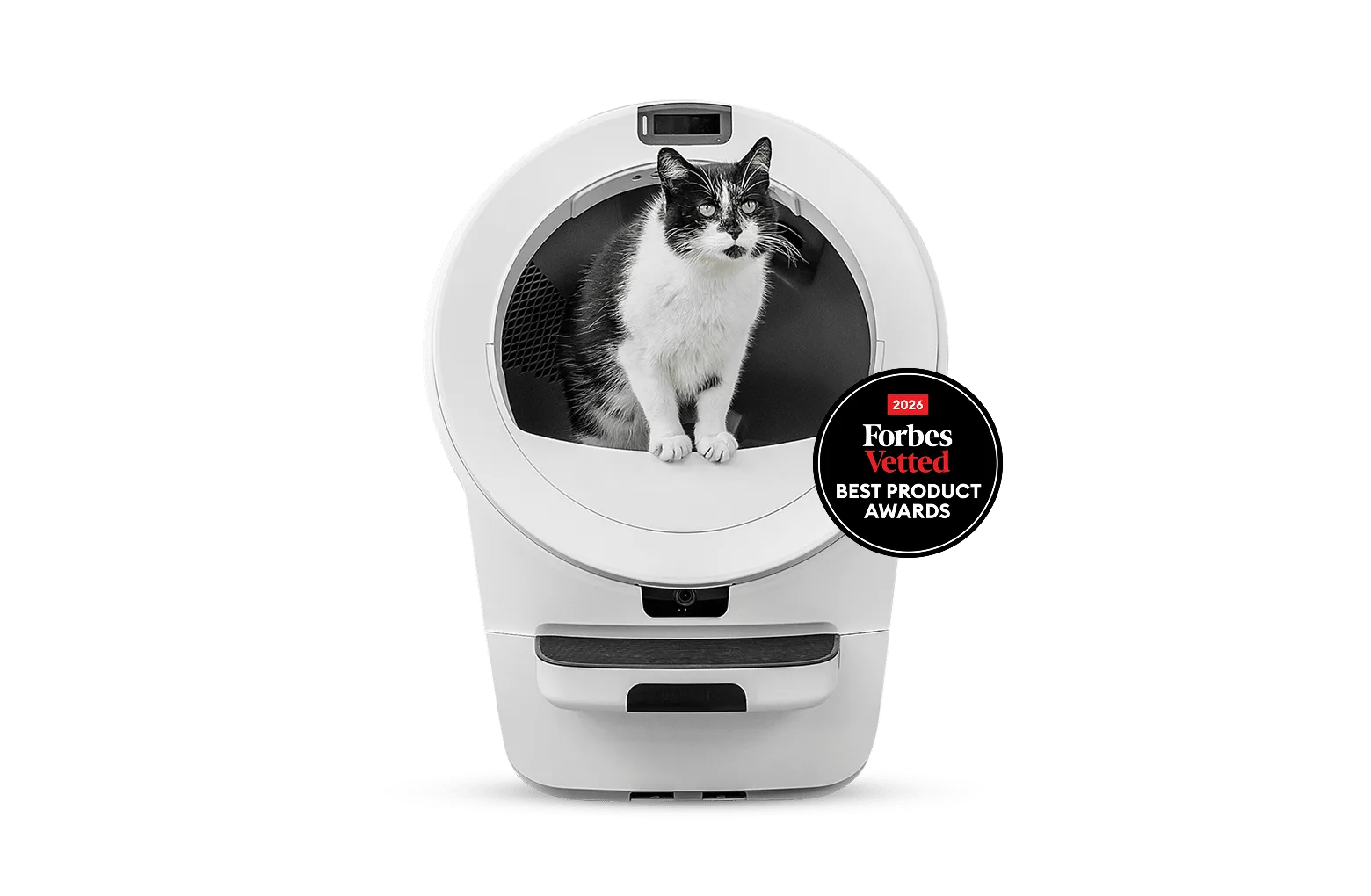
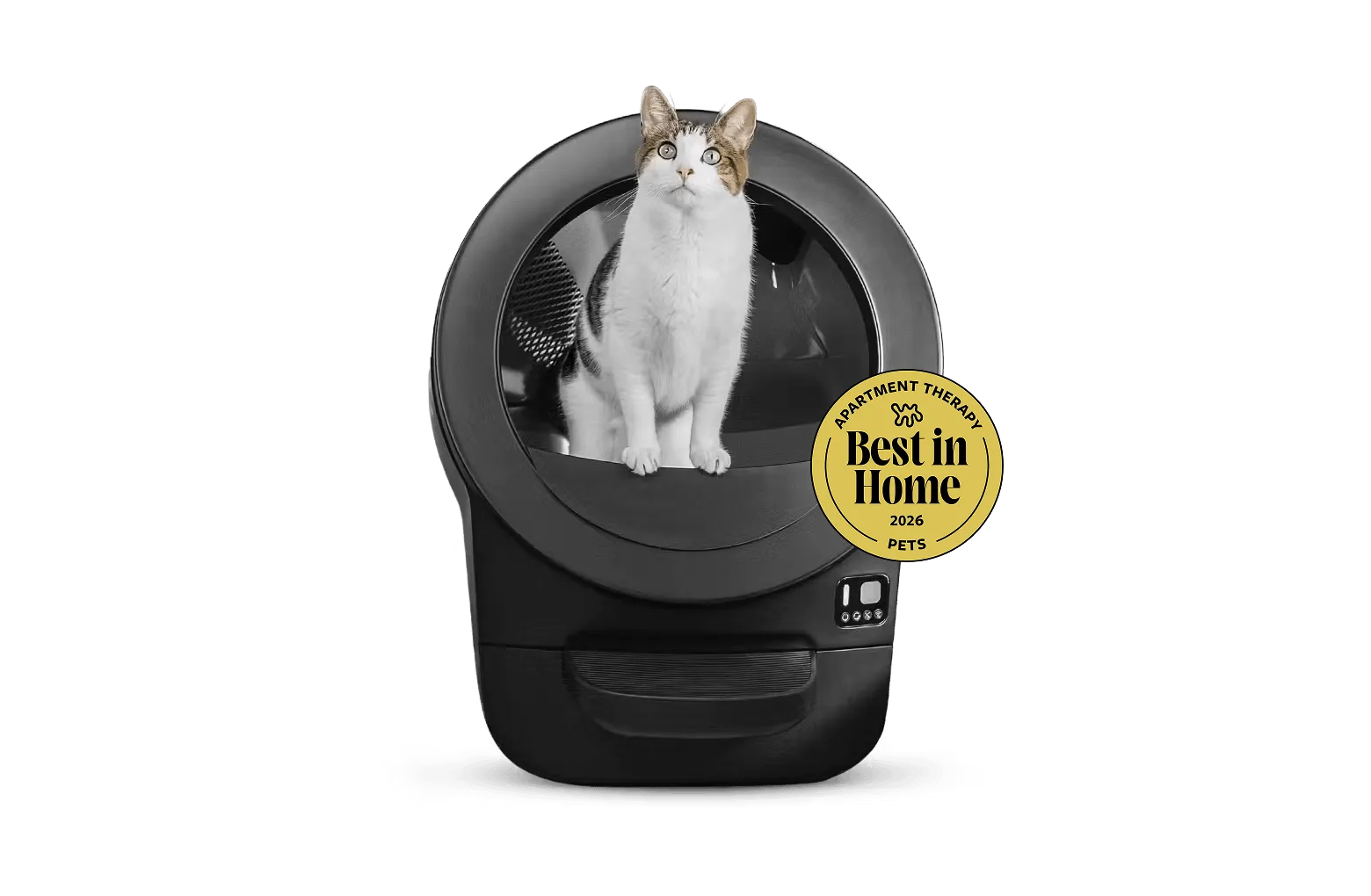
- Litter-Robot® 5 Pro: The new Litter-Robot 5 Pro is the insightful self-cleaning litter box designed to help you understand your cat like never before, with dual AI-powered cameras, WasteIDTM, and smart insights. Because it tracks activity and waste data, cleaning it on schedule keeps that information meaningful. A dirty globe or blocked sensor area can distort what you are seeing in the app, so treat maintenance as part of reading the data correctly.
- Litter-Robot® 5 LitterHopper Bundle: Litter-Robot 5, the most advanced self-cleaning litter box, comes paired with LitterHopper, so you can say goodbye to scooping and refilling the litter. The LitterHopper removes refilling from your routine, but it also means one more component to detach and wipe during a deep clean. Add it to your disassembly order so litter residue does not fall back into a freshly washed globe.
- https://litter-robotejh.com/products/lre-strtr-bundle-831df3abbc37089cf2ebe903-2572414Litter-Robot® EVO Starter Bundle: Litter-Robot EVO is the most streamlined, compact Litter-Robot. A more compact unit is easier to lift and rinse, which makes the weekly wipe-down quicker. If space around the unit is tight, clean in a nearby bathroom or on a hard floor rather than trying to work in place.
Cleaning a self-cleaning litter box is mostly about rhythm and drying, not effort. Handle the daily drawer, wipe the globe weekly, and do the full deep clean on a schedule that matches your cat count. Do those three things and the unit stays quiet, odor-free, and reliable between cleanings.