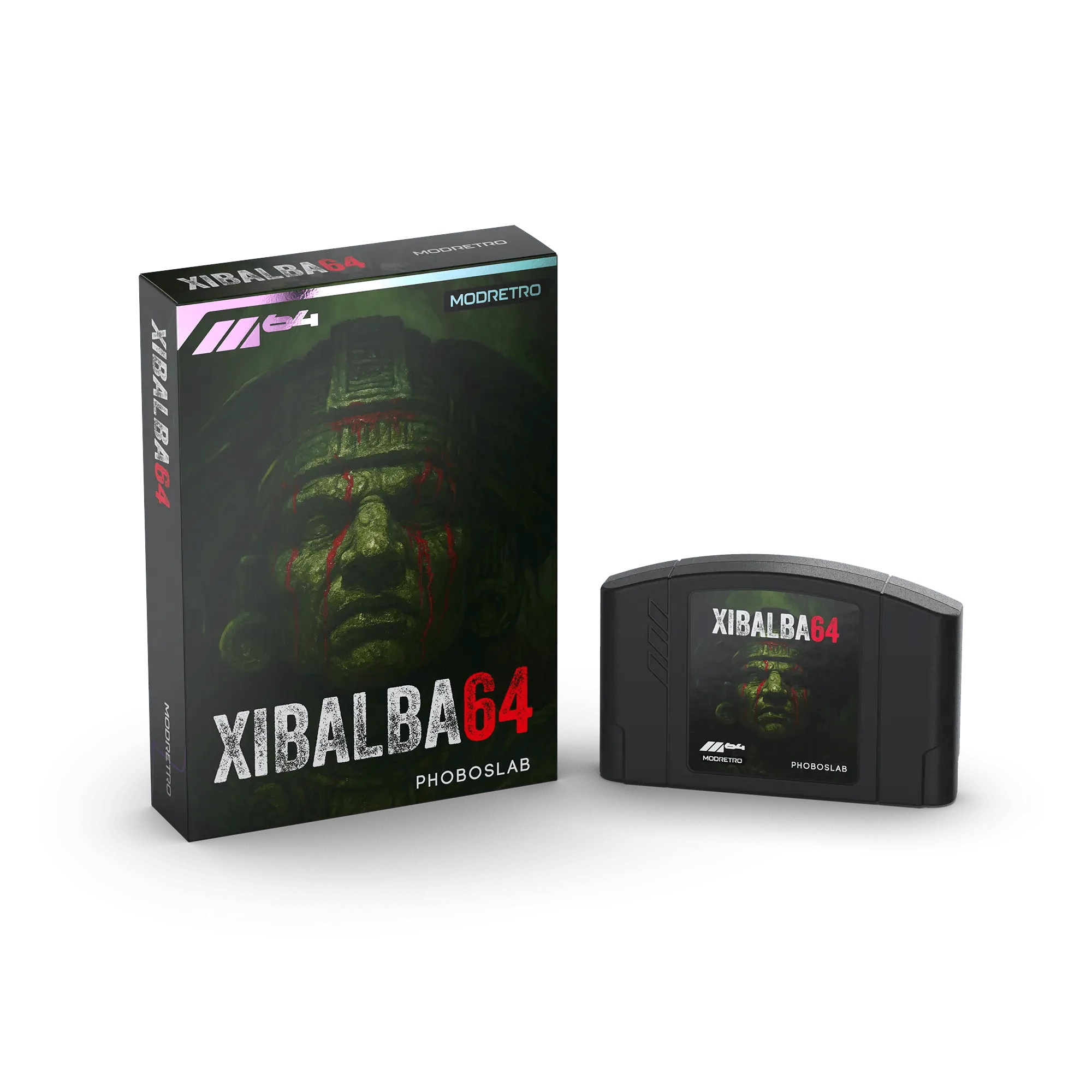
If you’ve ever popped an M64 cartridge into your console only to be greeted by a black screen or a flickering logo, you know the frustration. Dirty cartridge contacts are the most common culprit behind M64 game not loading issues, and the good news is that a simple cleaning routine can bring most games back to life. In this guide, we’ll walk you through the safest, most effective methods to clean M64 cartridges, so your favorite titles—from Xibalba 64 to Earthworm Jim—keep playing smoothly for years.
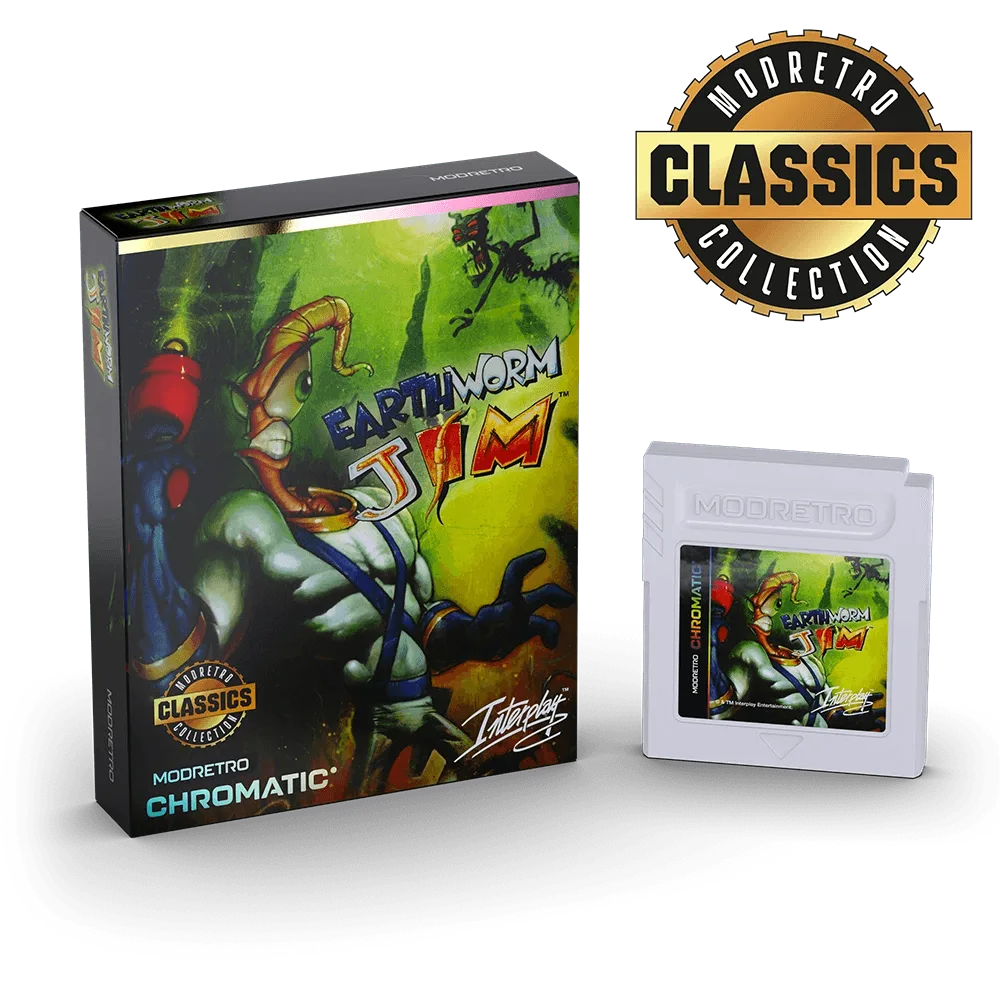
Earthworm Jim
Retro cartridge care isn’t just about fixing immediate problems; it’s about preserving your collection. Dust, oils from your fingers, and oxidation can build up on the gold-plated contacts over time, leading to intermittent crashes or outright failures. With a few household items and a gentle touch, you can keep your M64 library in pristine condition. Let’s dive into the essentials.
Why M64 Cartridges Fail to Load
The M64 console reads game data through the cartridge’s edge connectors, which make contact with the console’s pins. When these contacts get dirty, the electrical connection weakens, causing the console to fail to read the game properly. You might see error messages, hear strange sounds, or experience random crashes during gameplay. Over time, dust and grime can also affect the cartridge’s internal circuitry, though this is less common.
Another factor is oxidation. The gold-plated contacts can tarnish when exposed to humidity or air, creating a non-conductive layer. This is especially noticeable in older cartridges or those stored in less-than-ideal conditions. Understanding these causes helps you target your cleaning efforts where they matter most: on the contacts themselves.
- Inspect the cartridge for visible dirt or discoloration on the gold contacts before cleaning.
- Avoid touching the contacts with bare fingers—oils accelerate dirt buildup.
- If a game works after a few tries, dirty contacts are likely the issue.
What You’ll Need for Safe Cleaning
You don’t need expensive commercial kits to clean M64 cartridges. Most of the supplies are already in your home. Gather isopropyl alcohol (90% or higher), cotton swabs, a soft lint-free cloth, and a small flathead screwdriver if you plan to open the cartridge shell for a deeper clean. For stubborn residue, a pink eraser can work wonders, but use it sparingly.
Avoid using water, household cleaners, or abrasive materials like steel wool. These can damage the contacts or leave residue that attracts more dirt. Also, never use a vacuum cleaner directly on the cartridge—static electricity can harm the internal chips. Stick to gentle, alcohol-based methods for the best results.
- Isopropyl alcohol: evaporates quickly and leaves no residue.
- Cotton swabs: precise enough for the narrow contact area.
- Pink eraser: effective for oxidized contacts, but brush away debris afterward.
Step-by-Step Cleaning Process
Start with the simplest method: dip a cotton swab in isopropyl alcohol and gently rub the contacts in a back-and-forth motion. You’ll likely see dark grime transfer onto the swab. Repeat with a fresh swab until it comes away clean. Let the cartridge dry completely—alcohol evaporates quickly, so this only takes a minute or two.
If the contacts still look tarnished, use a pink eraser to gently rub them. This physically removes oxidation. Afterward, wipe the area with a dry cloth to remove any eraser debris, then follow up with an alcohol swab to clean off any residue. For a deeper clean, you can open the cartridge shell with a screwdriver, but be careful not to damage the plastic clips. Once inside, clean the contacts and the circuit board edges with alcohol.
After cleaning, test the cartridge in your M64 console. If it loads correctly, you’re done. If not, repeat the process or check the console’s pins for dirt as well. Regular maintenance—every few months—will prevent buildup and keep your games running reliably.
- Always clean the cartridge contacts, not the plastic shell, unless it’s visibly dirty.
- Store cartridges in protective cases to minimize dust exposure.
- If a game still won’t load after cleaning, try another game to isolate the issue.
Preventive Care for Long-Term Reliability
Cleaning is only half the battle. To reduce how often you need to clean M64 cartridges, practice good storage habits. Keep cartridges in their original boxes or plastic cases, away from direct sunlight and humidity. When inserting a cartridge, handle it by the edges to avoid transferring oils to the contacts. Also, ensure your console’s cartridge slot is clean—dirty pins can re-dirty your games.
Consider using a cartridge cleaning kit designed for the M64, but these are optional. A simple routine of wiping contacts with a dry cloth after each use can also help. By integrating these habits into your retro gaming routine, you’ll extend the life of your collection and enjoy more time playing, less time troubleshooting.
- Store cartridges upright in a cool, dry place.
- Use a can of compressed air to blow out dust from the console’s slot periodically.
- Label your games and keep an inventory to track condition.
Taking a few minutes to clean M64 cartridges can save you from frustrating gaming sessions and preserve your collection for years. Whether you’re a seasoned collector or new to retro gaming, these simple steps will keep your games loading reliably. Now that your cartridges are clean, why not expand your library? Check out the M64 Games selection on ModRetro to find your next adventure.