Quick answer
Empty the dustbin after every few cleaning cycles, wash the dustbin and pad monthly with mild soap and water, and let both air-dry completely before reinstalling. Replace them when they show signs of wear or reduced performance.
Why regular dustbin and pad care matters
Your Wyze Robot Vacuum works hardest where dust and pet hair collect: the dustbin and the pad. A full dustbin reduces suction, and a dirty pad can leave streaks or miss debris on hard floors. Regular cleaning keeps both performing well and helps your vacuum last longer.
The dustbin is designed to collect dirt, debris, and pet hair during cleaning cycles, which helps maintain efficient suction. The pad is built for effective dust and debris pickup on hard surfaces. Keeping both clean directly supports the vacuum's overall cleaning quality.
When to clean vs. when to replace
Empty the dustbin after every few cleaning sessions, or when you notice the bin looks full. Wash the dustbin and pad once a month, or more often if you have pets or heavy foot traffic.
Replace the dustbin if it cracks, warps, or no longer seals properly. Replace the pad when it becomes thin, torn, or stops picking up debris effectively. Genuine Wyze accessories are designed for a seamless fit with your vacuum.
Step-by-step cleaning and maintenance
- Empty the dustbin after every few cleaning cycles: Remove the dustbin from the vacuum, open the lid, and tap it over a trash can to release dirt and debris. Use a soft brush to dislodge any stubborn clumps of pet hair or dust. Check the dustbin's filter for clogs while you're at it; a blocked filter reduces suction.
- Wash the dustbin monthly: Rinse the dustbin with lukewarm water and a drop of mild dish soap. Use a soft sponge to wipe the inside and outside. Do not submerge the filter or use abrasive cleaners, as they can damage the bin. Let the dustbin air-dry completely before reinstalling to prevent mold or odors.
- Clean the pad after each use or weekly: Remove the pad from the vacuum and rinse it under running water. Gently squeeze out excess water—do not wring or twist. For tougher dirt, hand-wash with mild soap. Avoid machine washing unless the pad's label says it's safe. Never put a wet pad back on the vacuum; always air-dry it fully.
- Inspect for wear and replace when needed: Check the dustbin for cracks or a loose seal, and inspect the pad for thinning, tears, or loss of cleaning effectiveness. If you notice any of these signs, replace the part with a genuine Wyze accessory to maintain performance. Keep a spare dustbin and pad on hand so you can swap them out while the other is drying.
Genuine replacement parts
-
Wyze Robot Vacuum - Dustbin: The Wyze Robot Vacuum Dustbin is a genuine replacement accessory designed to keep your Wyze Robot Vacuum performing at its best. A properly fitting dustbin maintains suction and prevents debris from leaking into the vacuum's internals.
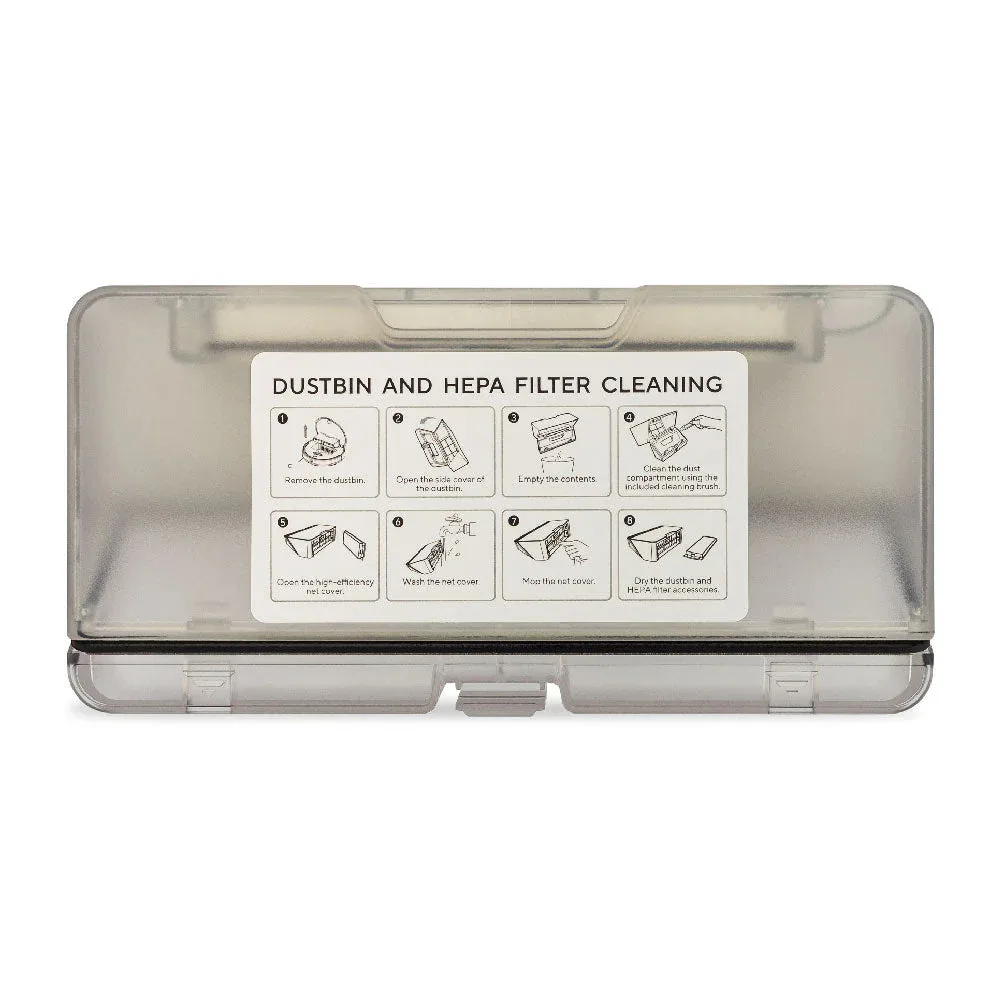
Wyze Robot Vacuum - Dustbin
-
Wyze Robot Vacuum - Pad: The Wyze Robot Vacuum Pad is designed for efficient dust and debris pickup on hard surfaces. A fresh pad ensures your vacuum continues to clean hard floors effectively without leaving residue.
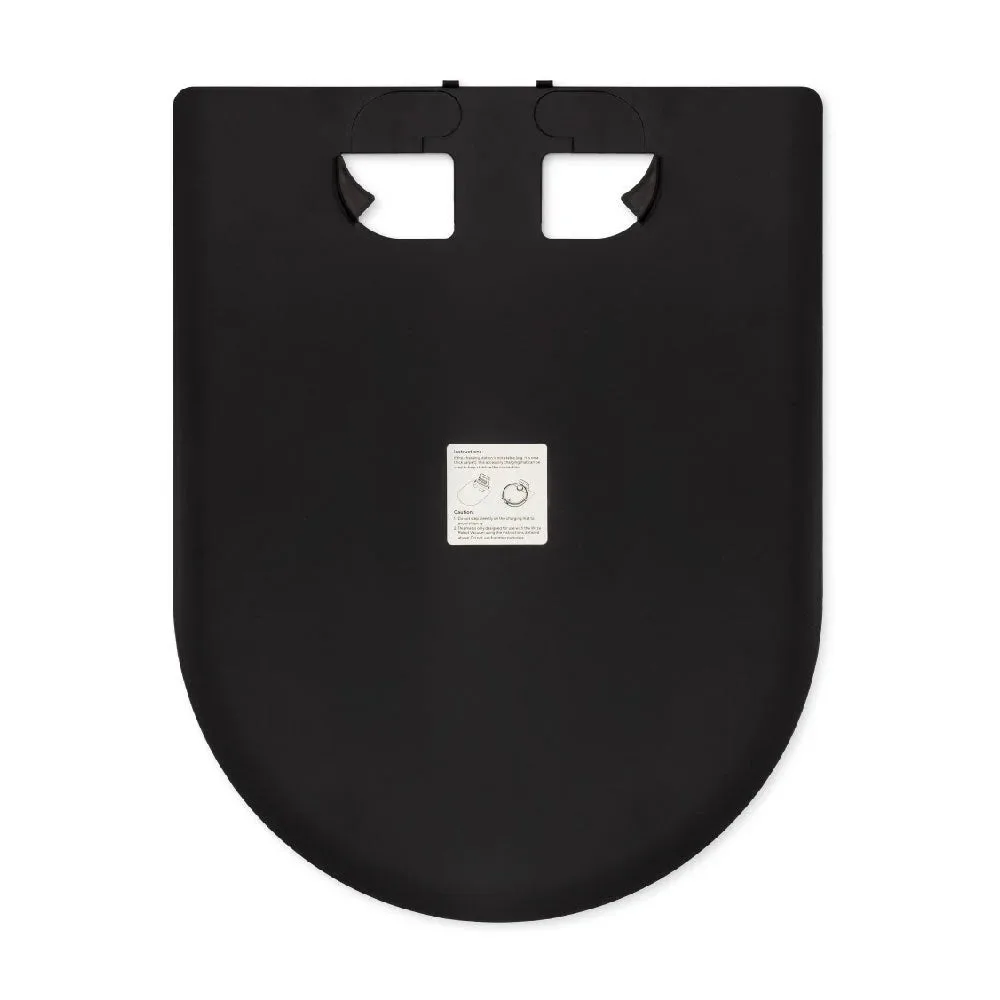
Wyze Robot Vacuum - Pad