Quick answer
Clean your Skullcandy earbuds and headphones dry first: a soft brush or dry cotton swab for mesh and vents, a barely damp cloth for plastic and cushions, and never liquid inside the openings. Do it weekly for earbuds and monthly for headphones, and replace worn ear cushions or tips instead of over-cleaning them.
Earbuds and headphones collect earwax, skin oil, dust, and sweat every time you wear them. Left alone, that buildup clogs mesh, muffles sound, irritates skin, and shortens the life of cushions and cables. The good news: you do not need a special kit or harsh chemicals to keep Skullcandy gear in shape.
This headphone maintenance guide walks through a safe order of operations, from dry brushing to cushion care, plus the mistakes that cause the most damage. It also covers when cleaning stops helping and replacement parts or a new pair becomes the smarter move.
What you need (and what to keep away)
A dry soft-bristle brush, dry cotton swabs, a microfiber cloth, and a tiny amount of distilled water are enough for routine cleaning. For sticky residue on hard plastic only, a drop of mild soap on a damp cloth works, but wring it out so no liquid can drip into seams. Isopropyl alcohol is best avoided on cushions and painted finishes because it can dry out or discolor them.
The bigger rule is what never touches your gear: no running water, no soaking, no compressed air blasted into microphone holes, and no sharp metal tools near mesh. Those shortcuts push wax deeper or tear the delicate screen that protects the driver.
- Work over a clean, well-lit surface so small tips and cushions do not disappear.
- Unplug wired models and power off wireless ones before you start.
- Keep one cloth for the body and a separate dry brush for mesh so you do not spread oil around.
Step-by-step cleaning for earbuds
Start by removing the silicone ear tips if your model has them. Wash tips separately in warm water with a drop of mild soap, rinse fully, and let them air dry completely before putting them back. While they dry, brush the mesh nozzle gently with a dry soft brush, angled so debris falls away from the opening rather than into it. Follow with a dry cotton swab around the rim, never inside the port.
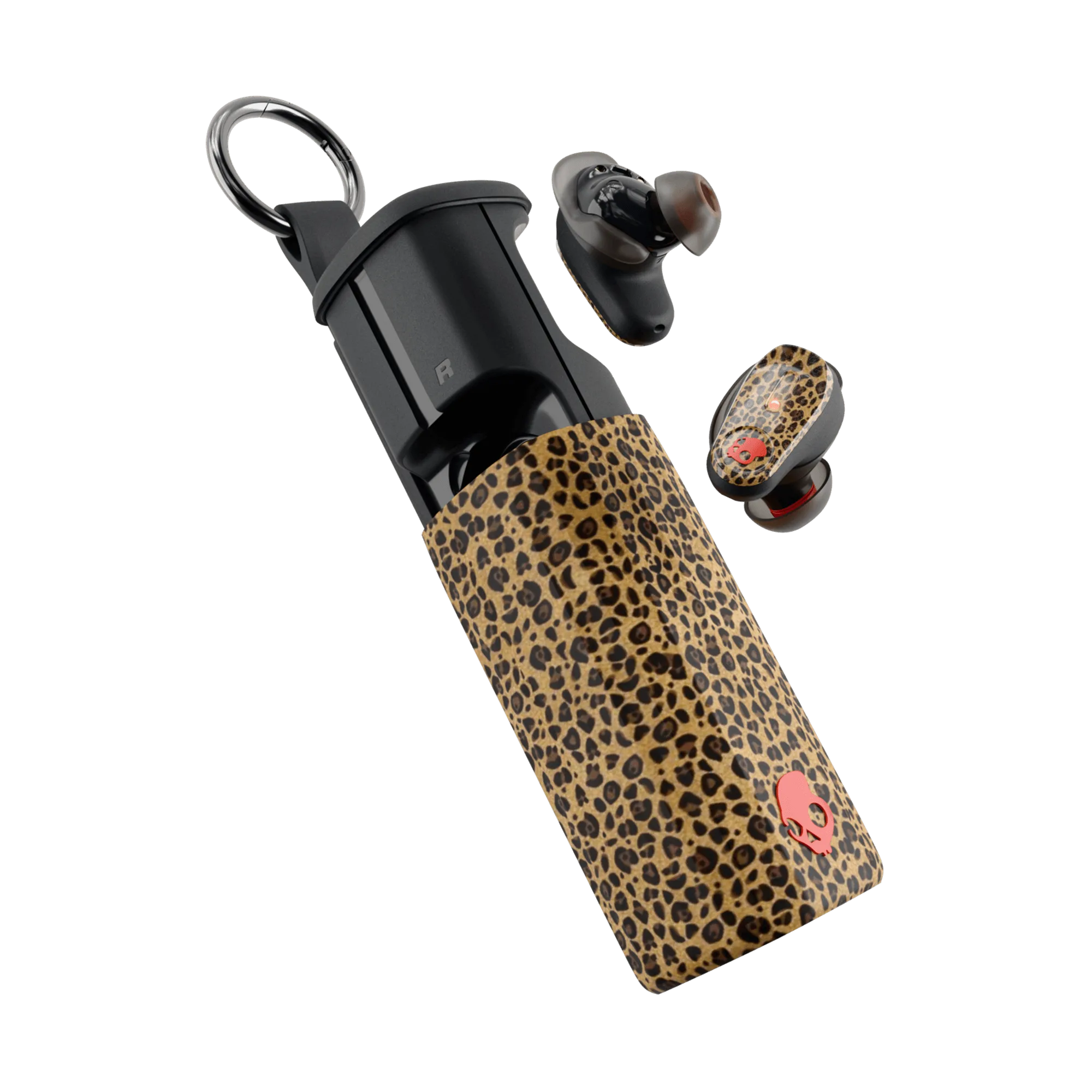
Wipe the earbud bodies and charging case with a dry microfiber cloth. If the case contacts look dull, a barely damp cloth is fine, but dry it immediately and leave the case open to air out. For a model like Method 360 ANC, which is built for nonstop action, this routine keeps sweat and dust from turning into a film that dulls sound.
- Common mistake: pushing a swab into the nozzle. That is how wax ends up on the driver.
- Let ear tips dry fully; a damp tip traps moisture against the nozzle.
- Clean the charging case too, since grit there scratches the buds over time.
Step-by-step cleaning for headphones
For over-ear models, wipe the headband and hinges with a dry microfiber cloth first. Then clean the ear cushions with a barely damp cloth, using light pressure and no soaking. If your cushions are removable, taking them off makes it easier to brush dust from the mesh underneath, but check your model's instructions before pulling on anything.
Pay attention to the vents and ports. A dry soft brush loosened across the openings lifts dust without pushing it in. Once everything is dry, store the headphones on a hook or in a case rather than loose in a bag, where cables and hinges take the abuse.
- Common mistake: drenching cushions. Foam holds moisture and can smell musty afterward.
- Never submerge headphones or run them under a tap, even if the exterior looks sealed.
- If a cushion is cracked or flaking, cleaning will not fix it; replacement is the real answer.
Cables, ports, and the charging case
Cables fail at the strain relief, not the middle, so inspect the ends where the plug meets the wire. Wipe the cable with a dry cloth and avoid wrapping it tightly around the headphones. For charging ports, use a dry brush or a wooden toothpick to lift lint gently, and never insert anything metal.
If a port still will not charge after a gentle clean, stop poking at it. Repeated digging bends contacts and turns a simple lint problem into a repair. At that point, contact support rather than improvising.
- Coil cables loosely in a loop rather than bending them at sharp angles.
- Keep the charging case lid open to air out after cleaning.
- Check the port with a flashlight before assuming the battery is the problem.
Habits that extend headphone lifespan
Most wear is not from cleaning but from daily handling. Store gear in a case, keep volume at reasonable levels, and give headphones a quick wipe after sweaty sessions instead of waiting for visible buildup. Rotating between two pairs, one for workouts and one for desk listening, spreads the wear and keeps each pair cleaner.
If you use headphones with active noise canceling, remember that the microphones that make ANC work are also the parts most sensitive to moisture and dust. Keeping vents clear is not just cosmetic; it protects the feature you paid for.
- Wipe after every workout, deep clean monthly.
- Avoid leaving gear in a hot car or direct sun, which ages foam and adhesives.
- Replace ear tips when they stop sealing; a poor seal makes you turn the volume up.
Your 10-minute cleaning routine
- Power down and unplug: Turn off wireless models and disconnect wired ones so you are not cleaning around live electronics. Checkpoint: nothing is connected and the earbuds or headphones are cool to the touch.
- Remove ear tips or cushions: Take off silicone tips or removable cushions so you can reach the mesh and nozzle without forcing a swab into the opening. If a part does not come off easily, stop and check your model's instructions rather than pulling harder.
- Dry brush the mesh and vents: Use a dry soft brush at an angle so loosened dust falls away from the openings, then follow with a dry cotton swab around the rim only. Common mistake: jamming a swab into the nozzle, which pushes wax onto the driver.
- Wipe the body and cushions: Go over plastic, hinges, and cushions with a dry microfiber cloth; use a barely damp cloth only where residue lingers, then dry immediately. Never soak cushions or run any part under water.
- Wash and fully dry ear tips: Rinse silicone tips with mild soap and warm water, then air dry them completely before reinstalling. A damp tip traps moisture against the nozzle and can affect sound.
- Clean the case and cable: Wipe the charging case inside and out, and inspect cable ends where they bend most. Checkpoint: the case closes cleanly and the cable shows no exposed wire.
- Store properly: Return everything to a case or hook, with cables loosely coiled rather than wrapped tight. Next step: repeat weekly for earbuds and monthly for headphones, and replace worn cushions or tips when cleaning stops helping.
Skullcandy models and what their design means for care
- Method® 360 ANC: Method 360 ANC is an earbud with Sound by Bose, engineered for incredible audio and nonstop action. Because it is made for active use, sweat and dust are constant companions; a quick dry wipe after each session matters more than an occasional deep clean.
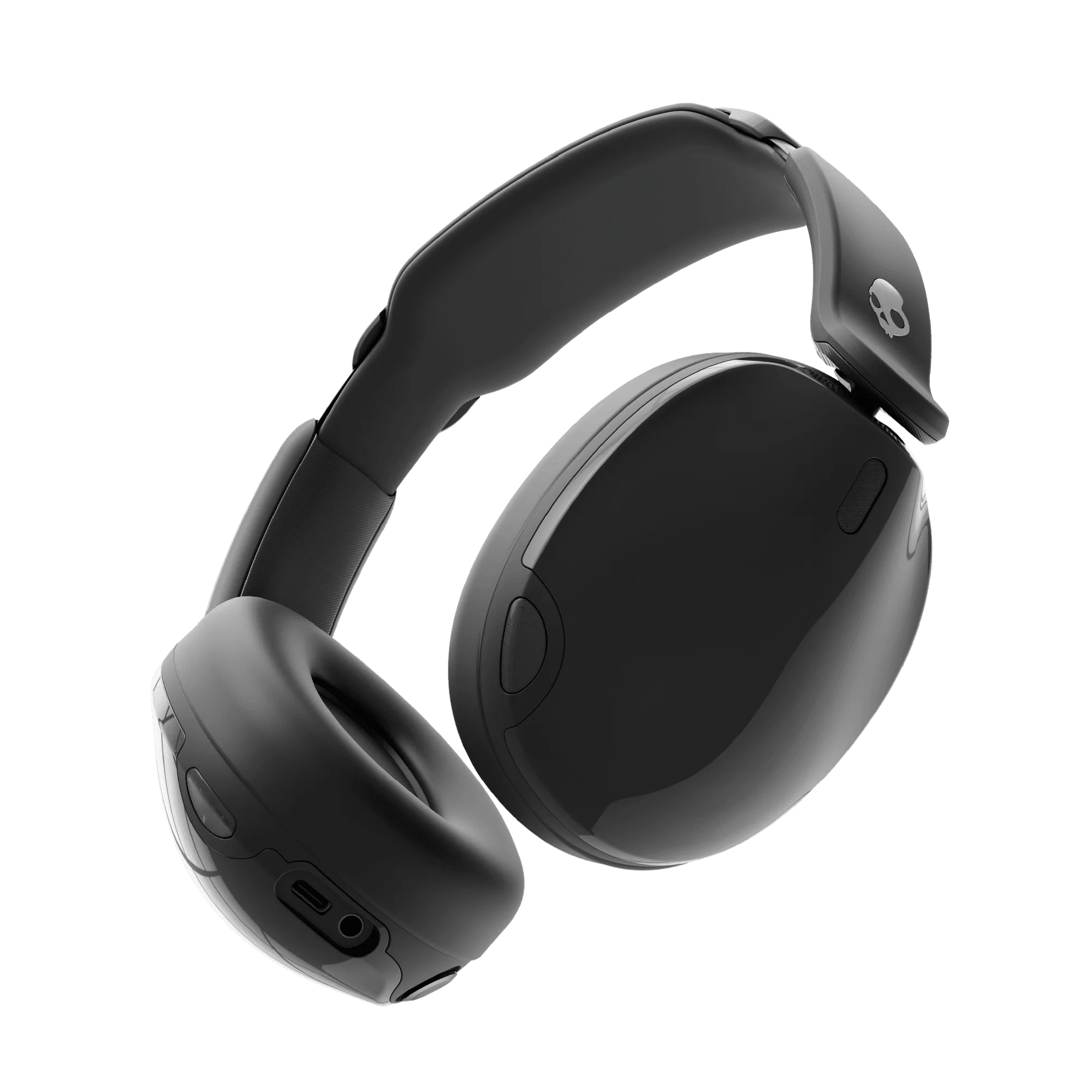
- Hesh® 540 ANC: Hesh 540 ANC combines Active Noise Canceling with THX Spatial Audio. ANC and spatial audio depend on microphones and vents staying clear, so brushing those openings gently protects the features you use most.
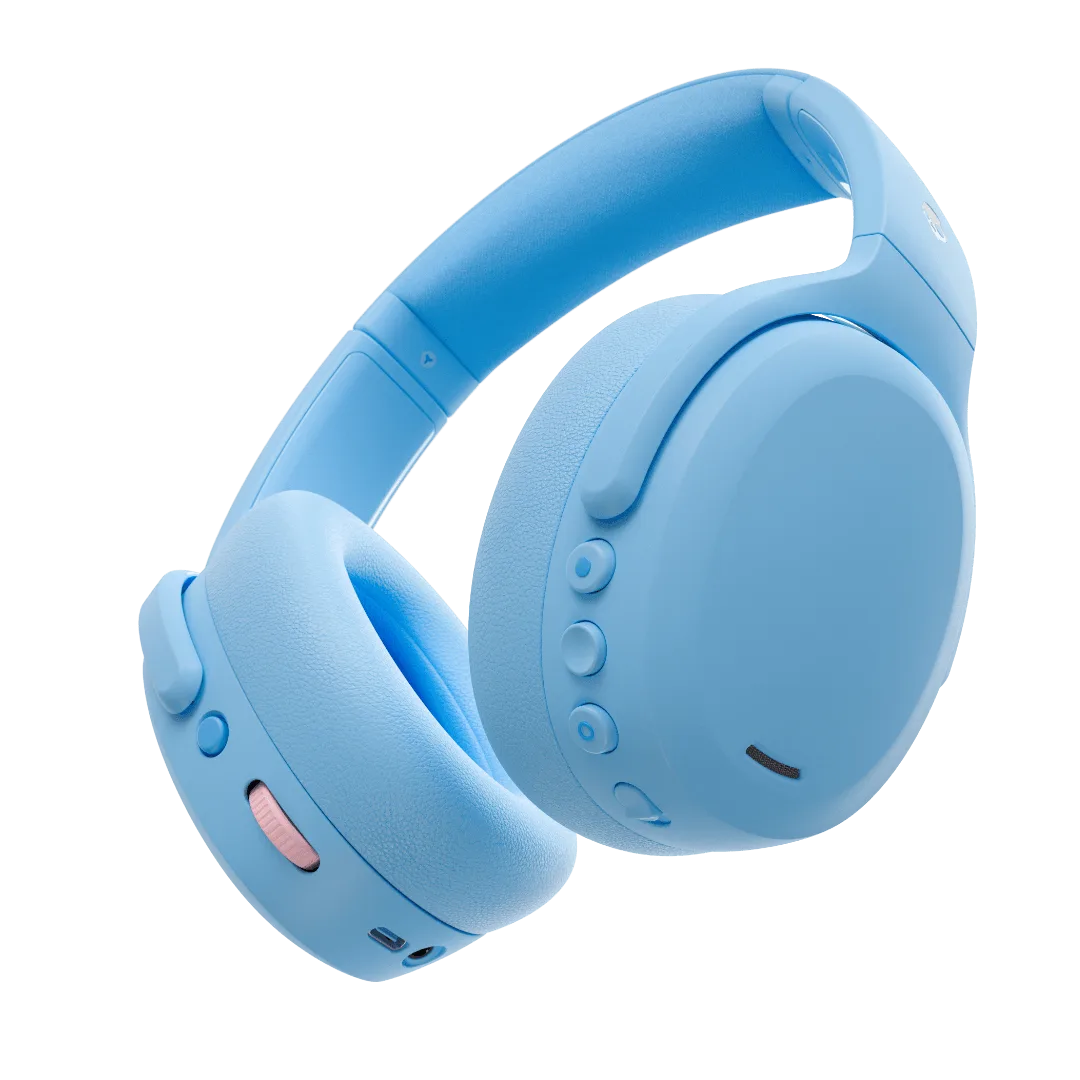
- Crusher® ANC 2: Crusher ANC 2 offers adjustable sensory bass and customizable noise cancellation that adapts to your world or blocks it out completely. Adjustable bass and adaptive ANC mean more internal components and vents; keeping cushions and openings clean helps those systems keep working as intended.
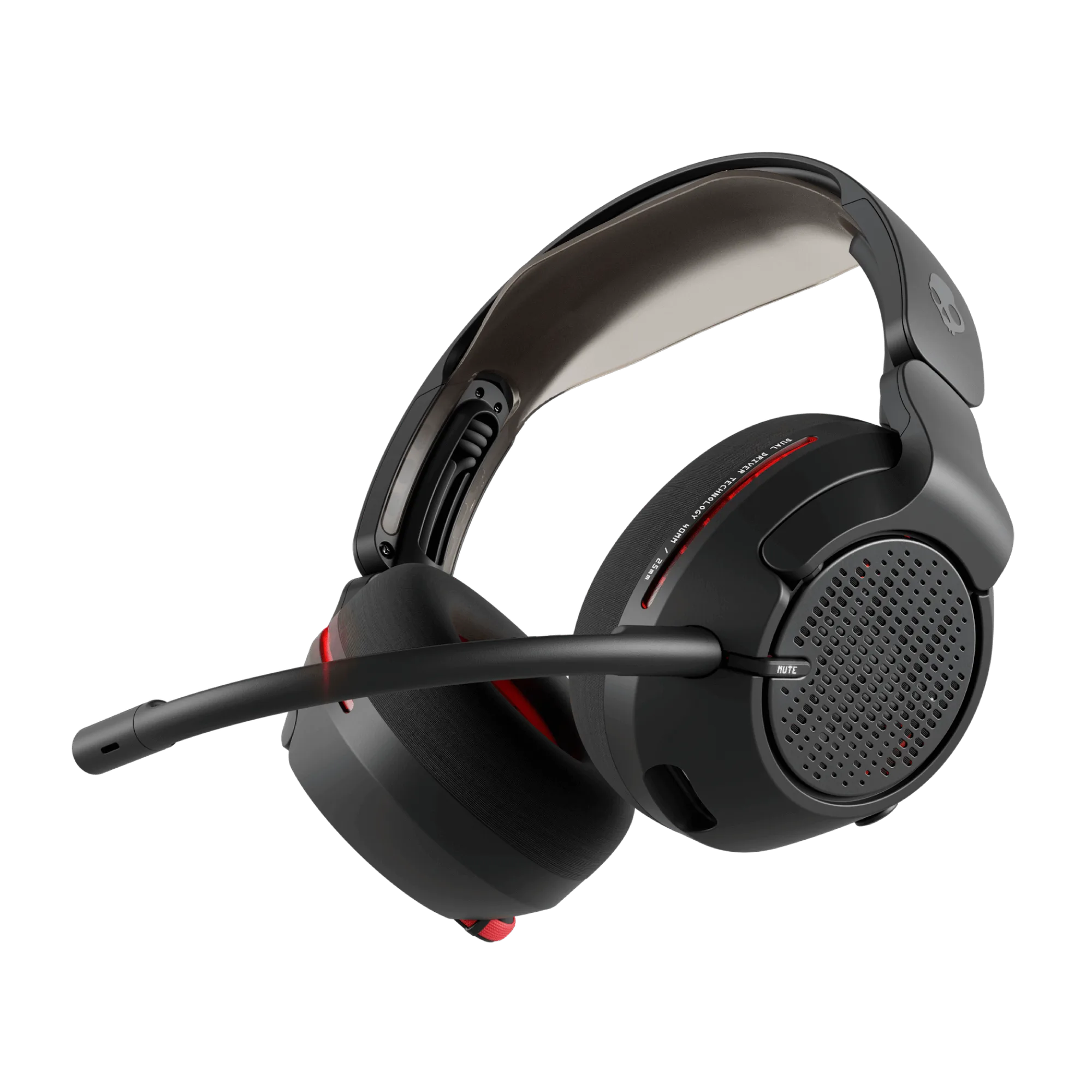
- Crusher® PLYR® 720: Crusher PLYR 720 features Crusher Bass, open-back acoustics, and THX Spatial Audio. Open-back acoustics let sound out and dust in, so a dry brush on the outer mesh is a regular part of owning this headset.
Cleaning Skullcandy earbuds and headphones is mostly about being gentle, dry, and consistent. Brush the mesh, wipe the surfaces, dry everything fully, and store it well. When cushions flatten or tips stop sealing, replace them instead of cleaning harder; that is the simplest way to extend headphone lifespan and keep the sound you paid for.