Quick Answer
To convert your Gamegenic deck box from 100+ to 80+ cards, simply adjust the internal divider or use the included spacers to reduce the card compartment's width. Most Gamegenic deck boxes feature adjustable dividers or removable inserts that let you customize the fit for smaller decks. Follow the steps below to ensure a snug, secure fit without damaging your cards.
Gamegenic deck boxes are designed with versatility in mind, allowing you to adjust the internal layout to fit different deck sizes. Whether you're downsizing from a Commander deck to a smaller format or just want a tighter fit for your 80-card deck, converting your box is a straightforward process.
This guide walks you through the steps to adjust your Gamegenic deck box from 100+ to 80+ cards, covering common mistakes and offering practical tips to get the best results.
Understanding Your Gamegenic Deck Box
Most Gamegenic deck boxes, such as the Squire Plus or the Academic 133+ XL, come with adjustable dividers or removable inserts that allow you to customize the internal space. The exact mechanism varies by model, so start by examining your box to identify the type of adjustment system it uses.
For boxes with a single large compartment, you'll typically use a divider to reduce the width. For boxes with removable trays or inserts, you may need to remove or reposition these components. Always consult the product manual or the manufacturer's website if you're unsure about your specific model.
- Check the inside of the box for a sliding divider or a removable foam insert.
- Some models have a magnetic flap or a click-lock mechanism that holds the divider in place.
Step-by-Step Conversion Process
The conversion process is simple but requires care to avoid damaging the box or your cards. Follow these steps to adjust your Gamegenic deck box from 100+ to 80+ cards.
Start by emptying the box completely. Remove all cards, dice, and accessories. This gives you a clear view of the internal layout and prevents any items from getting in the way.
Locate the divider or insert that controls the compartment size. In most Gamegenic boxes, this is a sliding plastic divider that clicks into place at different positions. Gently slide it to the desired position for 80+ cards, ensuring it locks securely.
If your box uses removable foam inserts, carefully take them out and reposition them to reduce the width. Some models may have multiple foam pieces that you can rearrange to create a custom fit.
Once the divider or insert is in place, test the fit by placing your sleeved cards into the compartment. The cards should fit snugly without being forced. If they're too loose, adjust the divider slightly; if they're too tight, you may need to remove a spacer or reposition the insert.
- Always double-check that the divider is fully locked before placing cards inside.
- If the box has a magnetic flap, ensure it aligns properly when closing.
Common Mistakes to Avoid
One common mistake is forcing the divider into a position that doesn't match the card count. This can warp the divider or damage the box's interior. Always adjust the divider to the exact position that fits your 80-card deck without applying excessive pressure.
Another mistake is forgetting to account for sleeve thickness. Double-sleeved cards take up more space than single-sleeved ones. If you're using thick sleeves, you may need to adjust the divider to a slightly larger setting to avoid crushing your cards.
Finally, some users overlook the importance of testing the fit before closing the box. Always place your deck inside and close the lid to ensure the cards stay in place without sliding around. A loose fit can lead to card damage during transport.
- Use the included spacers (if any) to fine-tune the fit for double-sleeved decks.
- If your deck is still loose after adjustment, add a small piece of foam or a card divider to fill the gap.
Step-by-Step Conversion Checklist
- Empty the box: Remove all cards and accessories to access the internal divider or insert. Checkpoint: Ensure the box is completely empty before making adjustments.
- Locate the adjustment mechanism: Find the sliding divider or removable foam insert that controls compartment size. Common mistake: Forcing the divider can damage it. Move it gently.
- Adjust the divider to 80+ card position: Slide the divider or reposition the insert to reduce the compartment width for an 80-card deck. Checkpoint: Confirm the divider locks securely into place.
- Test the fit: Place your sleeved cards into the compartment and close the lid to ensure a snug fit. Common mistake: Ignoring sleeve thickness can lead to a tight or loose fit. Adjust accordingly.
Gamegenic Products That Support Size Conversion
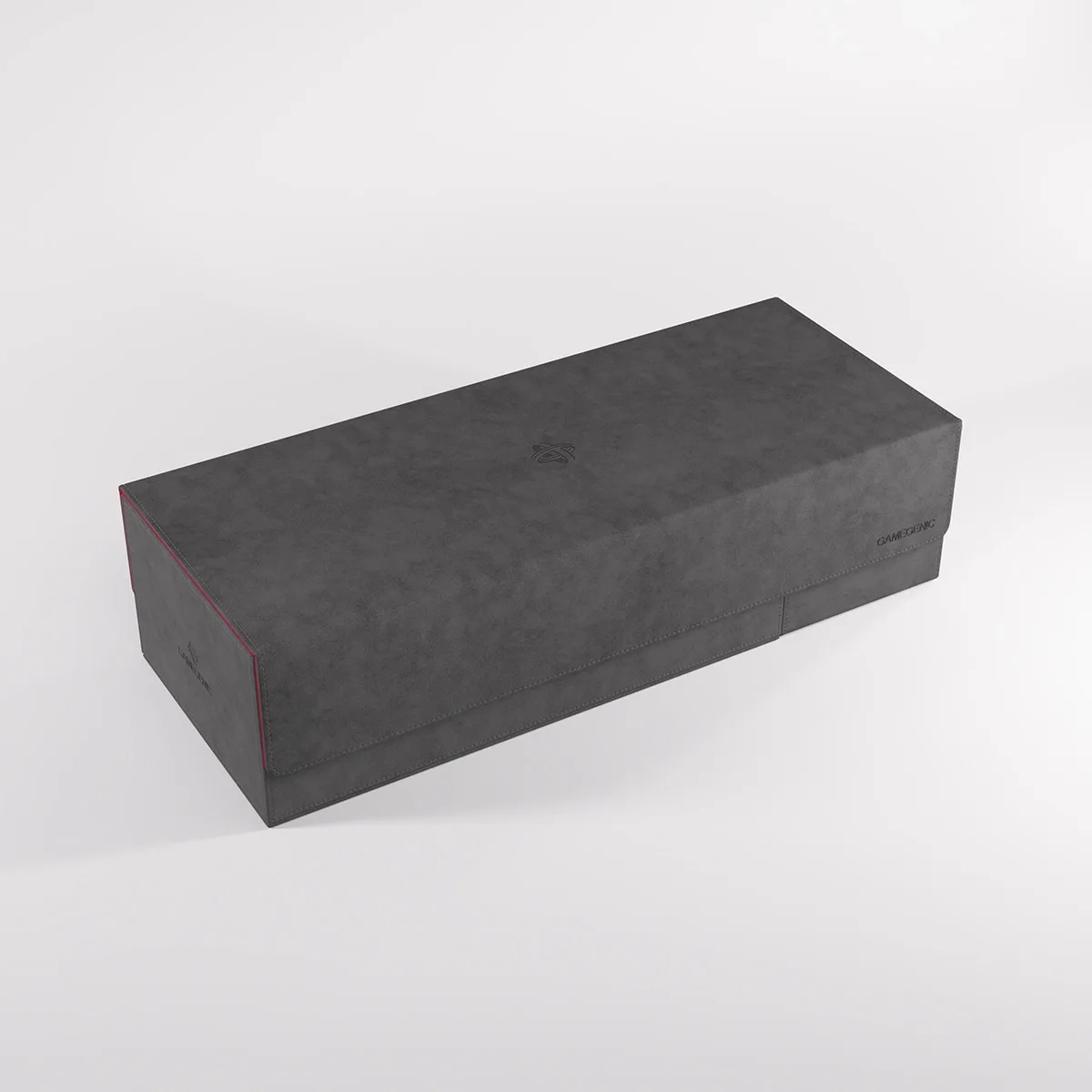
- CARDS’ LAIR400+ CONVERTIBLE: This multi-functional box is designed to perfectly fit 400 double-sleeved, or 540 single-sleeved cards*. With two removable drawers with ingenious magnetic flaps. While this box is larger than a typical deck box, its convertible design lets you adjust the internal layout to fit smaller decks, making it a versatile option for players who switch between formats.
- GAMES’ LAIR600+ CONVERTIBLE: The Games’ Lair 600+ can hold 600 double-sleeved* or 800 single-sleeved cards. The fully removable cover easily converts into a magnetic dice tray! This all-in-one solution offers even more flexibility, allowing you to store multiple decks or a large collection while still being able to convert the space for smaller decks or accessories.
Converting your Gamegenic deck box from 100+ to 80+ cards is a simple process that extends the versatility of your storage. By following these steps and avoiding common mistakes, you can ensure your cards are protected and your deck box works perfectly for your needs. Whether you're using a Squire Plus or a larger convertible model, the ability to adjust the size makes Gamegenic boxes a smart investment for any player.