Quick answer
Deep clean your Litter-Robot by unplugging it, removing the globe and waste drawer, then washing only the globe with mild soap and warm water. Wipe the base and sensor areas with a barely damp cloth and let everything dry fully before reassembly. Never submerge the base, and never spray cleaner directly onto the sensors, because moisture and residue are the most common causes of false weight readings and error messages.
A Litter-Robot only stays reliable if the parts that touch litter get washed and the parts that think get kept dry. That split is the whole game: the globe, waste drawer, and litter mat can handle water, while the base, weight sensors, and anti-pinch safety sensors cannot.
This guide walks through a full deep clean in order, from unplugging to reassembly, and flags the mistake people make at each stage. It also covers how often to do it and which accessories make the job easier.
Before you start: what can get wet and what cannot
Anything that holds or touches litter is washable: the globe, the waste drawer, the litter mat, and the bonnet if your model has one. The base is not. It houses the electronics, the motor, and the weight sensors that make SmartScale readings and cat detection work, so it should only ever be wiped, never rinsed or submerged.
Set up near a sink or tub with mild dish soap, warm water, a soft cloth or sponge, paper towels, and a soft-bristle brush for crevices. Skip abrasive scrubbers, bleach-heavy sprays, and anything you would not use on a food surface, since residue left in the globe can bother a cat's paws and nose.
- Checkpoint: if your cleaner says 'spray and leave wet,' it is the wrong product for the base.
- Keep a second dry cloth within reach so you never wipe a sensor with a damp one.
How often to deep clean, and what to do in between
For most single-cat homes, a full deep clean every four to six weeks works well. Multi-cat homes, or cats who kick litter aggressively, usually need it every two to three weeks. Between deep cleans, empty the waste drawer every few days and wipe the interior with a pet-safe wipe so odor never gets a foothold.
A practical litter-robot maintenance schedule splits the work: daily, glance at the drawer and the globe for clumps stuck to the liner; weekly, wipe the exterior and check the litter level; monthly, do the full wash below. If you use the LitterHopper, its own upkeep is a separate job and worth doing on the same day so you only take the unit apart once.
- Checkpoint: if you smell ammonia when you walk past the unit, you are overdue, regardless of the calendar.
- Write the date on the underside of the waste drawer to track your real interval.
Cleaning the base and sensors without wrecking them
The base needs the least water and the most care. Wipe the exterior with a cloth wrung out until it is barely damp, then dry immediately. Around the entry opening and the sensor windows, use a dry soft cloth or a dry cotton swab to lift dust and litter crumbs. Litter dust is the real enemy here, not grime, and it comes off without any liquid at all.
If something sticky got on the base, dampen a corner of the cloth, wipe that one spot, and dry it right away. Do not let water run into seams, and do not spray cleaner at the unit, because mist travels into openings you cannot see. This is the step where most litter-robot sensor cleaning goes wrong: people treat the base like the globe and soak it.
- Checkpoint: run a dry swab along the sensor windows and look at it. If it comes back grey, that dust was likely causing intermittent errors.
- Never put the base in a dishwasher, tub, or shower, even briefly.
Reassembly and the first cycle test
Before you put anything back, touch every surface. The globe should feel completely dry inside and out, and the base should have no damp spots near seams or openings. Reinstall the globe, add fresh litter to the fill line, replace the waste drawer with a new liner, and plug the unit back in.
Let it run one empty cycle while you watch. The globe should rotate smoothly and return to level, and the app should show a normal weight reading rather than a fluctuating one. If the weight looks wrong or the unit stops mid-cycle, unplug it, dry the base and sensor area again, and retry before assuming something is broken.
- Checkpoint: a stable weight reading after reassembly is your proof the base stayed dry.
- If readings stay erratic, the Litter-Robot 4 Carpet Tray can help when the unit sits on carpet or an uneven floor.
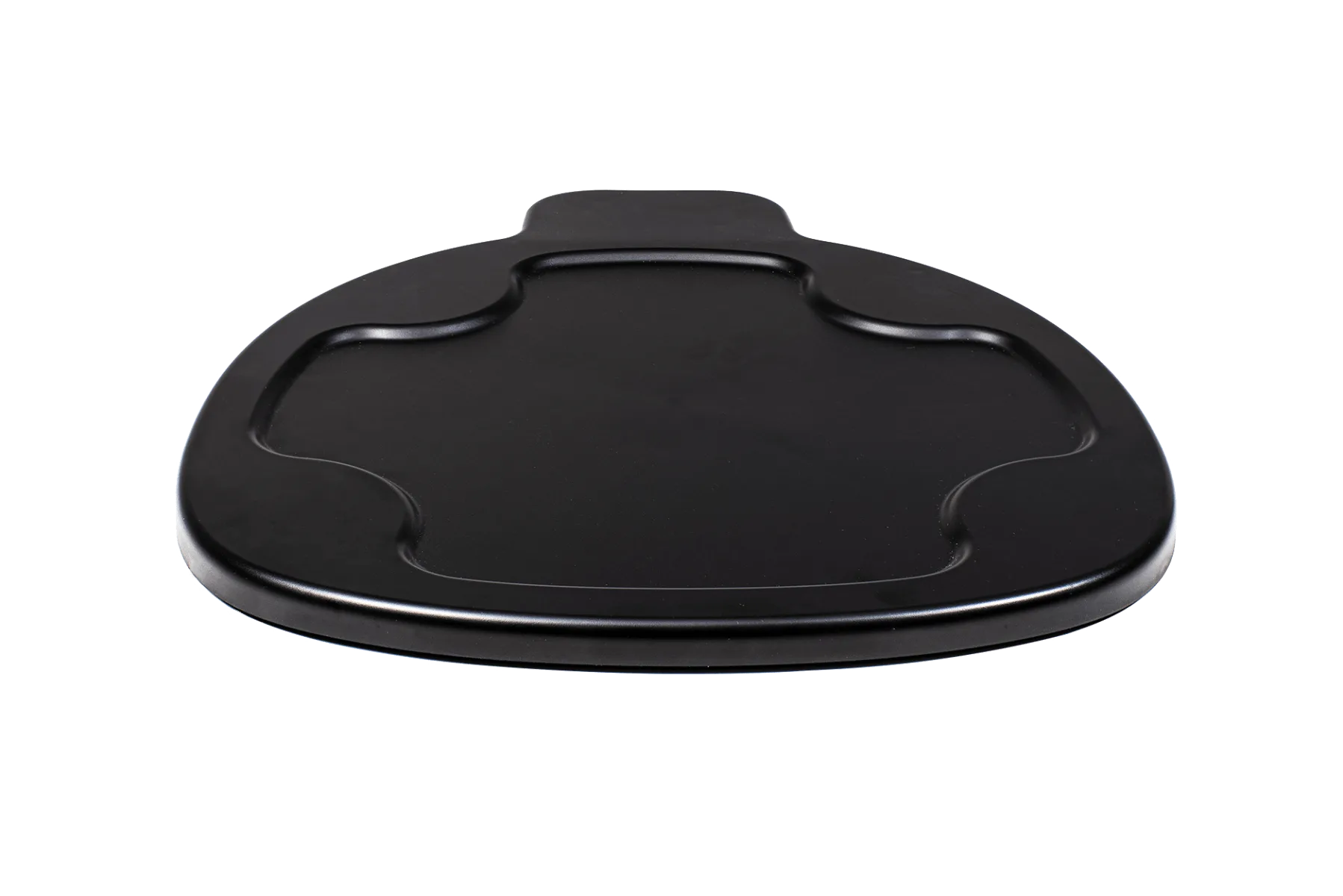
Litter-Robot 4 Carpet Tray
The deep clean, step by step
- 1. Unplug and let the unit finish: Press the cycle button to let the globe return to level, wait for it to stop, then unplug the power cord at the wall. Mistake to avoid: unplugging mid-rotation leaves litter piled on one side and makes the globe harder to lift out.
- 2. Remove the globe, drawer, and mat: Lift the globe straight up and set it in a tub or sink. Pull out the waste drawer, take off the liner, and shake the litter mat outside. Checkpoint: empty loose litter into the trash first so you are not washing clumps down a drain.
- 3. Wash the globe with mild soap and warm water: Use dish soap, warm water, and a soft cloth or sponge. A soft-bristle brush handles the textured liner, and a rinse with clean water removes all soap film. Mistake to avoid: harsh or heavily scented cleaners leave residue that can put a cat off using the box.
- 4. Wash the drawer and mat, then air dry everything: Wash the waste drawer and litter mat the same way, then stand the globe upside down and let all washable parts air dry completely. Checkpoint: no visible moisture and no damp smell before anything goes back on the base.
- 5. Wipe the base with a barely damp cloth: Wipe the exterior of the base with a cloth wrung out until it is nearly dry, then follow with a dry cloth. Do not rinse, soak, or spray the base. Mistake to avoid: letting water run into seams or openings around the motor and electronics.
- 6. Clean the sensor windows dry: Use a dry soft cloth or dry cotton swab on the sensor windows and the entry opening. Lift dust and litter crumbs rather than wiping them into the openings. Checkpoint: a clean swab after wiping means the sensor area is clear.
- 7. Reassemble and run one test cycle: Reinstall the globe, add fresh litter to the fill line, fit a new drawer liner, and plug the unit back in. Watch one full cycle and check the app weight reading. Mistake to avoid: assuming an error after cleaning is a hardware fault when the base is simply still damp.
Accessories that make deep cleaning easier
- Litter-Robot 4 Carpet Tray: The Litter-Robot 4 Carpet Tray improves the accuracy of SmartScale weight readings when Litter-Robot 4 sits on carpet or uneven surfaces, and it is not required for the unit to function. If your weight readings were unstable before you cleaned, the surface under the unit may be the cause rather than dirt on the sensors, so this is worth checking before you blame your cleaning routine.
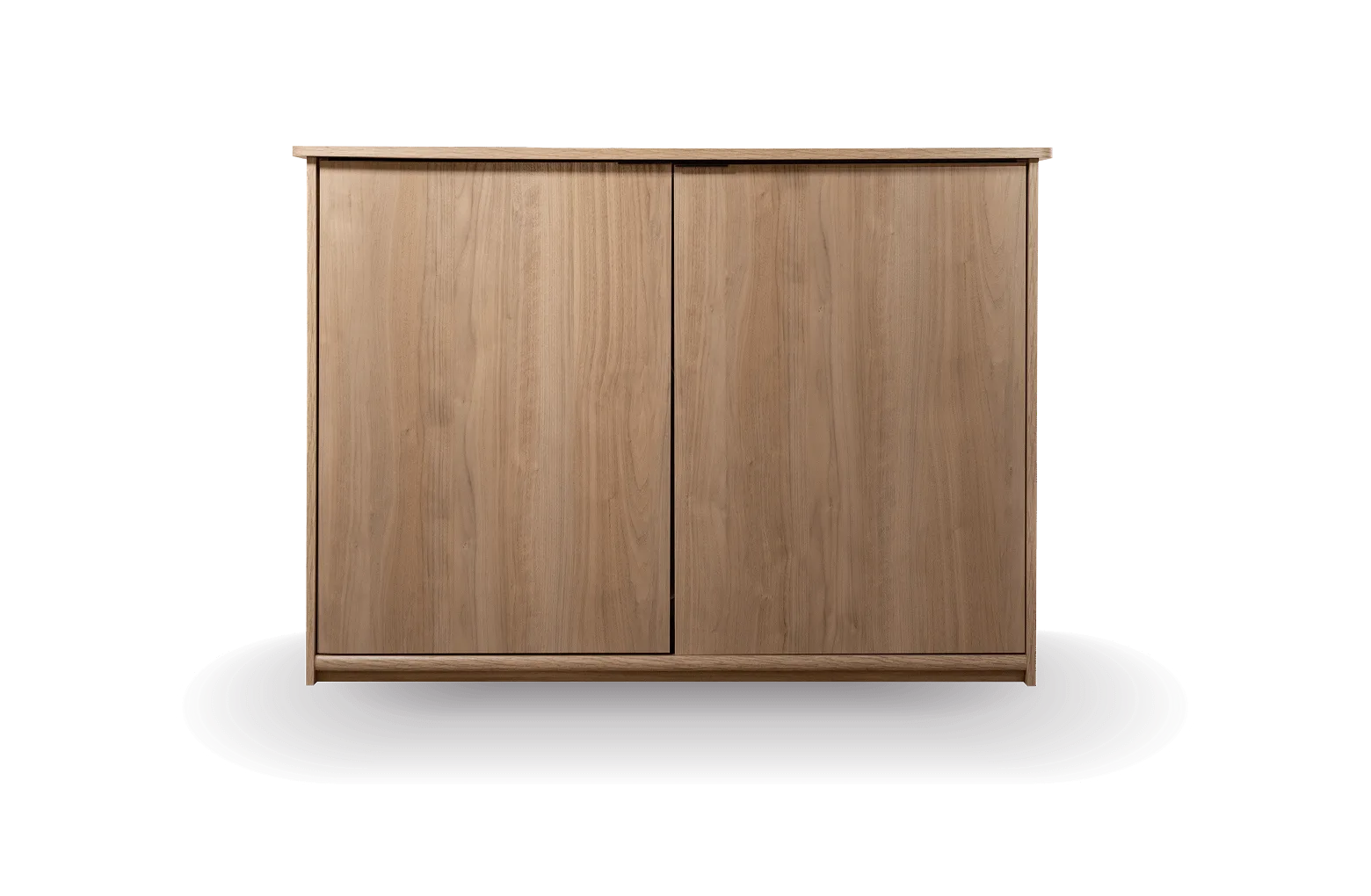
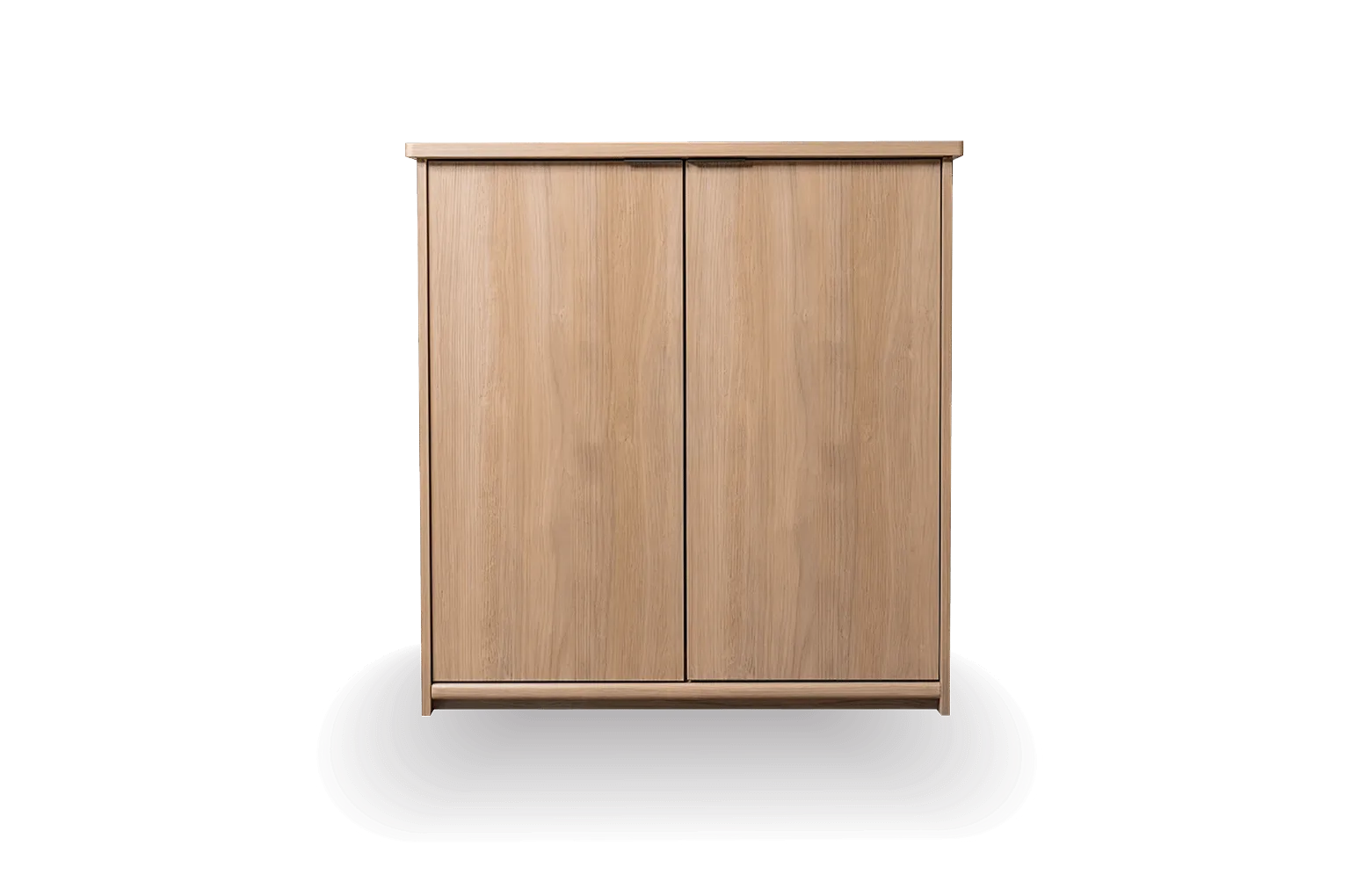
- Litter-Robot Cabinet: The Litter-Robot Cabinet is crafted with a modern furniture design and discreetly conceals your Litter-Robot while bringing style and smart space-saving design to your home. If your unit lives inside a cabinet, pull it fully out before cleaning so you can reach the base and sensor area instead of wiping blind.
- Litter-Robot Credenza: The Litter-Robot Credenza is crafted with a modern furniture design and discreetly conceals your Litter-Robot while elevating your space with thoughtful functionality. Enclosed setups trap litter dust, so plan on the dry sensor wipe more often than the calendar suggests.
Deep cleaning a Litter-Robot is mostly about knowing where water stops. Wash the globe, drawer, and mat thoroughly, keep the base and sensors dry, and let everything air dry before reassembly. Do that on a realistic schedule and you will spend far less time troubleshooting errors than you spend cleaning.