Quick answer
Unroll your oversized mouse pad on a clean, flat surface, let it rest under weight for 24 hours to flatten, then position it to leave room for your keyboard and mouse.
Why oversized mouse pads need special handling
A standard mouse pad fits in a corner, but an oversized one (like the 32" x 16" Sorceress' Power pad) becomes a desktop foundation. If you skip the flattening step, curled edges can lift your keyboard or mouse, causing wobble and uneven gliding.
The pixel-art Roach Race pad uses a printed cloth surface that can crease if folded. Both pads are designed to lie flat, but shipping in a tube can leave a memory curl. Patience during setup prevents long-term frustration.
Step-by-step display process
- Clear and clean your desk: Remove everything from your desk. Wipe the surface with a lint-free cloth to remove dust and debris. Any crumbs or grit trapped under the pad can create bumps and scratch your desk. Even a small grain of dust can cause a visible bump under a thin cloth pad.
- Unroll and position the pad: Unroll the mouse pad with the printed side up. Place it on the desk where you want it, but don't press it down yet. Leave at least 2 inches of space in front of your monitor for your keyboard and a clear area for your mouse. Position the pad before you flatten it — once it's stuck, moving it can cause wrinkles.
- Flatten with weight: Place heavy, flat objects (like books or a laptop) evenly across the entire pad. Let it sit for 24 hours. Do not use heat or iron — the printed surface can melt or peel. The weight will force the edges to relax. Never use an iron or hair dryer; the adhesive backing (if any) or print layer can be damaged by heat.
- Check for air bubbles: After 24 hours, lift the pad slightly and run a credit card or ruler from the center outward to push out any trapped air. If bubbles remain, repeat the weight step for another 12 hours. Air bubbles are common; don't poke holes in the pad to release them — that ruins the surface.
- Arrange your peripherals: Place your keyboard, mouse, and other accessories on the pad. Make sure cables don't pull the pad out of position. For the Sorceress' Power pad, you have room for a full keyboard and a mouse with a wide sweep. Test your mouse glide across the entire pad area before locking in your setup.
Products used in this guide
-
CYBERPUNK 2077 ROACH RACE OVERSIZED MOUSE PAD: The Roach Race pad features pixel art of Roach in action and is designed for a comfortable glide. The printed surface needs a perfectly flat base to avoid distorting the artwork and to keep your mouse tracking smooth.
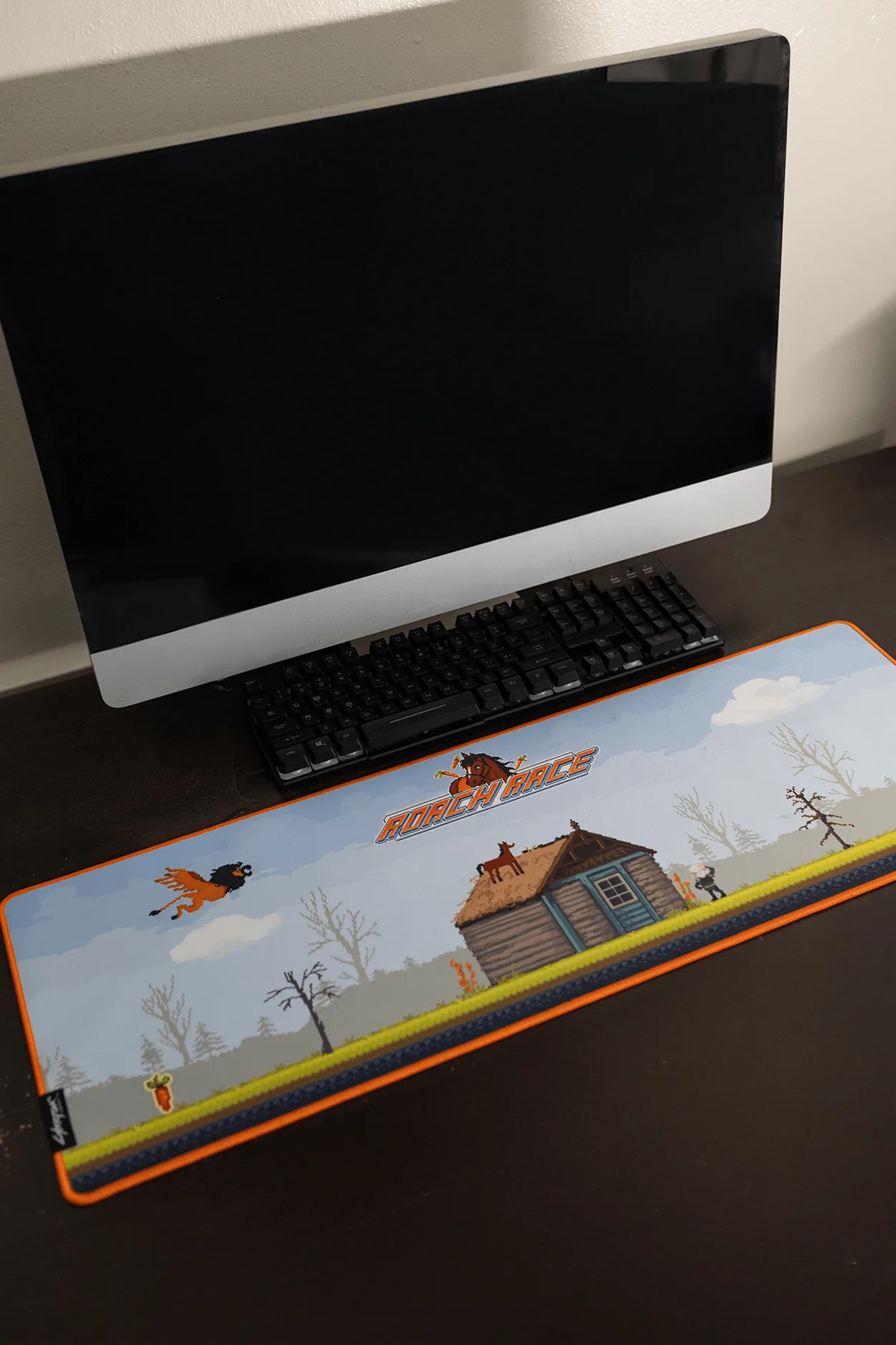
CYBERPUNK 2077 ROACH RACE OVERSIZED MOUSE PAD
-
THE WITCHER 3: WILD HUNT 10TH ANNIVERSARY A SORCERESS' POWER OVERSIZED MOUSE PAD: The Sorceress' Power pad measures 32” x 16” (81.28 x 40.64 cm), providing ample room for your keyboard and other desktop peripherals. Its large size means you must clear your entire desk before setup and ensure the pad stays flat across the full area.
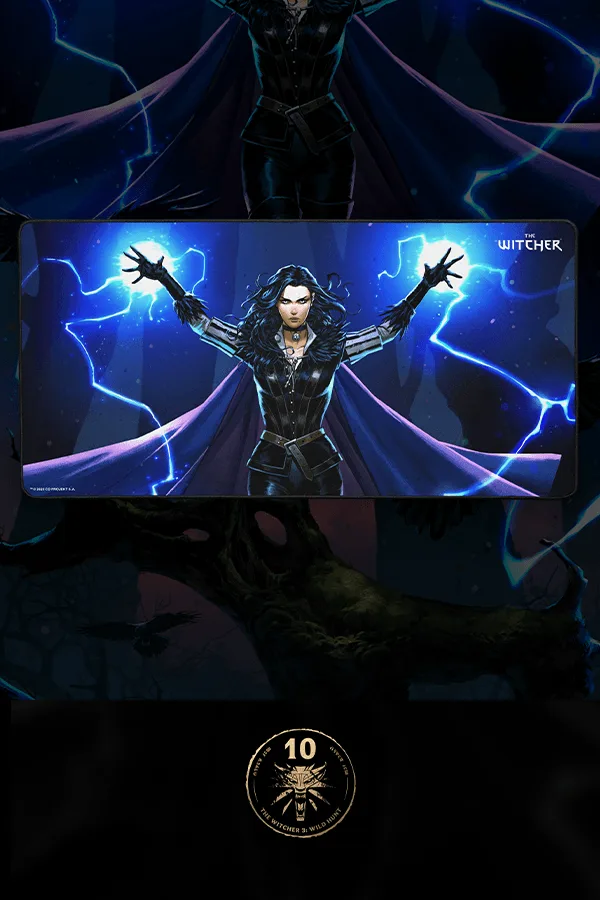
THE WITCHER 3: WILD HUNT 10TH ANNIVERSARY A SORCERESS' POWER OVERSIZED MOUSE PAD